AI music lets you ship a usable prompt stack
I break down Wikipedia’s AI-music overview into a copyable prompt stack for generating, editing, and steering music ideas.

A copyable prompt stack for generating, steering, and editing AI music ideas.
I’ve been following AI music tools for years, and honestly, the whole thing has felt a bit slippery. One minute I’m looking at a neat demo that spits out a catchy loop, the next I’m staring at a model that sounds impressive for ten seconds and then collapses into mush. The problem isn’t that the tools can’t make sound. They can. The problem is that most of them don’t give you a usable workflow. They give you a toy, a demo, or a black box with a play button.
That’s why I kept coming back to the Wikipedia page on music and artificial intelligence. It’s not sexy, but it’s useful. It lays out the whole mess: rule-based systems, symbolic composition, audio generation, recommendation, mixing, deepfakes, and the awkward middle ground where humans still need to direct the machine instead of just pressing “generate” and hoping for the best. The page also points to the teams and systems that actually matter here, like Google Magenta, MuseNet, and newer text-to-music tools like Suno and Udio.
AI music is not one thing, and that’s the first trap
Get the latest AI news in your inbox
Weekly picks of model releases, tools, and deep dives — no spam, unsubscribe anytime.
No spam. Unsubscribe at any time.
“Music software utilizes artificial intelligence to generate, classify, or recommend music.”
What this actually means is that people keep stuffing wildly different jobs into one bucket and then acting surprised when the results feel inconsistent. Generating a melody, classifying a genre, recommending a playlist, mixing a track, and cloning a voice are not the same problem. They share some plumbing, sure, but the creative control surface is different every time.

I’ve run into this when people say “we need AI music” and they really mean “we need a soundtrack generator for short videos.” That’s not a composition research problem. That’s a product problem with constraints, timing, licensing, and export formats. If you don’t name the job, you end up evaluating the wrong tool.
The Wikipedia page is useful because it splits the field into actual use cases: composition, production, performance, recommendation, and deepfake risk. That’s the right mental model. Start there, or you’ll waste a week comparing tools that were never meant to solve the same thing.
How I apply it: I define the task before I touch a model. I ask whether I need symbolic output, audio output, recommendations, or editing support. Then I pick the interface. For composition, I want control over structure. For recommendation, I want ranking and feedback loops. For mixing, I want stems and parameters. Different job, different tool, different prompt.
Rule-based music was clunky, but it taught the right lesson
“In the 1950s and the 1960s, music made by artificial intelligence was not fully original, but generated from templates that people had already defined and given to the AI, with this being known as rule-based systems.”
That line matters more than people want to admit. Early AI music wasn’t trying to be magical. It was trying to be controlled. Humans wrote rules, the system followed them, and the output stayed inside the box. That sounds primitive, but it solved a real problem: you could predict the behavior.
I still think modern teams ignore this lesson. They jump straight to “generate something original” and then spend the rest of the project trying to claw back control. Rule-based systems were boring, but boring is often what production needs. If I’m building a tool for composers, I care less about novelty and more about repeatability, editability, and a clear failure mode.
The Wikipedia history section points to early transcription and algorithmic composition work like the ILLIAC Suite and later systems such as ChucK. The common thread is structure. Even when the output is musical, the system is still a machine that obeys constraints.
How to apply it: if you’re designing a music workflow, keep a rule layer even if you also use a model. Put hard constraints in code. Key, tempo, duration, section count, instrumentation, and allowed chord movement should not be left to vibes. Let the model fill in the texture, not the entire shape.
- Use rules for form, timing, and legal constraints.
- Use the model for variation, ornament, and local surprise.
- Keep a deterministic fallback for bad generations.
Symbolic generation is still the cleanest place to start
“Symbolic music composition”
Symbolic music means notes, durations, velocities, chords, and structure. It’s not raw audio. It’s the score, or something close to it. This is the part of AI music that feels most engineer-friendly because the output is inspectable. You can diff it. You can edit it. You can ask what changed.
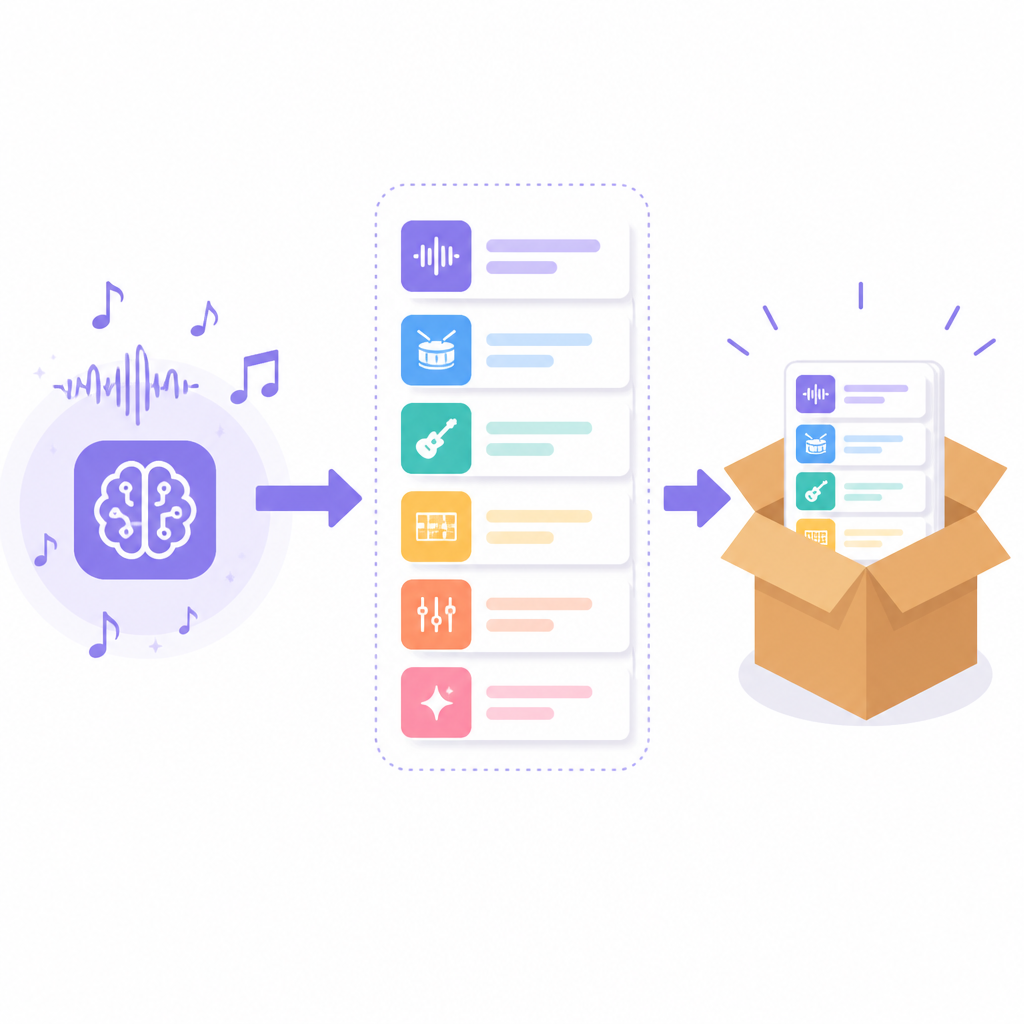
I prefer symbolic systems when I need a tool that helps a musician work, not just a machine that makes noise. If the output is MIDI or a similar representation, I can feed it into notation software, a DAW, or a custom transformation pipeline. That’s a huge difference from a text-to-audio model where the result is basically a finished render with fewer knobs.
The Wikipedia page mentions projects like Google Magenta and older systems such as the Continuator, which could continue a live musician’s phrase. That idea is still the most interesting to me: not “replace the composer,” but “keep the conversation going.”
I ran into this while prototyping a sketch tool for chord progressions. Audio generation looked cool, but the team couldn’t edit it fast enough. Symbolic generation let us change the bass line, swap voicings, and regenerate only the bridge. The musicians trusted it because they could see the notes.
How to apply it: start with a symbolic representation if your user needs control. Use MIDI, MusicXML, or a note-event schema. Build prompts around structure: intro, verse, chorus, bridge, tension, release. Then add guardrails for range, density, and repetition. If the user can’t edit it, the tool will feel like a demo forever.
Audio models are better for vibe, worse for surgery
“Audio-based music generation”
Audio generation is where the hype usually goes first, because it sounds immediate. You type a prompt, you get a track. No notation, no piano roll, no theory homework. I get why people like it. It feels closer to the finished product.
But the tradeoff is obvious the second you try to change one thing. Need a different snare? Need the chorus to hit harder? Need the bassline to stop wandering? Good luck unless the system gives you stems or a remix workflow. Raw audio generation is great at broad strokes and terrible at precise edits.
The page’s recent examples, including Suno and Udio, show where the market is headed: fast generation, text prompting, and outputs that are usable enough for non-musicians. That’s real. It’s also why I think the next useful layer is not “better audio” but “better control.”
How I’d use audio models: as ideation engines. I’d generate ten rough options, pick one with the right energy, then either remix it or rebuild the arrangement elsewhere. I would not rely on a raw audio generator as the only source of truth for a client-ready track unless I had a very forgiving brief.
- Use audio generation for mood, texture, and fast exploration.
- Use stems or separation tools when you need edits.
- Don’t confuse “sounds good” with “is controllable.”
Recommendation systems are the hidden music AI most teams actually need
“AI music in music software can generate, classify, or recommend music.”
Recommendation is the boring cousin of generation, which is exactly why it matters. A lot of music products don’t need to invent songs. They need to decide what should play next, what fits a scene, what matches a listener, or what a creator should try after the current track.
This is where AI often earns its keep without making a big speech about creativity. It helps with ranking, clustering, similarity search, and personalization. That’s not glamorous, but it’s what keeps people in the product. If your catalog is large, curation without machine assistance turns into a bottleneck fast.
The Wikipedia article also mentions conversational agents and voice-controlled playback. That’s another clue. The user problem is often access, not invention. People want to say “play something like this, but calmer” and get a sensible result. That’s recommendation with a natural-language wrapper.
I’ve seen teams waste months building generation features when the real pain was discovery. They wanted a composer assistant, but what the user actually needed was a better search layer. Once we framed it that way, the model work got simpler and the product got better.
How to apply it: if you’re in product or tooling, treat recommendation as a first-class AI music feature. Build embeddings, similarity search, feedback loops, and user preference memory. Then expose that through language if you want. The user doesn’t care whether the system used cosine similarity or a transformer. They care whether the next song fits.
Deepfakes changed the conversation, and not in a cute way
“Musical deepfakes”
This part of the Wikipedia page is the least fun and the most necessary. Once AI can generate convincing voices or style imitations, the conversation stops being “can it make music?” and becomes “who owns this, who approved it, and how do we detect it?”
I’m frustrated by how quickly some teams skip over this. They treat voice cloning and style imitation like a novelty feature, then act shocked when artists push back. If your system can mimic a singer, you need consent, provenance, and a policy for takedowns. Full stop.
The page’s examples, including songs like “Heart on My Sleeve” and the broader wave of AI-generated tracks, show that the issue is already in the wild. Platforms are reacting with tagging and filtering. That’s not theoretical. It’s operational.
How to apply it: add provenance metadata from day one. Track source audio, model version, prompt history, and editing steps. If you’re building consumer tools, make consent explicit. If you’re building moderation systems, detect synthetic audio and label it clearly. If you’re building a brand workflow, don’t let “it sounds like X” become your legal strategy.
The workflow that actually works is human-in-the-loop, not human-after-the-fact
“Interactive composition technologies that respond dynamically to live performances.”
This is the part I care about most. The useful version of AI music is not a machine that finishes the job and drops the file on your desk. It’s a system that listens, reacts, and lets the human steer.
That’s what the Wikipedia page keeps circling around, even when it talks about accompaniment, live performance, and hybrid systems. The best systems don’t try to replace musical judgment. They create a feedback loop. The musician plays, the model responds, and the musician corrects it. That’s where the work gets interesting.
I’ve had the best results when I treat AI as a drafting partner with short memory and no ego. I ask for a few options, reject most of them, keep one fragment, and then rewrite it. That’s much closer to how real production works anyway. Nobody ships the first pass, not even when the first pass sounds impressive.
How to apply it: build your workflow around iteration. Give users controls for prompt, seed, tempo, structure, and style intensity. Let them freeze parts they like and regenerate the rest. Add comments, version history, and export paths. The goal is not one perfect generation. The goal is a fast loop that gets better with each pass.
The template you can copy
# AI music workflow template

## 1) Define the job
- Output type: [symbolic / audio / recommendation / mixing / deepfake detection]
- User goal: [draft / edit / continue / classify / personalize]
- Control level: [low / medium / high]

## 2) Set hard constraints
- Key: [ ]
- Tempo: [ ]
- Duration: [ ]
- Instrumentation: [ ]
- Structure: [intro, verse, chorus, bridge, outro]
- Allowed range: [ ]
- Prohibited elements: [ ]

## 3) Prompt the model
### Prompt
Create a [genre/style] piece for [use case].
Keep the structure: [structure].
Prioritize: [emotion / energy / clarity / repetition / variation].
Avoid: [elements].

### If symbolic output
Return MIDI-style events with:
- note
- start
- duration
- velocity
- track

### If audio output
Return:
- 3 variations
- 1 short intro
- 1 chorus-forward version
- 1 calmer alternate mix

## 4) Human review loop
- Keep: [what worked]
- Reject: [what failed]
- Edit: [what needs manual change]
- Regenerate only: [section]

## 5) Safety and provenance
- Source data recorded: yes/no
- Model version logged: yes/no
- Prompt history saved: yes/no
- Consent required: yes/no
- Synthetic label applied: yes/no

## 6) Shipping checklist
- Export format: [WAV / MP3 / MIDI / MusicXML]
- Stem support: yes/no
- Versioning: yes/no
- Attribution metadata: yes/no
- Fallback output: yes/no
That’s the version I’d actually hand to a team. It forces the right questions before anyone starts generating tracks. It also keeps the workflow honest: what’s editable, what’s locked, and what needs a human in the loop.
If you want the process to work in production, don’t start with “make music.” Start with a spec. Then let the model fill the gaps.
Source-wise, this breakdown is based on the Wikipedia page Music and artificial intelligence, plus linked project pages like Google Magenta, MuseNet, Suno, and Udio. The template is mine; the underlying ideas are derivative of the source material and the systems it cites.
// Related Articles
- [TOOLS]
DeepSeek’s plugin harness turns agents into tools
- [TOOLS]
Claude Code lets sessions message each other
- [TOOLS]
10 AI GitHub repos that actually save time
- [TOOLS]
Anthropic's Fable leak turns CTF chaos into a warning
- [TOOLS]
VDBBench adds cost to vector DB comparisons
- [TOOLS]
Zilliz Adds Cost Metrics to VDBBench