This MLOps list turns chaos into a stack
I broke down EthicalML’s MLOps list into a practical stack for deploying, monitoring, versioning, and scaling ML.
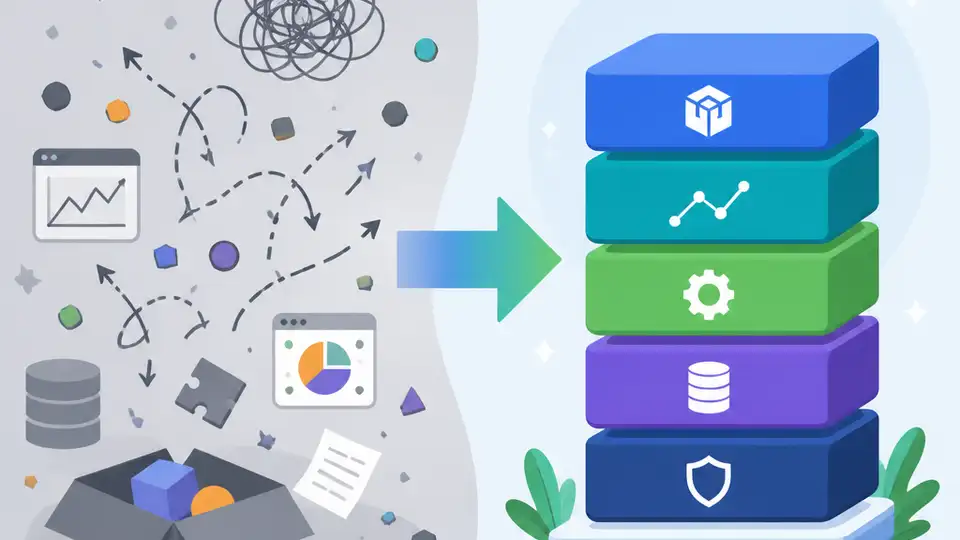
This MLOps list turns ML ops chaos into a copyable stack.
I've been using production ML stacks long enough to know when something is off. The model trains, the notebook looks clean, and the demo gets a nice nod in Slack. Then reality shows up. Data drifts, the feature pipeline breaks, the retrain job silently fails, and somebody asks why the prediction service is still serving last Tuesday’s logic. That’s the part people skip when they talk about “moving models to production.” It isn’t glamorous. It’s mostly plumbing, alerts, versioning, and a lot of boring discipline.
What I like about EthicalML/awesome-production-machine-learning is that it doesn’t pretend MLOps is one tool or one vendor. It’s a curated list of open source libraries for deployment, monitoring, versioning, and scale. The repo currently shows 20.6k stars and 2.6k forks, which tells me a lot of people have had the same headache I have. I’m not treating those numbers as proof of quality by themselves, but they do tell me this list has been useful enough for a lot of engineers to keep around.
Stop treating production ML like a single product decision
Get the latest AI news in your inbox
Weekly picks of model releases, tools, and deep dives — no spam, unsubscribe anytime.
No spam. Unsubscribe at any time.
A curated list of awesome open source libraries to deploy, monitor, version and scale your machine learning.
What this actually means is that production ML is a stack of decisions, not a single “pick the platform” moment. You need something for packaging, something for serving, something for tracking, something for drift, something for experiment history, and usually something for orchestration. The list is basically a map of those layers.
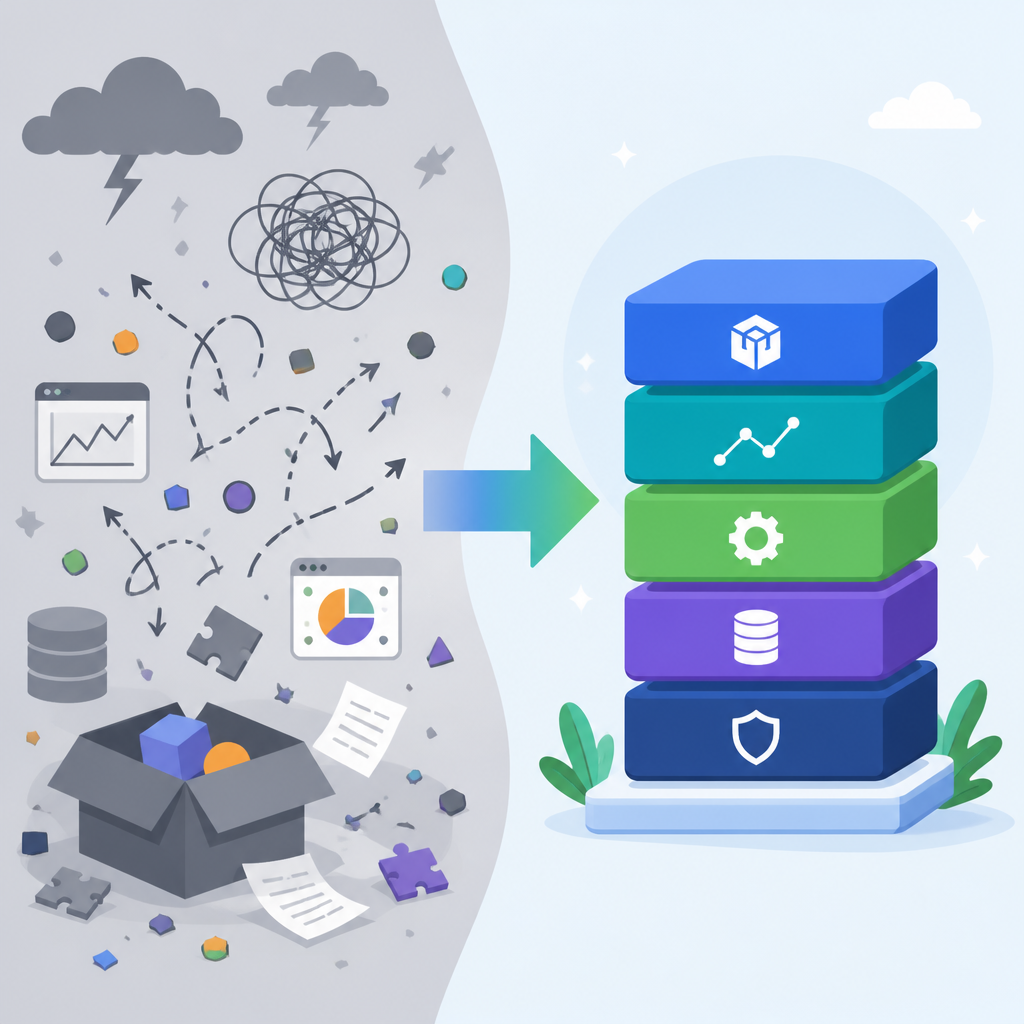
I ran into this the hard way on a team that thought we could solve model ops by standardizing on one inference server. We did get the model online. Then we realized nobody could answer which dataset version produced which checkpoint, or whether the input schema had changed since training. The server was fine. The workflow around it was a mess.
That’s why this repo matters. It pushes you to think in terms of responsibilities. If you’re building a production system, you should be able to point at each part and say what it owns. Serving is not tracking. Tracking is not monitoring. Monitoring is not retraining. When one tool tries to own all of that, I get suspicious fast.
How to apply it: before you pick tools, write down the lifecycle of one model in your org. Start with data ingestion, then training, then registry, then deployment, then observability, then rollback. For each step, name the failure mode. If you can’t name the failure mode, you probably don’t understand the step yet.
- Use the repo as a checklist, not a shopping cart.
- Map tools to lifecycle stages, not to team preferences.
- Keep one owner per concern so debugging stays sane.
Versioning is the part everyone underestimates
open source libraries to deploy, monitor, version and scale
Versioning is sitting right there in the description, but in practice it’s the thing teams hand-wave away until a rollback hurts. What this actually means is you need to version more than code. You need data, features, models, configs, and sometimes the environment that glued all of them together.
I’ve watched teams keep immaculate Git history and still fail at reproducibility because the training data lived in a bucket with no immutable snapshot. The model artifact was versioned. The feature definitions were not. So when the business asked why the fraud model changed behavior after a retrain, the answer was basically “we think the input changed.” That’s not an answer. That’s a confession.
The repo points you toward tools and patterns that make versioning a first-class concern. That’s the useful bit. Not because versioning is trendy, but because it is the only way you can explain what happened after the fact. If a model behaves badly in production, I want to know exactly what code, data, and parameters created it. Anything less becomes archaeology.
How to apply it: define a minimum versioning contract for every model. I usually want these artifacts tracked together:
- training dataset snapshot or query definition
- feature schema
- model artifact
- hyperparameters and training config
- serving image or runtime environment
If your stack can’t tie those together, fix that before you chase throughput. I’m serious. Scale is pointless if you can’t reproduce the thing you scaled.
Monitoring is not just dashboards with pretty lines
monitor
That tiny verb hides a lot of pain. What this actually means is you need to watch both the system and the model. System health tells you whether the service is alive. Model health tells you whether the predictions still make sense. Those are different problems, and I’ve seen teams confuse them constantly.
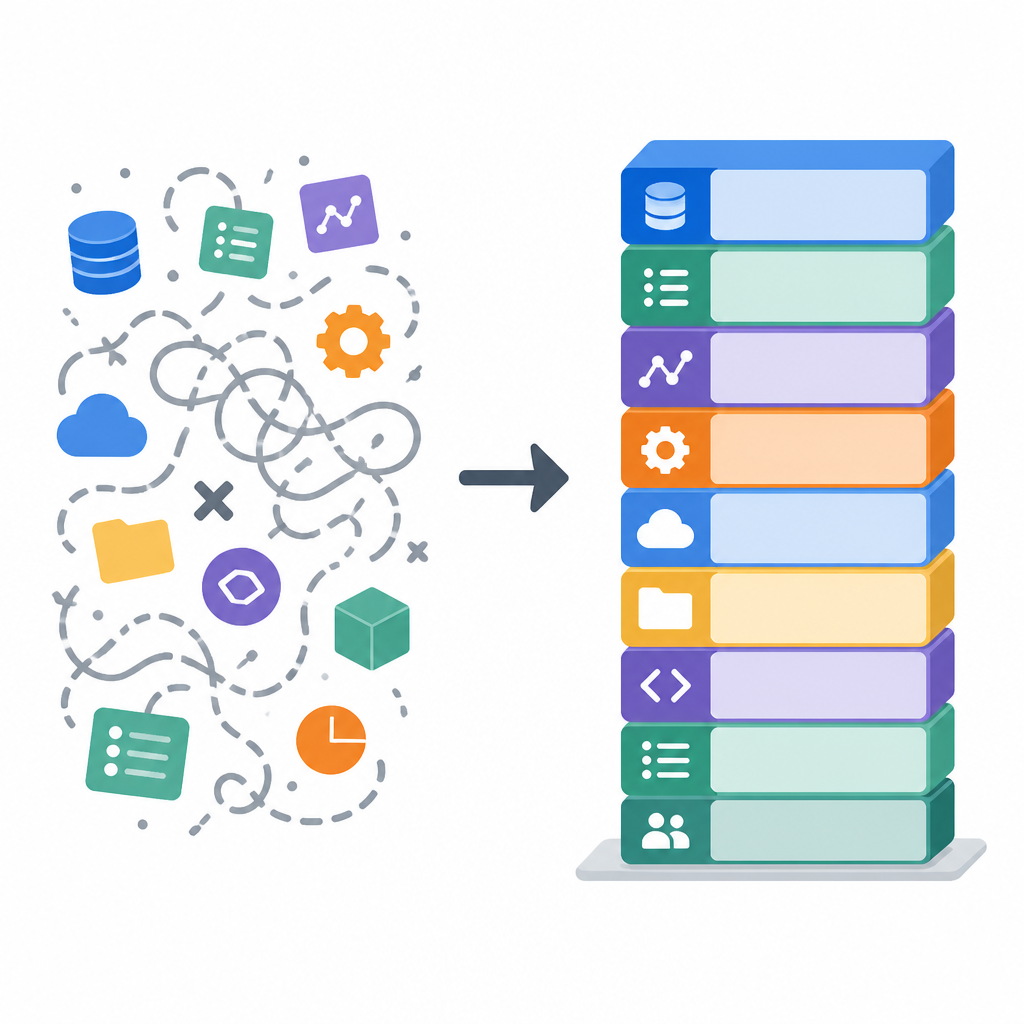
A service can be up and still be useless. Latency can look fine while input distributions drift, labels degrade, or a feature pipeline starts imputing garbage. If you only watch CPU, memory, and request rate, you’re monitoring the plumbing and ignoring the thing users actually care about. That’s how a model quietly rots while everyone points at green dashboards.
This is where a curated list helps more than a blog post full of opinions. I can scan the categories and see the ecosystem around observability, drift detection, and evaluation. I don’t need a vendor to tell me monitoring is “AI-powered.” I need tools that help me compare production inputs to training inputs, inspect performance over time, and alert on meaningful shifts.
How to apply it: build monitoring in three layers. First, service metrics like latency and error rate. Second, data metrics like missing values, schema changes, and distribution drift. Third, model metrics like calibration, precision, recall, or whatever your use case actually cares about. If you only have one of those layers, you don’t have monitoring. You have a dashboard.
One thing I’ve learned: alerts should point to action, not anxiety. If an alert fires, somebody should know whether to rollback, retrain, investigate data, or ignore it. If the alert doesn’t lead anywhere, it’s noise.
Deployment tools only matter when rollback is boring
deploy
Deployment is where a lot of ML teams get weird. They’ll spend weeks on the model and then act surprised when shipping it is a different discipline. What this actually means is you need a repeatable path from artifact to service, with a rollback story that doesn’t involve prayer.
The repo is useful because it doesn’t collapse deployment into one opinionated workflow. It points at the open source options people actually use to serve models, containerize workloads, and wire them into existing infrastructure. That matters because deployment choices depend on latency, traffic patterns, batch versus real-time use, and how much operational burden your team can tolerate.
I’ve been on teams that tried to run every model as a custom microservice. It sounded clean until we had twelve models, three frameworks, and one overworked engineer trying to keep all the Dockerfiles alive. The real problem wasn’t inference. It was inconsistency. Every service had its own conventions, its own health checks, its own deployment script. When one broke, nobody could tell if the bug was in the model or the wrapper.
How to apply it: standardize your serving path. Pick one way to package models, one way to expose predictions, and one way to deploy updates. Then write down the rollback command before you need it. If rollback is hard, your deployment process is not ready.
- Prefer boring deployment paths over clever one-offs.
- Keep the model interface stable even when internals change.
- Test the full serving path with production-like payloads.
Scale is an orchestration problem before it is a hardware problem
scale your machine learning
People hear scale and immediately think GPUs, bigger clusters, or some expensive cloud bill. Sure, hardware matters. But what this actually means is scale starts with orchestration. If your jobs are flaky, your pipelines are brittle, and your retraining process is manual, more compute just gives you a bigger mess.
The repo’s value here is that it frames scaling alongside the rest of the workflow. That’s the right order. You don’t scale a broken process. You automate the process first, then you worry about parallelism, scheduling, and resource allocation.
I saw this in a recommendation system project where the team kept asking for more compute because training was slow. The real bottleneck was that every experiment required a human to copy config files between folders and kick off jobs by hand. We didn’t need more hardware. We needed orchestration, parameterization, and a way to track runs without relying on memory and screenshots.
How to apply it: identify the slowest manual step in your ML lifecycle and automate that before buying anything else. If training is slow, profile it. If deployment is slow, automate the release path. If experimentation is slow, introduce job templates and a run tracker. Scaling is often just removing human bottlenecks one by one.
Also, don’t confuse throughput with maturity. A fast broken pipeline is still broken. I’d rather have a slower system I can trust than a high-throughput one that nobody understands.
Curated lists are useful because they force tradeoffs into the open
A curated list of awesome open source libraries
There’s a reason I keep coming back to lists like this. They’re not trying to sell me one answer. They’re showing me the menu. What this actually means is I get to compare tools by category and fit, instead of swallowing one vendor’s worldview whole.
That matters in ML because teams are rarely starting from zero. You already have a cloud, a CI system, a logging stack, maybe a feature store, maybe not. A curated list helps you slot in what you need without pretending the rest of your stack doesn’t exist. I find that far more honest than a “one platform to rule them all” pitch.
The downside is obvious: a list can become a graveyard of links if you don’t know how to use it. So I don’t treat this repo as a recommendation engine. I treat it as a decision aid. It helps me ask better questions: Do I need batch or online serving? Do I need model registry or just artifact storage? Do I need drift detection at the feature layer or the prediction layer?
How to apply it: use the repo to build a shortlist, then test each candidate against your actual workflow. Don’t ask whether a tool is popular. Ask whether it reduces one specific failure mode in your system. If it doesn’t, it’s decorative.
The template you can copy
# Production ML stack checklist

Use this as a working template when choosing tools from a curated MLOps list.

## 1) Define the model lifecycle
- Data ingestion:
- Training:
- Validation:
- Registry:
- Deployment:
- Monitoring:
- Retraining:
- Rollback:

## 2) Set the versioning contract
Track these together for every release:
- Code commit:
- Dataset snapshot or query:
- Feature schema:
- Training config:
- Model artifact:
- Serving image/runtime:

## 3) Choose one tool per concern
- Experiment tracking:
- Model registry:
- Serving:
- Orchestration:
- Monitoring:
- Drift detection:
- Feature management:

## 4) Define production alerts
Alert on:
- Service latency:
- Error rate:
- Input schema changes:
- Missing values:
- Feature drift:
- Prediction drift:
- Business metric drop:

## 5) Write the rollback plan
If the model misbehaves:
1. Confirm whether the issue is data, code, or infra.
2. Roll back to the previous known-good artifact.
3. Disable the bad release path.
4. Re-run evaluation on the exact input slice that failed.
5. Document the cause before re-deploying.

## 6) Tool selection questions
For each candidate tool, answer:
- What exact failure mode does this solve?
- What does it replace in our current stack?
- How hard is it to reproduce a run?
- Can we observe model and system health separately?
- Can we roll back without manual heroics?

## 7) Minimum production readiness bar
A model is not production-ready unless:
- It is reproducible.
- It is observable.
- It is deployable with a repeatable process.
- It has a rollback path.
- It has ownership for alerts and retraining.

## 8) Shortlist worksheet
| Tool | Category | Solves | Replaces | Notes |
|------|----------|--------|----------|-------|
|      |          |        |          |       |
|      |          |        |          |       |
|      |          |        |          |       |

## 9) Final decision rule
Pick the simplest stack that lets you answer:
- What model is live?
- What data built it?
- How is it performing?
- How do we roll it back?
- Who owns the next action?
That’s the version I wish I’d had earlier in my career. It’s not fancy, but it keeps the conversation grounded. If a tool doesn’t help you answer those questions, I don’t care how polished the README is.
Source attribution: the original list is EthicalML/awesome-production-machine-learning on GitHub. My breakdown is original commentary layered on top of that curated repository, not a rewrite of the README.
For related references, I’d also look at MLflow, Feast, and Evidently as concrete examples of the kinds of tools this list is organizing.
// Related Articles
- [TOOLS]
Open-Generative-AI turns GitHub into a studio
- [TOOLS]
Why benchmark scores don’t predict your bill
- [TOOLS]
MCP Servers for Developers: 8 workflow gains in 2026
- [TOOLS]
Doubao turns a game prompt into a mini arcade
- [TOOLS]
Coding Plan turns Alibaba Cloud into IDE billing
- [TOOLS]
Baidu Wenxin turns search into a free agent