AWS Continuum turns AI coding into safer fixes
I break down AWS Continuum’s workflow for scanning, prioritizing, validating, and fixing code inside Claude Code, Codex, and Kiro.
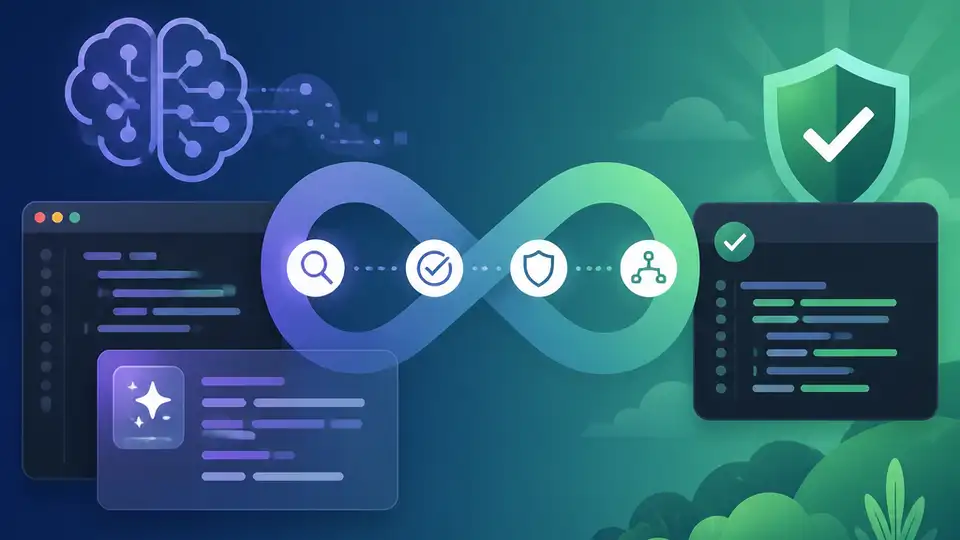
AWS Continuum moves security checks into Claude Code, Codex, and Kiro.
I’ve been around enough AI coding setups to know when something feels off. The model writes a nice snippet, the assistant nods along, and then security shows up later like an annoyed reviewer with a red pen. That’s the part that keeps wasting time. You get code faster, sure, but you also get a bigger pile of findings, a fuzzier sense of what matters, and a handoff to another team that now has to reconstruct context from scratch.
That’s why the AWS Security Blog post AWS partners with Anthropic and OpenAI to bring AWS Continuum into developer workflows caught my attention. It’s not pitching “AI security” as a slogan. It’s describing a workflow shift: push detection, prioritization, validation, and remediation into the place where code is already being written. AWS says this extends Continuum into Claude Code, OpenAI Codex, and Kiro, with the goal of making security part of the suggestion itself instead of a cleanup phase.
The real problem isn’t finding bugs, it’s sorting them
Get the latest AI news in your inbox
Weekly picks of model releases, tools, and deep dives — no spam, unsubscribe anytime.
No spam. Unsubscribe at any time.
“AWS Continuum for code vulnerabilities (Preview) is built to be that tool to help secure your code at machine speed.”
What this actually means is that AWS is not pretending the hard part is detection anymore. Detection is getting better because the models are getting better. The annoying part is everything after detection: triage, context, validation, and deciding whether a finding is actually dangerous in your environment.
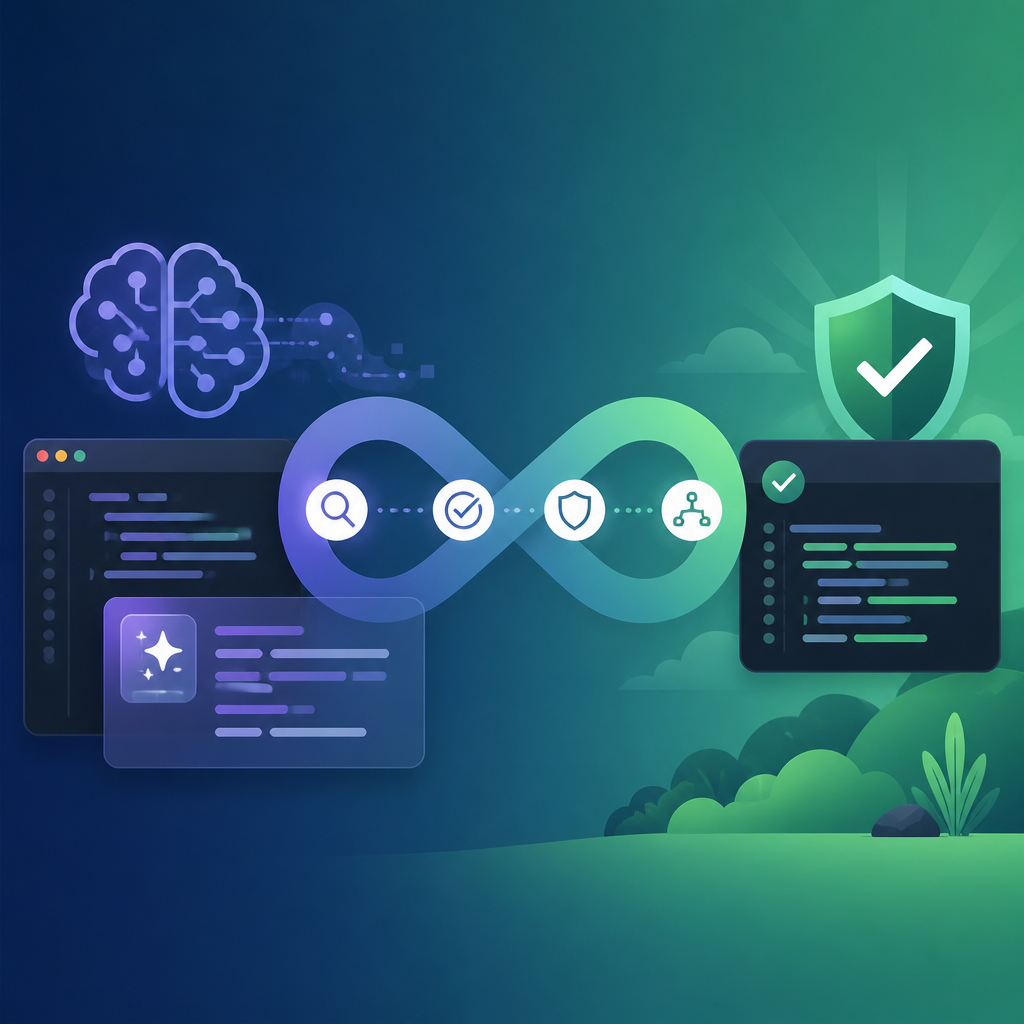
I’ve seen teams burn days on findings that looked scary in a scanner but were dead on arrival once you checked the IAM policy, the network path, or the actual deployment shape. That’s the gap Continuum is trying to close. It’s not just “here’s a vulnerability.” It’s “here’s a vulnerability, here’s how relevant it is to your AWS environment, and here’s what to do next.”
The blog makes a pretty blunt point: stronger models create more findings and more complexity. That’s not a bug in the models. That’s the price of better detection. If you don’t have a system that can rank and validate those findings against real environment context, you just move the bottleneck downstream.
How to apply it: if you’re building your own internal security assistant, stop treating raw findings as the product. Build a second layer that answers three questions: is it exploitable here, does it matter here, and what should the developer do now. If you can’t answer those, you’ve built a noisy scanner with a chat box on top.
A model is not a workflow, and AWS knows it
“The next challenge customers face is building the correct harness and orchestration to turn these models into a single interface that goes from detection through remediation.”
That sentence is the center of the whole post. AWS is basically saying the model is only one piece. The real work is the harness around it: the orchestration layer, the tool calls, the policy checks, the memory, the environment context, the feedback loop. If you’ve ever glued together an LLM, a vector store, a few API calls, and called it a product, you already know how fragile that gets.
The post defines an AI harness as the layer that wraps a model and connects it to tools, guardrails, memory, and workflows. I actually like that framing because it stops the usual hand-waving. Without the harness, the model is just a smart engine sitting on the floor. With the harness, it becomes part of an operational system that can do something repeatable.
AWS also calls out “shadow infrastructure,” which is the part nobody likes admitting exists. Teams keep building private integration glue between models, agents, and tools because the official path is too slow or too generic. Then the glue becomes the real system, and nobody wants to own it when policies drift or a release changes behavior.
How to apply it: if you’re managing AI-assisted development, inventory the hidden glue. Ask what is routing prompts, what is checking policy, what is storing context, and what breaks when you swap one model for another. If the answer lives in six separate repos and a Slack thread, you don’t have a harness. You have a pile of scripts.
- Model quality gets you better detection.
- Harness quality gets you reliable action.
- Workflow quality gets you developer adoption.
Continuum is really an agent loop with opinions
“Under the hood, Continuum is an agent-team loop architecture.”
That line matters because it tells you AWS is not selling a simple scan-and-fix bot. It’s describing a loop with multiple roles: one part finds issues, another part prioritizes them in context, another validates them in a sandbox, and another sends back remediation guidance. That’s a lot closer to a security team than a single assistant.
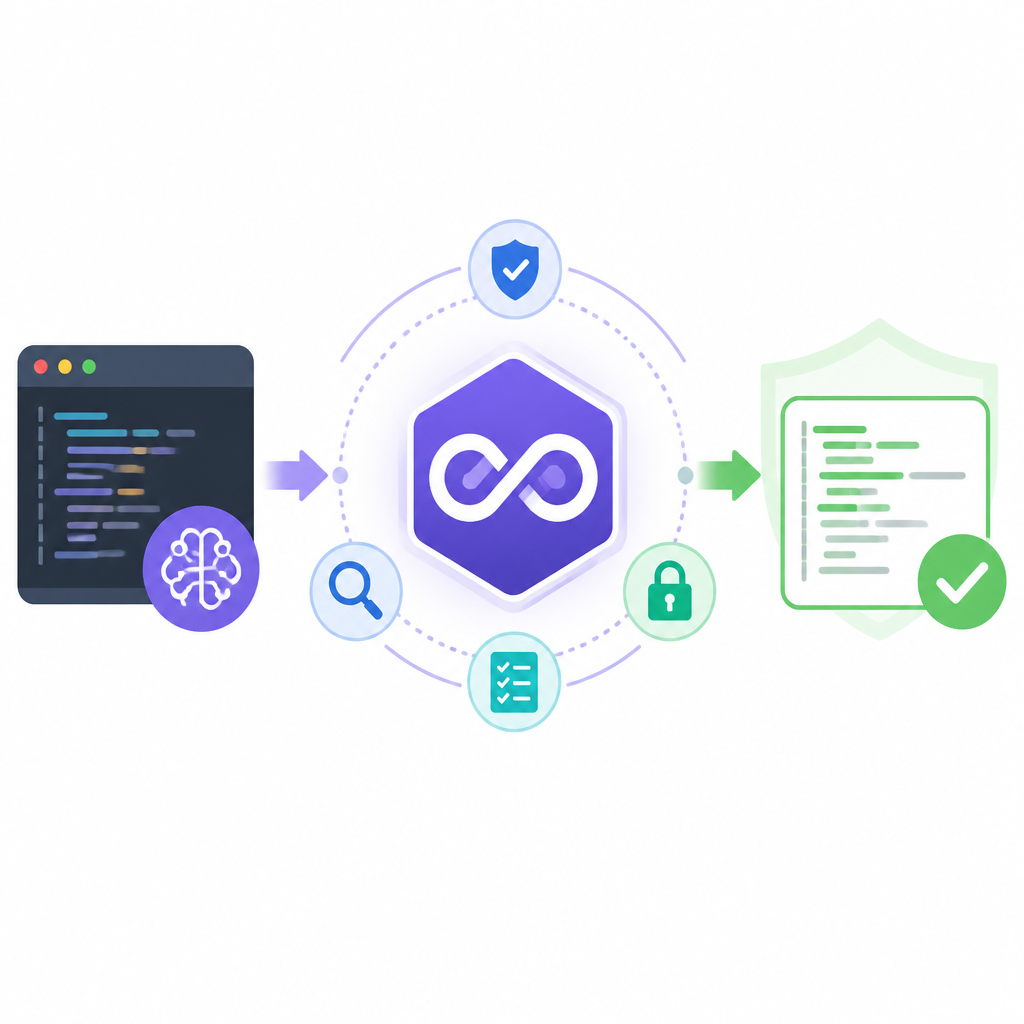
What this actually means is that Continuum is trying to compress a workflow that normally crosses people, tools, and tickets into one continuous system. You write code. The environment is scanned. The issue is ranked against your AWS setup. The finding is checked. The suggestion comes back to the coding assistant. The assistant then changes its recommendation based on that security context.
I’ve had to stitch together versions of this by hand before, and it’s always ugly. One tool finds the issue, another tool explains it badly, a third tool says it’s probably fine, and then a human has to decide whether to trust any of it. If the loop is not connected, the developer ends up doing the integration work mentally.
How to apply it: build your own internal loop around four steps. Detect, contextualize, validate, recommend. If your security automation can’t do all four, don’t pretend it’s an end-to-end system. It’s just a partial signal.
Putting security inside Claude Code, Codex, and Kiro is the point
“Within Claude Code, Codex, and Kiro coding environments, on-demand vulnerability scans identify potential issues and send findings to Continuum.”
This is the part I think people will actually feel. AWS is not asking developers to leave their editor and go babysit another dashboard. It’s pushing security into the coding environment itself. That matters because developers already ignore extra tools when they interrupt flow, especially when those tools just repeat what another scanner said.
Here’s the practical effect. A developer writes code in Claude Code, Codex, or Kiro. A scan runs on demand. Continuum takes the finding and checks it against the customer’s AWS environment, including IAM policies, network topology, configurations, and exposure surfaces. Then it sends the result back into the assistant so the assistant can adjust what it suggests next.
That’s a much better pattern than “finish code, push to CI, wait for security, open ticket, context lost, repeat.” I’m not saying CI scanning goes away. It shouldn’t. But if the assistant can avoid suggesting obviously risky paths in the first place, you’ve already saved a bunch of churn.
How to apply it: if you’re integrating security into developer tools, don’t bolt it on as a post-save warning. Make the assistant aware of environment constraints while it’s generating code. The earlier the context arrives, the fewer dead-end suggestions your team has to undo.
- Claude Code: useful when the assistant can adapt suggestions in real time.
- Codex: useful when code generation and security feedback share the same loop.
- Kiro: useful when the environment can surface validated guidance instead of generic warnings.
The AWS environment context is the thing everyone forgets
“Continuum prioritizes them within the context of the customer’s AWS environment (configurations, AWS Identity and Access Management (IAM) policies, network topology, and exposure surfaces) and validates them in a sandbox.”
That’s the sentence that separates this from generic AI security talk. AWS is saying the finding only becomes useful after it’s mapped to the actual environment. A vulnerability in abstract is one thing. A vulnerability behind a narrow IAM boundary and no reachable exposure is another. Same bug, very different urgency.
I’ve watched teams overreact to findings because the scanner had no sense of deployment shape. I’ve also watched teams ignore real issues because the scanner couldn’t prove impact. Both failures come from the same place: no context. AWS is trying to make context the default input, not an optional enrichment step.
The sandbox validation piece matters too. It means Continuum isn’t just ranking a finding by vibes. It’s checking whether the issue behaves as expected in a controlled environment before pushing remediation guidance back into the workflow. That’s a much better way to reduce false positives and bad fixes.
How to apply it: if you’re building security automation, connect it to real environment data early. IAM, network paths, deployment metadata, and service exposure should be part of the decision tree. If your tool can’t see those, it should admit that it’s guessing.
Also, don’t skip the sandbox. I know teams like to say they’ll “validate later,” and later never comes. If you want developers to trust security guidance, you need proof, not just a confidence score.
What AWS is really selling here is fewer handoffs
“This collapses what was traditionally a multi-step, multi-team process (write, scan, triage, prioritize, fix, rescan) into a single outcome: the code suggestion itself.”
That’s the most developer-friendly line in the whole post, because it admits the current process is a mess. The current version of secure coding is full of handoffs. Each handoff loses context. Each loss of context creates more delay. And every delay makes the developer less likely to care about the finding.
What this actually means is not that security disappears. It means the friction moves earlier, where it can still shape the code. If the assistant knows a path is risky, it can stop proposing it. If a suggested fix has been validated, the developer can accept it with more confidence. That’s a lot better than treating security as a separate department that arrives after the fact.
The blog also says early design partners are already seeing results, but it only includes one quoted fragment in the text I reviewed, and it cuts off before the full quote finishes. So I’m not going to invent the rest. The important bit is the direction: AWS wants the assistant itself to become the place where security is enforced, not just reported.
How to apply it: measure your workflow by handoffs. Count how many times a finding moves between tools or teams before it becomes an action. Then cut that number. If you can bring validation and remediation guidance closer to the authoring step, you’ll get faster fixes and fewer dead findings sitting in a queue.
The template you can copy
# AI-assisted secure coding workflow template

Use this pattern when you want developer assistants to suggest code that is already filtered through security context.

## Workflow

1. Developer writes code in an assistant-driven environment.
2. Run an on-demand vulnerability scan on the current draft.
3. Send findings to a security orchestration layer.
4. Enrich each finding with environment context:
   - IAM policies
   - Network topology
   - Deployment configuration
   - Exposure surfaces
5. Validate the finding in a sandbox.
6. Return one of three outcomes to the coding assistant:
   - Safe to proceed
   - Needs remediation
   - Needs human review
7. Update the assistant’s next suggestion based on that result.

## Decision rules

- If the finding is not reachable in the current environment, downgrade priority.
- If the finding is reachable and validated, surface remediation immediately.
- If validation is inconclusive, block auto-fix and request review.
- If the same issue appears repeatedly, track it as a workflow defect, not just a code defect.

## Prompt shape for the assistant

You are generating code for a production AWS environment.
Before suggesting a path, check:
- whether the action requires elevated IAM permissions
- whether it increases network exposure
- whether it introduces a known vulnerability pattern
- whether a safer alternative exists

If the risky path is unnecessary, suggest the safer alternative first.
If a remediation is available, explain the tradeoff in one sentence.

## Output format

For each issue, return:
- finding_id
- severity
- environment_context
- validation_status
- recommended_fix
- developer_action

## Practical guardrails

- Do not treat raw scanner output as final truth.
- Do not hide context from developers.
- Do not auto-apply fixes without validation.
- Do not let the assistant recommend code that violates policy just because it is syntactically valid.

## Minimal implementation checklist

- [ ] Connect assistant output to scan results
- [ ] Add environment enrichment
- [ ] Add sandbox validation
- [ ] Feed validated results back into the assistant
- [ ] Log every handoff
- [ ] Review false positives weekly
I’d start with this template even if you don’t use AWS Continuum. The shape is the useful part: detect, enrich, validate, recommend. That’s the workflow I’d want in any assistant that writes code for a real environment.
And if you’re building your own version, keep the template opinionated. Developers do not need another generic AI wrapper. They need a system that knows when to shut up, when to warn, and when to suggest the fix that won’t blow up the rest of the stack.
Source-wise, this breakdown is based on AWS’s Security Blog post at aws.amazon.com/blogs/security/aws-partners-with-anthropic-and-openai-to-bring-aws-continuum-into-developer-workflows. The analysis, framing, and template are mine; the underlying product claims and quoted language come from AWS.
// Related Articles
- [TOOLS]
Open-Generative-AI turns GitHub into a studio
- [TOOLS]
Why benchmark scores don’t predict your bill
- [TOOLS]
MCP Servers for Developers: 8 workflow gains in 2026
- [TOOLS]
Doubao turns a game prompt into a mini arcade
- [TOOLS]
Coding Plan turns Alibaba Cloud into IDE billing
- [TOOLS]
Baidu Wenxin turns search into a free agent