Google’s Gemini Live camera editing is the right move
Google’s Gemini Drop is a smart bet on live camera editing, not just chat prompts.

Google’s Gemini Drop makes live camera editing a core Gemini feature across mobile and web.
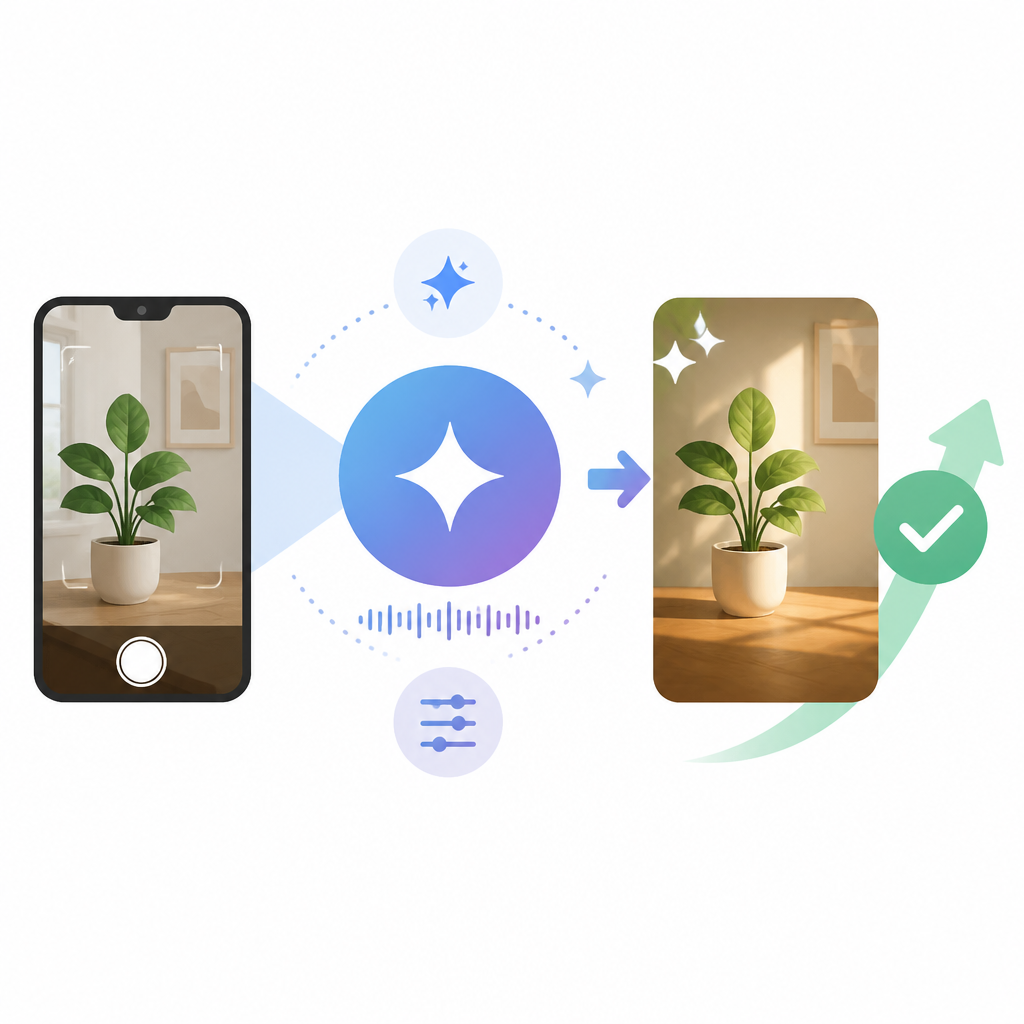
Google is making the right call by turning Gemini into a live, visual assistant instead of leaving it as another text box with a chatbot skin. The new drop spans web, iOS, and Android, and the headline feature is Gemini Live, which uses a camera feed and spoken instructions to edit what the user sees in real time. That is a sharper product direction than incremental prompt tweaks because it meets people where they already work: the camera in their pocket.
Live camera editing is a better interface than prompt-only AI
Get the latest AI news in your inbox
Weekly picks of model releases, tools, and deep dives — no spam, unsubscribe anytime.
No spam. Unsubscribe at any time.
Text prompts are a poor fit for image work when the user already has the scene in front of them. A live camera feed removes translation overhead. Instead of describing a chair, a storefront, or a product shot in words, the user points the phone and says what to change. That is a simpler interaction model, and simpler wins when the task is visual.

The practical upside is speed. A retailer staging a display, a creator adjusting a shot, or a field worker documenting equipment does not want to stop and compose a perfect prompt. Gemini Live shortens the loop from observation to modification. That matters because every extra step lowers adoption, and mobile AI lives or dies on how quickly it feels useful.
Google is building a platform, not a feature demo
The cross-platform rollout matters as much as the camera editing itself. Google is shipping this across web, iOS, and Android, which tells you the company wants Gemini to be a persistent layer rather than a one-off mobile trick. When a feature lands everywhere at once, it becomes part of the product surface users can rely on, not a novelty they forget after one try.
The Business Notebooks addition points in the same direction. By linking Gemini to Google Business Profiles and creating a segmented workspace for business context, Google is extending the product from consumer experimentation into operational use. That is how AI products become sticky: they stop being isolated prompts and start connecting to identity, context, and workflow. The direct Google Play integration reinforces that strategy by keeping the ecosystem closed enough to be coherent and open enough to be useful.
The counter-argument
The strongest objection is that live camera editing sounds flashy but fragile. Real-time visual AI raises obvious concerns about latency, privacy, and model cost. If the system cannot respond instantly, the experience breaks. If it uploads raw camera data without clear controls, trust breaks. If the feature depends on oversized models, the economics break. Skeptics are right to say that a demo is not the same thing as a dependable product.
There is also a valid concern that this kind of capability will be used for gimmicks instead of real work. Many AI features impress in a launch video and then fade because they do not map to repeatable user behavior. Live camera editing risks that fate if it stays focused on novelty effects rather than practical tasks like product staging, field inspection, or business documentation.
That critique is real, but it does not defeat the strategy. It defines the execution bar. Google does not need live camera editing to be perfect on day one; it needs it to be fast enough, private enough, and integrated enough to become routine. The presence of Business Notebooks and cross-platform support shows that Google understands the feature has to sit inside workflows, not outside them. If the company gets latency and consent controls right, the product has a clear path to utility.
What to do with this
If you are an engineer or product lead, treat Gemini Live as a benchmark, not a headline. Measure response time, device performance, and failure modes on real camera use cases. If you are building mobile AI, the lesson is blunt: users want direct manipulation, clear feedback, and low-friction context. Design for those three things first, and only then worry about how clever the model is.
// Related Articles
- [TOOLS]
DeepSeek’s plugin harness turns agents into tools
- [TOOLS]
Claude Code lets sessions message each other
- [TOOLS]
10 AI GitHub repos that actually save time
- [TOOLS]
Anthropic's Fable leak turns CTF chaos into a warning
- [TOOLS]
VDBBench adds cost to vector DB comparisons
- [TOOLS]
Zilliz Adds Cost Metrics to VDBBench