Grok Imagine 1.5 turns prompts into 720p video
I break down Grok Imagine Video 1.5 and give you a copy-ready prompt workflow for fast 720p video generation.

I break down Grok Imagine Video 1.5 and give you a copy-ready prompt workflow for fast 720p video generation.
I've been watching text-to-video tools for a while now, and most of them still feel weirdly half-baked. You type something in, wait forever, and what comes back looks like a demo reel that forgot the brief. Either the motion is mushy, the timing is off, or the output is so expensive that I stop thinking about it as a tool and start treating it like a stunt.
That’s why the Grok Imagine Video 1.5 announcement caught my attention. The pitch is simple enough to be dangerous: 6-second 720p video, native audio, and a turnaround time that’s supposed to be around 25 seconds. That sounds less like “future media” and more like something I can actually slot into a workflow without clearing my calendar first.
The source that pushed me to look closer was a Chinese weekly roundup on Zhihu, “马斯克 600 亿美元拿下 Cursor,Claude Fable 5 解封在即,GLM-5.2 开源登顶!| AI Weekly 6.15-6.21”. The specific detail here is the Grok Imagine Video 1.5 rollout, plus the pricing comparison to Sora 2. I’m not treating the rest of the roundup as gospel; I’m using it as the trigger to unpack what this one release actually means for people building with video models.
It’s not “video generation,” it’s fast iteration with a camera attached
Get the latest AI news in your inbox
Weekly picks of model releases, tools, and deep dives — no spam, unsubscribe anytime.
No spam. Unsubscribe at any time.
6 秒 720p 视频,25 秒生成完毕。马斯克 6 月 17 日宣布 Grok Imagine Video 1.5 全面开放,支持文本、图片或两者组合作为输入,输出带原生音频的 720p@24fps 视频。API 定价 4.2 美元/分钟,相当于 Sora 2(30 美元/分钟)的七分之一,SuperGrok 订阅用户(30 美元/月)可获得更高的生成额度。
What this actually means is that the model is being framed as a quick-turn creative loop, not a cinematic production machine. Six seconds sounds tiny on paper, but in practice that’s enough for ad snippets, social bumps, product intros, concept motion, and placeholder scenes. I care about that distinction because most teams don’t need a two-minute generated film. They need something they can test, reject, and regenerate before lunch.
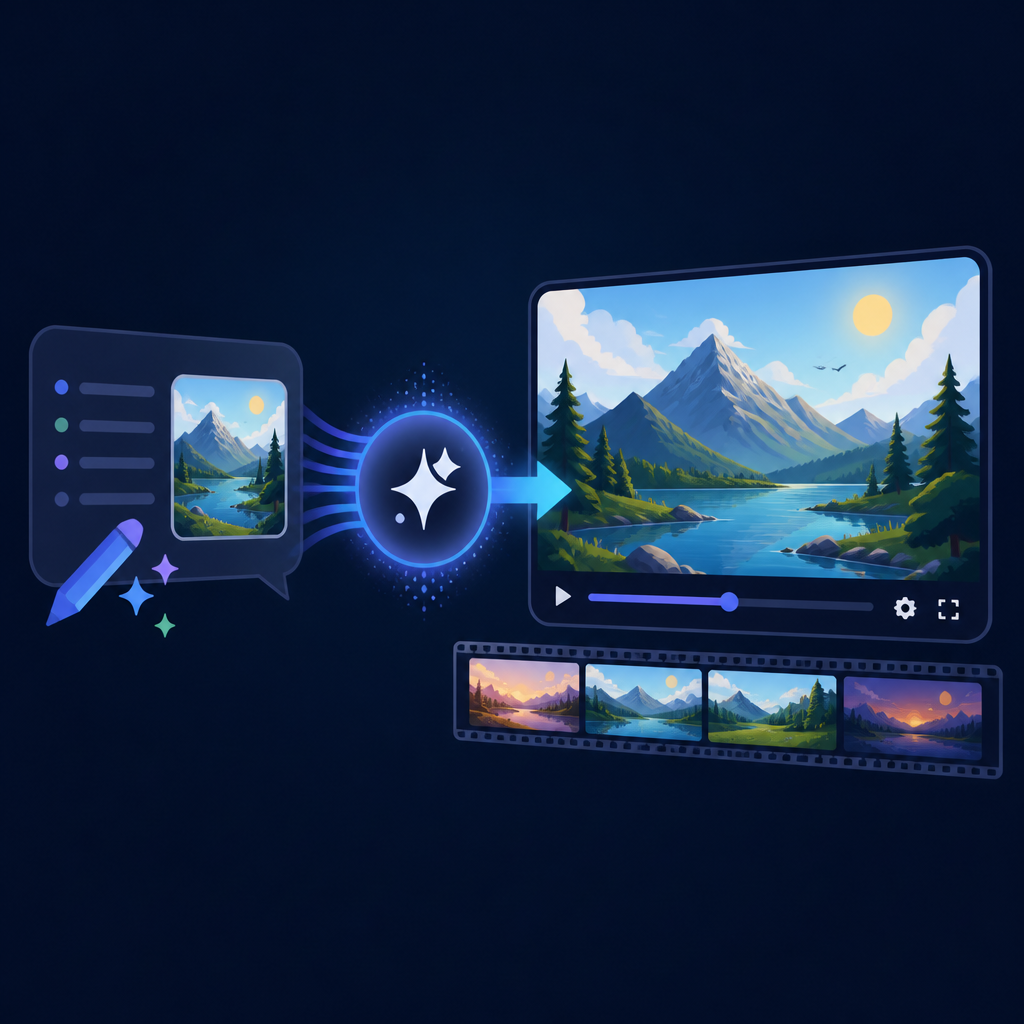
I’ve run into this with internal prototypes before. The first version always starts as a “let’s make a cool demo” project, then someone asks for ten variants, then localization, then a tighter CTA, then a different background beat. That’s where long generation times become a tax. When the loop is 25 seconds instead of several minutes, the model starts acting like part of the editing process instead of an event.
How to apply it: treat Grok Imagine like a rapid storyboard engine. Don’t start with your final polished concept. Start with three ugly variants, compare the motion, and only then decide whether the idea deserves more time. If the tool is cheap enough and fast enough, iteration becomes the product, not the burden.
- Use it for hooks, not full narratives.
- Generate multiple short takes before you commit to a direction.
- Keep a human editing pass in the loop, because 6 seconds of output still needs taste.
I also think the 720p ceiling matters more than people want to admit. It tells me this is optimized for utility, not prestige. That’s fine. In fact, it’s probably the right call. Most web and mobile placements don’t need 4K spectacle, they need something that loads fast and doesn’t look like garbage after compression.
Native audio is the part people will underestimate and then depend on
One line in the source matters a lot: the output includes native audio. That sounds like a checkbox feature until you’ve actually tried stitching separate audio and video generation together. Then it becomes obvious that sync is the problem nobody wants to own. If the model gives you sound with the motion, you’ve removed one more fragile handoff from the pipeline.
I’ve been burned by this more than once. You can have a decent visual clip, then spend another hour trying to match sound effects, ambience, or voice timing in post. The result is usually “good enough for a demo,” which is developer code for “this will annoy me forever if it ships.” Native audio doesn’t solve taste, but it does reduce glue work.
What this actually means is that prompt writing matters more. If audio is generated alongside the visuals, your prompt can’t be sloppy about mood, pacing, or scene intent. You’re not just asking for “a person walking down the street.” You’re asking for motion, atmosphere, and sound behavior in one shot.
How to apply it: write prompts like a shot list, not a tweet. Include environment, motion speed, audio cues, and the emotional tone you want. If the tool supports image input, use a reference frame to anchor composition, then describe the sound you expect from the scene.
- State whether the scene should feel quiet, tense, busy, or playful.
- Describe what should be audible in the background.
- Keep one dominant action per clip so the audio doesn’t drift into nonsense.
There’s a practical upside here for teams doing product marketing. A generated clip with audio can be dropped into a landing page draft, an internal pitch, or a social test without waiting on a separate sound pass. That’s not flashy. It’s just less annoying, which is usually what matters after the demo excitement wears off.
The pricing is the real shot across the bow
The source compares Grok Imagine’s API pricing at 4.2 dollars per minute to Sora 2 at 30 dollars per minute. I’m not going to pretend that comparison proves one model is better than the other. It doesn’t. But pricing changes behavior faster than benchmark charts do, and that’s the part I care about.
What this actually means is simple: if the cost per minute is low enough, people stop reserving video generation for “special occasions.” They start testing more ideas, generating more discarded drafts, and using the model earlier in the creative process. That can be a good thing, because early-stage motion drafts are exactly where cheap iteration pays off.
I’ve seen teams freeze up when every generation feels expensive. Nobody wants to be the person who burned budget on a clip that gets deleted. Then the whole workflow becomes timid. A lower price point changes that psychology. It makes experimentation less ceremonial.
How to apply it: set a budget for throwaway generations. Seriously. Decide how many clips you’re allowed to make before you even think about “final.” If the tool is cheap, your process should get more disciplined, not less. Cheap output without a review system just creates more junk faster.
For context, Sora is OpenAI’s video model family, documented through OpenAI’s product pages at openai.com/sora. xAI’s own product surface is at x.ai, and Grok-related product info lives under that umbrella. I’m linking those because if you’re comparing tools, you should compare the actual product pages, not just a roundup post.
Text, image, or both as input changes how I’d brief the model
The source says Grok Imagine Video 1.5 accepts text, images, or a combination of both. That matters because multimodal input changes the role of the prompt. A pure text prompt asks the model to invent composition, style, and movement from scratch. Add an image, and you’re giving it a visual anchor. That usually means less ambiguity and fewer weird surprises.
I like this because it matches how I already think about creative work. When I’m briefing a designer or motion artist, I rarely start from zero. I send references, screenshots, rough sketches, and a sentence that says what I’m actually trying to accomplish. The tool should work the same way. If it doesn’t, I’m forced to overdescribe everything, which is a bad sign.
What this actually means is that your best results will probably come from pairing a reference image with a very specific motion goal. Not “make this cool.” More like “animate this product shot into a clean 6-second launch teaser with gentle camera movement and a soft synthetic pulse in the audio.” That’s the kind of brief a model can actually use.
I ran into this when working on short-form ad concepts. If I only wrote text, the model would invent a style that was technically valid but commercially useless. If I added a reference frame, the output snapped closer to what I needed. It still needed cleanup, but at least I wasn’t fighting the model’s idea of taste from the first second.
How to apply it: build a small reference library. Keep a folder of stills, product angles, UI captures, and mood images. Then pair each one with a one-sentence motion brief. That gives you a repeatable starting point instead of a fresh prompt panic every time.
- Reference image first, motion brief second.
- One visual goal per clip.
- Keep style words concrete: clean, handheld, glossy, muted, noisy, bright.
SuperGrok is really a usage policy dressed up as a subscription
The source says SuperGrok subscribers at 30 dollars per month get higher generation limits. I read that as a quota story, not just a pricing story. Subscription tiers shape who can afford to explore, who can afford to ship, and who gets stuck rationing prompts like they’re on a prepaid phone plan.
What this actually means is that the product is probably being designed around sustained use, not one-off curiosity. If a subscription gets you more generations, then the model is being positioned for repeat work, which is where these tools either become part of the stack or get forgotten after the hype cycle.
I’ve seen this pattern with other AI products. The free tier gets you interested, but the paid tier decides whether the tool is usable for real work. If the limit is too tight, you stop trusting the system. If the limit is generous enough, you start building habits around it. Habits are what matter.
How to apply it: if you’re evaluating a subscription-based video tool, measure it in weekly output, not in feature bullets. Ask how many clips you can actually produce before the plan starts fighting you. That’s the number that tells you whether the tool belongs in a workflow.
There’s another angle here too. A subscription that unlocks more generations can be useful for teams, but only if someone owns the review process. Otherwise the extra quota just turns into a bigger pile of near-miss clips. I’d rather have a smaller quota and a clear approval loop than endless output with no standard.
What I’d actually do with Grok Imagine 1.5 this week
If I were using this in a real workflow, I wouldn’t start with a vanity demo. I’d start with a repeatable content task that already hurts. Product teasers, app launch hooks, internal explainers, or social variants are the obvious candidates. Anything where six seconds is enough to prove the idea.
What this actually means is that I’d use the model to compress the annoying middle of the creative process. Not final production, not speculative art, just the part where you need to see whether a concept has legs. If it does, great. If it doesn’t, I want that answer quickly and cheaply.
Here’s the workflow I’d use: write one motion brief, add one reference image if I have it, generate three versions, pick the least broken one, and then hand it to a human editor. That’s it. No heroics. No pretending the first output is sacred.
I’m also wary of overfitting to the demo. Every model looks good when the examples are curated. The real test is whether it stays useful when the prompt is boring, the reference image is mediocre, and the deadline is stupid. That’s where these tools earn their keep.
The template you can copy
# Grok Imagine Video 1.5 prompt template

Goal:
Create a 6-second 720p video clip for [product / idea / campaign].

Input:
- Text only / image only / text + image
- Reference image: [paste or attach]

Scene:
[Describe the setting in one sentence.]

Main action:
[Describe one clear action. Keep it to one motion beat.]

Camera:
[Static / slow push-in / gentle pan / handheld / close-up / wide shot]

Style:
[Clean / cinematic / playful / minimal / glossy / gritty]

Audio:
[Describe the soundscape, ambient noise, music feel, or silence.]

Mood:
[Calm / tense / energetic / premium / casual / futuristic]

Constraints:
- Keep the clip to 6 seconds
- Keep the composition readable
- Avoid extra characters or distracting background actions
- Make the motion easy to understand in one pass

Output request:
Generate 3 variants with different pacing or framing.
Prefer the version that is most usable for social, landing page, or ad testing.

Example:
Create a 6-second 720p video clip for a new productivity app launch.
Input: text + image.
Scene: A clean desk setup with a laptop and phone in a bright studio.
Main action: The phone screen lights up, then the laptop UI animates into focus.
Camera: Slow push-in.
Style: Minimal, premium, polished.
Audio: Soft UI clicks, light ambient hum, no voice.
Mood: Calm and confident.
Constraints: Keep the clip simple, readable, and easy to reuse in a launch teaser.
Output request: Generate 3 variants with slightly different pacing and camera movement.
This template is intentionally boring. That’s the point. If I’m trying to get useful output from a video model, I don’t want poetic prompts. I want repeatable prompts. I want a structure I can hand to a teammate without explaining my personal prompt religion.
Use this as a starting point, then tighten it for your own workflow. If you’re doing product marketing, add brand cues. If you’re doing app demos, add UI states. If you’re doing social content, add platform format notes. The structure should stay stable even when the content changes.
Source attribution: I started from the Zhihu roundup at https://zhuanlan.zhihu.com/p/2051938801887589781 and pulled out only the Grok Imagine Video 1.5 details that were explicitly stated there. The template above is my own practical rewrite, not a copy of the source text.
For the product pages I referenced while framing the comparison, see x.ai, OpenAI Sora, and the broader model distribution context on Anthropic if you’re comparing how vendors package access and quotas. Those links are there so you can verify the product surfaces yourself instead of trusting a summary post blindly.
// Related Articles
- [TOOLS]
Open-Generative-AI turns GitHub into a studio
- [TOOLS]
Why benchmark scores don’t predict your bill
- [TOOLS]
MCP Servers for Developers: 8 workflow gains in 2026
- [TOOLS]
Doubao turns a game prompt into a mini arcade
- [TOOLS]
Coding Plan turns Alibaba Cloud into IDE billing
- [TOOLS]
Baidu Wenxin turns search into a free agent