How to Understand Web3 Wallets and dApps
Learn the basics of Web3 wallets, dApps, and the main risks before you use them.
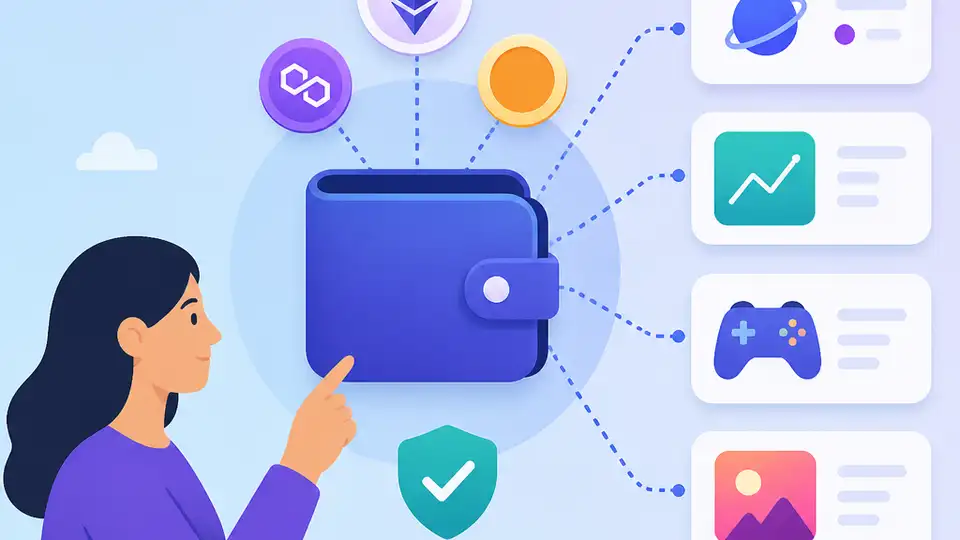
Learn the basics of Web3 wallets, dApps, and the main risks before you use them.
If you are a developer, product manager, or curious builder trying to understand how Web3 apps work, this guide gives you a practical path from wallet setup to safe dApp use. By the end, you will know what Web3 changes compared with the traditional web, how wallets connect to smart-contract apps, and how to reduce common crypto risks.
This is a beginner-friendly walkthrough, but it stays concrete. You will set up a wallet, connect to a dApp, inspect a transaction, and learn the checks that help you avoid the most common mistakes. The examples focus on Ethereum because it is the clearest smart-contract ecosystem for Web3 activity.
Before you start
Get the latest AI news in your inbox
Weekly picks of model releases, tools, and deep dives — no spam, unsubscribe anytime.
No spam. Unsubscribe at any time.
- A modern browser such as Chrome, Brave, or Firefox.
- A Web3 wallet such as MetaMask or another wallet that supports Ethereum-compatible networks.
- An account on a testnet faucet or a small amount of crypto for mainnet testing.
- Basic familiarity with public/private keys and browser extensions.
- Access to an Ethereum explorer such as Etherscan.
- Optional: Node 20+ if you want to inspect transactions with scripts.
Step 1: Install a wallet extension
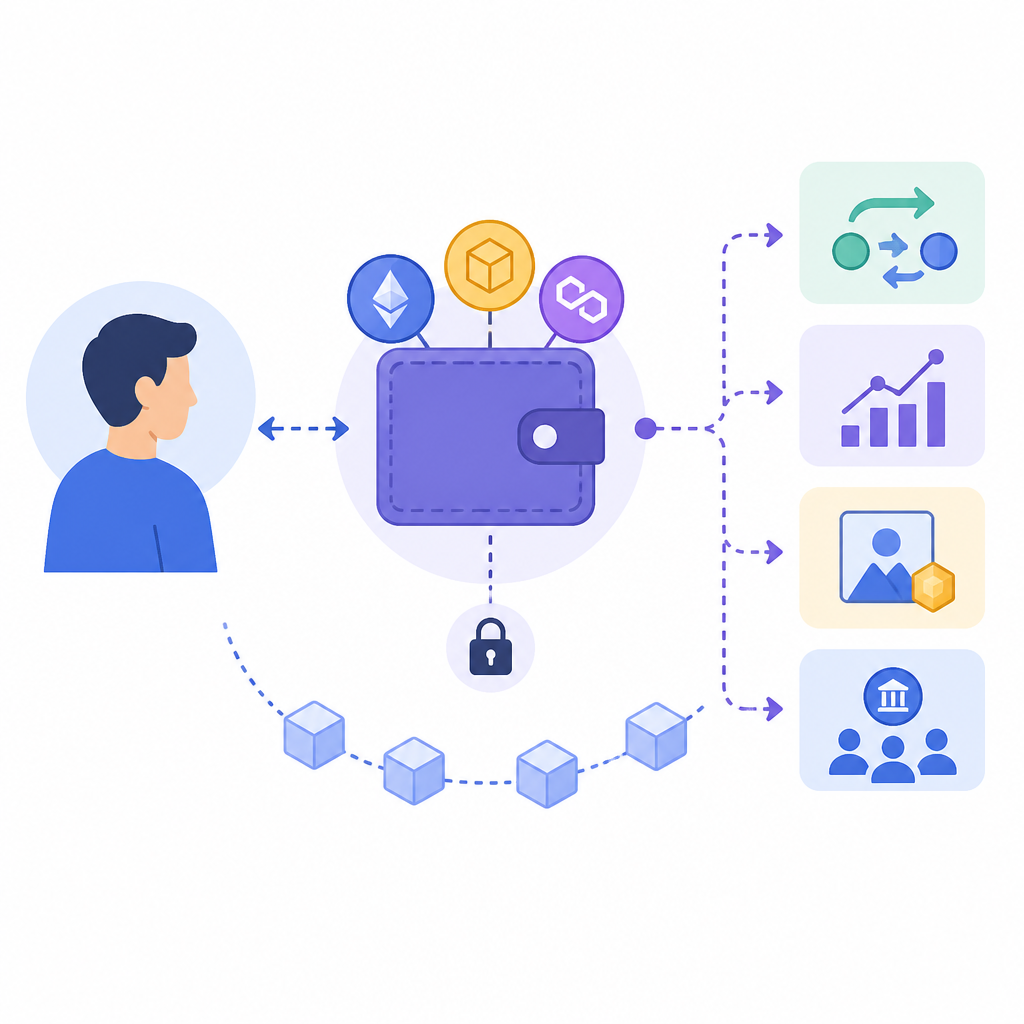
Your first outcome is a self-custody wallet that can sign Web3 actions. A wallet is not the blockchain itself; it is the tool that stores keys and authorizes transactions on your behalf.

Install MetaMask from the official site, create a new wallet, and store the recovery phrase offline. If you already have a wallet, import it only from a trusted backup and verify the network settings before continuing.
1. Open https://metamask.io/ and install the browser extension.
2. Create a new wallet.
3. Write down the recovery phrase on paper.
4. Confirm the phrase inside the app.
5. Lock the wallet when you are done.
You should see a wallet address and a balance screen, even if the balance is zero. That confirms your wallet is ready to connect to dApps.
Step 2: Add a test network
Your second outcome is a safe practice environment where you can learn without risking real funds. Test networks let you explore wallet flows, approvals, and contract interactions before using mainnet assets.
Open the network selector in your wallet and add a test network such as Sepolia if your wallet does not already include it. Then use a faucet to request test ETH so you can send a low-stakes transaction.
// Example idea, not a production command
// Use a faucet site to request test ETH
// Then confirm the test balance in your wallet
You should see the test network name and a small test balance in your wallet. That means you can now practice without exposing real funds.
Step 3: Connect to a dApp
Your third outcome is a live connection between your wallet and a decentralized application. A dApp usually uses a smart contract for logic, while the wallet handles identity and signing.
Visit a reputable dApp and choose the wallet connect button. Review the connection prompt carefully, then approve only the site you intended to use. Avoid blind approvals from pop-ups you did not initiate.
After connecting, the dApp should display your wallet address or account status. If it does, the site can read your public address, but it still cannot move funds without a signed transaction.
Step 4: Review a transaction before signing
Your fourth outcome is the ability to inspect what a transaction actually does before you approve it. This is the most important habit in Web3 because signing can transfer tokens, grant permissions, or execute contract calls.
When the wallet opens a transaction prompt, check the recipient address, estimated fee, and the action description. If the dApp requests a token approval, confirm the token, the spender, and whether the approval is unlimited.
// Pseudocode checklist before signing
// 1. Verify destination address
// 2. Verify token and amount
// 3. Inspect gas fee
// 4. Reject unlimited approvals unless required
// 5. Sign only if the action matches your intent
You should see a clear wallet confirmation screen with the transaction details before you click approve. If the prompt is missing key information, stop and verify the site in an explorer or documentation first.
Step 5: Check the transaction on an explorer
Your fifth outcome is on-chain verification. An explorer such as Etherscan shows whether the transaction succeeded, how much gas it used, and which contract it touched.
Copy the transaction hash from your wallet and paste it into the explorer search bar. Review the status, block number, token transfers, and contract interaction details to confirm the result matches what you expected.
You should see a successful status and a readable transaction record. If the transaction failed, the explorer will show the revert reason or at least the failure state, which helps you diagnose the problem.
Step 6: Reduce common Web3 risks
Your sixth outcome is a safer operating habit set for daily use. Web3 risk is often less about the protocol and more about phishing, malicious approvals, fake airdrops, and unsafe signing behavior.
Use a separate wallet for experiments, keep larger holdings in a hardware wallet, and revoke token approvals you no longer need. Never share your recovery phrase, and treat any site that asks for it as malicious.
You should now have a repeatable safety routine: verify the domain, inspect the signature, limit approvals, and keep long-term funds in cold storage. That routine is the practical edge that keeps beginner mistakes from becoming permanent losses.
Common mistakes
- Using the wrong network. Fix: confirm the chain name before you sign, especially if the dApp supports multiple networks.
- Approving unlimited token spending. Fix: set the smallest approval possible, then revoke it later if you do not need it.
- Copying wallet links from search ads or social posts. Fix: use bookmarked official sites or verified documentation links only.
| Metric | Before/Baseline | After/Result |
|---|---|---|
| Wallet safety | Blind signing and reused approvals | Verified domain, checked contract, limited approvals |
| Learning environment | Mainnet with real funds | Testnet with faucet-funded test ETH |
| Transaction review | Approve without reading prompt | Inspect recipient, fee, and token scope before signing |
What’s next
Once you are comfortable with wallets and dApp transactions, the next step is to learn how smart contracts, token standards, and DeFi protocols work under the hood so you can evaluate apps more confidently and build safer Web3 experiences.
// Related Articles
- [CHAIN]
10 prediction market builders that can ship Polymarket-style apps
- [CHAIN]
Solana’s July 10 updates point to real adoption
- [CHAIN]
BYDFi Brings Crypto Trading Pitch to Lima
- [CHAIN]
Crypto exchanges should show up in LATAM, not just advertise there
- [CHAIN]
UAE Web3 setup turns crypto rules into a checklist
- [CHAIN]
Five AI Futurist features shaping Futurist 2026