Microsoft Copilot Studio adds governance, workflows, apps
Copilot Studio adds Agent 365, MCP tool support, app experiences in chat, and new workflow controls for admins and builders.

Microsoft Copilot Studio’s April 2026 update adds stronger governance, workflow tools, and in-chat app actions.
Microsoft says its April 2026 Copilot Studio update focuses on three areas: tighter agent governance, more capable workflows, and app experiences that let users act without leaving chat. The changes are aimed at enterprises that want to scale AI agents without losing control over security, permissions, or compliance.
| 項目 | 數值 |
|---|---|
| Update month | April 2026 |
| Agent 365 status | Generally available |
| Analytics Viewer role | Generally available |
| Apps in agents | Generally available |
| MCP server-enabled tools | Preview |
| Work IQ API | Public preview |
What changed
Get the latest AI news in your inbox
Weekly picks of model releases, tools, and deep dives — no spam, unsubscribe anytime.
No spam. Unsubscribe at any time.
On the admin side, Copilot Studio now shows agent status inside the authoring experience, so builders can spot security or authentication issues earlier. Microsoft also made the Analytics Viewer role generally available, giving read-only access to performance data without opening up edit or publish rights.
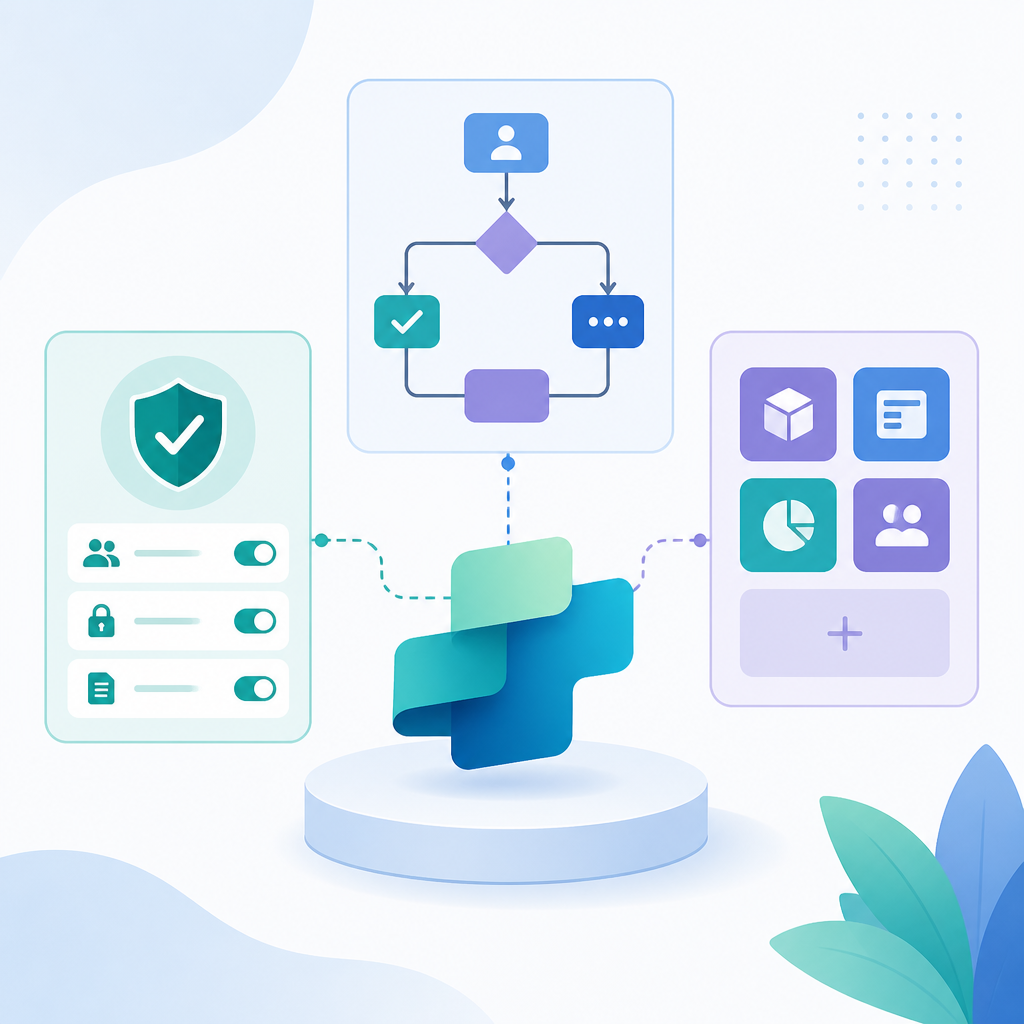
Microsoft Agent 365 is now generally available as a central control plane for managing agents across Microsoft 365, Copilot Studio, and partner ecosystems. The company says this gives IT teams one place to track inventory, permissions, behavior, and activity, while applying shared policies and lifecycle controls.
- Agent status now appears in the authoring UI.
- Analytics Viewer is read-only and generally available.
- Agent 365 centralizes inventory, permissions, and activity.
- Usage estimator now includes Dynamics 365 agents.
- Workflows can connect to MCP server-enabled tools in preview.
Microsoft also expanded the agent usage estimator to include Dynamics 365 agents such as Sales Qualification Agent and Customer Service Agent. That gives admins a broader view of Copilot credit use before rollout, which matters when teams are trying to forecast cost across multiple agent types.
Why it matters
For developers and IT teams, the update is less about flashy new AI behavior and more about operational control. The new tools make it easier to separate visibility from editing rights, apply DLP policies consistently, and keep workflow automation inside Microsoft’s security and compliance boundaries.
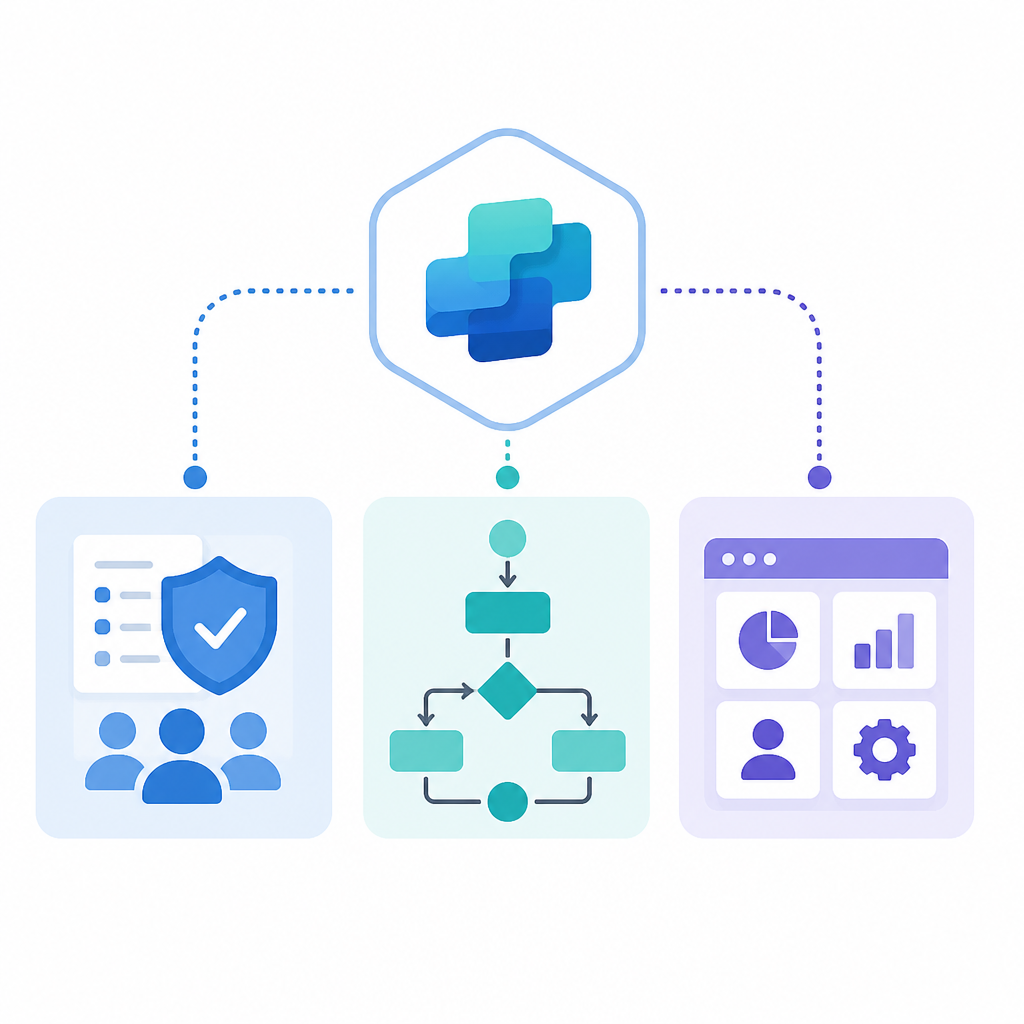
The workflow changes are also practical: builders can embed agents inside deterministic flows, add AI actions directly in a process, and test steps with sample inputs before launch. Microsoft says workflows can now connect to MCP server-enabled tools, which should help teams take action across systems without rebuilding every integration from scratch.
Apps in agents is now generally available too, letting Copilot Studio agents surface interactive app experiences in Copilot Chat. Users can review data, update records, approve requests, or create assets in place, with partner options including Adobe Express, Box, Figma, Monday.com, and Wix.
The bigger shift is that Copilot Studio is moving from isolated agent demos toward managed enterprise automation. The question for customers is no longer whether agents can do the work, but whether they can do it with the controls, auditability, and cost visibility that IT requires.
// Related Articles
- [TOOLS]
Baidu Wenxin turns search into a free agent
- [TOOLS]
OpenCode now supports DeepSeek, GLM, Qwen, GPT
- [TOOLS]
DeepSeek in Codex Will Cut AI Coding Costs Hard
- [TOOLS]
Token vs. word: why Chinese tokenization still matters
- [TOOLS]
OpenAI API Pricing Hits $0.05 to $180/M Tokens
- [TOOLS]
Usage limits belong in ChatGPT Enterprise and Edu controls