OpenAI service terms put app risk on users
OpenAI says third-party Apps are used at your own risk, and this article breaks down the key limits in the service terms.

OpenAI says third-party Apps are used at your own risk.
This short guide explains what the OpenAI service terms say about third-party Apps, what risks they put on users, and what to check before you install or use one.
| Item | What OpenAI says | Practical effect |
|---|---|---|
| Third-party Apps | Not developed or verified by OpenAI | You should not treat them as OpenAI-reviewed software |
| Content exposure | May expose you to offensive, inappropriate, or objectionable material | You may need your own filters and judgment |
| User responsibility | Use Apps at your own risk | You accept the chance of bad outcomes yourself |
1. Third-party Apps are outside OpenAI’s review
Get the latest AI news in your inbox
Weekly picks of model releases, tools, and deep dives — no spam, unsubscribe anytime.
No spam. Unsubscribe at any time.
The service terms make one point very clear: third-party Apps are not developed or verified by OpenAI. That means the company is drawing a line between its own products and outside software that connects to or appears around its services.

For users, that line matters because it changes the trust model. If an app comes from another company or developer, you should treat it like any other external product, not as something OpenAI has checked for safety, quality, or accuracy.
- Do not assume an app is approved just because it works with OpenAI services.
- Check who built it, who hosts it, and what data it can access.
- Look for its own privacy policy and terms before using it.
2. The content risk is explicitly on you
OpenAI warns that third-party Apps may expose you to applications or content you may find offensive, inappropriate, or objectionable. That is a direct warning about content risk, not a vague caution.
In practice, this means the app ecosystem can include material that does not match your workplace rules, family settings, or personal preferences. If you are using an app in a sensitive context, you need to screen it yourself.
- Expect possible text, images, or links you would not want to see.
- Use extra caution in shared devices or public environments.
- If you manage a team, set usage rules before rollout.
3. OpenAI does not take responsibility for app behavior
Because these Apps are third-party, OpenAI is not promising that they will behave well, stay safe, or meet your expectations. The terms shift responsibility away from OpenAI and toward the user and the app developer.
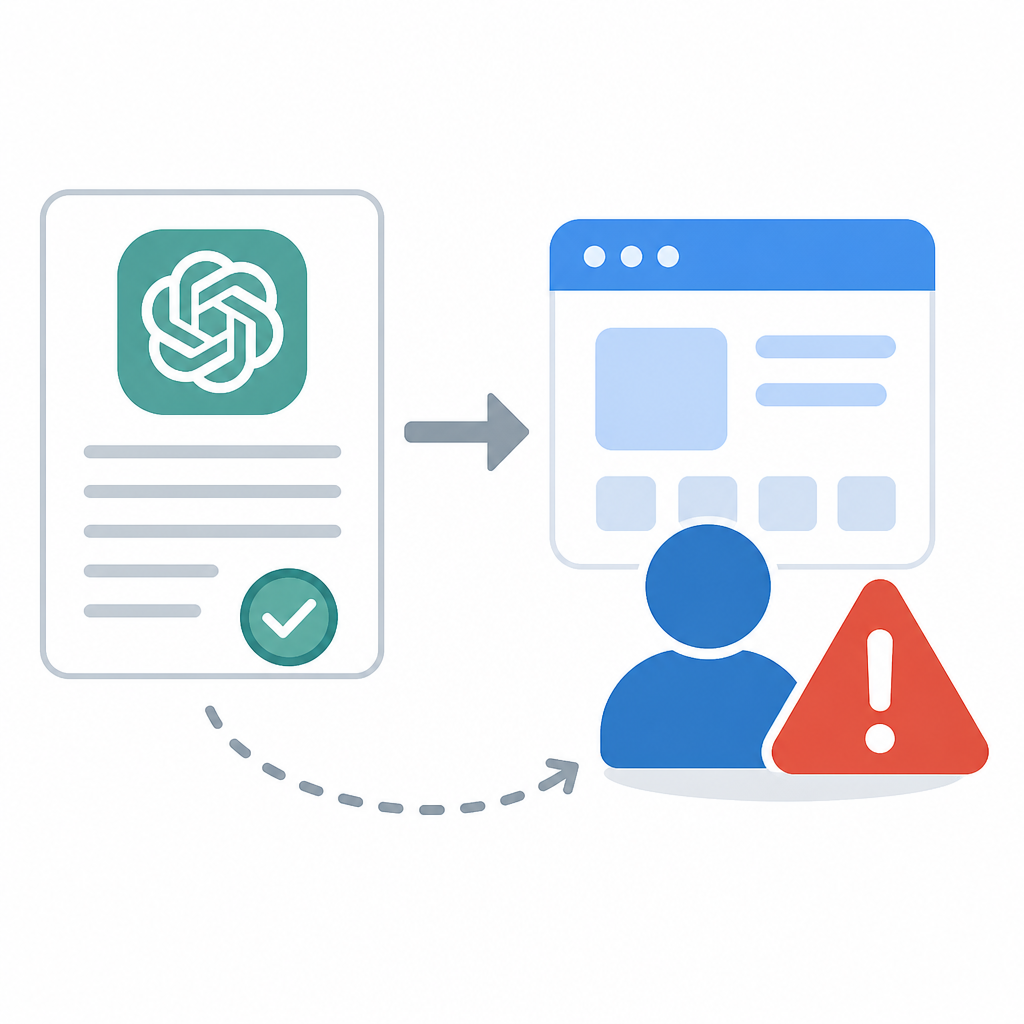
That can matter when an app breaks, gives poor results, or handles data in a way you did not expect. If something goes wrong, the service terms suggest the first place to look is the app provider, not OpenAI.
Checklist before use:
- Identify the developer
- Review permissions
- Check data collection
- Test with non-sensitive inputs
- Confirm support contacts
4. Your risk review should start before installation
The safest way to read this section of the terms is as a warning to inspect before you click install, connect, or authorize. Once you use the app, you have already accepted the risk described in the policy.
A quick pre-use review can reduce surprises. This is especially important if the app can read your content, store your prompts, or connect to other services you use at work or at home.
- Read the app’s own terms and privacy notice.
- Check whether it can access files, chats, or account data.
- Decide whether the app is suitable for minors, teams, or regulated work.
5. The terms favor caution over convenience
The overall message is simple: convenience does not remove the need for judgment. OpenAI is telling users that third-party Apps are not its verified products, and the risk of exposure sits with the person using them.
If you want the shortest possible takeaway, it is this: treat external Apps as separate products, review them on their own merits, and do not rely on OpenAI to vouch for them.
How to decide
If you only need a quick answer, use third-party Apps only when you are comfortable accepting the risk and have checked the developer, permissions, and content controls. That is the safest reading of the service terms.
If you are responsible for a team, classroom, or customer-facing workflow, choose apps with clear ownership, clear policies, and a narrow data footprint. When those basics are missing, the terms give you a strong reason to pass.
// Related Articles
- [IND]
Turn AI Image Tools Into Client Work
- [IND]
Rust should treat enums as a first-class database primitive
- [IND]
DeepSeek V4 Flash Is Repricing the Post-Coding-Plan Era
- [IND]
Cloudflare’s AI search pilot is the stock catalyst now
- [IND]
AI Weekly: 2026-07-27 ~ 2026-08-03
- [IND]
Kimi K3 maps the new rules of test-time scaling