Windsurf turns coding into agent-driven editing
I break down Windsurf’s agentic IDE idea and give you a copy-ready workflow for using Cascade on real codebases.

I break down Windsurf’s agentic IDE idea and give you a copy-ready workflow for using Cascade on real codebases.
I've been using AI coding tools long enough to know when something is just autocomplete wearing a fake mustache. Windsurf felt like that at first. The pitch was nice enough: an “agentic IDE,” a thing called Cascade, multi-file edits, terminal commands, whole-codebase awareness. Fine. I’ve heard all of that before. But the actual workflow kept tripping me up. I’d ask for a change, it would make a few edits, then I’d spend the next ten minutes checking whether it had quietly broken some unrelated corner of the app. Or it would agree with my intent so eagerly that I’d end up doing the real thinking anyway. That’s the part that annoyed me. If I’m still acting like a human linter and project manager, what exactly did the agent buy me?
Then I looked at the source material more carefully and the shape of the idea clicked. Windsurf, as described on AI Wiki, is not trying to be “chat inside an editor.” It’s trying to be an editor that can act like a junior engineer with terminal access, context over the repo, and permission to make connected changes. That’s a much narrower claim, and honestly a more useful one. I’m not interested in magic. I’m interested in whether a tool can reduce the amount of tedious coordination work I do between files, commands, and follow-up fixes.
Windsurf is less chat box, more working partner
Get the latest AI news in your inbox
Weekly picks of model releases, tools, and deep dives — no spam, unsubscribe anytime.
No spam. Unsubscribe at any time.
Launched in November 2024, Windsurf positions itself as the first "agentic IDE," combining traditional code editing with an AI agent called Cascade that can understand entire codebases, perform multi-file edits, and execute terminal commands ...
What this actually means is that Windsurf is trying to collapse three separate jobs into one interface: reading code, changing code, and running the stuff needed to verify those changes. That’s the part I care about. I don’t want a model that only knows how to answer questions about code. I want one that can help me move from “here’s the issue” to “here’s the patch” without me babysitting every file.
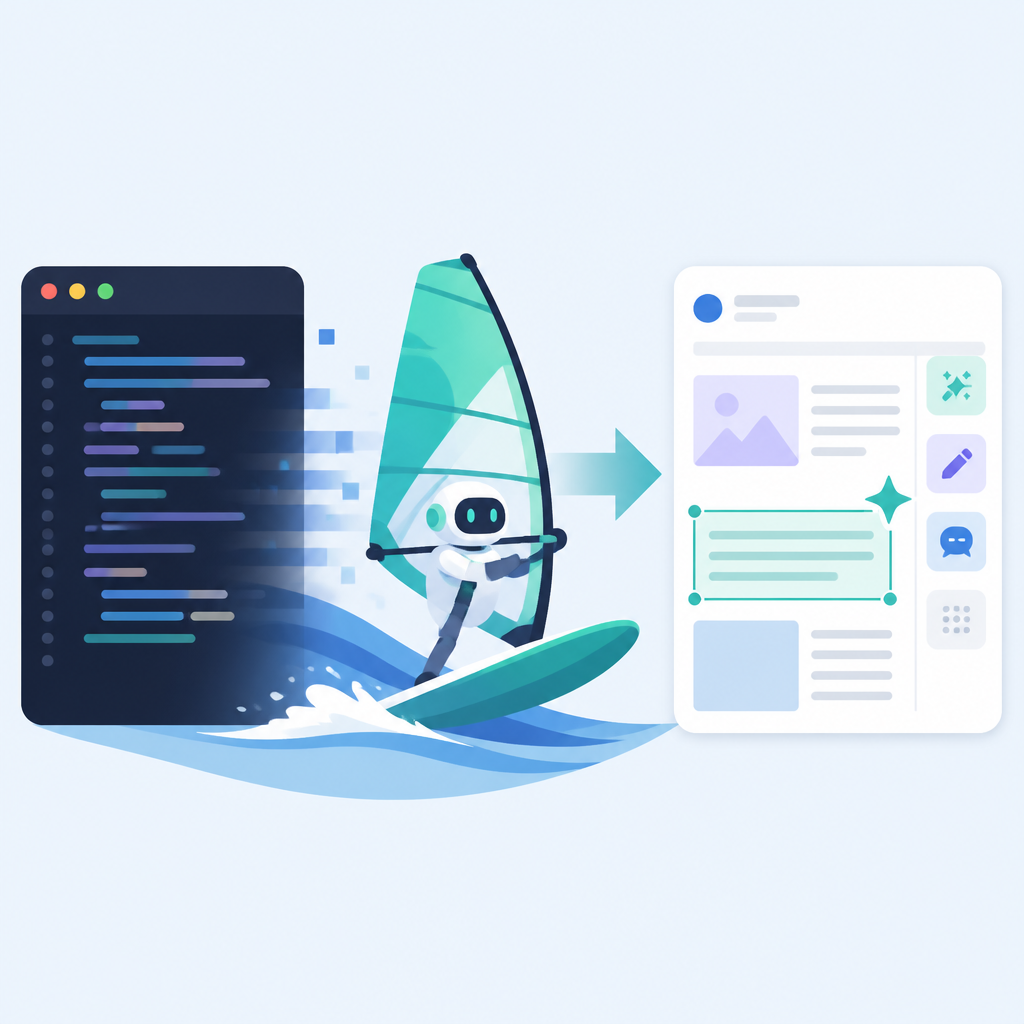
The important phrase here is “understand entire codebases.” I’m always suspicious of that wording because no model truly understands a messy repo the way a person who has lived in it does. But the practical version is still valuable: the agent can inspect more context than a single prompt, track related files, and make changes that aren’t trapped in one buffer. That’s enough to stop a lot of the dumb, repetitive work that eats my afternoon.
I ran into this in a monorepo where one feature touched a UI component, a shared utility, and a test file. A normal chat-based assistant kept suggesting isolated edits. I’d apply one fix, then manually chase the fallout. The agentic approach is better when the work is coupled. If the change naturally spans multiple files, the tool should be able to carry that thread across the repo instead of acting like every file is a separate universe.
How to apply it: use Windsurf for tasks that are structurally multi-step. Refactors, API renames, test updates, and feature wiring are good fits. Tiny one-line fixes are not where I’d spend the agent budget. If I already know the exact edit, I’ll do it myself. If I need coordination across files, that’s where an agent earns its keep.
- Use it when the change touches more than one file.
- Ask for the outcome, not a line-by-line script.
- Expect to review every edit like you would a junior dev’s PR.
Cascade matters because it closes the loop
Cascade is the actual center of gravity here. The AI Wiki page says Windsurf includes an AI agent called Cascade that can edit multiple files and run terminal commands. That terminal piece is not a side note. It’s the difference between “I can suggest code” and “I can help finish the job.”
What this actually means is the agent isn’t just generating text in a vacuum. It can take a change, apply it, and then do the verification work that usually forces me to context-switch into the terminal. That’s the annoying part of coding assistance most tools skip. They’ll help you write a function, then leave you to figure out whether the build passes, whether the tests need rewriting, and whether the app still boots.
I’ve had plenty of sessions where the model got the code mostly right but missed one dependency or test expectation. If the agent can run commands, it can at least surface that failure immediately instead of making me discover it fifteen minutes later. That doesn’t make it right by default. It just shortens the loop between edit and feedback, which is where a lot of time disappears.
There’s a catch, obviously. Terminal access is power, and power means the tool can be confidently wrong in a more expensive way. So I would not treat Cascade like an autonomous coworker with unlimited authority. I’d treat it like a fast assistant that needs guardrails. The useful pattern is: ask it to make the change, inspect the diff, then let it run the validation command you would have run anyway.
How to apply it:
- Give the agent a clear task and the verification command up front.
- Prefer read-edit-run loops over open-ended “improve this code” prompts.
- Keep destructive commands out of the default path unless you’ve reviewed them.
The real promise is repo-wide context, not smarter autocomplete
A lot of AI coding tools sell themselves as smarter autocomplete. I think that framing undersells the useful part and overstates the boring part. Windsurf’s pitch, at least in the source material, is repo awareness. That’s the thing I’d actually pay attention to.
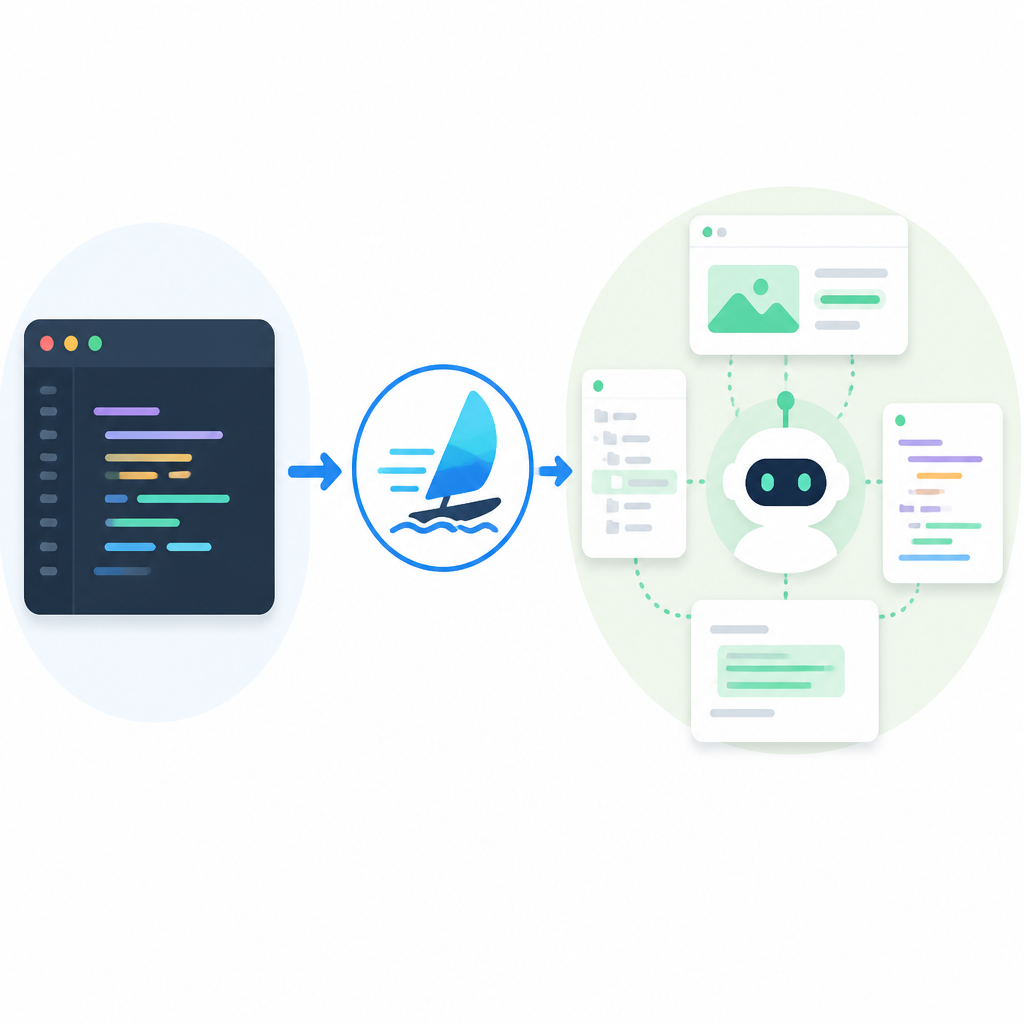
What this actually means is the assistant can reason across the shape of the project instead of only the current cursor position. That matters when your codebase has conventions, hidden dependencies, and a bunch of “don’t touch that unless you also update this” nonsense. Every real codebase has that nonsense. If your assistant can’t see the relationship between files, it’s going to produce plausible garbage.
I’ve seen this especially in frontend work. A component change often needs a prop update, a test adjustment, and maybe a story or fixture change. A cursor-local assistant can suggest the component edit and then act surprised when the tests fail. A repo-aware agent is at least capable of tracing the chain.
That said, I still don’t trust any model to infer architecture from vibes. I want it to show me the files it thinks are related, explain why they’re related, and then edit them with a visible diff. If it’s hiding the reasoning, I’m already annoyed. If it’s showing me the reasoning, I can correct it before the damage spreads.
How to apply it: when you use Windsurf, start by naming the affected surfaces. Say “update the hook, the component that consumes it, and the test that exercises the behavior.” Don’t make the tool guess the blast radius. The more precise your task framing, the less cleanup you do later.
Multi-file edits are the feature that saves time only if you review them
Multi-file editing sounds like a convenience feature until you’ve watched a tool make six coordinated changes and still miss the one file that actually matters. I’m not being cynical for sport here. I’ve been burned by this exact pattern.
What this actually means is that multi-file editing is useful when the relationship between files is mechanical. Rename a symbol, update imports, adjust tests, mirror a config change. Those are the kinds of edits where a model can do real work quickly. The danger is assuming that coordination equals correctness. It doesn’t.
I ran into this in a code cleanup task where an assistant changed the implementation and the test names, but left one assertion using the old behavior. The diff looked polished. The bug was still there. That’s why I treat multi-file edits as a draft generator, not an authority. The tool can do the boring spread of changes. I still own the semantic check.
The practical upside is real, though. Instead of opening five files and making the same rename by hand, I can ask the agent to propagate the change and then inspect one diff. That’s a better use of my attention. I’d rather spend my time verifying intent than performing mechanical edits like a tired robot.
How to apply it:
- Use multi-file edits for renames, refactors, and test alignment.
- Review the diff file by file, not just as one blob.
- Run the project’s normal validation after every agent pass.
Terminal execution is the part that makes this feel real
The source page explicitly says Cascade can execute terminal commands. I think that’s the line where Windsurf stops being “another AI editor” and starts being a workflow tool. Without terminal access, the model is still trapped in suggestion mode. With it, the agent can participate in the actual development loop.
What this actually means is the agent can help with the annoying parts after the edit: install dependencies, run tests, build the app, maybe even surface the failure output back into the conversation. That’s the stuff I usually have to juggle manually while also deciding whether the model’s changes were sane. If the tool can do the command work, I can stay focused on the code review.
I’m still picky about this. I do not want an agent spraying commands around my machine because it “thinks” something might help. I want a controlled sequence. First the code change. Then the validation command. Then the failure report. That’s it. If the agent starts freelancing, I’m out.
How to apply it: define a command policy for yourself. For example, let the agent run tests and builds, but not migrations, deploys, or anything destructive. If your repo has a standard validation script, make that the default command you ask for every time. Consistency beats improvisation here.
Helpful references while you’re setting this up: the Visual Studio Code ecosystem for editor workflows, GitHub Copilot for comparison, and Cursor if you want to see how other AI-first editors frame repo-aware coding.
My rule for using agentic IDEs is simple: keep the intent, inspect the work
The mistake people make with tools like this is expecting the agent to replace judgment. That’s not the job. The job is to reduce the mechanical overhead between intent and implementation. If I can describe the change once and get a useful draft back, that’s a win. If I have to micromanage every step, I may as well stay in plain old editor mode.
What this actually means is you need a workflow, not just access. Start with a clear task, let the agent edit across files, run the validation command, and then inspect the diff like you would review a teammate’s PR. That’s the sweet spot. Anything looser turns into churn. Anything stricter turns the tool back into expensive autocomplete.
I’ve found that my best sessions with AI coding tools happen when I’m boringly specific. “Rename this API field everywhere, update tests, then run the test suite.” That’s the kind of prompt that gives the model a job it can actually do. Vagueness is where the weirdness starts.
How to apply it: keep a repeatable checklist. If the agent can’t follow the checklist, the tool is not ready for the task. If it can, you’ll save time on the exact kind of changes that usually eat an hour and leave you grumpy.
The template you can copy
# Windsurf workflow template for agentic editing

Use this when I want Cascade to make a change across a codebase.

## Task
- Goal: [one sentence describing the outcome]
- Scope: [files, folders, modules, or symbols]
- Constraints: [what must not change]
- Verification: [test/build/lint command]

## Prompt to the agent
You are working inside my codebase.

Make the requested change across all affected files.
Before editing, identify the related files and explain why they matter.
Then apply the smallest set of changes that satisfies the goal.
After editing, run the verification command and report the result.

Rules:
- Do not change unrelated code.
- Do not guess at architecture if the repo already shows the pattern.
- If a test fails, explain the failure before changing more code.
- Keep the diff minimal and reviewable.

## Example task
Goal: Rename `userId` to `accountId` in the billing flow.
Scope: `src/billing`, related tests, shared types.
Constraints: Do not change API response shape.
Verification: `npm test -- billing`

## Review checklist
- [ ] All impacted files were updated
- [ ] Imports and exports still resolve
- [ ] Tests reflect the new behavior
- [ ] Validation command passed
- [ ] No unrelated refactors slipped in

## Good follow-up prompt
Show me the diff summary first, then explain any file you changed that was not explicitly named in the task.
That template is the part I’d actually keep in my notes. It forces the agent into a narrow lane: state the goal, name the scope, define the checks, and make the tool justify any extra file it touches. That’s how I keep agentic editing useful instead of annoying.
Source attribution: the core description comes from AI Wiki’s Windsurf page. Everything else here is my own breakdown and workflow advice, based on that source and on how I’d actually use a tool like this in a real repo.
// Related Articles
- [TOOLS]
Windsurf’s IntelliJ plugin is a shortcut, not a strategy
- [TOOLS]
SWE-1.7 free preview lands in Devin Desktop
- [TOOLS]
Vibe Island’s changelog shows the right product bets
- [TOOLS]
OpenAI Newsroom turns announcements into a digest
- [TOOLS]
Trendshift monthly repos let you spot real momentum
- [TOOLS]
Rust vs Go in 2026: pick the right fit