OpenAI’s ChatGPT Images 2.0 lands with sharper edits
OpenAI quietly shipped ChatGPT Images 2.0, and early tests show stronger edits, cleaner text, and faster image workflows for creators.
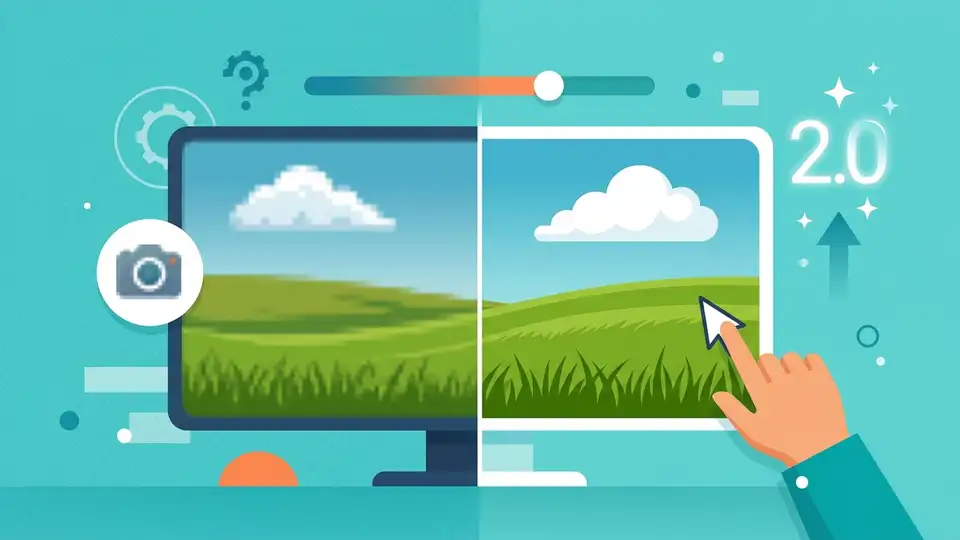
OpenAI dropped ChatGPT Images 2.0 with little warning, and the timing matters: the update arrived on April 22, 2026, while designers were still comparing it to the older image model. The big shift is practical, not flashy. In early hands-on tests, the new model does a better job with text rendering, layout control, and edit consistency.
If you make thumbnails, ad creatives, concept art, or product mockups, that matters more than a pretty demo. Image models are moving from “look what I made” to “can I use this in production without spending an hour fixing the output?” Images 2.0 pushes harder on that second question.
What changed in Images 2.0
OpenAI has not framed Images 2.0 as a pure novelty release. It is an upgrade for people who already use ChatGPT for visual work and want fewer weird artifacts. The strongest signal from early testing is that the model handles instructions more literally, especially when the prompt asks for specific composition, object count, or on-image text.
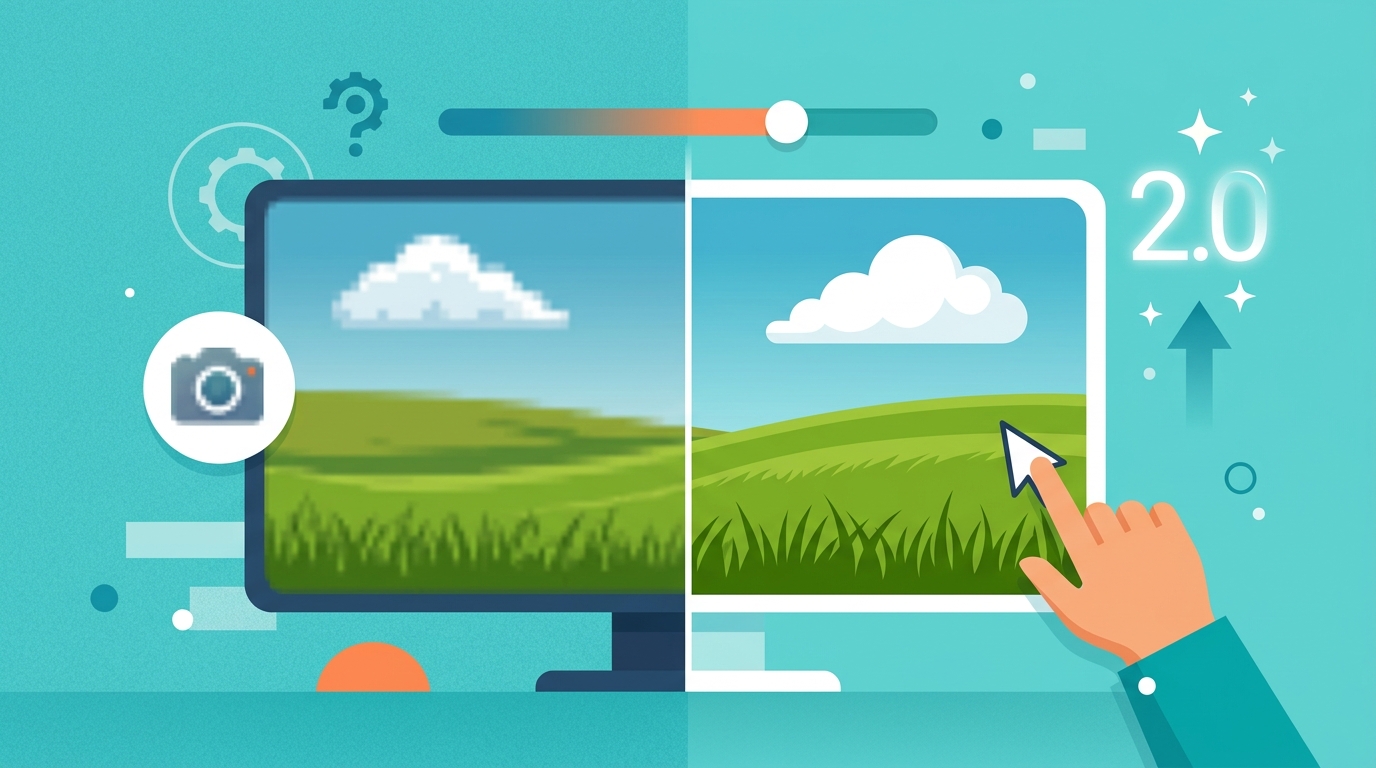
That sounds small until you compare it with the old behavior of image models, which often drifted away from the prompt after a few details. Here, the model appears better at keeping the whole scene aligned. It is also more useful for iterative editing, where you ask for a small change instead of starting over.
- Better text placement on signs, labels, and UI mockups
- Cleaner edits when changing one object in a scene
- Less prompt drift across repeated generations
- More predictable composition for marketing assets
For developers and product teams, this is the kind of improvement that changes workflow. A model that can get a hero image almost right on the first pass saves time in review loops, especially when the output is going to a landing page, app store graphic, or social post.
Why designers are paying attention
Designers care less about model architecture and more about whether the output survives a real client review. Images 2.0 seems aimed at that exact pain point. A thumbnail with readable text is useful. A mockup with the right number of buttons is useful. An illustration that keeps a brand color palette intact is useful.
That is why the release hit a nerve in creative circles. The old complaint about image generation was not that the pictures looked bad. It was that the pictures looked almost right, which is worse when you need to ship. A model that reduces cleanup work can change the economics of a small design team.
OpenAI’s own image generation documentation has long hinted at this direction, with editing and in-chat creation built into the product. Images 2.0 appears to tighten that experience rather than reinvent it.
"We’re not just exploring what models can do; we’re building what people can use." — Sam Altman
That line, which Altman has repeated in different forms across OpenAI events and interviews, fits this release well. Images 2.0 is about reducing friction, not adding another flashy demo to the pile.
How it compares with other tools
The practical comparison is not just with older ChatGPT image generation. It is also with tools people already use for production work, like Midjourney, Adobe Firefly, and Canva. Each one has a different sweet spot. Midjourney often wins on aesthetic polish. Firefly fits Adobe-heavy workflows. Canva wins on speed for non-designers.
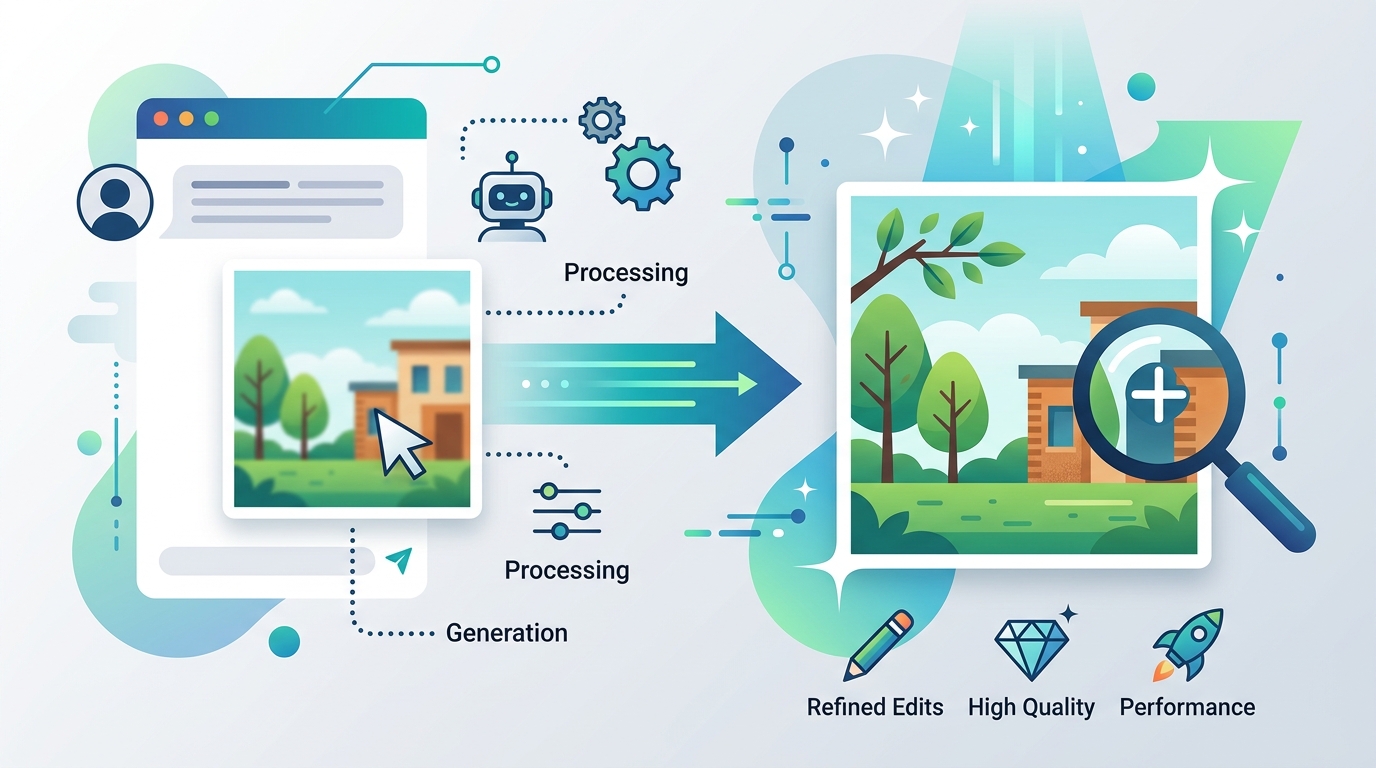
Images 2.0 looks like OpenAI’s attempt to close the gap between chat-based prompting and usable design output. If the early impressions hold, the model’s biggest advantage is convenience: you can describe, edit, and refine inside the same interface where you already write, brainstorm, and code.
- Midjourney: strong visual style, but less native to a chat workflow
- Adobe Firefly: better fit for Adobe users and brand-safe workflows
- Canva: fastest for template-based output
- Images 2.0: strongest for conversational editing inside ChatGPT
There is also a technical angle here. OpenAI has been pushing multimodal work across text, voice, and image, and Images 2.0 fits that strategy. The company’s GPT-4o release already showed how tightly integrated multimodal assistants can feel. Images 2.0 extends that logic into visual production.
What this means for teams and builders
If you build products, marketing systems, or internal tools, the release suggests a simple shift: image generation is becoming a default interface, not a specialty tool. That changes how teams prototype campaigns, test visual ideas, and produce lightweight assets for social or product launch work.
It also changes the bottleneck. The hard part is less about generating an image and more about deciding which output is good enough to publish. That means review, brand rules, and human taste still matter a lot. The model can shorten the path, but it cannot replace judgment.
For technical teams, a few practical questions matter right now: how well does the model preserve brand assets, how often does it hallucinate text, and how much editing is needed before the result is usable? Those are the metrics that decide whether a visual model becomes a daily tool or just another demo.
- Test it on logos, UI screenshots, and poster text before trusting it in production
- Compare edit consistency across multiple rounds, not one-off generations
- Measure time saved per asset, since that is what matters to managers
- Check whether outputs stay on-brand across repeated prompts
OpenAI has not yet turned image generation into a fully solved problem, and nobody should pretend otherwise. But Images 2.0 makes the workflow more serious. It feels less like a toy and more like a tool that can sit inside a weekly production process.
What to watch next
The next test is simple: does Images 2.0 hold up when thousands of users push it with messy, real-world prompts? That will tell us more than any launch demo. If it keeps the same quality under load, it could become the default way many ChatGPT users create visual drafts.
My bet is that the first adopters will be marketers, indie founders, and small product teams that need fast creative output without building a full design pipeline. If OpenAI keeps improving text accuracy and edit control, the model could eat into a lot of low-stakes design work. The question is how quickly creative teams decide that “good enough in five minutes” beats “perfect after three revisions.”
For now, the smart move is to test it on one real task this week: a landing page hero, a social card, or a product mockup. That will tell you more than any launch post ever could.