Agent Plugins 1.0.0 turns skills into folders
Agent Plugins 1.0.0 packages agent skills into folders with a manifest, skill files, and MCP config.

8 client tools now read agent plugins from one folder format.
I've been building with agent tooling long enough to know when something is actually useful and when it is just a fresh coat of paint. Most of the time, plugin stories are a mess: one format for one app, another half-standard for another app, and a bunch of glue code nobody wants to maintain. I keep ending up with a directory full of scripts, a README nobody reads, and a vague promise that “this will be portable later.” It usually isn’t.
That is why the Zhihu weekly post caught my eye. The post says that on August 7, OpenAI, Microsoft, Amazon, Cursor, and Vercel shipped Agent Plugins 1.0.0, a packaging standard for AI agent plugins. It also says Google joined as a core maintainer and released Agents CLI and Data Agent Kit. The interesting part is not the announcement. It is the shape of the thing: one folder, one manifest, one set of skills, one MCP server config.
1. They finally made plugins boring on purpose
Get the latest AI news in your inbox
Weekly picks of model releases, tools, and deep dives — no spam, unsubscribe anytime.
No spam. Unsubscribe at any time.
“一个插件是一个文件夹,包含 plugin.json 清单、技能文件和 MCP 服务器配置。”
What this actually means is that the plugin is no longer a fuzzy idea. It is a package layout. You do not install “magic.” You ship a directory with a manifest, some skill files, and a server config that tells the client how to talk to it.
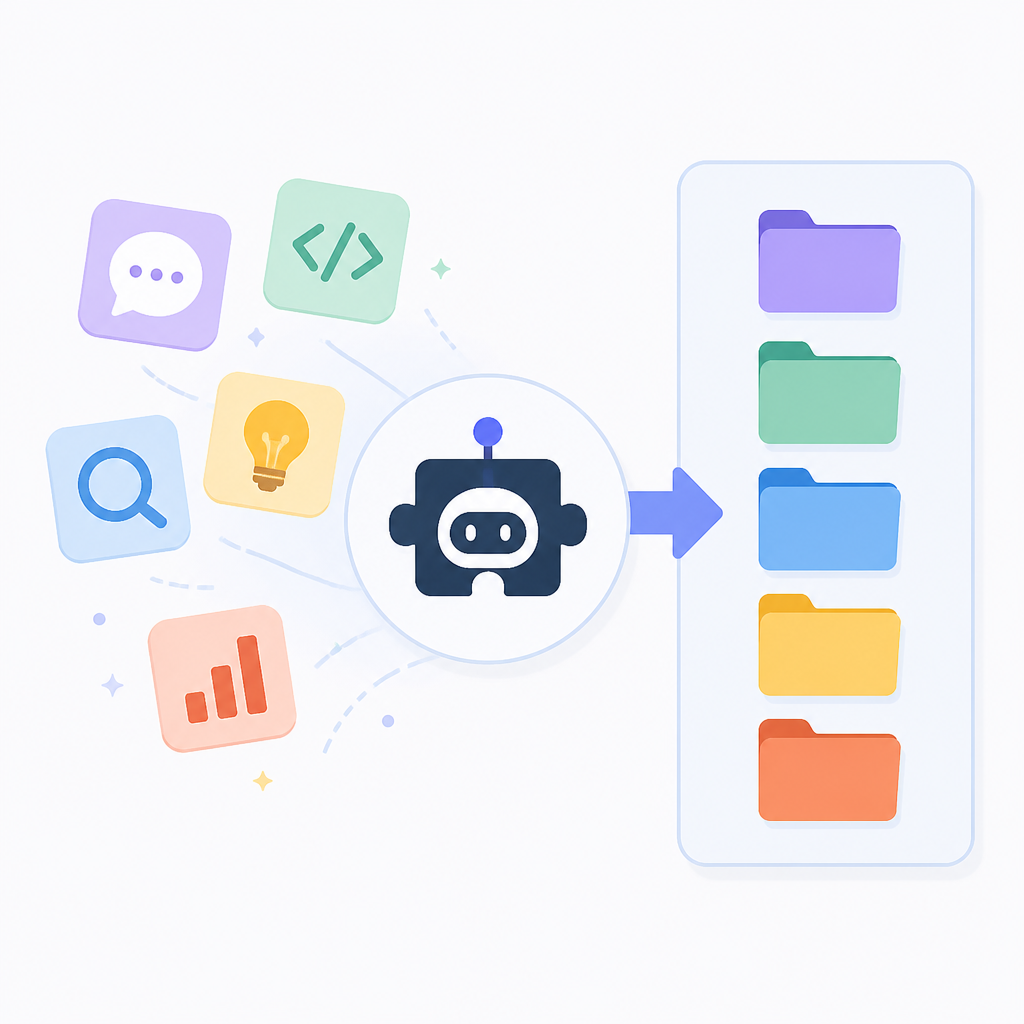
I like this because it kills a lot of accidental complexity. When I see a folder-based contract, I know where to look first. I know what can be versioned. I know what can be reviewed in code review. And, honestly, I know what can break without me having to reverse-engineer a black box at 2 a.m.
The post’s wording matters here. A plugin.json manifest is the anchor. Skill files are the behavior. MCP configuration is the bridge. That is a cleaner split than the usual “here is a plugin, good luck” approach I’ve seen in too many AI toolchains.
How to apply it: stop treating your agent extension as a pile of prompts. Package it like software. Put identity in a manifest, behavior in files, and integration details in one config file. If someone on your team cannot explain the plugin by reading the folder tree, it is probably still too messy.
- Keep the manifest small and explicit.
- Separate human-readable skills from machine wiring.
- Make the folder itself the contract, not a hidden registry.
2. The real win is portability across clients
The post says the first supported clients include VS Code, Cursor, GitHub Copilot, ChatGPT and Codex, and Kiro. That is the part developers should care about. A plugin format only matters if it survives contact with more than one client.
What this actually means is I can stop writing one-off wrappers for every product surface. If the same plugin package can be read by multiple tools, I get to spend my time on the skill itself instead of the integration tax. That is the difference between a standard and another private convention nobody will remember in six months.
I have been burned by “portable” AI integrations before. Usually the portability exists in a slide deck, not in the code. One app wants a JSON blob. Another wants a YAML file. A third wants the same thing but renamed. Then the team starts copying and pasting adapters, and suddenly the “standard” is just a shared headache.
How to apply it: design your plugin around the lowest common denominator that all target clients can actually read. Keep client-specific behavior out of the core package. If a client needs special handling, isolate that in a thin adapter layer, not in the plugin itself.
- Test the same plugin folder in at least two clients before calling it done.
- Avoid client-specific prompts inside the manifest.
- Document what is universal and what is a client quirk.
3. MCP is the part that makes this feel real
The post ties the plugin package to MCP server configuration. That is not a random detail. MCP is the plumbing that lets the agent discover and use tools in a consistent way. Without that, you just have a cute folder format with no reliable execution path.
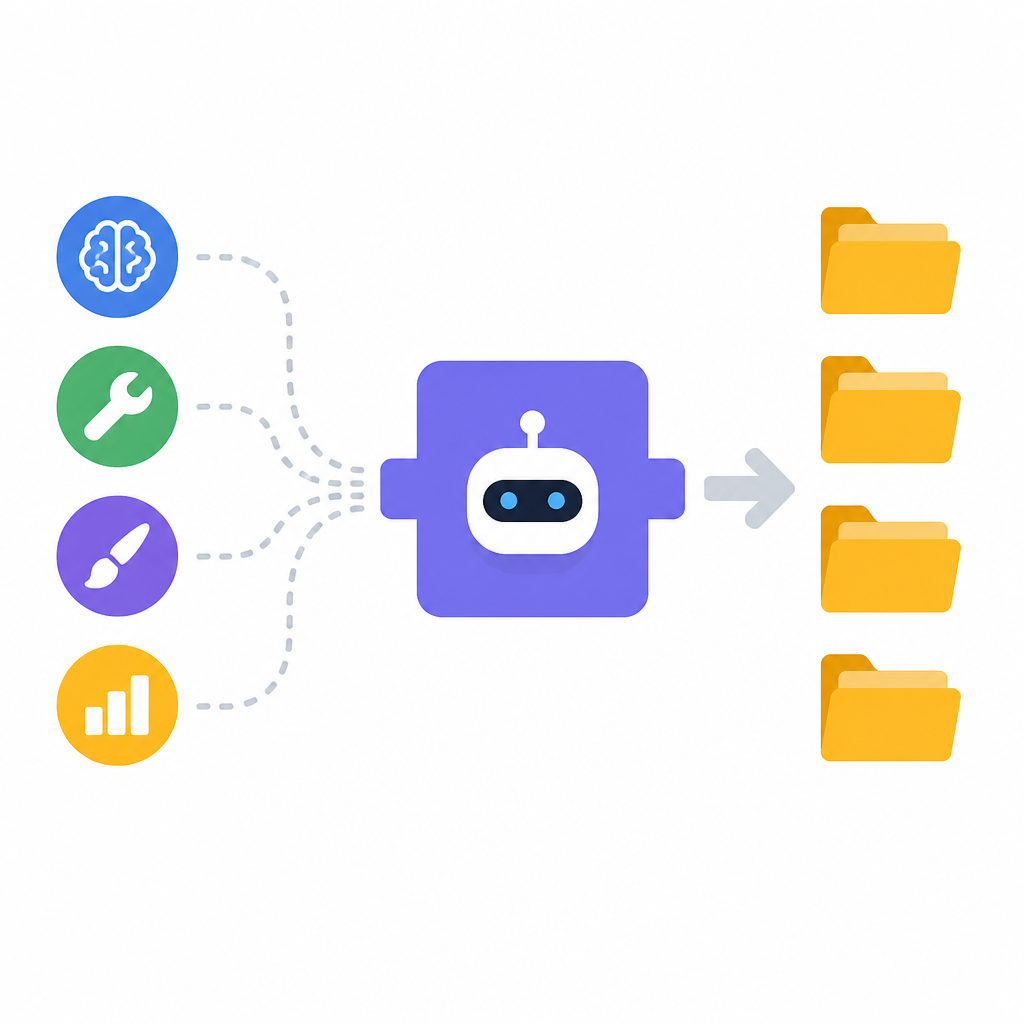
What this actually means is the plugin is not only a bundle of instructions. It is a bundle of instructions plus an interface contract. That is much better than stuffing every tool call into a prompt and praying the model interprets it correctly.
I ran into this exact problem when I tried to keep tool definitions inside a single agent prompt. It worked right up until the prompt got long, the edge cases piled up, and nobody could tell whether a failure came from the model, the tool, or the prompt text. Once the tool boundary moved into a real protocol, debugging got less ridiculous.
How to apply it: treat MCP config as part of your product surface. Version it. Review it. Validate it. If your plugin cannot advertise its tools cleanly through MCP, it is not ready for a multi-client world.
Also, if you are new to the protocol, read the official docs at modelcontextprotocol.io/docs before you invent your own shortcut. I have seen enough custom glue to know that “temporary” protocol hacks become permanent very quickly.
4. Google joining as a core maintainer is the nontrivial signal
The post says Google joined as a Core Maintainer. That is not just branding. It means the standard is not being left to one vendor’s roadmap whim. The same post also says Google released Agents CLI and Data Agent Kit, which tells me they are not just watching from the sidelines.
What this actually means is the standard has a better chance of surviving internal product churn. I do not care how polished a spec looks if only one company is willing to maintain it. In practice, standards die when the original sponsor gets distracted.
There is also a subtle ecosystem effect here. Once Google shows up as a maintainer, other teams stop treating the format like a side project. That changes adoption behavior. People start asking, “Can our agent support this?” instead of “Should we bother?” Those are very different questions.
How to apply it: if you are building on top of Agent Plugins, watch the maintainer list and the release cadence, not just the announcement post. Standards are social systems. If maintainers stop shipping, the spec is already on thin ice.
5. The folder layout is the part teams will actually copy
The most useful thing in the post is also the least glamorous: a plugin is a folder. That is the sort of detail teams can adopt without a steering committee, a migration plan, and three meetings that should have been emails.
What this actually means is your internal plugin system can mirror the standard almost directly. If the external spec says manifest plus skills plus MCP config, then your repo should probably do the same. The closer your internal layout is to the external contract, the less translation code you need.
I have seen teams over-engineer this part into a “plugin registry service” when all they needed was a clean directory structure and a validator. That is how simple standards become enterprise sludge. Do not do that unless you have a real scale problem.
How to apply it: create a top-level folder per plugin, keep all metadata in one manifest, and keep executable behavior in named skill files. Add a small validation script in CI so broken packages fail before they reach a client.
- One folder per plugin.
- One manifest file.
- One config path for MCP wiring.
- One CI check that validates the package shape.
6. The practical downside: standards make bad plugins easier to ship
Here is the part people skip. A standard does not automatically make your plugin good. It just makes it easier to package bad ideas consistently. I have shipped enough tooling to know that a tidy folder can hide a terrible skill set just as well as a messy one.
What this actually means is you still need good content inside the package. Clear names. Narrow responsibilities. Skills that do one job instead of twelve. If you stuff a plugin with vague instructions, the standard will not save you. It will just make the failure more portable.
That is why I would treat Agent Plugins 1.0.0 as an engineering baseline, not a quality guarantee. The packaging is the easy part. The hard part is deciding what belongs in a skill, what belongs in the agent, and what should stay a normal application service.
How to apply it: review plugins the same way you review libraries. Ask whether each skill is focused, whether the manifest is readable, and whether the MCP surface is minimal. If the answer is no, the plugin is probably too broad.
And yes, I would still keep a human-written README in the folder. Standards do not replace context. They just make context easier to find.
The template you can copy
agent-plugin-example/
├── plugin.json
├── README.md
├── skills/
│   ├── summarize.md
│   ├── extract-fields.md
│   └── draft-response.md
└── mcp/
    └── server.json

# plugin.json
{
  "name": "agent-plugin-example",
  "version": "1.0.0",
  "description": "A portable agent plugin packaged as a folder.",
  "author": "Your Team",
  "entry": {
    "skillsDir": "skills",
    "mcpConfig": "mcp/server.json"
  },
  "clients": [
    "vscode",
    "cursor",
    "github-copilot",
    "chatgpt",
    "codex",
    "kiro"
  ]
}

# skills/summarize.md
---
name: summarize
purpose: Summarize the provided content into a concise, accurate brief.
inputs:
  - source_text
outputs:
  - summary
rules:
  - Preserve names, dates, and numbers.
  - Do not add facts not present in the source.
---

Write a concise summary of the source text.

# skills/extract-fields.md
---
name: extract-fields
purpose: Pull structured fields from unstructured text.
inputs:
  - source_text
  - schema
outputs:
  - json
rules:
  - Return valid JSON only.
  - Use null for missing fields.
---

Extract the requested fields from the source text.

# skills/draft-response.md
---
name: draft-response
purpose: Draft a response using the provided context.
inputs:
  - context
  - tone
outputs:
  - draft
rules:
  - Match the requested tone.
  - Keep the draft under the requested length.
---

Draft a response based on the context.

# mcp/server.json
{
  "name": "agent-plugin-example-mcp",
  "version": "1.0.0",
  "transport": "stdio",
  "tools": [
    {
      "name": "summarize",
      "description": "Summarize source text",
      "inputSchema": {
        "type": "object",
        "properties": {
          "source_text": { "type": "string" }
        },
        "required": ["source_text"]
      }
    },
    {
      "name": "extract-fields",
      "description": "Extract structured fields from source text",
      "inputSchema": {
        "type": "object",
        "properties": {
          "source_text": { "type": "string" },
          "schema": { "type": "object" }
        },
        "required": ["source_text", "schema"]
      }
    },
    {
      "name": "draft-response",
      "description": "Draft a response from context",
      "inputSchema": {
        "type": "object",
        "properties": {
          "context": { "type": "string" },
          "tone": { "type": "string" }
        },
        "required": ["context", "tone"]
      }
    }
  ]
}

# README.md
# Agent Plugin Example

This folder is packaged as an Agent Plugin 1.0.0-style directory.

## What lives where
- `plugin.json`: plugin identity and entry points
- `skills/`: human-readable skill definitions
- `mcp/server.json`: tool exposure and transport config

## How to use it
1. Keep the folder structure stable.
2. Update the manifest when adding or removing skills.
3. Validate the MCP schema in CI.
4. Test the package in more than one client.

## Rules I would follow
- Keep skills focused.
- Keep client-specific logic out of the plugin body.
- Treat the folder as the contract.
That template is intentionally plain. I would rather ship a boring structure that every client can read than a clever format that only my team understands. If you want this to hold up in real work, keep the manifest small, keep the skills narrow, and keep the MCP config honest.
The original source for this breakdown is the Zhihu post at https://zhuanlan.zhihu.com/p/2069889254105392703. I have reworked the idea into an implementation-oriented template, but the announcement details and source framing come from that post.
// Related Articles
- [AGENT]
FaithEyes lets you train tool-faithful vision agents
- [AGENT]
Connect Qwen 3.8 Max to CLI Agents
- [AGENT]
Fine-tune a small LLM for legal labeling
- [AGENT]
SALA Boosts Long Context on Edge AI
- [AGENT]
Anthropic’s breach proves AI agents need hard security limits
- [AGENT]
GenAI.mil turns a scary prompt into a report