AudioMuse-AI turns music libraries into smart playlists
5 ways AudioMuse-AI finds forgotten tracks, builds playlists, and maps your library without external metadata or APIs.

AudioMuse-AI turns a self-hosted music library into search, discovery, and playlist tools.
AudioMuse-AI is a self-hosted music app with 2,000+ stars that analyzes sound, lyrics, and listening patterns to surface tracks you forgot you owned.
| Item | What it does | Best for |
|---|---|---|
| Clustering | Groups sonically similar songs | Genre-blending discovery |
| Instant Playlists | Builds playlists from text prompts | Fast mood-based listening |
| Music Map | Shows a 2D visual map of your library | Browsing by patterns |
| Song Paths | Bridges two songs with in-between tracks | Curated transitions |
| Lyrics Search | Finds tracks by theme or meaning | Text-first discovery |
1. Clustering
Get the latest AI news in your inbox
Weekly picks of model releases, tools, and deep dives — no spam, unsubscribe anytime.
No spam. Unsubscribe at any time.
Clustering is the easiest way to see what AudioMuse-AI is doing under the hood. After an initial analysis, it groups songs by sonic similarity rather than by album, genre tag, or whatever metadata happens to be present.
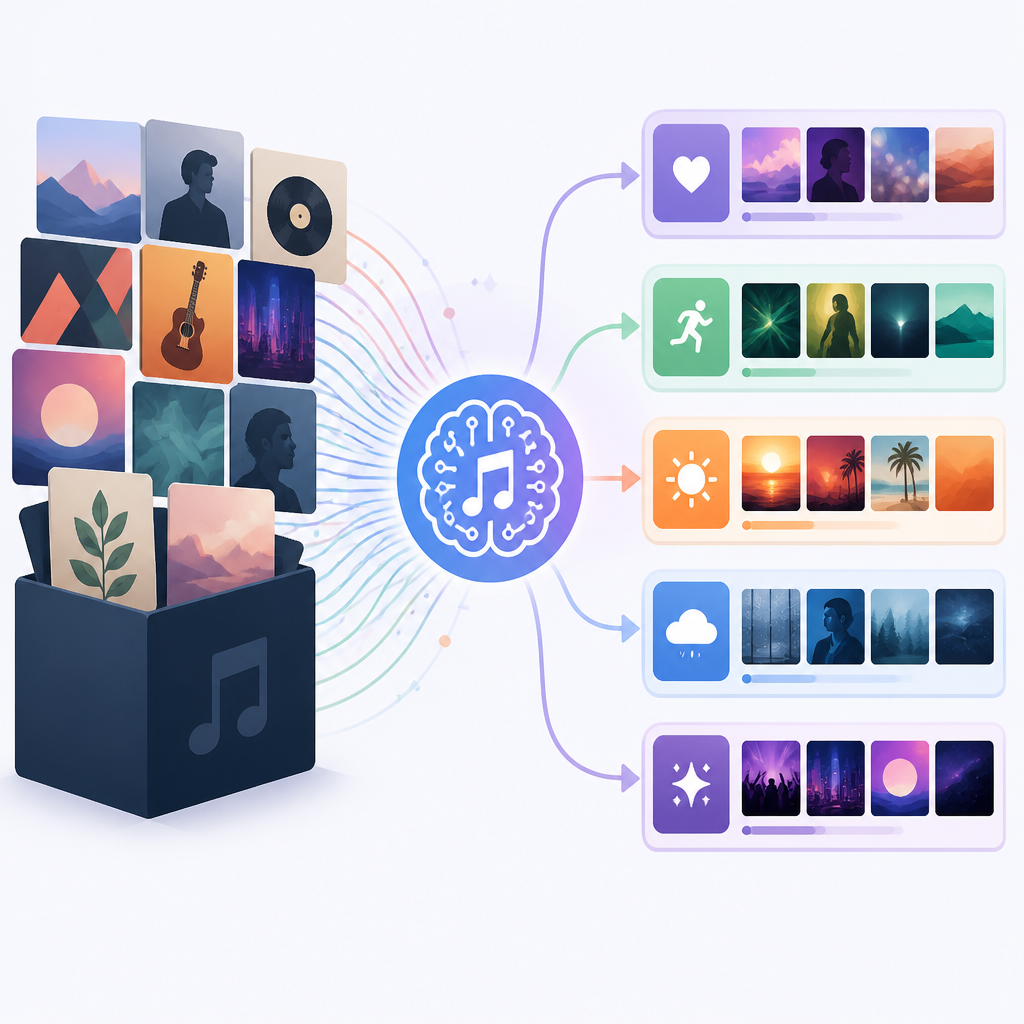
That matters if your library is messy, incomplete, or packed with tracks that never got tagged well. Instead of sorting by artist name, the app can assemble playlists from songs that actually share texture, pace, and tone.
- Uses sonic analysis, not external metadata
- Works with libraries in Jellyfin, Navidrome, LMS, Lyrion, and Emby
- Can surface genre-defying mixes from a large collection
2. Instant Playlists
Instant Playlists is the most direct feature for day-to-day listening. You type a request like “high-tempo, low-energy music,” and the system builds a playlist from the tracks it has already analyzed.
This is useful when you know the vibe you want but do not want to hand-pick tracks one by one. It turns a library search into a conversational filter, which is especially handy for long sessions, background music, or a quick mood reset.
- Prompt-based playlist creation
- Uses sonic features and, when available, lyrics signals
- Good fit for “I want something like this” requests
3. Music Map
Music Map gives you a visual way to browse your collection. AudioMuse-AI plots the library into a 2D map so you can spot clusters, outliers, and unexpected neighbors at a glance.
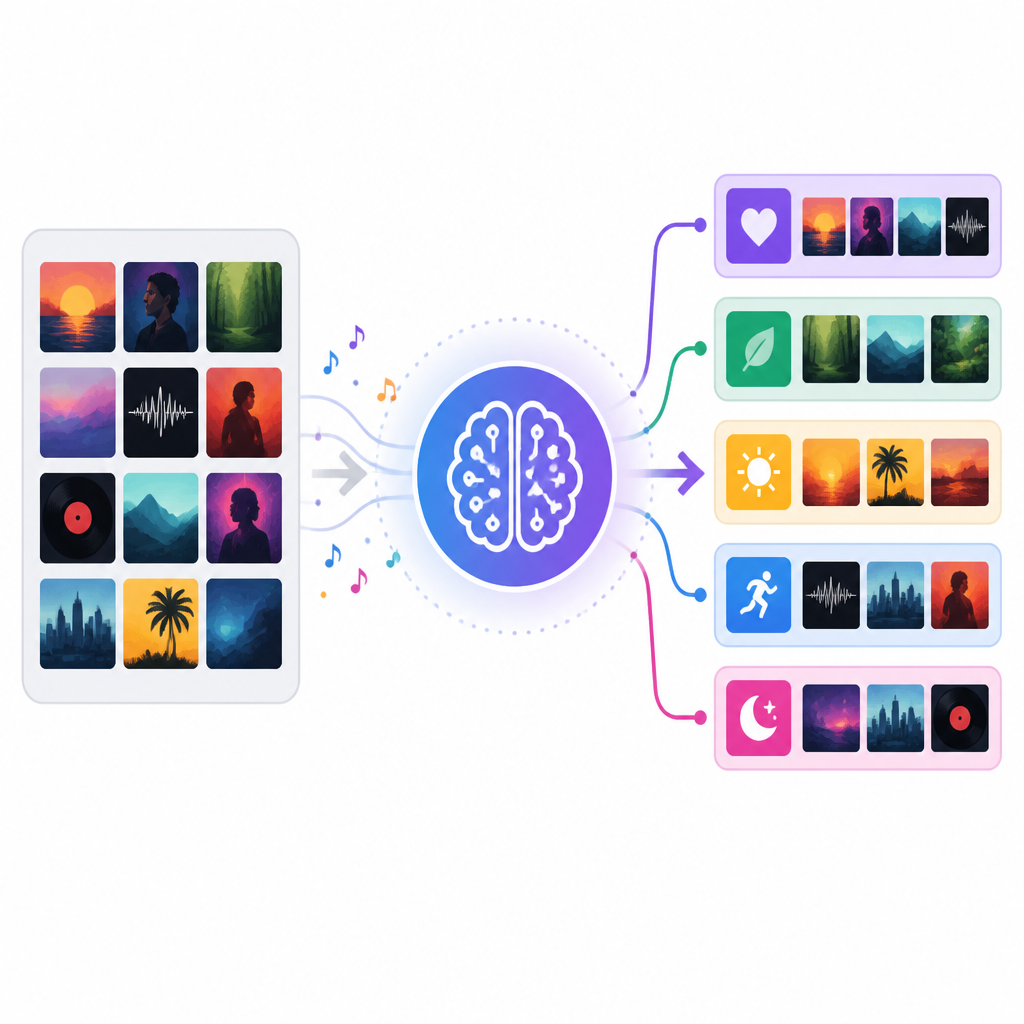
For people with large libraries, this can be more useful than a text list. You can see where your collection is dense, where it is sparse, and which artists or albums sit near each other in sound space.
Example uses:
- Spot overlooked pockets of similar tracks
- Find adjacent artists for deeper listening
- Compare how your library spreads across genres
4. Song Paths
Song Paths is built for transitions. Pick a starting song and an ending song, and AudioMuse-AI searches for tracks that bridge the gap in a way that feels intentional rather than random.
This is a strong feature for DJs, playlist curators, and anyone who cares about flow. Instead of jumping from one extreme to another, the app tries to create a listening journey with a clear sonic progression.
- Connects two songs through intermediate tracks
- Useful for warmups, set transitions, and long-form playlists
- Fits libraries stored locally, with export back to your media server
5. Lyrics Search
Lyrics Search adds a meaning layer on top of sound. You can search for themes like love songs, story songs, or tracks tied to a specific mood, and the app will look beyond the audio profile alone.
The feature supports 72 languages, which makes it more practical for multilingual libraries than a narrow English-only lyrics index. That said, it is still a specialized tool, so the best results come when your library has good lyric coverage.
- Search by theme, story, or meaning
- Supports 72 languages, including English, Spanish, French, German, Japanese, and Arabic
- Helpful when metadata tags do not capture lyrical intent
How to decide
If you want the broadest discovery engine, start with Clustering and Music Map. If you want immediate listening value, pick Instant Playlists first. If your goal is curation, Song Paths is the best fit. If you care more about lyrics than sound, start with Lyrics Search.
For most users, the best path is to analyze the library once, then use all five features together. AudioMuse-AI is strongest when it can combine sonic similarity, text prompts, and your own collection structure into one local workflow.
// Related Articles
- [IND]
Crypto’s infrastructure era arrives with AI agents
- [IND]
AI Weekly: 2026-08-03 ~ 2026-08-10
- [IND]
Kimi K3 Needs About 1.5 TB of Memory
- [IND]
Cursor should not copy VS Code’s new design
- [IND]
Institutional Crypto Tops $30B in Tokenization
- [IND]
Icon’s Claude deal shows clinical trials need AI, not pilots