Cursor should not copy VS Code’s new design
Cursor should keep its own UI language instead of mirroring VS Code’s new Modern UI.
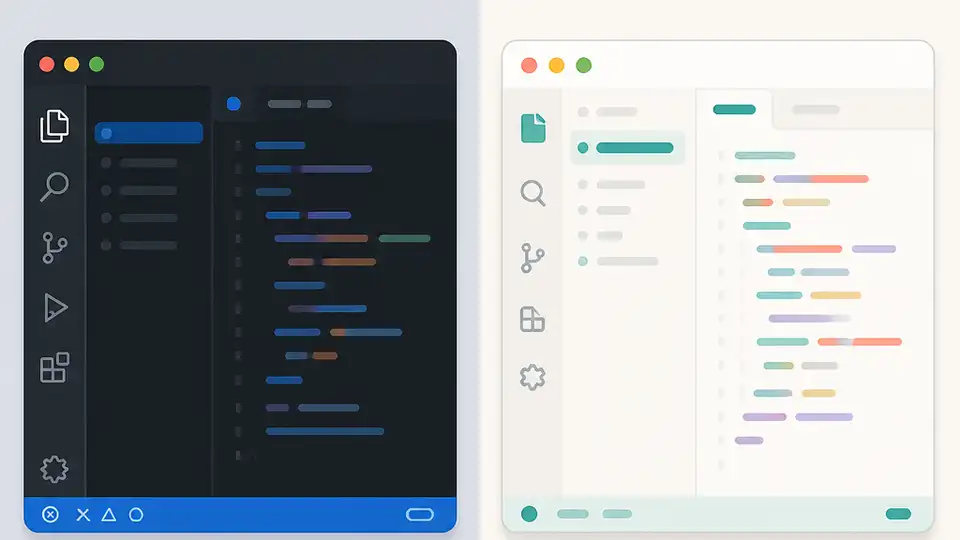
1 announced plan says Cursor will not mirror VS Code’s new Modern UI.
Cursor should not copy VS Code’s new design, because the product’s value comes from a distinct interface that serves AI workflows, not from visual similarity to its upstream fork.
Cursor’s job is different from VS Code’s
Get the latest AI news in your inbox
Weekly picks of model releases, tools, and deep dives — no spam, unsubscribe anytime.
No spam. Unsubscribe at any time.
VS Code is still a general-purpose editor first, while Cursor is trying to make agentic coding feel native. That difference matters in the UI. When the forum reply says Cursor builds its own design language around Agents instead of matching upstream one-to-one, it is describing the right product instinct: the interface should reflect the work users are actually doing, not the parent project’s aesthetic refresh.
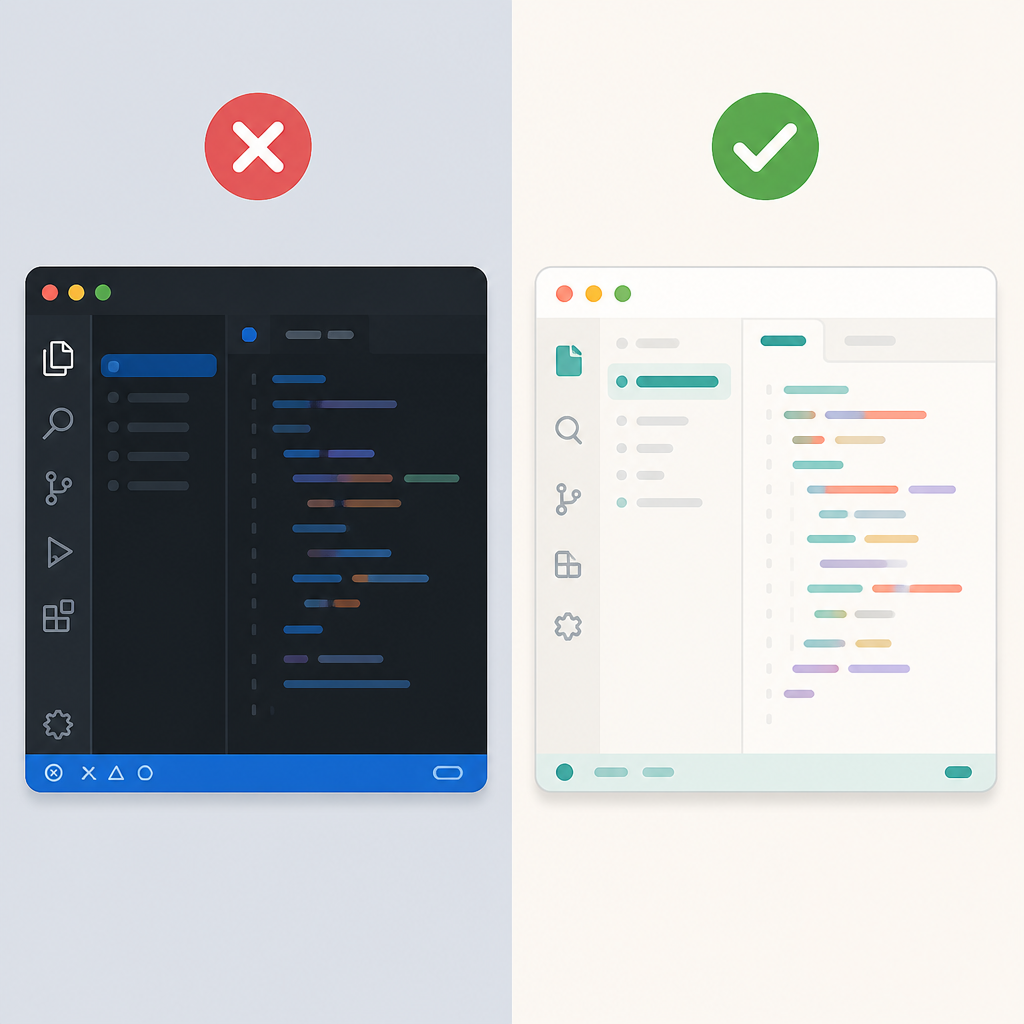
There is also a practical reason to resist visual convergence. A code editor can afford to prioritize familiarity and extension ecosystem continuity, but an AI-native tool needs clearer state, stronger task surfaces, and more obvious boundaries between human editing and model actions. If Cursor simply chases the new VS Code look, it risks turning a differentiated workflow into a prettier clone.
Upstream polish is not a strategy
VS Code’s new look may be attractive, and the forum post captures that appeal. But attractive is not the same as effective. A design update that works for a classic editor can still be wrong for a product whose main promise is orchestration of agents, context, and generated changes. Cursor should borrow the parts of upstream that improve usability, not the parts that flatten its identity.
The forum answer is explicit on this point: Cursor does pull in useful improvements from upstream VS Code, but there is no announced plan to mirror the new Modern UI. That is the correct boundary. Upstream should be treated as a source of stability, performance, and editor polish, while Cursor’s own interface should evolve around AI-specific needs such as surfacing agent actions, review states, and context controls.
Identity matters more than visual parity
Product identity is not branding fluff. In developer tools, it shapes trust. If users cannot tell what is upstream behavior and what is Cursor-specific behavior, they spend more time re-learning the product after every update. A distinct design language makes the AI layer legible. It tells the user what the tool is doing on their behalf and where the human stays in control.
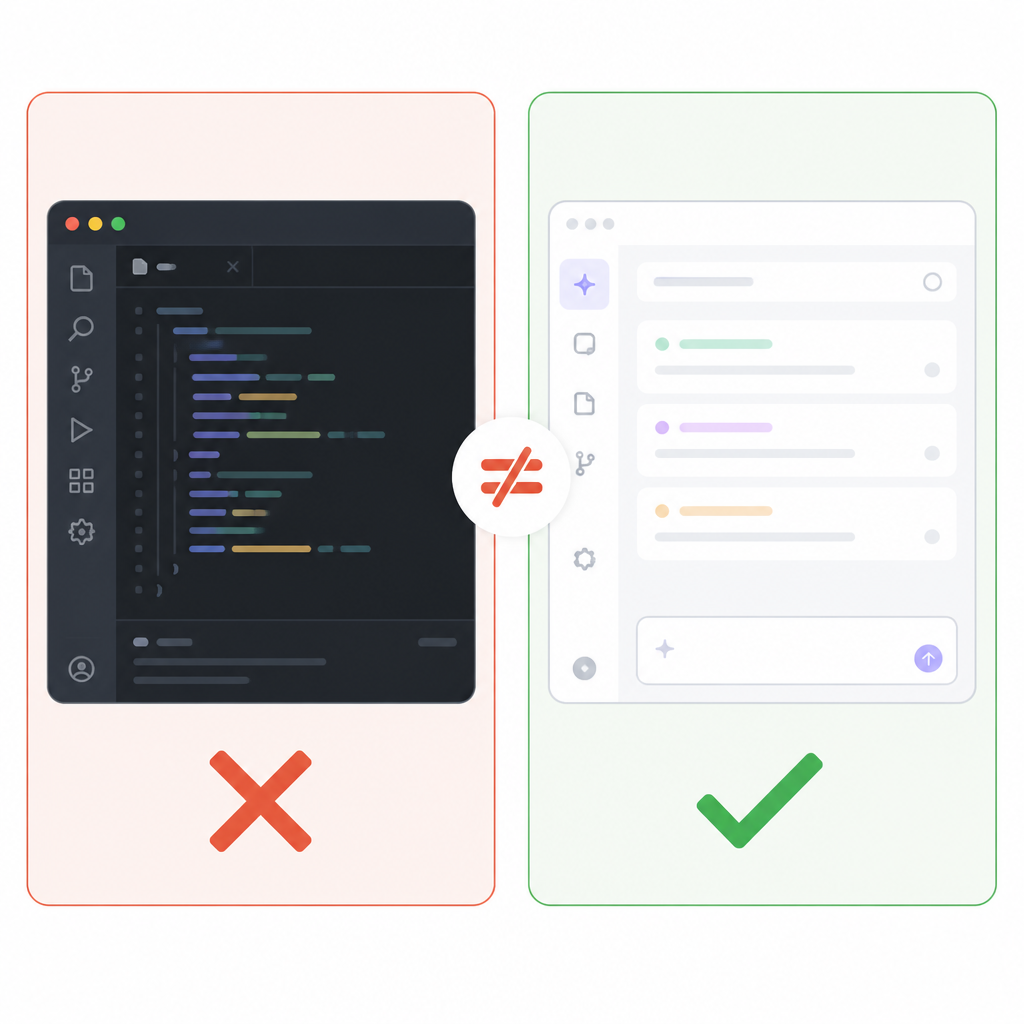
There is a second consequence: once a fork starts optimizing for resemblance, it becomes harder to justify the fork at all. The more Cursor looks and behaves like VS Code, the more every design decision gets measured against the upstream editor instead of against the agent workflow. That is a losing frame. Cursor should win by being opinionated, not by being visually indistinguishable.
The counter-argument
The strongest case for copying VS Code’s new design is ecosystem trust. Developers already know the VS Code mental model, and a familiar interface reduces friction. A cleaner, modernized shell can also make Cursor feel less like a niche AI experiment and more like a mainstream editor that happens to have smarter features. For teams deciding what to standardize on, visual continuity has real value.
That argument is serious, especially for onboarding. If a product changes too much, users blame the tool for moving their cheese. But Cursor does not need to choose between familiarity and differentiation. It should preserve the core editor patterns users expect while keeping the AI surfaces distinct. The limit is clear: copy the workflow conventions, not the entire visual system.
What to do with this
If you are a founder or product lead, treat upstream design as a dependency, not a destination. Keep the editor chrome familiar enough to reduce friction, but invest your design budget in the parts that make the AI workflow faster to understand, safer to use, and easier to review. If you are an engineer or PM inside a forked product, optimize for clarity of action, not parity of appearance. The right question is not whether Cursor should look like modern VS Code. The right question is whether the interface makes agentic coding easier to trust.
// Related Articles
- [IND]
Crypto’s infrastructure era arrives with AI agents
- [IND]
AI Weekly: 2026-08-03 ~ 2026-08-10
- [IND]
Kimi K3 Needs About 1.5 TB of Memory
- [IND]
Institutional Crypto Tops $30B in Tokenization
- [IND]
Icon’s Claude deal shows clinical trials need AI, not pilots
- [IND]
NVIDIA’s SSI deal turns compute into a toll booth