AWS Kubernetes turns clusters into a managed path
AWS’s Kubernetes page explains how EC2, EKS, and ECR fit together so you can run containers at scale.

AWS shows how Kubernetes on EC2 and EKS runs containers at scale.
I've been around Kubernetes long enough to know when a platform page is trying too hard. Most of them read like they were assembled by committee: a little architecture, a little marketing, and just enough hand-waving to make you think the hard parts are somebody else’s problem. AWS’s Kubernetes page is not that bad, but I still felt the friction in the usual places. The page tells you Kubernetes is open source, that it runs containers at scale, and that AWS makes it easy. Fine. But if you’ve ever actually run a cluster, you know the real question is not “can it run?” It’s “who owns the blast radius when nodes die, pods churn, images drift, and DNS gets weird at 2 a.m.?”
I kept coming back to that because the AWS page is really a map of tradeoffs disguised as a getting-started guide. It quietly lays out two paths: manage Kubernetes yourself on EC2, or let EKS handle the control plane. That distinction matters more than the glossy overview. Once I stopped reading it as “here’s Kubernetes on AWS” and started reading it as “here’s where AWS wants you to spend your operational energy,” the whole thing got clearer.
What I’m breaking down here is the practical version: what AWS is actually saying, where the seams are, and how I’d turn this into a sane setup without pretending Kubernetes is simple.
My anchor for this breakdown is the AWS page itself, Kubernetes on AWS. AWS doesn’t give you a ton of public usage numbers on that page, so I’m not inventing any. I’m sticking to the architecture and the product split they actually describe, plus the surrounding docs for Amazon EKS, Amazon EC2, and Amazon ECR.
Stop reading “Kubernetes on AWS” as one product
Get the latest AI news in your inbox
Weekly picks of model releases, tools, and deep dives — no spam, unsubscribe anytime.
No spam. Unsubscribe at any time.
“You can choose to manage Kubernetes infrastructure yourself with Amazon EC2 or get an automatically provisioned, managed Kubernetes control plane with Amazon EKS.”
What this actually means is AWS is giving you a fork in the road, not a single opinionated stack. One path makes you responsible for the control plane and the nodes. The other takes the control plane off your plate and leaves you with the rest.
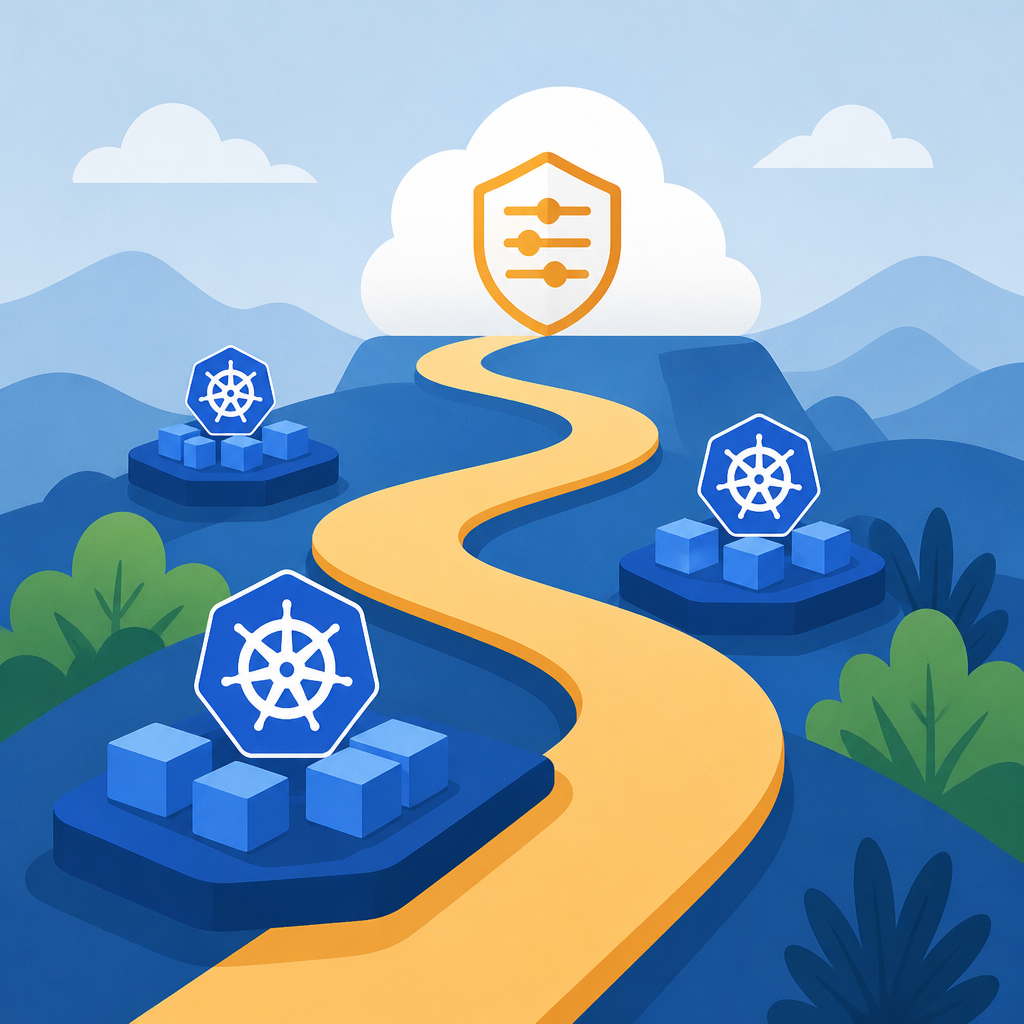
I’ve seen teams blur this distinction and then wonder why their “managed” setup still feels like a part-time job. If you’re on EC2, you are operating Kubernetes. If you’re on EKS, you are operating Kubernetes plus less of the control plane pain. That’s not a tiny difference. It changes who patches what, who watches etcd, who handles API server availability, and where your incident tickets go when things get ugly.
AWS is pretty direct here, even if the page is trying to be friendly about it. The real decision is whether you want to own the machinery or just the workload layer. And honestly, that’s the first thing I’d make explicit in any design doc.
How I’d apply it: I’d write down the operational responsibilities before I touch Terraform. Who manages node lifecycle? Who handles control plane upgrades? Who owns image storage? Who owns service discovery? If the team can’t answer those in a minute, the architecture is still fuzzy.
- Use EC2 if you want full control and you’re willing to pay for it in ops time.
- Use EKS if you want AWS to eat the control plane burden.
- Use ECR if image storage and delivery are part of the same story.
Pods are the unit that matters, not “a container”
“Containers are run in logical groupings called pods and you can run and scale one or many containers together as a pod.”
What this actually means is Kubernetes does not think in terms of lone containers the way Docker beginners often do. It thinks in pods. That sounds academic until you build something real and realize your app, sidecar, metrics exporter, and log shipper may need to live and die together.
I ran into this when I tried to treat a pod like a decorative wrapper around one container. That works right up until you need shared networking, shared storage, or a helper process that must stay glued to the main app. Then the abstraction stops being cute and starts being useful. Kubernetes wants you to define the runtime envelope, not just the executable.
AWS’s page explains this in plain language: a pod can be one container or many, and Kubernetes uses that grouping to manage scheduling and restarts. That is the mental model you want. The scheduler is not placing “apps” in some vague sense. It is placing pods on nodes based on resource requests and availability.
How I’d apply it: I’d decide early whether each workload is a single-container pod or a multi-container pod. If I need a sidecar for logs, proxying, or metrics, I’d keep that in the pod design instead of bolting it on later. That saves a lot of “why are these processes talking over localhost” confusion.
- Use one container per pod when the app is simple and self-contained.
- Use multiple containers per pod when they must share lifecycle and network space.
- Do not use a pod just because it sounds Kubernetes-ish. Use it because the processes belong together.
The control plane is the part you forget until it hurts
“Kubernetes control plane software decides when and where to run your pods, manages traffic routing, and scales your pods based on utilization or other metrics that you define.”
What this actually means is the control plane is the brain. It is not where your business logic runs, but it decides whether your business logic gets to run at all. If the control plane is unhealthy, your cluster starts feeling haunted.
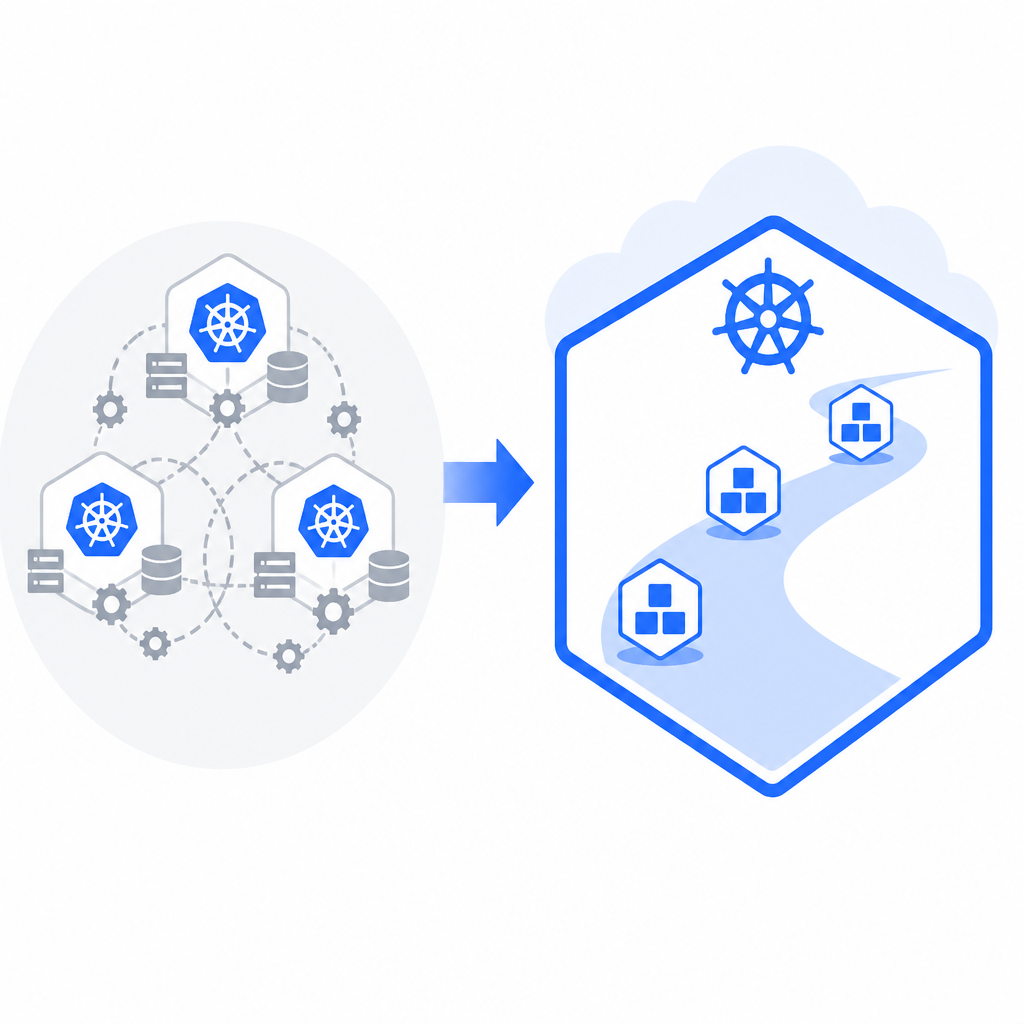
AWS’s FAQ spells out the split: the cluster has a control plane and a data plane. The control plane controls scheduling and API behavior. The data plane is where the workloads run. That separation is easy to nod at and ignore until you need to upgrade, diagnose API latency, or figure out why a deployment is stuck in limbo.
I’ve had teams obsess over instance sizing and then leave the control plane as an afterthought. That is backwards. If the control plane is being self-managed, it deserves the same seriousness you give your app tier. If it’s EKS-managed, good, now you can focus on the stuff that actually differentiates your system.
How I’d apply it: I’d treat control plane ownership as a line item in the architecture review. If I’m on EKS, I’d document what AWS manages and what I still own. If I’m on EC2, I’d document the upgrade cadence, backup strategy for cluster state, and failure checks for API availability. No mystery meat here.
For a decent reference model, I’d keep the official Kubernetes docs nearby: Kubernetes components. AWS’s page is enough to orient you, but the upstream docs are where the mechanics stay honest.
EC2 gives you control, and yes, that means more chores
“Consider using Amazon EC2 if you want to fully manage your Kubernetes deployment.”
What this actually means is you get maximum flexibility and maximum responsibility. You choose the instance types, you shape the nodes, and you own the operational mess when something is off.
I’m not ضد control. Sometimes you need it. Maybe you have a weird workload, a strict compliance setup, or an existing platform team that already knows how to run nodes at scale. In that case, EC2 is not a compromise. It is the point. But let’s not pretend this is free. Full management means you are on the hook for more moving parts than EKS would hide from you.
AWS says you can provision and run Kubernetes on the instance types you choose. That sounds nice, and it is, but it also means you have to be disciplined about node groups, scaling behavior, patching, and failure handling. If your team likes control more than sleep, this is your lane.
How I’d apply it: I’d use EC2-based Kubernetes when I need custom node behavior, special networking, or I want to learn the platform deeply. I would not choose it just because “real engineers manage their own clusters.” That’s how you end up building a hobby that eats your weekends.
- Good fit: custom infrastructure requirements.
- Good fit: teams with strong platform ops skills.
- Poor fit: teams that want the smallest possible maintenance surface.
EKS removes the boring parts, which is the whole point
“Amazon EKS is a certified conformant, managed Kubernetes service.”
What this actually means is AWS is taking the control plane burden and packaging it in a way that stays compatible with upstream Kubernetes. That compatibility piece matters. You do not want a managed service that behaves like Kubernetes only when it feels like it.
The AWS page also says EKS means you do not need to provision or manage master instances and etcd. That is the part I care about most. Master instances and etcd are exactly the kind of infrastructure most application teams do not want to babysit. They are important, but they are not where your product value lives.
I’ve seen EKS pay off in teams that want to move faster without turning every cluster into a snowflake. It gives you a managed control plane, but you still keep the Kubernetes model, the toolchain, the manifests, and the broader ecosystem. That balance is why people pick it.
How I’d apply it: I’d default to EKS unless I had a concrete reason not to. Then I’d document the reasons. Not vibes. Reasons. If I’m saying no to EKS, I want an actual operational or architectural constraint, not nostalgia for hand-built infrastructure.
For the service itself, AWS’s product page is the right next stop: Amazon EKS. If you’re comparing service behavior, that’s where the managed-service details live.
Images, networking, and discovery are where real clusters get messy
“AWS makes it easy to run Kubernetes in the cloud with scalable and highly available virtual machine infrastructure, community-backed service integrations, and Amazon Elastic Kubernetes Service (EKS).”
What this actually means is AWS is not just offering compute. It is offering the surrounding plumbing that makes Kubernetes less miserable: networking, identity, service discovery, and image storage.
This is the part people underestimate. The cluster is never just nodes and pods. It is also where images come from, how services find each other, how traffic gets routed, and which IAM identity gets to do what. AWS calls out VPC, IAM, and service discovery explicitly, which is good, because those are the places things tend to go sideways in production.
I’ve had enough “it works locally” conversations to know the gap is almost always in the glue. Local Docker is not the problem. The problem is when your container needs to talk to another service, pull an image securely, and register itself in a way the rest of the stack understands. That’s where AWS integrations matter.
How I’d apply it: I’d pair EKS with VPC design, IAM role mapping, and ECR from day one. I’d also make DNS/service discovery part of the initial platform work, not a later cleanup task. If you wait, you’ll end up patching it with one-off annotations and hope.
- Amazon VPC handles the network boundary.
- AWS IAM handles identity and permissions.
- Amazon ECR stores container images.
The AWS ecosystem around Kubernetes is the real retention tool
“A large community of developers and companies build extensions, integrations, and plugins that help Kubernetes users do more.”
What this actually means is Kubernetes itself is the base, but the ecosystem is what turns it into a platform. AWS points to tools like AWS Load Balancer Controller, cdk8s, ExternalDNS, and Karpenter. That is not random name-dropping. It’s the actual shape of how teams extend clusters without rewriting everything.
I like this part because it admits the truth: Kubernetes by itself is not the whole job. You still need ways to define apps as code, expose services, provision nodes just in time, and wire DNS into your deployment flow. The ecosystem fills those gaps, and AWS is basically saying, “We know you’ll need these pieces, so here are the ones that fit our cloud.”
How I’d apply it: I’d pick a small set of extensions deliberately instead of collecting them like stickers. One tool for ingress, one for DNS, one for node provisioning, one way to define manifests. That’s enough. More than that and you start creating a second platform on top of the first one.
For ML workloads, AWS even points at TorchServe. That tells me the page is not just about web apps. It is trying to show that Kubernetes on AWS can support a broader container story, if you wire the pieces sensibly.
The template you can copy
# Kubernetes on AWS decision note template

## What I am trying to run
- Workload type:
- Traffic shape:
- Statefulness:
- Compliance or isolation needs:

## Control plane choice
- [ ] EKS
- [ ] EC2-managed Kubernetes

### Why
- If EKS: I want AWS to manage the control plane and etcd.
- If EC2: I need full control over cluster management and node behavior.

## Data plane choice
- Instance families:
- Node group strategy:
- Autoscaling approach:
- Upgrade ownership:

## Pod design
- One container per pod or multiple containers per pod:
- Sidecars needed:
- Shared storage needs:
- Shared network assumptions:

## Networking and identity
- VPC layout:
- Ingress strategy:
- DNS/service discovery:
- IAM role mapping:

## Image workflow
- Registry: Amazon ECR
- Image build pipeline:
- Image promotion path:
- Rollback strategy:

## Kubernetes extensions I will allow
- [ ] AWS Load Balancer Controller
- [ ] ExternalDNS
- [ ] Karpenter
- [ ] cdk8s
- [ ] Other:

## Operational ownership
- Who patches nodes?
- Who upgrades Kubernetes?
- Who watches control plane health?
- Who handles incident response?

## Exit criteria
I will revisit this design if:
- control plane burden becomes too high
- node management becomes too manual
- service discovery becomes fragile
- the team cannot explain the deployment path in one minute
The original source is AWS’s Kubernetes on AWS page. My breakdown is derivative in the sense that I’m unpacking AWS’s own framing, but the opinions, tradeoffs, and template above are mine.
// Related Articles
- [TOOLS]
Docker Engine on Ubuntu belongs on the official repo path
- [TOOLS]
Rust vs Go: 2026 latency gap, decoded
- [TOOLS]
10 identity protocols let KYC stay private
- [TOOLS]
Use Consensus AI for faster literature scouting
- [TOOLS]
15 Perplexity prompts for better research decisions
- [TOOLS]
Mistral AI Models 2026 for Builders