Use Consensus AI for faster literature scouting
This guide shows researchers how to use Consensus AI to find peer-reviewed sources, tune filters, and verify results with library databases.

Researchers once relied on manual database searches first; now Consensus AI can speed up source scouting before verification.
If you are a student, librarian, or researcher trying to catch up on a fast-moving topic, this guide will help you use Consensus alongside traditional library tools. By the end, you will have a repeatable workflow for asking better questions, narrowing results, checking access, and confirming sources in your campus library.
Before you start
Get the latest AI news in your inbox
Weekly picks of model releases, tools, and deep dives — no spam, unsubscribe anytime.
No spam. Unsubscribe at any time.
- A free Consensus account or Google-linked sign-in
- A modern browser such as Chrome, Edge, or Firefox
- Access to your library search tool, such as CU Search or a comparable academic database
- At least one research question written in plain language
- Optional: a paid Consensus plan if you need more Deep mode searches
- Library login credentials for interlibrary loan or subscription access
Step 1: Create your Consensus account
Goal: set up access so you can run searches, save work, and try Deep mode when needed.

Open Consensus and create a free account with your email or Google sign-in. The library guide notes that free accounts can run basic searches and a limited number of Deep mode searches each month.
Verification: you should see the Consensus search interface and, after signing in, your account menu or profile area.
Step 2: Ask a direct research question
Goal: turn your topic into a search prompt that returns focused academic sources instead of vague AI text.
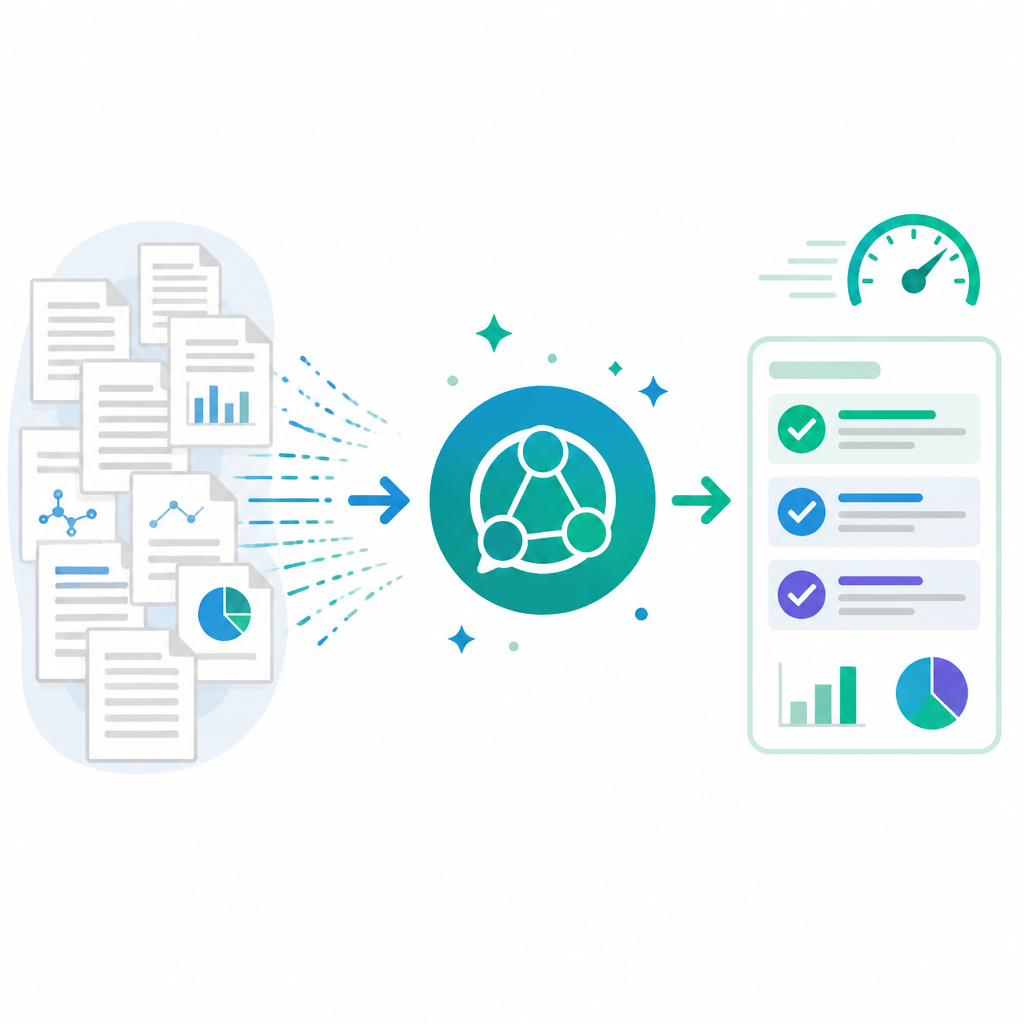
Write a question in clear, direct language. Include the topic, population, setting, or variable only when they help narrow the search. For example, try a prompt like:
What interventions reduce test anxiety in first-year college students?Verification: you should see a list of relevant peer-reviewed articles rather than a broad chatbot-style answer.
Step 3: Switch between All and Medical
Goal: search the right corpus so your results match your field.
Use the All setting when you want the broadest search across Consensus's large article corpus. Use Medical when your topic needs a vetted medical subset. This matters because the source guide says All covers 200+ million sources, while Medical narrows the search to a smaller medical collection.
Verification: you should notice the result set change when you swap corpora, often with more specialized titles in Medical mode.
Step 4: Apply filters and follow-up prompts
Goal: narrow the evidence to the year, journal quality, and article type you actually need.
Open the Filter tool and set publication year, quartile ranking, and any other available constraints. If the first pass gives you odd or off-topic results, rephrase the question and ask a follow-up. Consensus works best when you refine rather than restart from scratch.
Verification: you should see fewer results that better match your date range and journal-quality preferences.
Step 5: Use Deep mode for a literature review draft
Goal: generate a broader evidence summary when you need a fast overview of a field.
Click Deep + to enable Deep mode. According to the guide, Deep mode synthesizes a literature review from about 50 sources, and free accounts currently get three Deep searches per month. Use this when you need a quick map of a topic before doing a full database search.
Verification: you should see a longer synthesis that reads more like a literature review than a short search result list.
Step 6: Verify article access in your library
Goal: confirm that the sources Consensus finds are actually available to read and cite.
When a result is paywalled, copy the title into your library search tool or a subject database. If punctuation makes the title hard to find, search only the distinctive first half in quotation marks. If your library offers interlibrary loan, use it when the item is not already in your collection.
Verification: you should either open the full text directly or see a request option such as interlibrary loan.
Common mistakes
- Using Consensus as your only search tool. Fix: start with a traditional database search, then use Consensus to discover extra leads.
- Writing overly broad prompts. Fix: add the population, setting, or outcome so the search returns more precise papers.
- Trusting summaries without checking sources. Fix: open the linked articles and compare the AI summary against the original text.
| Metric | Before/Baseline | After/Result |
|---|---|---|
| Search coverage | Traditional search first, then manual expansion | Consensus can surface additional peer-reviewed leads quickly, but may miss relevant papers |
| Deep mode scope | Single search result list | About 50 sources synthesized into a literature review draft |
| Free account usage | No account or no Deep access | Basic searches plus three Deep mode searches per month |
What's next
Once you are comfortable with Consensus, build a workflow that starts with a database search, uses Consensus for discovery, and ends with source verification in your library tools. From there, you can compare Consensus results with Boolean searching, citation chasing, and subject database filters to create a stronger research process.
// Related Articles
- [TOOLS]
15 Perplexity prompts for better research decisions
- [TOOLS]
Mistral AI Models 2026 for Builders
- [TOOLS]
RustRover 2026.2 turns Rust setup into one file
- [TOOLS]
Geekbench 7 setup for realistic CPU and GPU tests
- [TOOLS]
Spark 4.2 turns AI search into SQL
- [TOOLS]
OpenAI's HF breach story turns into a security template