ClawX turns OpenClaw agents into a desktop app
ClawX wraps OpenClaw agents in a desktop UI with 7,400 GitHub stars and no terminal required.

ClawX turns OpenClaw agents into a desktop app with a graphical interface.
ClawX is for people who want AI agent orchestration without living in the terminal. The project has 7,400 GitHub stars, and its feature set centers on setup, chat, scheduling, skills, and provider management in one desktop app.
| Item | What it adds | Notable detail |
|---|---|---|
| Setup | Guided install | One-click onboarding, no YAML editing |
| Chat | Multi-context interface | Markdown, tables, LaTeX, @agent routing |
| Automation | Cron tasks | Recurring or one-time scheduling |
| Skills | Local-first skill management | Bundled skills and marketplace support |
| Providers | Secure integrations | Keychain storage, OpenAI OAuth support |
1. Zero-config setup
Get the latest AI news in your inbox
Weekly picks of model releases, tools, and deep dives — no spam, unsubscribe anytime.
No spam. Unsubscribe at any time.
ClawX is built to get you from install to first agent run with as little friction as possible. Instead of asking you to wire up command-line tools by hand, it uses a graphical setup flow and keeps the core OpenClaw runtime inside the app.
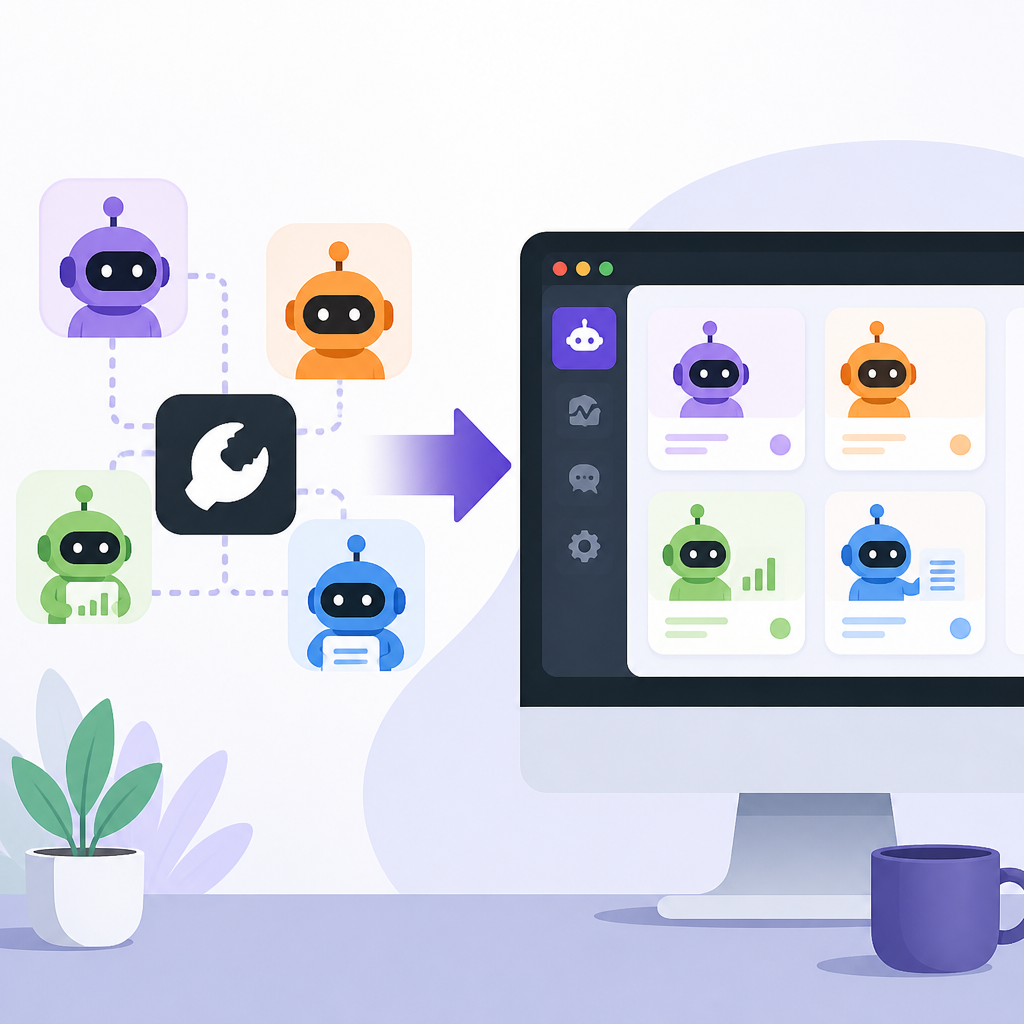
That matters if you want the agent layer, not a shell tutorial. The app also ships with best-practice provider defaults and supports Windows plus multilingual settings, so the first run is closer to a normal desktop app than a developer utility.
- One-click installation with a guided wizard
- Visual settings with real-time validation
- Startup update checks before download or install
- Launch at system startup via Settings → General
2. Chat that handles agent work
The main chat interface is more than a message box. It supports multiple conversation contexts, message history, rich Markdown rendering, GitHub-flavored tables, and KaTeX math, which makes it useful for both casual prompts and structured agent work.
ClawX also lets you route directly to another agent with @agent. Skills inserted from the composer appear as /skill-name chips, and each chip opens a preview sidebar so you can inspect the skill before using it.
@research-agent
/skill-tavily-search
Write a summary with a table and math if needed
3. Cron automation for repeatable tasks
If you want agents to run on a schedule, ClawX includes cron-based automation. You can define recurring jobs, set a one-time task, and let the app trigger work without manual follow-up.
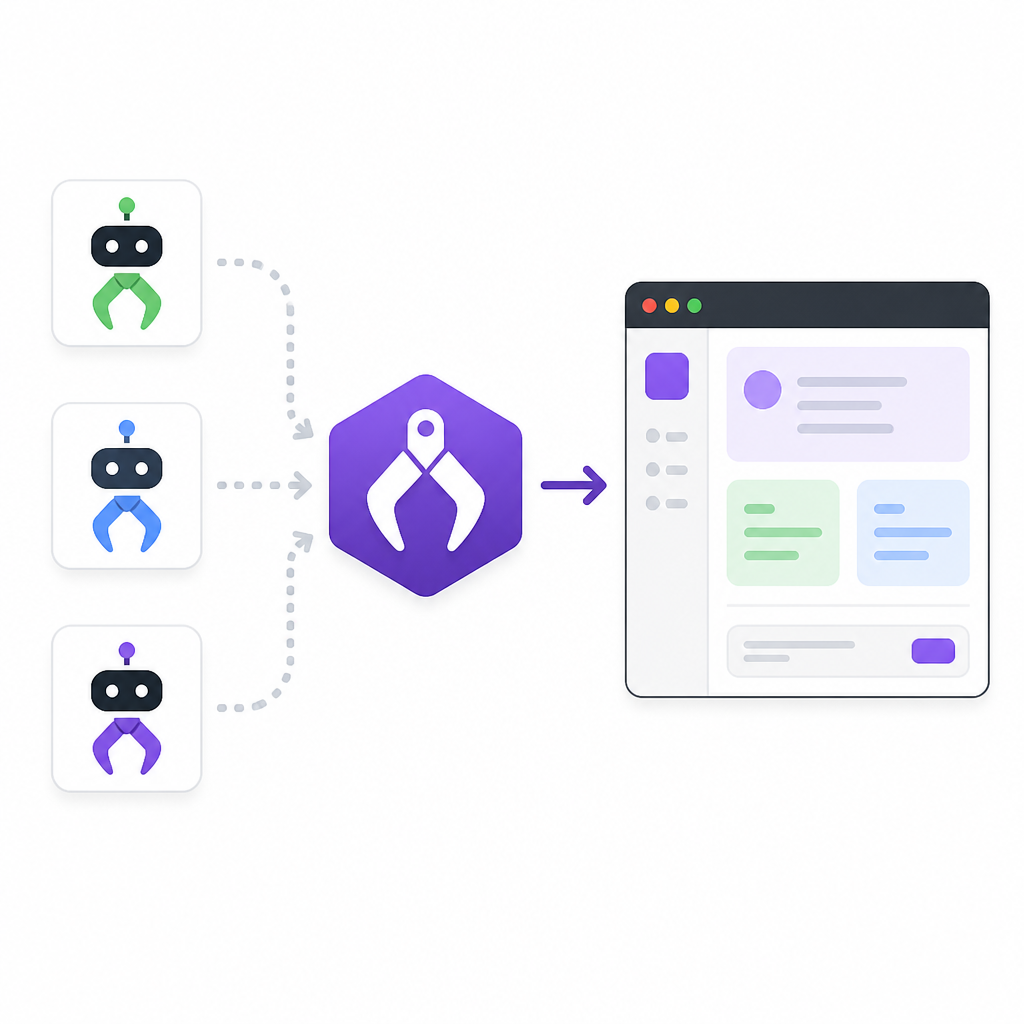
The scheduling UI is practical rather than abstract. It separates recurring and once-only tasks, supports inline time controls, and lets you choose sender and recipient targets directly in the form for supported channels.
- Recurring modes: hourly, daily, weekdays, weekly, custom cron
- Once mode for a single future run
- Automatic cleanup after one-time tasks finish
- Skill tokens can be inserted into scheduled prompts
4. Skills you can manage locally
ClawX treats skills as a first-class part of the workflow. The Skills page scans managed and workspace directories, lets you enable or disable skills locally, and can expose an extension-provided marketplace in enterprise builds.
It also ships with bundled document-processing skills for pdf, xlsx, docx, and pptx, plus other default skills such as find-skills, self-improving-agent, and tavily-search. For teams that want a ready-made starting point, that reduces the amount of manual setup.
- Local-first skill management
- Bundled skills deployed on startup
- Shows the real folder location for each skill
- Developer mode exposes deeper OpenClaw diagnostics
5. Provider and channel controls built in
ClawX supports multiple AI providers and stores credentials in the system keychain. It works with OpenAI, Anthropic, and custom OpenAI-compatible gateways, and it includes fallback checks when a gateway does not answer the usual model probe.
Channel management is equally broad. You can run multiple channels at once, bind accounts per channel, and even connect Tencent's official personal WeChat plugin through an in-app QR flow. That makes ClawX useful when one agent setup needs to span more than one service.
- Secure keychain credential storage
- OpenAI browser OAuth support
- Custom User-Agent for compatibility-sensitive gateways
- Multiple channel accounts and per-account agent binding
How to decide
Pick ClawX if you want OpenClaw agents in a desktop app, not a terminal workflow. It fits best for users who care about guided setup, visual control, scheduled automation, and skill management in one place.
If you only need raw CLI control, the extra interface may be more than you want. If you want a friendlier front end for agent orchestration, especially with multi-provider and multi-channel setups, ClawX is the more practical choice.
// Related Articles
- [IND]
OWASP’s 2026 LLM Top 10 shifts risk priorities
- [IND]
Silicon Valley’s AI “Breakdowns” Are a PR Play, Not a Signal of Doom
- [IND]
WebAssembly’s JVM shift is making Java more portable
- [IND]
Anthropic is hiring a custom chip design team
- [IND]
Model Y L US launch packs 6 buyer details
- [IND]
2027 Tesla Model Y L Exterior Photos and Specs