Codex is OpenAI’s coding agent for real work
Codex is OpenAI’s coding agent, built to edit repos, run tests, and review changes in cloud sandboxes.

Codex is OpenAI’s coding agent for editing repos, running tests, and reviewing changes in cloud sandboxes.
OpenAI’s Codex is not just another chat tool: it runs tasks in isolated cloud environments, and by March 2026 it had passed 2 million weekly active users. Here are the five parts that matter most if you want to understand what it does, where it runs, and how it differs from a normal assistant.
| Item | What it does | Notable detail |
|---|---|---|
| Codex Cloud | Web-based coding agent | Launched in May 2025 |
| Codex CLI | Terminal workflow | Open source, released in April 2025 |
| Desktop app | Long-running agent control | Windows and macOS support |
| GPT-5.3-Codex-Spark | Low-latency model | About 15x faster than earlier versions |
| Codex Security | App security scanning | Announced in March 2026 |
1. Codex Cloud
Get the latest AI news in your inbox
Weekly picks of model releases, tools, and deep dives — no spam, unsubscribe anytime.
No spam. Unsubscribe at any time.
Codex Cloud is the core experience most people mean when they talk about Codex. Each task gets its own cloud environment with the user’s repository already loaded, so the agent can read files, edit code, run tests, and call other code-checking tools without waiting on local setup.
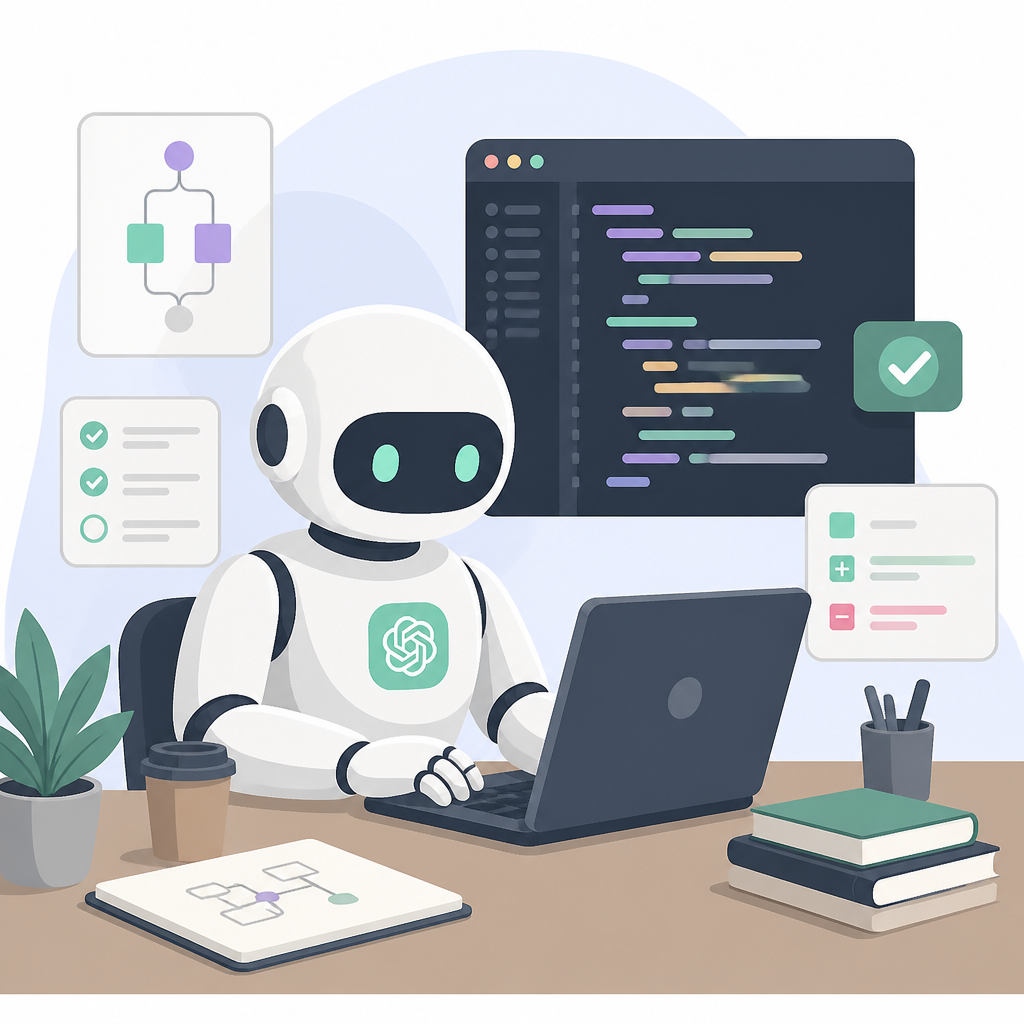
That design makes it feel less like a chat window and more like a worker assigned to a repo. It can handle a task on its own, then return command logs and test results for review, which is useful when you want proof of what changed and why.
- Best for bug fixes, feature work, and code review prep
- Most tasks take 1 to 30 minutes
- Initially launched with no general internet access
2. Codex CLI
Codex CLI brought the agent into the terminal in April 2025. OpenAI released it as an open-source tool for developers who prefer command-line workflows and want the agent close to their local projects and scripts.
The CLI matters because it is the most direct path for power users. Instead of moving between browser tabs, you can stay in your shell, hand off coding tasks, and inspect outputs in the same place you already build and test software.
- Open source on GitHub
- Fits terminal-first workflows
- Useful for quick repo-level edits and checks
3. Desktop app for Windows and macOS
The desktop app, released in February 2026, was built for longer sessions and for managing multiple coding agents at once. OpenAI made it available on Windows and macOS, with the stated goal of helping users use code to gather or analyze information as well as write software.
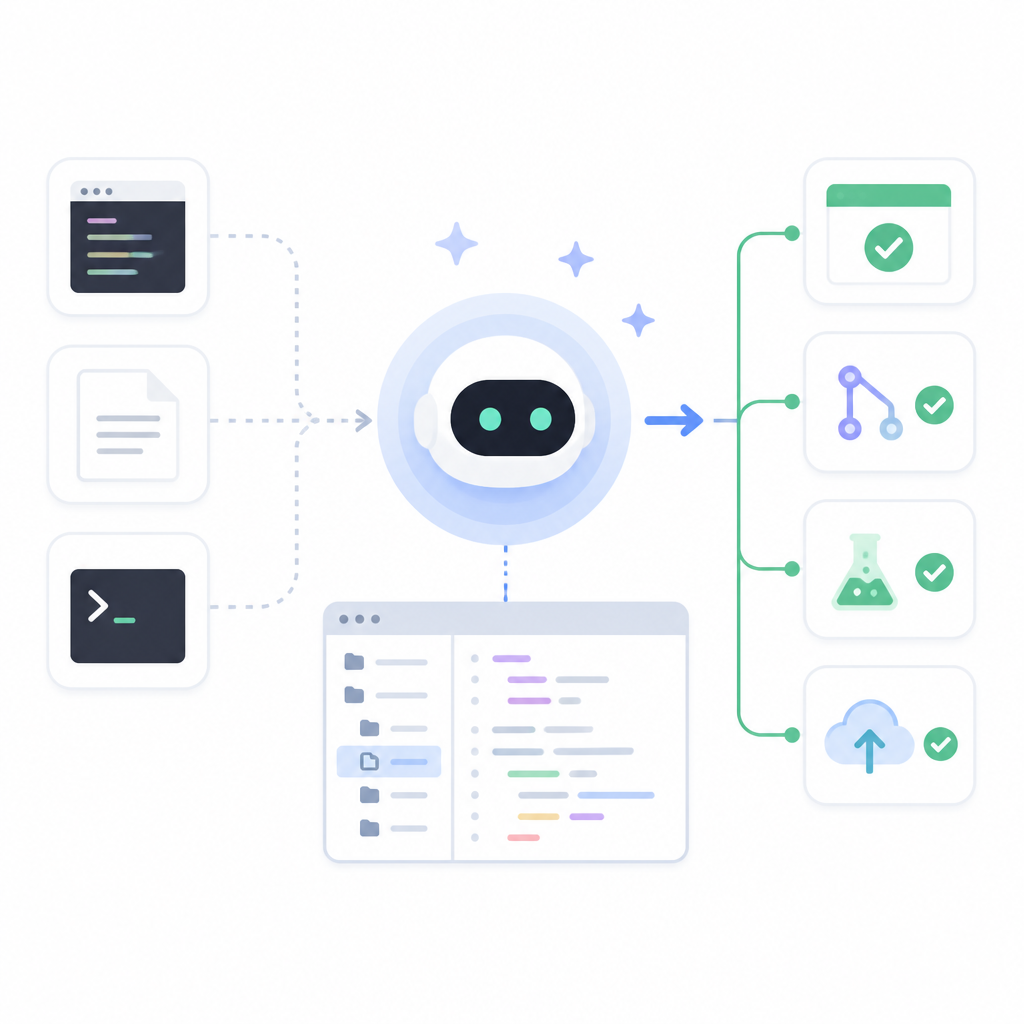
It also marked a shift toward a more unified workflow. By March 2026, OpenAI was folding the ChatGPT computer app, Codex, and ChatGPT Atlas into a single desktop product plan, which showed that the company wanted one place for agent work instead of separate tools.
- Supports longer-running agent sessions
- Built for multiple concurrent coding tasks
- Includes native Windows PowerShell support
4. GPT-5.3-Codex-Spark
OpenAI updated the Codex model stack in February 2026 with GPT-5.3-Codex, then GPT-5.3-Codex-Spark a week later. Spark was the lower-latency option for interactive coding, and InfoQ reported that it ran about 15 times faster than earlier Codex versions.
For many users, this is the most important performance change in the whole product line. Faster response times make the agent easier to use in live coding sessions, where waiting around can break the flow of debugging, pair programming, or rapid iteration.
- Lower latency than earlier Codex models
- First production model OpenAI deployed on Cerebras hardware
- Better fit for real-time coding than batch tasks
5. Codex Security
Codex Security arrived in March 2026 as a separate application-security agent. Instead of writing features, it builds a threat model for a repository, looks for vulnerabilities, validates suspected issues in sandboxed environments, and proposes fixes.
OpenAI said it tested the tool on 1.2 million commits over 30 days and found nearly 800 critical vulnerabilities plus more than 10,000 high-severity issues. That puts the product in a different category from the main coding agent: it is aimed at security review, not just implementation work.
- Designed to find and fix software vulnerabilities
- Reported to cut false positives by more than 50 percent in beta
- Found issues in projects including Chromium, OpenSSL, and PHP
How to decide
If you want the broadest day-to-day coding assistant, start with Codex Cloud. If you live in the terminal, the CLI is the cleaner fit. If you manage long projects or multiple agents, the desktop app is the better control center.
If speed matters most, GPT-5.3-Codex-Spark is the key model to watch. If your job is security review rather than feature work, Codex Security is the version built for that use case.
// Related Articles
- [IND]
WorkBuddy Skills: 5 picks that fit real office work
- [IND]
GLM-5.3’s coding gains came from post-training
- [IND]
Anthropic’s data center push now has big capital backing
- [IND]
DailyArxiv turns arXiv keywords into a daily paper feed
- [IND]
Claude vs ChatGPT (2026): Is Claude Better?
- [IND]
CBDC Governance: Standards and Stakeholder Roles