DailyArxiv turns arXiv keywords into a daily paper feed
81 stars, 5 forks, and daily arXiv alerts from keyword-based paper tracking in one Python repo.
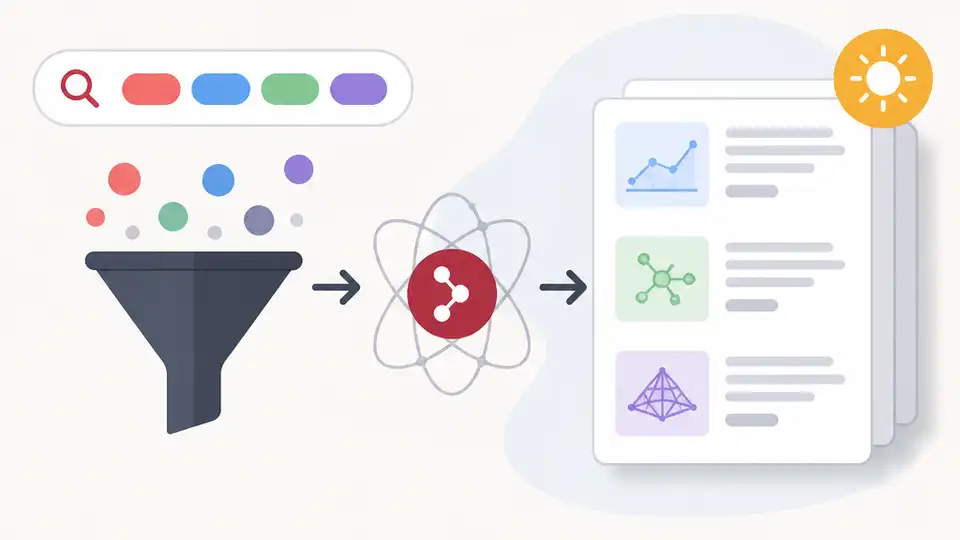
How does DailyArxiv turn arXiv keywords into a daily paper feed?
DailyArxiv fetches recent arXiv papers by keyword and can email updates daily.
| Item | What it does | Notable detail |
|---|---|---|
| DailyArxiv | Keyword-based arXiv paper tracker | Python repo, 81 stars, 5 forks |
| arXiv | Source of papers | Latest papers grouped by search terms |
| GitHub Watch | Notification trigger | Daily email updates via Watch |
1. DailyArxiv
Get the latest AI news in your inbox
Weekly picks of model releases, tools, and deep dives — no spam, unsubscribe anytime.
No spam. Unsubscribe at any time.
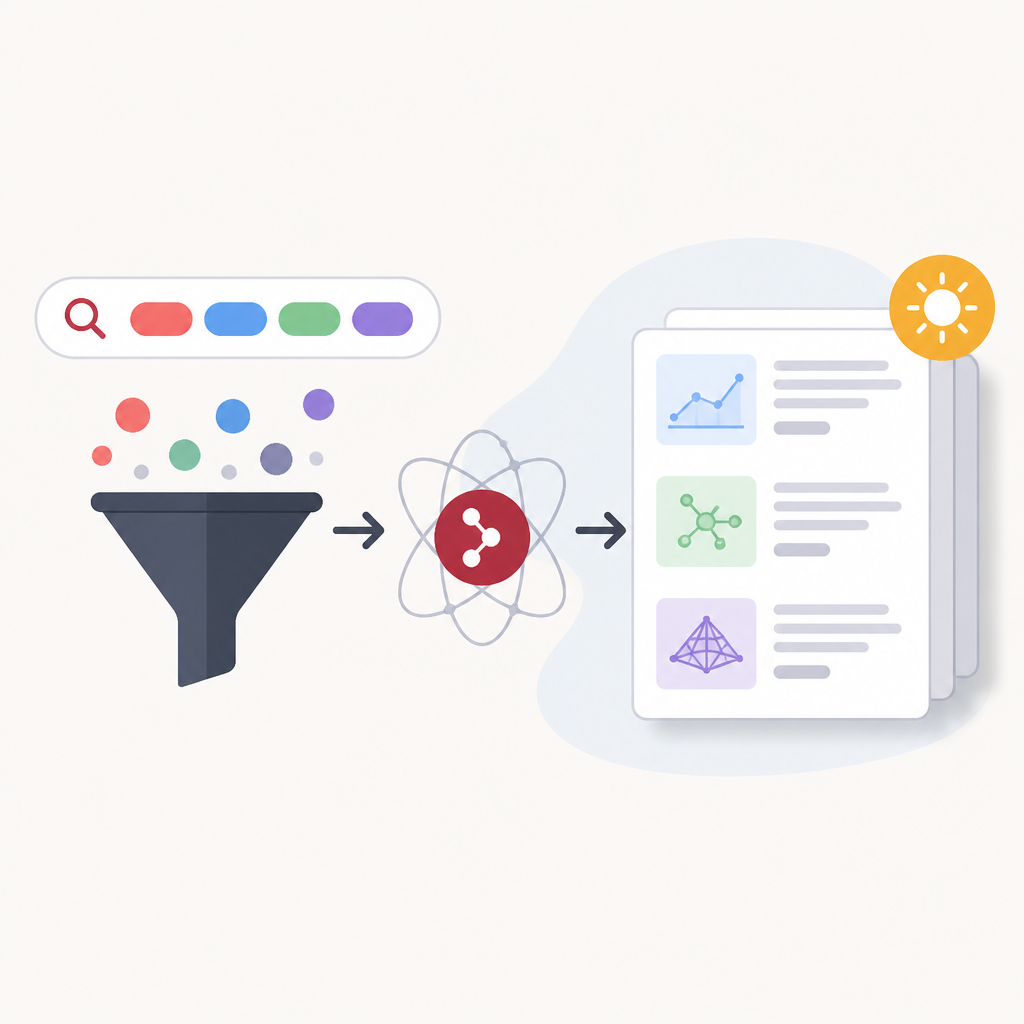
DailyArxiv is a small Python project that watches arXiv for papers matching keywords you choose. The README says it keeps only the most recent papers for each keyword, with a cap of 100 papers per section, so the output stays current instead of turning into a long archive.
- Language: Python
- Stars: 81
- Forks: 5
- Update note in README: last update 2026-08-13
That makes it useful for anyone who wants a lightweight reading list rather than a full research database. The project is simple on purpose: the keyword headings in the README are the query terms, and the repo refreshes the visible paper list around them.
2. arXiv
arXiv is the paper source DailyArxiv monitors, so the repo is only as good as the search terms you feed it. If your keywords are too broad, you will get a noisy feed; if they are specific, you get a tighter stream of new work in the exact topic you care about.
The README format suggests a practical workflow for researchers, engineers, and students who scan the same area every day. Instead of opening arXiv and re-running searches manually, you let the repository do the fetch-and-trim work for you.
- Best for: topic tracking by keyword
- Output style: latest papers only
- Retention: up to 100 papers per keyword section
3. README keyword sections
The README itself is the control panel. Each subheading maps to a search keyword, which means the file is both the configuration and the display layer. That is a handy pattern if you want a repo that is easy to edit without learning a separate UI or settings format.
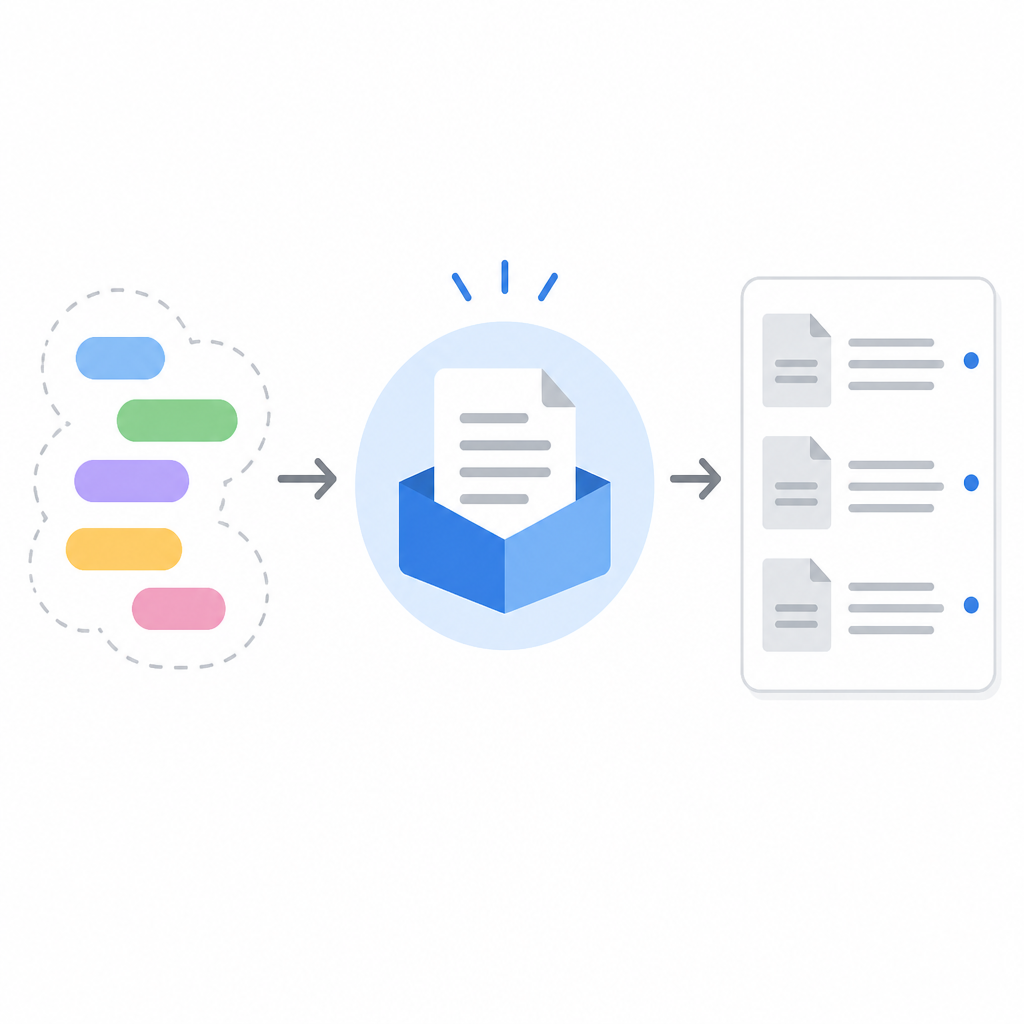
In the sample content, the “Vision Language Action” section shows how the feed behaves in practice: a heading, a table of recent papers, and short comments where needed. That structure makes it easy to scan a topic and see what changed since your last check-in.
## Vision Language Action
- keyword: Vision Language Action
- display: latest papers
- limit: 100 papers
- refresh: automatic fetch
4. GitHub Watch notifications
The repo’s README says you can click the Watch button to receive daily email notifications. That matters because the project is not just a static paper index; it can push updates to you without forcing you to remember a manual search routine.
This is the most useful part for people who live in one research area and want a low-effort alert system. If your team checks the same set of topics every morning, Watch turns the repository into a recurring digest rather than a page you have to revisit by habit.
- Delivery: daily email
- Trigger: GitHub Watch
- Use case: recurring literature review
5. Paper curation workflow
DailyArxiv is less about fancy features and more about reducing friction in paper tracking. The repo trims results to recent entries, organizes them by keyword, and keeps the whole thing inside GitHub, which is familiar territory for most technical users.
If you are building a reading habit around fast-moving AI topics, that simplicity is the value. You can keep one repo open, scan the newest titles, and avoid juggling separate alert tools, RSS readers, or custom scripts.
- Good fit for: solo researchers
- Good fit for: lab reading groups
- Good fit for: anyone monitoring multiple AI subfields
How to decide
Pick DailyArxiv if you want a GitHub-native way to track arXiv papers by keyword and receive daily updates with almost no setup. It is a fit for readers who value a clean, current shortlist over a polished app.
If you need advanced filtering, saved searches, or a full research dashboard, you may want a heavier tool. If you mainly want a simple daily paper feed tied to the topics you already follow, this repo does the job with very little overhead.
// Related Articles
- [IND]
Claude vs ChatGPT (2026): Is Claude Better?
- [IND]
CBDC Governance: Standards and Stakeholder Roles
- [IND]
Invisible AI watermarks are the right move for Claude
- [IND]
pgvector is enough for small datasets, not your default
- [IND]
OpenAI’s Astra pause shows safety now shapes model releases
- [IND]
Anthropic is building custom AI chips for Claude