CUDA warps turn GPU threads into one machine
A practical breakdown of GPU SMs, warps, memory tiers, and divergence, plus a copy-ready CUDA mental model you can use.

CUDA turns many threads into warps, then makes memory and divergence the real bottlenecks.
I've been working with CUDA long enough to know when a GPU kernel is lying to me. The code looks clean. The math is fine. The launch config feels reasonable. And then the profiler shows the ugly truth: half the machine is waiting on memory, a few threads in every warp are dragging everyone else down, and my “parallel” kernel is basically a very expensive queue.
That’s the part people skip when they talk about GPUs like they’re just bigger CPUs. They are not. The whole model is stranger and more opinionated than that. Once I stopped thinking in terms of “threads” and started thinking in terms of warps, SMs, registers, and memory traffic, the behavior finally made sense. The article that pushed me back into this mental model was GPU Architecture and CUDA Programming Model: Warps, Memory Hierarchy, and Thread Divergence on CodingPancake. It’s a compact explanation, but the useful part is the architecture map hiding inside it.
One SM is not “a core,” it’s a tiny factory
Get the latest AI news in your inbox
Weekly picks of model releases, tools, and deep dives — no spam, unsubscribe anytime.
No spam. Unsubscribe at any time.
Each SM is an independent execution engine containing: a set of CUDA cores (FP32/INT32 execution units), Tensor Cores (specialized matrix multiplication units), a warp scheduler (typically 4 per SM), a register file (shared among all active threads on the SM), L1 cache / shared memory (a fast SRAM bank, configurable split), load/store units, and special function units (SFUs) for transcendental operations (sin, cos, exp).
What this actually means is that an NVIDIA GPU is built around Streaming Multiprocessors, or SMs, and each SM is a self-contained place where work gets executed. I like to think of an SM as a tiny factory floor. It has workers for arithmetic, workers for memory traffic, and a few specialized stations for weird math. The important bit is that the SM is where scheduling and resource contention happen. Not the whole GPU. Not the host. The SM.

I’ve seen a lot of people describe a GPU as “thousands of cores,” which is technically true and practically misleading. If you write CUDA like each thread is a little independent CPU process, you’ll end up confused when performance falls off a cliff. The SM is the unit that actually matters when you ask: how many warps can stay active, how many registers are left, and whether shared memory is helping or hurting you.
How to apply it: when I review a kernel, I start by asking what each thread needs to keep alive in registers, how much shared memory the block consumes, and whether the work per SM is enough to hide latency. If the answer is “a lot,” occupancy may drop. If the answer is “not enough,” the GPU can’t cover memory stalls. Either way, the SM is where the pain shows up.
- Think in terms of SM capacity, not just total GPU cores.
- Count registers and shared memory before chasing micro-optimizations.
- Assume scheduling happens in warps, not individual threads.
Warps are the real execution unit, whether you like it or not
CUDA gives you a thread abstraction, but the hardware executes groups of 32 threads together as a warp. That detail is easy to memorize and easy to ignore, which is exactly why people keep writing kernels that look parallel but behave serially. The warp is the actual unit of lockstep execution. If 32 threads in a warp take the same path, great. If they don’t, the hardware has to serialize the branches.
I ran into this the hard way on a kernel that looked beautifully branchy in source but was awful on the GPU. Some threads hit one branch, some hit another, and the warp scheduler had to march through both paths while masking off inactive lanes. The code was “parallel” in the most annoying possible sense: parallel on paper, sequential in the parts that mattered.
What this actually means is that you should design your data and control flow so neighboring threads do similar work. If thread 0 does one thing and thread 31 does something completely different, you’re asking for divergence. And divergence is not a small tax. It can wipe out the benefit of running on the GPU in the first place.
How to apply it: lay out your data so consecutive thread IDs process consecutive elements or similarly shaped tasks. Keep branch conditions coherent across a warp when you can. If you can’t, sometimes the fix is to split the kernel into two passes instead of making one kernel do everything. That feels less elegant, but GPUs do not care about your elegance. They care about uniformity.
- Warp size is 32 threads on NVIDIA GPUs.
- Divergence inside a warp means serialized execution of branch paths.
- Uniform control flow usually beats clever branching.
Registers are fast, but they are also the trap door
One sentence in the source jumped out at me: the register file is shared among all active threads on the SM. That’s the part people underestimate. Registers are where CUDA kernels feel fast, because register access is extremely cheap compared with going out to memory. But registers are also finite. Use too many per thread and you reduce how many warps can live on an SM at once.
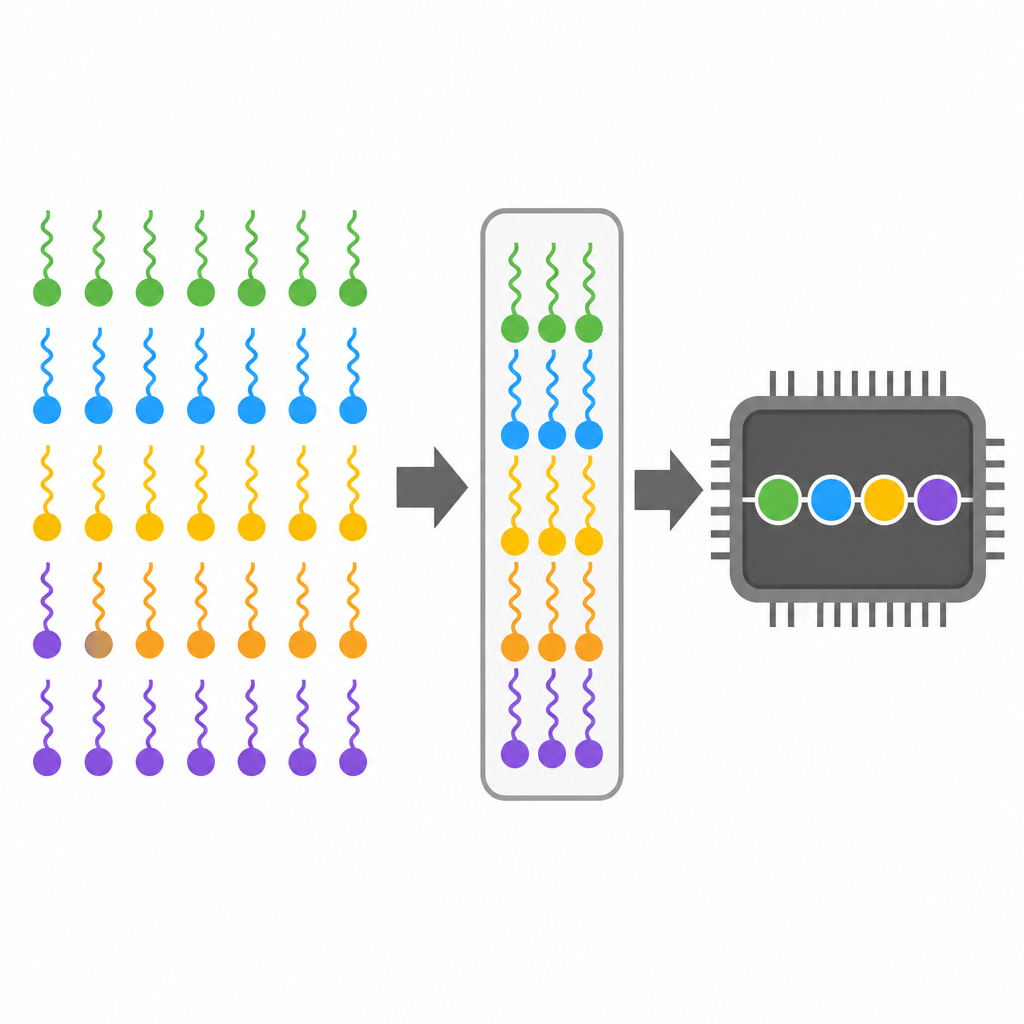
This is the annoying tradeoff: I can make a kernel cleaner by caching more values in registers, but I may accidentally kneecap occupancy. Then the SM has fewer ready warps to swap in when one warp stalls on memory. So yes, registers are fast. They’re also a budget. Spend them carelessly and you create a different bottleneck.
I’ve had kernels where a small refactor changed register pressure just enough to move performance in the wrong direction. No algorithm change. No obvious bug. Just the compiler deciding to keep more live values around. That’s the kind of thing that makes CUDA feel hostile until you accept that resource balancing is part of the job.
How to apply it: inspect register usage with your build and profiling tools, then compare it with occupancy. If a kernel is register-heavy, try reducing live ranges, reusing variables, or breaking a giant kernel into smaller stages. If the kernel is already memory-bound, more registers may not help anyway. The point is not “use fewer registers always.” The point is “know what they cost.”
- Registers are the fastest storage on the SM.
- Too many registers per thread can reduce active warps.
- Sometimes splitting a kernel is better than hoarding values.
Shared memory is your scratchpad, not free candy
The source describes L1 cache and shared memory as a fast SRAM bank with a configurable split. That’s the part I wish more people took seriously. Shared memory is not magic cache that appears when you need it. It is an explicitly managed scratchpad, and the SM’s on-chip SRAM budget is shared between cache behavior and your block’s shared allocations.
What this actually means is that shared memory can be incredible when you reuse data across threads in a block, but it can also become dead weight if you use it just because it sounds advanced. I’ve seen kernels copy data into shared memory and then touch it once. That’s not optimization. That’s ceremony.
I use shared memory when threads in a block repeatedly read the same values, when I need tiling for matrix work, or when I want to reduce global memory traffic. The moment access patterns become irregular or one-off, the benefit drops fast. And because the split between L1 and shared memory is configurable on some architectures, the choice can affect cache behavior too. That’s where people get surprised: they “optimize” one path and accidentally make another path worse.
How to apply it: only move data into shared memory if multiple threads will reuse it. Prefer coalesced global reads first, then shared memory for reuse. If you’re doing matrix or stencil-style work, tile the data so each block reuses what it loads. If you’re not sure, profile both versions. CUDA loves to punish assumptions.
- Shared memory is manually managed per block.
- It helps when data is reused across threads.
- Bad shared-memory usage can waste space and complicate the kernel.
Global memory is where your kernel goes to wait
People new to CUDA often obsess over arithmetic throughput and ignore memory traffic. That’s backwards. Most kernels are limited by memory movement, not raw compute. The GPU can chew through math quickly, but if every thread keeps fetching scattered data from global memory, the SM spends its time waiting.
That’s why memory hierarchy matters so much. The on-chip pieces are fast because they’re close. Global memory is far away, and far away means latency. The GPU hides that latency by keeping lots of warps ready to run. If one warp is stalled, another can take its place. But that trick only works if there are enough ready warps and if your access patterns aren’t awful.
I’ve had kernels where the arithmetic looked heavy enough to be compute-bound, but the profiler kept pointing at memory stalls. After fixing access patterns and making loads more coherent, the same kernel got dramatically faster without changing the math at all. That’s a very CUDA lesson: the math is rarely the whole story.
How to apply it: make global memory accesses as contiguous as possible across a warp. Favor structure-of-arrays over array-of-structures when it improves coalescing. Reduce redundant loads. Keep frequently reused data on-chip when possible. And when a kernel is slow, don’t assume the ALUs are the problem. Start by asking how often you’re going out to global memory.
Divergence is what happens when a warp loses its patience
Thread divergence is the thing everybody knows about and still underestimates. The basic idea is simple: if threads in the same warp take different branches, the warp has to execute those branches separately. The threads that don’t belong on the current path are masked off. No free lunch. No secret parallelism. Just serialized control flow inside a warp.
What this actually means is that branch-heavy code can be fine on a CPU and terrible on a GPU. CPUs rely on sophisticated branch prediction and out-of-order execution. GPUs rely on group execution and throughput. Different machine, different rules. I’ve seen developers port code line-for-line from a CPU and then act surprised when the GPU version slows down because the branch structure is now the bottleneck.
The fix is not always “remove all branches.” That’s unrealistic. The fix is to make branches warp-friendly. Group similar work together. Pre-sort inputs if it helps. Split kernels by path when the paths are genuinely different. If a branch is rare but expensive, sometimes handling it separately is cleaner and faster than making every warp drag it around.
How to apply it: inspect your hot kernels for conditionals that depend on per-thread data. Ask whether those conditions are likely to vary within a warp. If yes, consider restructuring the data or splitting the work. If the branch is unavoidable, at least make the common path the dominant one so the warp spends most of its time aligned.
Tensor Cores and SFUs are specialized, which is the whole point
The source mentions Tensor Cores and SFUs alongside the regular CUDA cores, and that matters because not all work belongs on the same hardware. Tensor Cores are built for matrix math. SFUs handle special functions like sin, cos, and exp. That specialization is there because some operations are common enough to deserve dedicated hardware.
What this actually means is that a good CUDA programmer does not treat every instruction the same way. If your workload is matrix-heavy and your hardware supports Tensor Cores, you should know whether your data types and layouts let you use them. If your kernel spends a lot of time on transcendental functions, you should know that those calls are not just “regular math” with a different name.
I’ve seen code that was perfectly correct but missed obvious hardware opportunities because it was written with a generic CPU mindset. The GPU has specialized units for a reason. Ignoring them is like buying a workshop with power tools and insisting on using a screwdriver for everything.
How to apply it: identify the dominant math in your kernel. If it’s matrix multiplication or fused linear algebra, check whether Tensor Core paths are available in your framework or kernel style. If it’s lots of transcendental math, profile those calls explicitly. Sometimes the answer is algorithmic. Sometimes the answer is “use the hardware that already exists.”
- Tensor Cores are for matrix-oriented workloads.
- SFUs handle special math like trig and exponentials.
- Specialized hardware only helps if your data and code match it.
The real CUDA model is a resource negotiation
Once I stopped treating CUDA as a syntax problem, the whole thing became easier to reason about. Every kernel is a negotiation between threads, warps, registers, shared memory, and global memory. You’re not just asking the GPU to “run code.” You’re deciding how much work can live on an SM, how long warps stay productive, and how often they have to wait on data.
That’s why the simple mental model is useful: threads are the source abstraction, warps are the execution group, SMs are the scheduling and resource boundary, and memory hierarchy is the real performance filter. If your code ignores that structure, the GPU will remind you by running slower than you expected. Usually with attitude.
How to apply it: when a CUDA kernel disappoints you, debug it in this order: memory access pattern, divergence, register pressure, shared memory usage, then occupancy. That order is not sacred, but it’s a good default. It keeps me from wasting time polishing arithmetic while the real bottleneck sits somewhere else.
The template you can copy
# CUDA mental model checklist for a new kernel

## 1) What is the work unit?
- One thread computes: ____________________
- One warp computes: _______________________
- One block computes: ______________________

## 2) What does each thread keep live?
- Key variables in registers: ______________
- Estimated register pressure risk: ________
- Can I shorten live ranges? _______________

## 3) What data is reused?
- Reused across threads in a block: ________
- Reused across warps: _____________________
- Best place for it: global / shared / cache

## 4) Is memory access coherent?
- Threads read contiguous data? yes / no
- Writes are contiguous? yes / no
- Any scatter/gather hotspots? ______________

## 5) Will the warp diverge?
- Branches depend on per-thread data? yes / no
- Common path is dominant? yes / no
- Can I split the kernel by path? ___________

## 6) Which hardware should do the math?
- Regular FP32/INT32: _______________________
- Matrix-heavy work: ________________________
- Special functions: ________________________

## 7) What do I measure first?
- Occupancy: _______________________________
- Register usage: ___________________________
- Shared memory usage: ______________________
- Global memory throughput: _________________
- Branch efficiency / divergence: ___________

## 8) Launch notes
- Threads per block: ________________________
- Blocks per grid: __________________________
- Shared memory per block: __________________
- Expected active warps per SM: _____________

## 9) My first optimization pass
- Fix memory coalescing
- Reduce divergence
- Lower register pressure
- Use shared memory only for reuse
- Re-profile before changing math
The template above is my actual working checklist, not a theory slide. I use it to keep myself honest before I start tuning random knobs. Most CUDA performance mistakes are boring, repeatable, and avoidable if I ask the right questions early.
If you want the original explanation that triggered this breakdown, read the source post on CodingPancake here: GPU Architecture and CUDA Programming Model: Warps, Memory Hierarchy, and Thread Divergence. My notes here are my own synthesis and practical framing, not a rewrite of the original article.
// Related Articles