cuDF turns pandas code into GPU runs
I break down cuDF’s GPU DataFrame stack and give you a copy-ready starter for pandas, Polars, and Dask on CUDA.

I break down cuDF’s GPU DataFrame stack and give you a copy-ready starter for pandas, Polars, and Dask on CUDA.
I’ve been poking at GPU data tooling for a while, and cuDF is one of those projects that kept feeling almost right, but not quite. The promise is obvious: take dataframe code, point it at the GPU, and stop babysitting slow tabular jobs. The annoying part is the packaging story. You don’t just “install cuDF” and move on. You have to care about CUDA major versions, package variants, and which front end you actually want to use. That’s the part that trips people up, not the dataframe API itself.
What finally clicked for me is that cuDF is not one library pretending to do everything. It’s a stack. There’s C++ at the bottom, Python bindings in the middle, and then separate user-facing entry points for pandas-style code, Polars, and Dask. Once I started treating it that way, the repo made a lot more sense. The GitHub page at github.com/rapidsai/cudf is basically telling you: pick your lane, match your CUDA version, and don’t expect the same mental model you use for vanilla pandas.
I’m going to break that stack down the way I wish someone had done for me the first time I tried to wire it into a notebook and got lost in installation docs and compatibility notes.
cuDF is not one thing, it’s a layered stack
Get the latest AI news in your inbox
Weekly picks of model releases, tools, and deep dives — no spam, unsubscribe anytime.
No spam. Unsubscribe at any time.
cuDF is composed of multiple libraries including: libcudf, pylibcudf, cudf, cudf.pandas, cudf-polars, and dask-cudf.
What this actually means is that cuDF is a family of packages, not a single monolith. That matters because each layer solves a different problem. If you only think about the Python API, you miss the engine underneath. If you only think about the C++ layer, you miss the real reason people use this repo: they want existing dataframe code to run faster without rewriting every notebook from scratch.
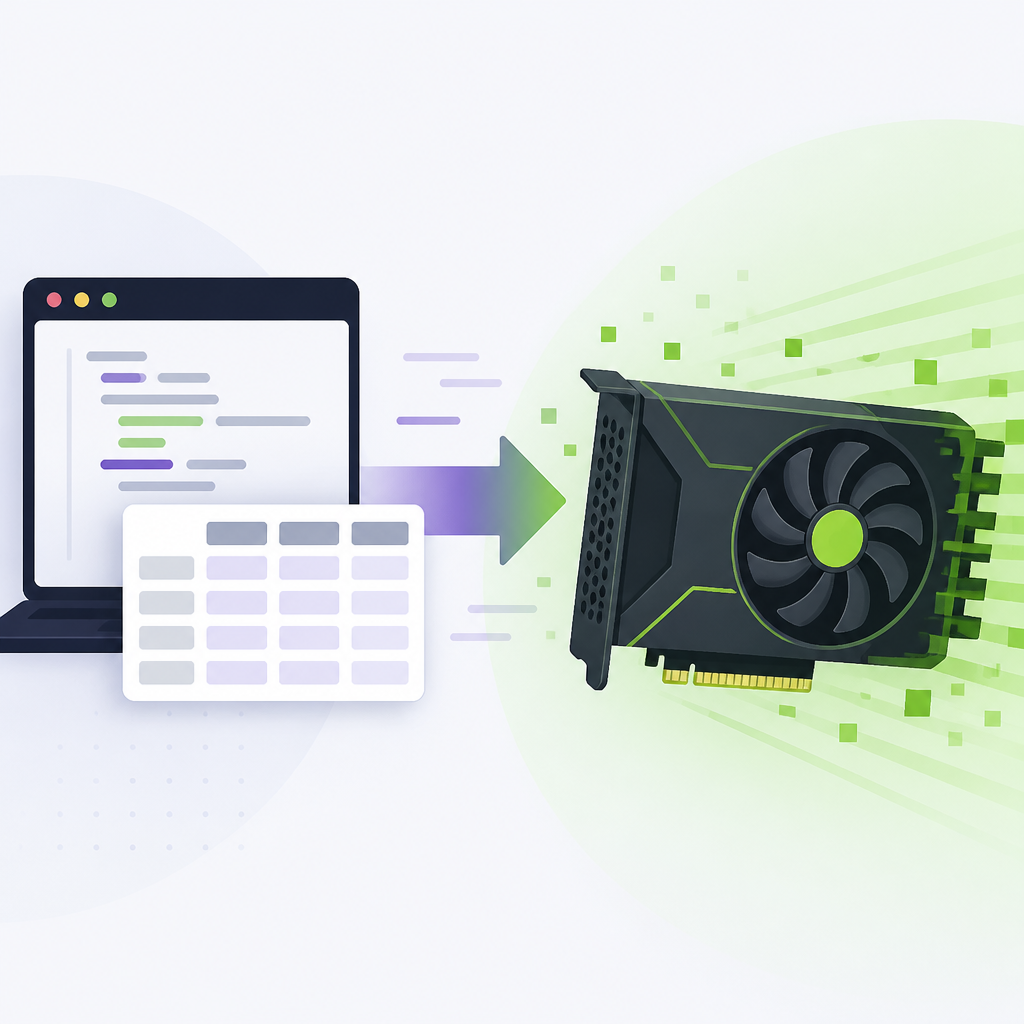
I’ve made this mistake before with other “platform” repos. You install the top-level package, then wonder why the docs keep talking about internal libraries you never asked for. cuDF is more honest than that. The README spells out the layers: libcudf for CUDA C++, pylibcudf for Cython bindings, cudf for a pandas-like Python API, plus cudf-polars and dask-cudf.
How to apply it: when you evaluate cuDF for a project, don’t ask “does cuDF support my workflow?” Ask which layer you need. If your team writes pandas code, start with cudf.pandas. If you’re already on Polars, look at cudf-polars. If you’re orchestrating distributed dataframe work, dask-cudf is the relevant piece. That one question saves a lot of pointless yak shaving.
- Use libcudf when you need low-level GPU tabular primitives.
- Use cudf when you want a pandas-like Python dataframe API.
- Use cudf.pandas when you want existing pandas code to run on the GPU with minimal edits.
The install story is really a CUDA matching problem
You will need to match the major version number of your installed CUDA version with a -cu## suffix when installing from PyPI.
That line is the whole game. The repo’s install section is telling you that package choice is not arbitrary. cuDF wheels are tied to CUDA major versions, so you don’t get to ignore your driver and toolkit setup. If you’re on CUDA 13, you install the -cu13 packages. If you’re on CUDA 12, you install the -cu12 packages. That’s not a footnote. That’s the gate.
I ran into this exact class of problem with GPU Python stacks before, and it always starts the same way: someone says “just pip install it,” then half the team hits a mismatch and spends an afternoon debugging the wrong layer. cuDF at least puts the versioning front and center. The README also points you to the RAPIDS Installation Guide for operating system, driver, and supported CUDA version details, which is the right place to anchor yourself before you start typing install commands.
How to apply it: before you write a single import, verify three things: your OS, your GPU driver, and your CUDA major version. Then choose either pip or conda based on your team’s packaging habits. If you want a stable PyPI install, use the matching -cu12 or -cu13 package names. If you want conda, use the -c rapidsai channel. If you want nightly builds, the repo gives you a separate index/channel path for that too.
- PyPI install path: version suffix must match CUDA major version.
- Conda install path: use the
rapidsaiorrapidsai-nightlychannel. - Source install path: follow the contribution/build guide in the repo.
cudf.pandas is the least annoying way in
A zero-code change accelerator, cudf.pandas, for existing pandas code.
That phrase is the part most people actually care about, because it answers the adoption question. If I already have pandas code everywhere, how much of it do I need to rewrite? With cudf.pandas, the answer is often “less than you think.” You run Python with -m cudf.pandas, or load the extension in a notebook, and your pandas calls can be routed to the GPU when supported.
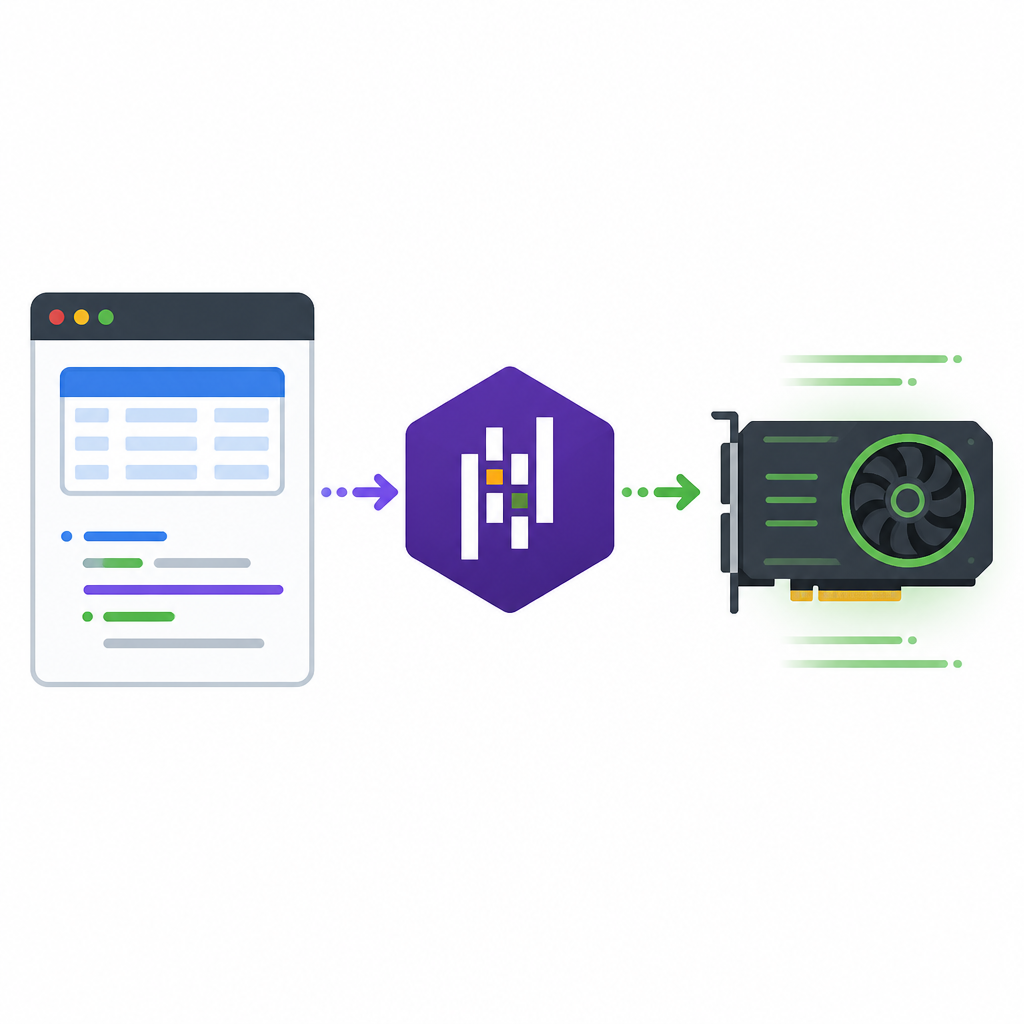
This is the feature I’d reach for first in a real codebase. Not because it’s magic, but because it lowers the blast radius. I’ve seen teams stall on GPU adoption because they assumed they needed a full rewrite before they could test anything. That’s backwards. Start by wrapping existing code and measuring the parts that benefit. The README shows the pattern clearly: import pandas as usual, then run the script with python -m cudf.pandas script.py, or in Jupyter call %load_ext cudf.pandas before importing pandas.
How to apply it: pick one slow notebook or batch job, keep the code intact, and use cudf.pandas as the first experiment. Don’t refactor the whole pipeline up front. Just measure whether the expensive dataframe operations are good GPU candidates. If they are, then you can decide whether to keep the compatibility layer or move to native cudf APIs later.
There’s a practical reason I like this route: it lets you discover incompatibilities in context. You don’t need a theoretical migration plan. You need to know which pandas calls are actually bottlenecking your workload and which ones are already “fast enough” on CPU.
Polars and Dask are not afterthoughts here
cudf-polars: A Python library providing a GPU engine for Polars; dask-cudf: A Python library providing a GPU backend for Dask DataFrames.
What this actually means is that cuDF is trying to fit into more than one Python data ecosystem. That’s smart. A lot of teams aren’t pure pandas shops anymore. Some are moving to Polars for lazy execution. Some are already on Dask for distributed dataframe work. cuDF gives both camps a GPU path without forcing everyone through the same API.
The README’s Polars example is especially straightforward: scan a parquet file, drop nulls, group by columns, then call collect(engine="gpu"). That’s a nice sign because it shows the integration point clearly. The GPU is not hidden behind a weird custom abstraction. It’s an execution engine choice. Dask-cudf follows the same logic for distributed work: keep the Dask mental model, swap in GPU-backed dataframe execution.
I’ve found this matters when teams are mixed. One group wants pandas compatibility, another wants lazy query plans, and a third wants cluster execution. If the GPU story only fits one of those, adoption gets political fast. cuDF’s split packages are a cleaner answer than pretending one API will satisfy everyone.
How to apply it: map your current dataframe stack before you touch cuDF. If you already use Polars, test a single lazy pipeline with engine="gpu". If you use Dask, find the narrowest distributed job that is expensive enough to justify a GPU backend. If you’re a pandas team, stay with cudf.pandas first and postpone the API rewrite question until you have numbers.
- Polars users should think in lazy plans and engine selection.
- Dask users should think in cluster execution and dataframe backend choice.
- pandas users should start with compatibility mode, not a rewrite.
The repo is built for real integration, not just demos
Notable projects that use cuDF include Spark RAPIDS, Velox-cuDF, and Sirius.
This is the part that tells me cuDF is not just a notebook toy. The repo points to surrounding projects that matter in actual data systems: Spark RAPIDS, Velox with cuDF integration, and Sirius. That’s a signal that cuDF is meant to sit inside larger execution stacks, not only at the edge of a data scientist’s notebook.
What this actually means is that cuDF can be part of a broader acceleration strategy. If your org already has Spark pipelines or query engines, the question is not “should we adopt a new dataframe library?” It’s “where does GPU tabular execution fit into the stack we already have?” That’s a much better question, and it’s the one the repo quietly encourages.
I like that because it keeps you honest. A lot of GPU projects overpromise with toy examples and then collapse when they meet a real workflow. cuDF’s integration references tell me the maintainers expect this thing to be embedded, extended, and used alongside other systems. That usually means the design pressure is coming from actual production use, not just benchmark slides.
How to apply it: if your team is already invested in Spark or a SQL engine, don’t evaluate cuDF in isolation. Trace one data path from source to transformation to downstream consumer. Then ask where GPU acceleration would remove the most wall-clock time without forcing a rewrite of the whole stack.
What the repo tells you about day-to-day use
For bug reports or feature requests, please file an issue on the GitHub issue tracker.
This sounds boring, but it matters because it tells you how the project wants to be used. The repo is active, it has a long commit history, and it expects issues, contributions, and discussion to happen in the open. That’s a good sign for a library this deep in the stack. It also means you should treat the GitHub repo as part docs, part source of truth, not just a download page.
There are a few practical takeaways here. First, read the README before you install anything. Second, use the issue tracker when you hit a compatibility edge case. Third, check the contribution guide if you need source builds or if you’re trying to understand the moving parts. The repo also links its contributing guide, security policy, and API docs, which is exactly the kind of paper trail I want from infrastructure software.
How to apply it: treat cuDF like a platform dependency, not a one-off package. Pin versions, document CUDA assumptions, and keep your install notes next to your code. If you’re using it in a team setting, write down whether the project is expecting pip, conda, or source builds. Future you will be grateful when the environment stops being “whatever worked on my laptop.”
The template you can copy
# cuDF adoption starter template

## 1) Decide the entry point
- pandas code you want to keep: use cudf.pandas
- Polars lazy pipelines: use cudf-polars
- Dask dataframe jobs: use dask-cudf
- low-level GPU tabular work: use libcudf / pylibcudf

## 2) Check compatibility first
- OS support: https://docs.rapids.ai/install
- GPU driver: verify before install
- CUDA major version: 12 or 13, then match package suffix

## 3) Install the right package set

### pip
# CUDA 13
pip install libcudf-cu13
pip install pylibcudf-cu13
pip install cudf-cu13
pip install cudf-polars-cu13
pip install dask-cudf-cu13

# CUDA 12
pip install libcudf-cu12
pip install pylibcudf-cu12
pip install cudf-cu12
pip install cudf-polars-cu12
pip install dask-cudf-cu12

### conda
conda install -c rapidsai libcudf
conda install -c rapidsai pylibcudf
conda install -c rapidsai cudf
conda install -c rapidsai cudf-polars
conda install -c rapidsai dask-cudf

## 4) Try the smallest possible GPU test

### pandas compatibility mode
python -m cudf.pandas script.py

### notebook
%load_ext cudf.pandas
import pandas as pd

df = pd.read_parquet("data.parquet")
df = df.dropna().groupby(["A", "B"]).mean()

### native cuDF
import cudf

df = cudf.read_parquet("data.parquet")
df = df.dropna().groupby(["A", "B"]).mean()

### Polars GPU engine
import polars as pl

lf = pl.scan_parquet("data.parquet")
lf = lf.drop_nulls().group_by(["A", "B"]).mean()
result = lf.collect(engine="gpu")

## 5) Measure before you rewrite
- keep the original code path
- compare runtime and memory use
- only move deeper into native APIs if the GPU path pays off

## 6) If it breaks
- file issues in the GitHub repo: https://github.com/rapidsai/cudf
- check the RAPIDS docs: https://docs.rapids.ai/api/cudf/stable/
- read the contributing guide before source builds: https://github.com/rapidsai/cudf/blob/main/CONTRIBUTING.md
That template is intentionally plain. I’d rather hand you something you can paste into a README or internal runbook than a glossy checklist that looks nice and solves nothing. If you adopt cuDF, this is the order I’d use: compatibility, install, smallest test, measure, then expand.
One last thing: the repo’s README is the original source of truth for the examples and package names, but the way I’ve framed it here is my own read on how to use it in a real project. I’m not claiming this is the only way to adopt cuDF, just the way that makes the least amount of trouble for a working developer.
Source: https://github.com/rapidsai/cudf. The package names, examples, and stack breakdown come from the repository README; the workflow advice and copy-ready template are my own synthesis based on that source.
// Related Articles