Devin AI Alternatives That Fit Real Workflows
I break down Devin AI alternatives by workflow fit, approval model, pricing, and deployment, then give you a copy-ready selection template.

This guide shows how I pick a Devin AI alternative by workflow, not benchmark hype.
I've been testing coding agents long enough to stop getting impressed by demos. The first time I wired one into a real repo, it looked brilliant for about twenty minutes. Then the weirdness started. It would happily agree with me, take a wrong turn, rewrite files I didn't ask it to touch, and burn time on a task that needed a human to say, “no, not that path.” That was the part that annoyed me most: not that it failed, but that it failed in a very confident way.
That is why the whole “find a Devin AI alternative” conversation feels different in 2026. I don't care which tool wins a benchmark screenshot. I care which one fits the way my team actually works: IDE-first, terminal-first, GitHub-native, self-hosted, or mixed with browser automation and research work that never belongs in the editor in the first place. Once I started looking at it that way, the tool list got smaller and the tradeoffs got clearer.
And yes, I still want the agent to be smart. I just want it to be useful before it is impressive.
What triggered this breakdown was MoClaw's Devin AI Alternative: 2026 Selection Guide on moclaw.ai. It makes the same point I keep landing on in practice: the best choice is not the flashiest autonomous agent, it's the one that matches workflow, budget, context needs, and how much autonomy your team can tolerate. I also cross-checked the surrounding tooling against the vendor pages for Cursor, Claude Code, GitHub Copilot, OpenHands, SWE-agent, and Aider.
Stop shopping for a benchmark winner
Get the latest AI news in your inbox
Weekly picks of model releases, tools, and deep dives — no spam, unsubscribe anytime.
No spam. Unsubscribe at any time.
Do not pick a Devin AI alternative by SWE-bench score alone. Benchmarks help, but workflow fit, context handling, approval model, and pricing predict daily success better.
What this actually means is simple: a benchmark can tell me whether a tool can solve a class of problems. It cannot tell me whether my team will keep using it after the first week. That gap matters more than people like to admit.
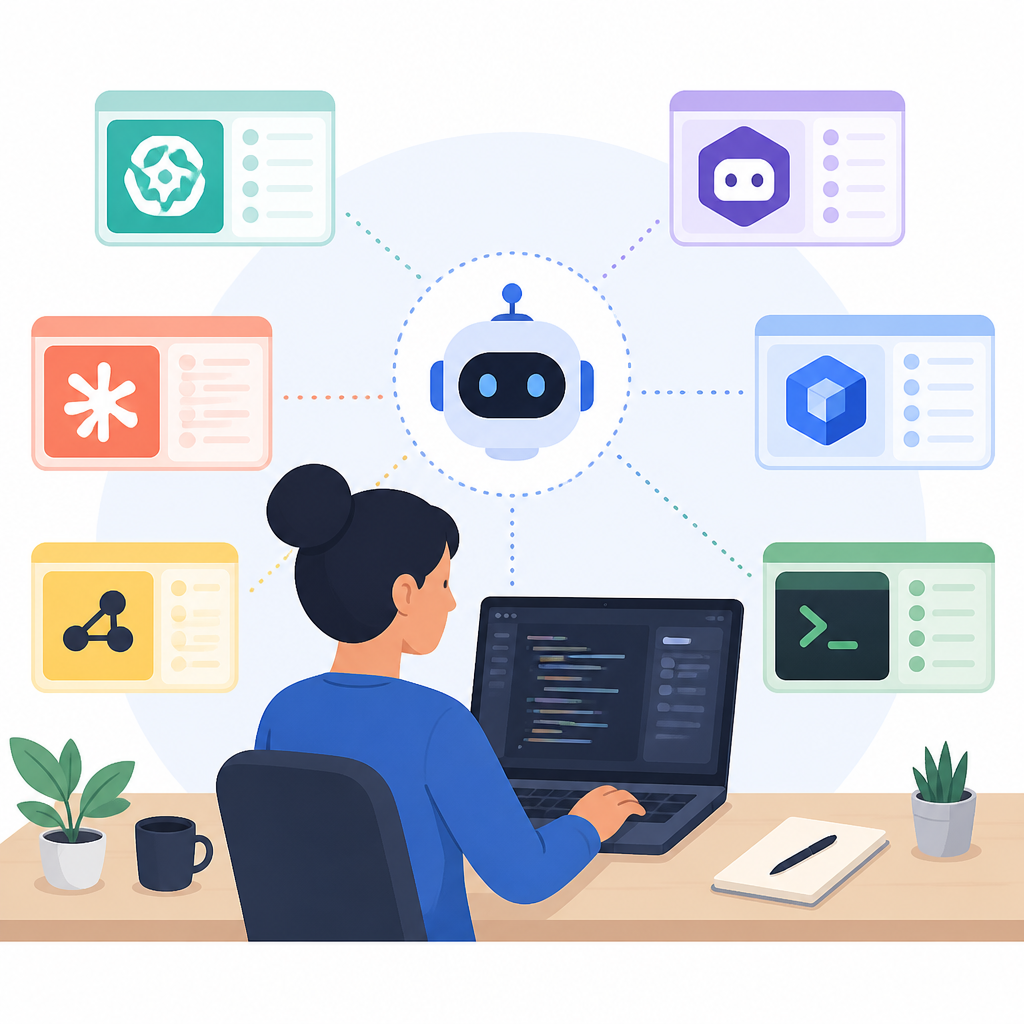
I ran into this with a tool that looked fantastic in a demo. It could modify a repo, reason about tests, and spit out a plausible plan. But when I dropped it into a real feature branch, it kept losing the thread after a couple of file hops. The issue wasn't raw intelligence. The issue was context management, review friction, and how much back-and-forth I had to do to keep it pointed at the right work.
MoClaw's guide leans on the same reality. It says the shortlist usually includes Cursor, Claude Code, GitHub Copilot or Copilot coding agent, OpenHands, SWE-agent, Aider, and sometimes Augment Code or Tembo for orchestration. That list makes sense because each tool sits in a different spot on the autonomy spectrum. Some are IDE-native. Some are terminal-native. Some are GitHub-native. Some are self-hosted. Those are not small differences. Those are the whole decision.
How to apply it: I start every evaluation by writing down the exact jobs I want the agent to own. Not “help me code.” I mean things like “fix failing tests in a backend service,” “draft a PR from a GitHub issue,” or “research competitor pricing and summarize the changes.” Then I test only the tools that match that job shape. If a tool can't live in the right environment, I stop pretending the benchmark matters.
- Use benchmark data as a filter, not a final answer.
- Test on your repo, your branching model, and your review rules.
- Measure time saved, not just task completion.
Open source is not a free lunch
OpenHands and SWE-agent avoid license fees, but self-hosting still brings infrastructure, model, monitoring, and support costs.
What this actually means is that “open source” and “cheap” are not synonyms. I wish they were. They are not. The first time I tried to stand up a self-hosted agent stack, I spent more time on runtime issues and model wiring than on the actual coding task I wanted to automate. The software itself may be free. The operational burden absolutely is not.
That does not make OpenHands or SWE-agent bad choices. It makes them honest choices for teams that know what they are signing up for. If I need control over runtime, model choice, compliance, or data boundaries, I can justify that cost. If I'm a small team without platform support, I need to count the hidden work: Docker setup, API keys, monitoring, update handling, and the person who gets paged when the thing breaks on a Friday.
MoClaw's summary is blunt here, and I think it is right: treat open-source agents as a deployment model, not a coupon. That is the line most buyers skip. They see “MIT license” and mentally subtract the whole ownership cost. Then they get surprised when the tool needs maintenance like any other production system.
How to apply it: if you are evaluating OpenHands or SWE-agent, assign an actual owner before the pilot starts. That owner needs to answer three questions: who maintains the stack, what models are allowed, and what happens when the agent gets stuck. If you cannot answer those cleanly, you do not have a tool choice yet. You have a backlog item.
- Open source removes license fees, not operational work.
- Self-hosting makes sense when control matters more than convenience.
- Someone has to own updates, outages, and model access.
Autonomy sounds nice until it picks the wrong branch
Devin-style autonomy is useful for scoped work, but many teams prefer tools that ask for approval before changing files or opening pull requests.
What this actually means is that full autonomy is only helpful when the task is tightly bounded. Outside that boundary, it can turn into expensive wandering. I have seen autonomous tools spend fifteen minutes heading in the wrong direction because nobody stopped them early enough. That is not a smart assistant. That is a very fast way to create cleanup work.
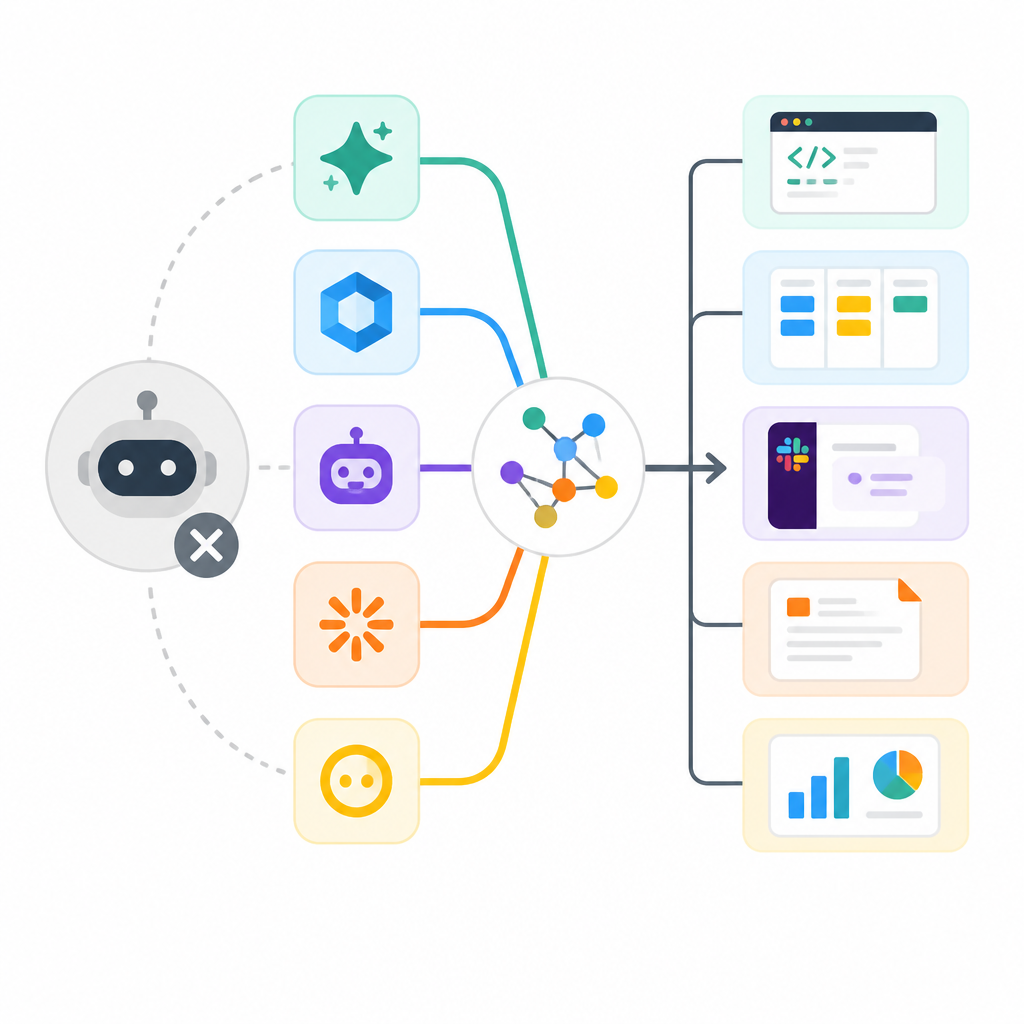
This is where the supervised tools start looking better than the fully autonomous ones. Claude Code, Cursor, and GitHub Copilot tend to keep the developer in the loop. That sounds slower, but in real work it often saves time because I get to steer before the agent makes a mess. I want the tool to draft, propose, and patch. I do not always want it to decide architecture, file layout, or merge strategy on its own.
MoClaw frames this tradeoff as autonomy versus structured developer supervision, and that is exactly the right lens. The question is not “can the agent do more?” The question is “how much damage can it do before I notice?” If the answer is too much, I want a narrower tool.
How to apply it: set approval gates before you pilot anything. Decide which actions are allowed without review, which require a human yes, and which are off-limits. For example, I am fine with an agent drafting a branch, but I want a human to approve dependency changes, auth logic, and anything touching deployment config. The more sensitive the code path, the less I care about autonomy.
- Use autonomy for bounded tasks, not open-ended exploration.
- Keep humans in the loop for architecture and security-sensitive changes.
- Approval rules are part of the product choice, not paperwork.
Pricing only looks simple from far away
Pricing is not just a monthly seat. Devin, Cursor, Windsurf, GitHub Copilot, Codex, and Claude Code all involve some mix of seats, credits, usage, model costs, or tier limits.
What this actually means is that the sticker price is usually the least interesting part of the bill. I have seen teams choose a tool because it looked affordable per seat, then run straight into usage ceilings, model overages, or “oh, we also need another tier for that feature” surprises. That is not a pricing model. That is a trap with a nice landing page.
MoClaw's comparison table is useful because it keeps the deployment model visible next to the price shape. That matters. A managed cloud agent, a managed IDE assistant, a CLI tool, and a self-hosted open-source agent all create different cost patterns. If you ignore that, you end up comparing apples to a server rack.
I also think people underestimate the cost of the team adapting to the tool. Even a cheap seat can be expensive if it slows reviews, confuses developers, or creates more cleanup than it saves. The real unit is not the monthly bill. The real unit is cost per useful change merged.
How to apply it: build a pricing sheet that includes license cost, expected usage, infrastructure, and admin time. Then estimate cost at your real task volume. If you cannot model the monthly spend under normal use, you are not ready to buy. You are guessing.
- Seat price is only one line in the cost model.
- Usage caps and model fees can matter more than the base plan.
- Hidden admin time often decides whether “cheap” is actually cheap.
Pick a tool by the work it should own
A common 2026 pattern is Cursor for daily IDE work, Claude Code for complex terminal tasks, GitHub Copilot for GitHub-native teams, OpenHands or SWE-agent for self-hosted experiments, and a separate workflow agent for browser-based tasks.
What this actually means is that a single “best” agent is usually the wrong mental model. I learned this the hard way by trying to force one tool to do everything. It was decent at code edits, mediocre at research, and awkward at browser work. The minute I split responsibilities, the whole setup got cleaner.
That split is the useful insight in MoClaw's guide. Coding agents are for repositories, file edits, tests, and pull requests. Browser and workflow agents are for research, monitoring, PDFs, forms, web apps, and recurring non-code chores. Those are different surfaces. They need different tools. Once I started treating them that way, I stopped asking a code agent to behave like an operations assistant.
For a solo developer, that often means Cursor or Aider for everyday coding, Claude Code for heavier refactors, and a browser/workflow layer for everything else. For a team, it can mean GitHub Copilot for the GitHub-native path, Claude Code for power users, and OpenHands only where self-hosting is worth the effort. There is no shame in a stack. In fact, a stack is usually the honest answer.
How to apply it: write down ownership by workflow. One tool owns code editing. Another owns terminal-heavy refactors. Another owns browser tasks and recurring research. Do not force one vendor to cover all three unless you enjoy paying for overlap and underuse at the same time.
- Use code agents for code.
- Use workflow agents for browser, research, and recurring admin work.
- Stacks beat single-tool fantasies for most teams.
My shortlist is smaller than the marketing pages
The strongest coding-agent shortlist usually includes Cursor, Claude Code, GitHub Copilot or Copilot coding agent, OpenHands, SWE-agent, Aider, and sometimes Augment Code or Tembo for orchestration.
What this actually means is that I would rather evaluate six serious options than twenty noisy ones. The market is crowded, but the buying decision is not. In practice, I keep coming back to the same names because they map cleanly to real developer behavior.
Cursor is the easiest place to start if the team lives in the IDE. Claude Code makes more sense when the terminal is the center of gravity and I want stronger human control. GitHub Copilot fits teams already organized around GitHub and pull requests. OpenHands and SWE-agent matter when self-hosting or lab-style experimentation is the point. Aider is still a good fit for lighter terminal-native work. And if I need browser automation or recurring research, I stop pretending a code agent is enough and use a workflow layer instead.
How to apply it: I would not start by ranking every tool. I would start by cutting the list down to the ones that match your environment. IDE-heavy team? Start with Cursor. GitHub-heavy team? Start with Copilot. Terminal-heavy team? Start with Claude Code or Aider. Compliance-heavy team? Test OpenHands or SWE-agent. The right shortlist is the one that respects how your team already works.
The template you can copy
Devin AI alternative selection template for 2026Use this when you want to choose a coding agent without getting hypnotized by benchmark numbers.
1) Define the job to be done
- Daily IDE edits:
- Terminal refactors:
- GitHub issue to PR:
- Self-hosted experimentation:
- Browser automation / research / reporting:

2) Set your non-negotiables
- Must work in: IDE / terminal / GitHub / browser
- Approval model: fully autonomous / human approval before file changes / human approval before PR
- Deployment: managed cloud / self-hosted / local
- Data constraints: none / internal code only / regulated data
- Budget ceiling per month:

3) Shortlist only matching tools
- Cursor
- Claude Code
- GitHub Copilot / Copilot coding agent
- OpenHands
- SWE-agent
- Aider
- Augment Code
- Tembo
- Other:

4) Pilot plan for 2 to 4 weeks
- Real tasks to test:
- Repo(s) to use:
- Reviewer assigned:
- Success metric: merged changes / time saved / fewer review cycles / lower context loss
- Failure metric: wrong edits / too much cleanup / cost overrun / abandonment

5) Cost model
- License or seat cost:
- Usage or credit cost:
- Infrastructure / hosting:
- Model/API spend:
- Admin time:
- Expected monthly total:

6) Decision rule
- Keep if it saves time on real work and stays inside the approval model.
- Drop if it needs too much cleanup, loses context, or costs more than the value of the work it ships.

7) If the task is not code
- Use a browser/workflow agent for research, monitoring, PDFs, forms, and recurring operations.
- Do not force a coding agent to own non-code work.
That is the whole trick. I do not need another “best AI tool” list. I need a decision sheet that tells me what to test, what to measure, and when to walk away.
Source attribution: This breakdown is based on MoClaw's Devin AI Alternative: 2026 Selection Guide. The commentary, workflow framing, and template above are my own synthesis of that source plus the linked vendor documentation.
// Related Articles
- [TOOLS]
AWS Continuum turns AI coding into safer fixes
- [TOOLS]
Open-Generative-AI turns GitHub into a studio
- [TOOLS]
Why benchmark scores don’t predict your bill
- [TOOLS]
MCP Servers for Developers: 8 workflow gains in 2026
- [TOOLS]
Doubao turns a game prompt into a mini arcade
- [TOOLS]
Coding Plan turns Alibaba Cloud into IDE billing