Devin Desktop turns Windsurf into an agent hub
Devin Desktop is the new name for Windsurf, with a command center for managing local and cloud coding agents.

Devin Desktop is the new name for Windsurf, with a command center for managing local and cloud coding agents.
Devin Desktop is now the product name for what used to be Windsurf, and the pitch is clear: keep the editor, add a control room for agents. Cognition says the app now lets developers plan, delegate, review, and ship from one surface, with both local and cloud agents in the same workflow.
The company is also pushing a familiar IDE story instead of a brand-new interface. That matters because the migration is framed as an over-the-air update, with plans, extensions, settings, and in-progress work carried over automatically.
| Item | Number | What it means |
|---|---|---|
| Users | 1M+ | Devin says it is trusted by over a million developers |
| Enterprise customers | 4000+ | Adoption extends beyond individual users |
| Pro plan | $20/month | Entry paid tier for the desktop product |
| Max plan | $200/month | Higher tier for heavier usage |
| Teams plan | $80/mo + $40/mo per full seat | Team pricing for shared use |
What Devin Desktop changes
Get the latest AI news in your inbox
Weekly picks of model releases, tools, and deep dives — no spam, unsubscribe anytime.
No spam. Unsubscribe at any time.
The headline feature is the Agent Command Center. In practice, that means a developer can keep working in the IDE while a fleet of agents handles coding tasks, bug fixes, reviews, and follow-up work in parallel.
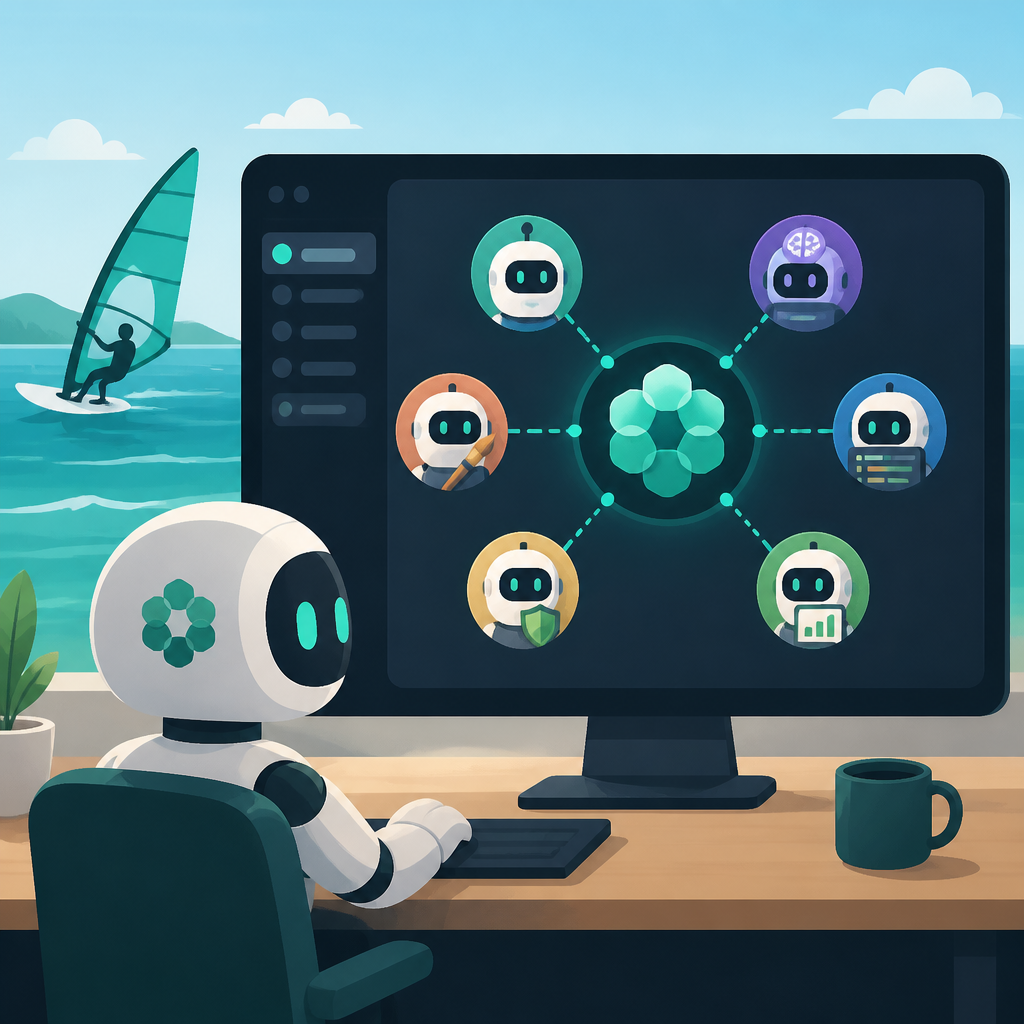
That is a meaningful shift from the older “one chat, one task” model. Devin Desktop is built around the idea that engineers will supervise several agents at once, not babysit them one by one.
The product page makes that explicit with language about managing “fleets of local and cloud agents” and a single surface for review and shipping. The UI examples show spaces, sessions, kanban-style boards, and status views, which suggests the company wants agent work to feel closer to project management than prompt engineering.
- Local agents and cloud agents live in one interface.
- Spaces let teams share context and Git worktrees.
- Sessions and board views track work by status.
- Review happens inside the editor instead of in a separate dashboard.
The IDE is still the center of gravity
Devin Desktop does not try to replace the editor experience people already use. It keeps the code view, syntax highlighting, autocomplete, and debugging tools in place, then layers agent management on top.
That choice is smart. Developers do not want a second app just to watch an agent write code, and they definitely do not want to lose the fast feedback loop they already have in their editor.
The product page also shows deep code inspection features, like tracing through generated changes and reading files directly in context. In other words, the agent can do the work, but the human still needs enough visibility to catch bad assumptions, missing tests, and awkward implementation choices.
“We’re building on the IDE foundation of Windsurf to introduce the command center for managing all your agents in one place.” — Devin Desktop FAQ on devin.ai
That quote matters because it defines the product in one sentence. Devin is not treating the editor as a side feature; it is treating the editor as the base layer for agent operations.
Why the integrations matter more than the branding
The rename from Windsurf to Devin Desktop will grab attention, but the integration list is the more interesting part for working teams. The app supports extensions and MCP servers for tools that developers already rely on, including Linear, Sentry, Slack, Notion, and Figma.
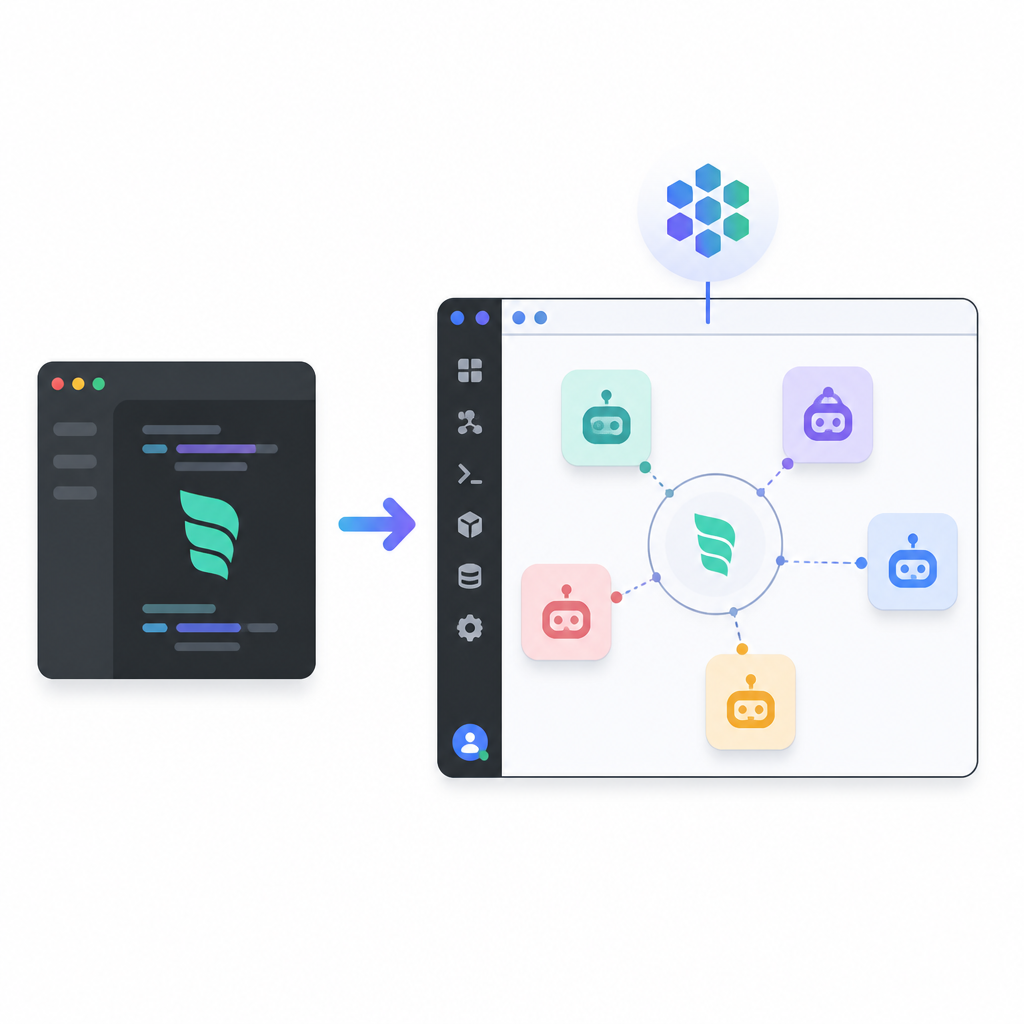
That list tells you what Devin wants to be: not a closed coding toy, but a workstation for agents that can touch tickets, docs, design assets, logs, and deployment systems.
Some of the listed integrations are especially telling because they map directly to real engineering pain points. Sentry can pull issue data and stack traces. Atlassian can reach Jira and Confluence. Vercel can manage deployments and logs. Datadog can surface telemetry and incidents. Those are the kinds of hooks that make an agent useful in production work instead of just demo code.
- Sentry: issue data, stack traces, status updates
- Linear: issues, projects, cycles, comments
- Atlassian: Jira and Confluence access
- Vercel: projects, deployments, logs, docs search
- Datadog: incidents, monitors, traces, dashboards
How Devin Desktop compares with the old Windsurf pitch
The old Windsurf message was mostly about a smarter IDE. Devin Desktop keeps that, but shifts the center of the product toward orchestration, multi-agent work, and shared context. That is a bigger bet than simply adding another assistant sidebar.
The pricing page also gives a clue about the audience. A free tier sits alongside Pro at $20 per month, Max at $200 per month, Teams at $80 per month plus $40 per full seat, and Enterprise sales on request. That spread says Devin wants everyone from solo developers to larger engineering orgs.
Here is the practical comparison:
- Windsurf-era framing: a modern IDE with AI help.
- Devin Desktop framing: an IDE plus an agent control center.
- Solo use case: one developer can test agents and ship faster.
- Team use case: multiple agents can share context across Spaces and worktrees.
The customer quotes on the page reinforce that direction. Ramp talks about dispatching and monitoring agents from a single command center. Harvey says its internal background agent now extends context to every engineer’s laptop. NVIDIA says it is helping define how multiple agents coordinate in one place.
That is the real product story here. Devin Desktop is trying to make agent supervision feel normal for day-to-day engineering, not like a special workflow reserved for AI enthusiasts.
What to watch next
The big question is whether developers will actually keep multiple agents running at once, then inspect and steer them inside the editor instead of bouncing between tools. If Devin Desktop gets that behavior right, the rename from Windsurf will feel like more than a cosmetic change.
The more interesting test is adoption inside teams. If the shared Spaces model, MCP integrations, and cloud handoff really reduce context switching, Devin could become the place where coding agents are managed the same way engineers manage code reviews or incidents today.
For now, the safest read is simple: Devin Desktop is betting that the next useful developer tool is not another chat window, but a workspace where agents, code, tickets, and review all live together. The next release cycle will show whether that bet turns into daily habit or stays a polished demo.
// Related Articles
- [TOOLS]
12 Cursor alternatives that cost less in 2026
- [TOOLS]
Docker Engine on Ubuntu belongs on the official repo path
- [TOOLS]
Rust vs Go: 2026 latency gap, decoded
- [TOOLS]
10 identity protocols let KYC stay private
- [TOOLS]
Use Consensus AI for faster literature scouting
- [TOOLS]
15 Perplexity prompts for better research decisions