Fast Solana Token Development for DeFi, NFTs, and Web3
A practical guide to building, securing, and deploying SPL tokens on Solana.

This guide shows developers how to build and deploy SPL tokens on Solana for DeFi, NFTs, and Web3 apps.
This guide is for developers, founders, and product teams who want to launch a Solana token with a clear build path, from token design to deployment. After following the steps, you will have a working SPL token plan, a tested token contract setup, and a deployment checklist you can reuse for DeFi, NFT, or Web3 products.
You will also understand where Solana fits best, what to verify before mainnet launch, and how to avoid common mistakes that slow down token launches.
Before you start
Get the latest AI news in your inbox
Weekly picks of model releases, tools, and deep dives — no spam, unsubscribe anytime.
No spam. Unsubscribe at any time.
- Solana CLI 1.18+ installed
- Node.js 20+ installed
- Rust stable toolchain installed
- A Solana wallet such as Phantom or Solflare
- Access to Solana devnet and mainnet-beta
- An RPC provider account such as Helius, QuickNode, or Alchemy
- GitHub account for source control
- Basic SPL token documentation and Solana program docs: Solana Docs, Solana Program Library
Step 1: Define the token model
Your first outcome is a token model that matches the product, not just a mint address. Decide whether the token is utility, governance, reward, payment, or asset-backed, then define supply, decimals, mint authority, freeze authority, and vesting rules.
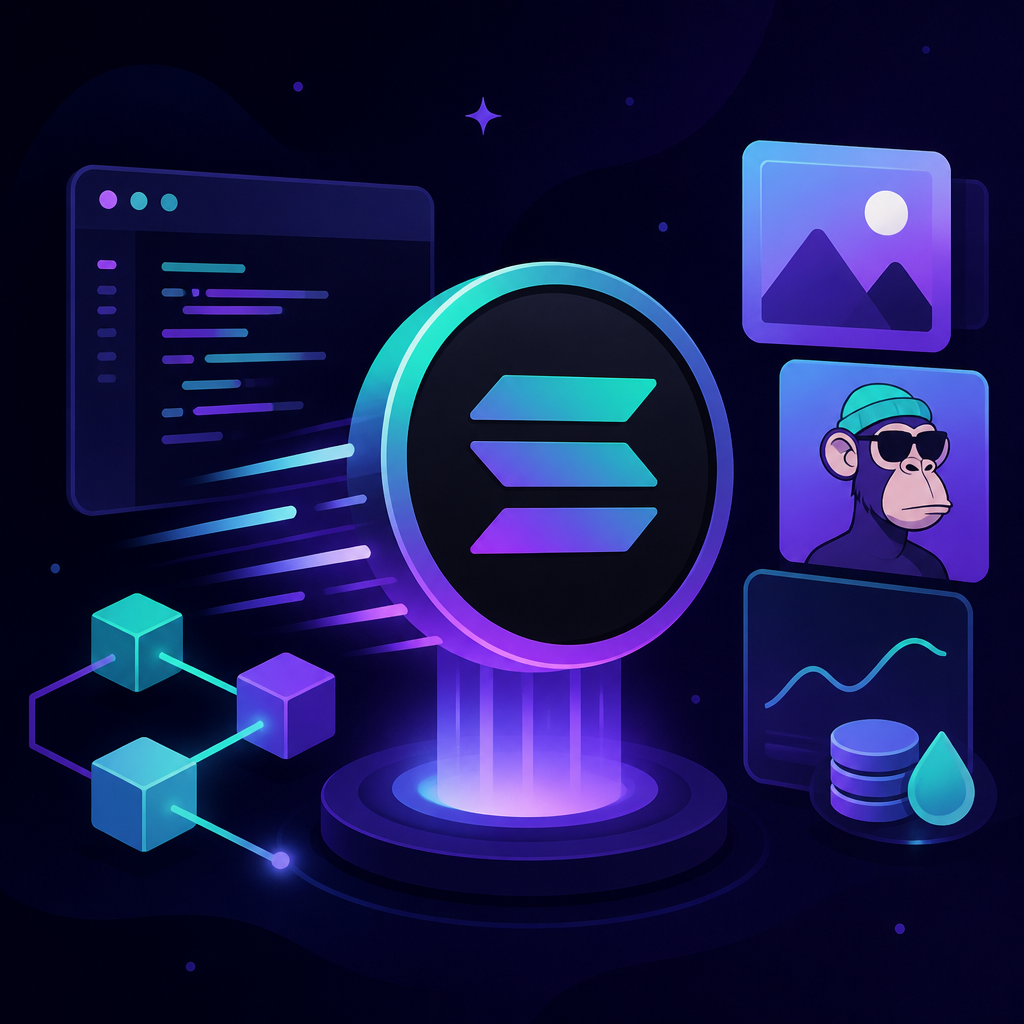
Write the model down before coding so the smart contract and tokenomics align with the business goal. For example, a DeFi token may need emissions and staking, while an NFT ecosystem token may need fixed supply and treasury controls.
Token model checklist:
- Token type: fungible SPL token
- Supply: fixed or inflationary
- Decimals: usually 6 or 9
- Authorities: mint, freeze, update
- Distribution: team, treasury, liquidity, community
- Lockups: vesting and cliff periods
You should see a one-page token spec that answers who can mint, how many tokens exist, and what happens after launch.
Step 2: Set up the Solana development workspace
Your next outcome is a local environment that can build, test, and deploy to devnet. Install the Solana CLI, configure the cluster, create a keypair, and confirm your wallet has test SOL for fees.
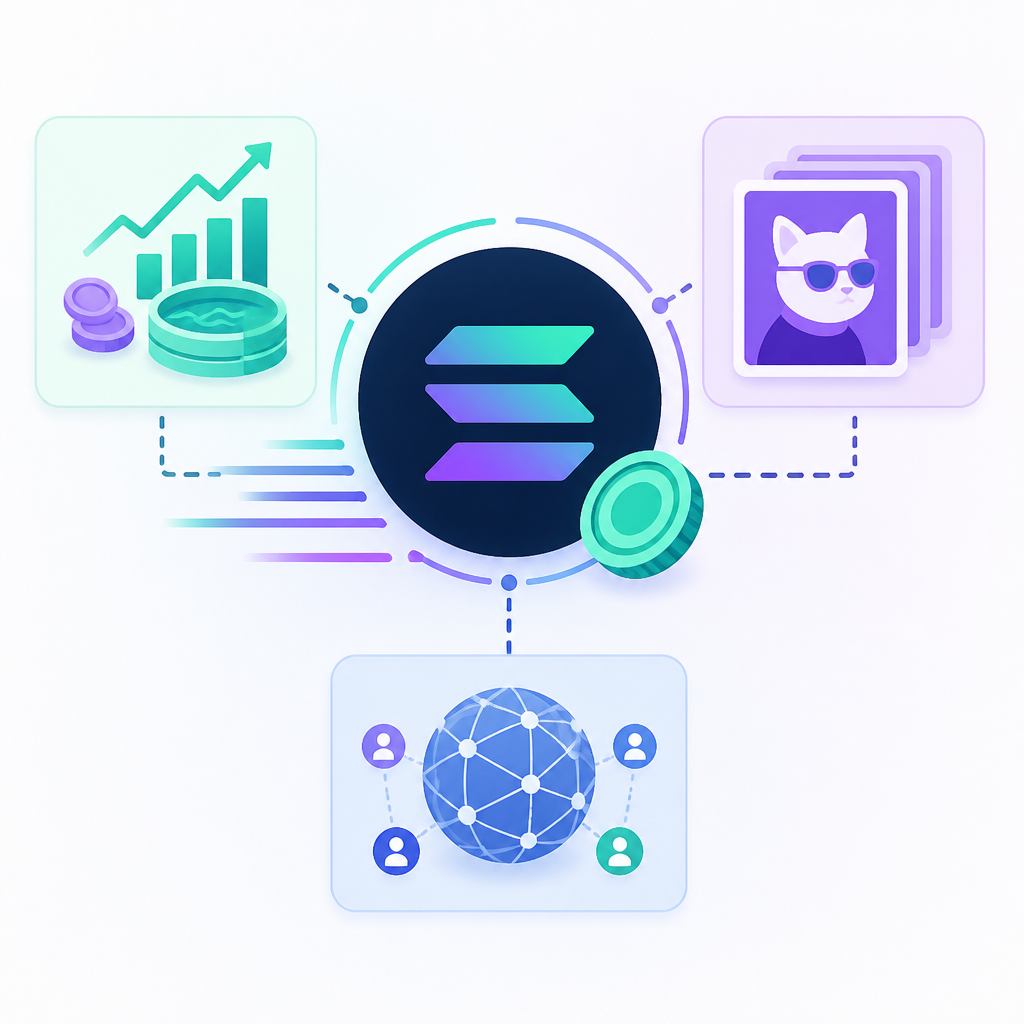
Use the CLI to verify your setup before you write any code. If the toolchain is correct, you can create accounts, mint tokens, and run program commands without environment errors.
solana --version
solana config set --url https://api.devnet.solana.com
solana-keygen new --outfile ~/.config/solana/id.json
solana address
solana airdrop 2
You should see a valid wallet address and a successful devnet airdrop, which confirms the workspace is ready.
Step 3: Create the SPL token mint
Your outcome here is a live SPL mint on devnet that can issue balances to test wallets. Use the SPL Token program to create the mint, choose decimals, and assign the initial mint authority.
At this stage, keep the setup simple. Create the mint first, then add metadata, roles, and distribution logic after the base asset exists.
spl-token create-token --decimals 9
spl-token create-account <MINT_ADDRESS>
spl-token mint <MINT_ADDRESS> 1000000
You should see a mint address and a token account balance in your wallet, which confirms the SPL token exists and can be issued.
Step 4: Add metadata and access controls
Your outcome is a token that is recognizable in wallets and safer to manage in production. Attach name, symbol, image, and project links using Solana metadata tooling, then lock down admin powers based on your launch plan.
If the token is meant to be immutable, revoke mint authority after initial distribution. If it needs ongoing emissions, move authority to a multisig or governance-controlled wallet instead of a personal key.
Controls to finalize:
- Set token name and symbol
- Publish metadata URI
- Revoke mint authority, if fixed supply
- Revoke freeze authority, if no freezes are needed
- Move admin keys to multisig or governance
You should see the token display correctly in supported wallets and a clear authority model documented in your repo.
Step 5: Test distribution, liquidity, and app integration
Your outcome is a token that works inside the product, not just on-chain. Test transfers, airdrops, vesting, staking, swap flows, and any wallet or dApp integration that will use the token.
For DeFi launches, also test liquidity provisioning and slippage behavior. For NFT or gaming apps, verify that the token can pay fees, unlock features, or reward users without breaking the user flow.
Verification targets:
- Transfer between two wallets
- Vesting or claim contract behavior
- DEX swap or liquidity pool test
- Frontend wallet connection
- Indexer or API reads token balance correctly
You should see successful transfers and accurate balances in the app UI, backend, and explorer.
Step 6: Deploy to mainnet with a launch checklist
Your final outcome is a production token release with fewer launch-day surprises. Before mainnet deployment, review authority settings, audit any custom program logic, confirm tokenomics math, and prepare monitoring for supply and transfers.
Use a launch checklist that includes code review, wallet approvals, liquidity readiness, and a rollback plan for the frontend and backend. If the token powers a public product, publish documentation so users know how to receive, use, and verify it.
Mainnet launch checklist:
- Security review complete
- Authorities confirmed
- Treasury wallet funded
- Liquidity plan approved
- Explorer and analytics links ready
- Support and incident response channel live
You should see the token live on mainnet, with verified metadata, working transfers, and a launch record your team can audit later.
| Metric | Before/Baseline | After/Result |
|---|---|---|
| Token readiness | Idea only | Defined SPL token spec, authorities, and supply plan |
| Environment setup | Unconfigured local machine | Solana CLI, Node 20+, Rust, and devnet wallet ready |
| Deployment state | No on-chain asset | Mint created, tested, and deployed to mainnet |
Common mistakes
- Leaving mint authority active after launch. Fix: revoke it for fixed-supply tokens or move it to multisig for emission-based tokens.
- Skipping devnet testing. Fix: test minting, transfers, and app integration on devnet before spending mainnet funds.
- Using weak tokenomics. Fix: define supply, vesting, and distribution rules before code so the launch plan matches the product.
What's next
Once your SPL token is live, the next step is to connect it to staking, governance, liquidity pools, NFT utility, or a treasury workflow. From there, you can expand into token analytics, compliance checks, and automated monitoring for supply changes and large transfers.
// Related Articles
- [CHAIN]
Four banks are building a 2027 stablecoin rival
- [CHAIN]
Stablecoin rules now define how digital dollars work
- [CHAIN]
Solana’s institutional push is getting louder
- [CHAIN]
Layer 2 Is Ethereum’s Real Product, Not a Detour
- [CHAIN]
Ethereum’s price should be read as network demand, not just speculati…
- [CHAIN]
Ethereum’s shake-up turns ETH into a cleaner bet