Fine-Tune an SLM for Emotion Recognition
Build an open-weight emotion classifier with ISMOTE, LoRA, and focal loss.

Build an open-weight emotion classifier with ISMOTE, LoRA, and focal loss.
This guide is for developers who want to turn an open-weight small language model into a multi-label emotion recognizer for texts like support tickets, social posts, and email threads.
By the end, you will have a reproducible training pipeline that balances skewed emotion data, fine-tunes a Mistral Small model with LoRA, and evaluates per-emotion F1 scores on a held-out test set.
Before you start
Get the latest AI news in your inbox
Weekly picks of model releases, tools, and deep dives — no spam, unsubscribe anytime.
No spam. Unsubscribe at any time.
- Python 3.10+.
- CUDA-capable GPU with at least 24 GB VRAM for Mistral Small 3.1 24B Instruct.
- PyTorch 2.4+ with CUDA support.
- Hugging Face account and a valid access token.
- Access to the GoEmotions dataset and the Unsloth repository.
- Libraries: transformers, datasets, scikit-learn, numpy, pandas, and unsloth.
- Enough disk space for the model weights, augmented dataset, and checkpoints.
Step 1: Prepare the emotion labels
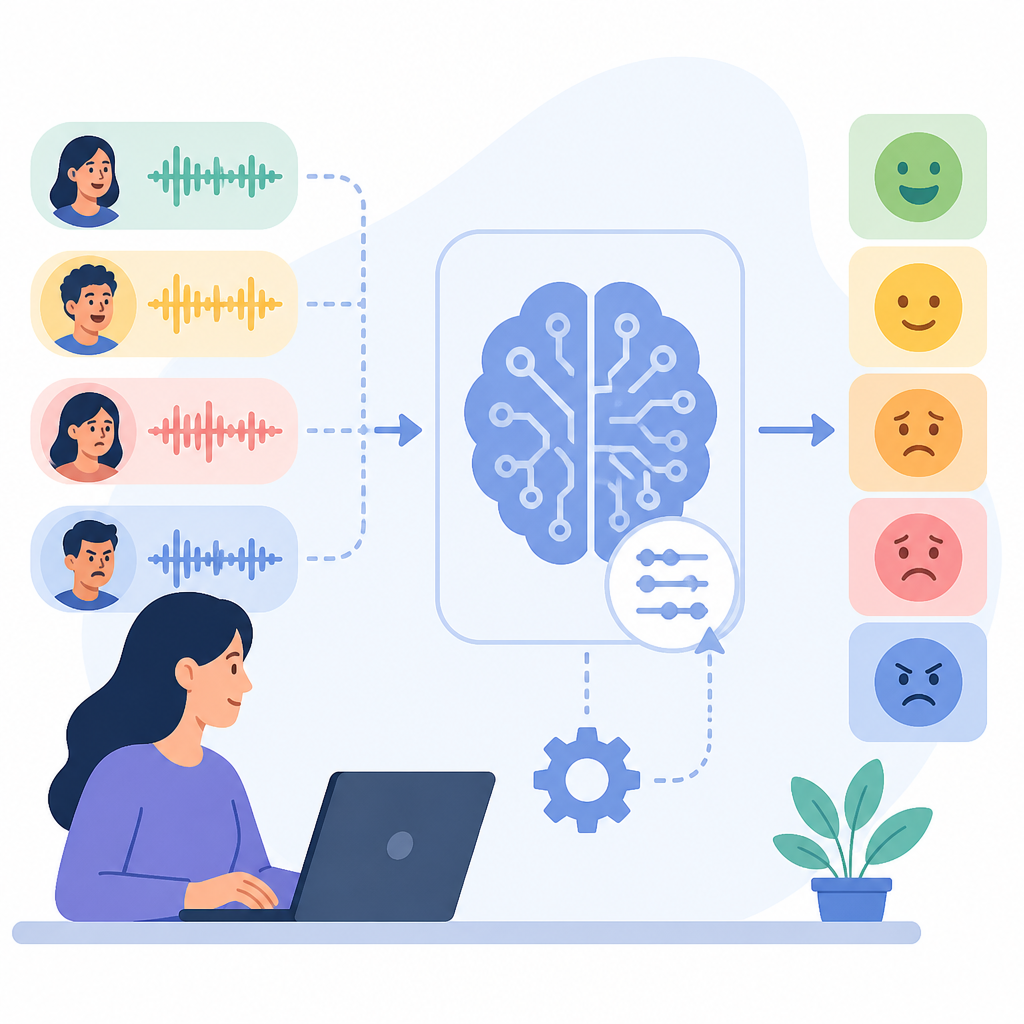
Your first outcome is a clean label map for the 15 emotions you want the model to predict. Start by selecting the target classes from GoEmotions, then define a consistent label order for training, validation, and test splits.
EMOTION_LABELS = [
  "fear", "sadness", "disgust", "disapproval", "annoyance",
  "anger", "disappointment", "optimism", "amusement", "surprise",
  "admiration", "excitement", "confusion", "joy", "love"
]
Verify that every example uses the same label vector length. You should see a fixed 15-element multi-hot label format across all splits.
Step 2: Balance the training split
Your second outcome is a training set that does not let neutral examples dominate learning. Thin the majority class by randomly filtering neutral rows, then oversample the rare emotions with ISMOTE so the minority classes reach a usable sample count.
Keep validation and test sets unchanged so your metrics reflect real-world imbalance. The article’s approach combines undersampling, synthetic expansion, and loss weighting to improve minority-class behavior without inflating evaluation scores.
Verify the new distribution by plotting label frequencies before and after augmentation. You should see neutral shrink and the target emotions become much closer in count.
Step 3: Load the base Mistral model
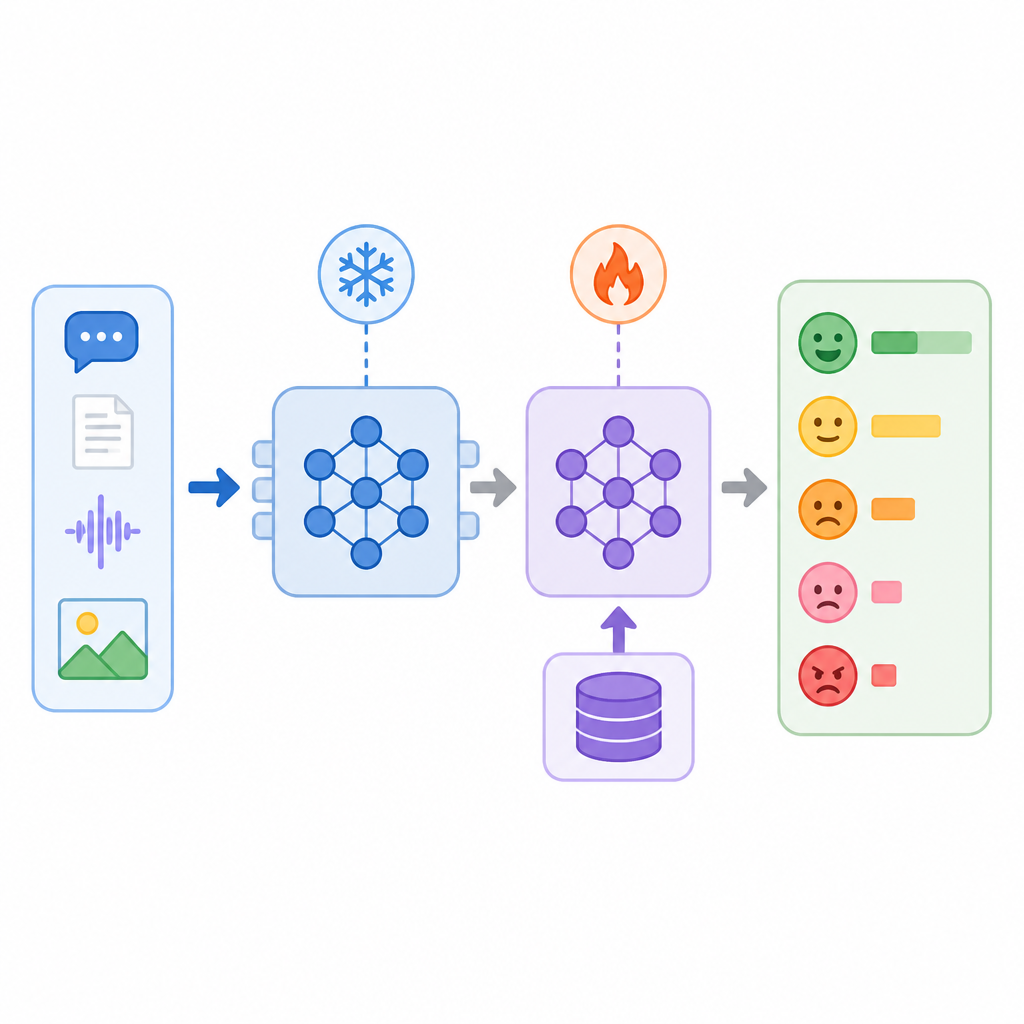
Your third outcome is a local copy of the open-weight backbone ready for parameter-efficient tuning. Use Unsloth to load Mistral Small 3.1 24B Instruct in 4-bit mode so the model fits the available GPU memory.
from unsloth import FastLanguageModel
import torch

MODEL_NAME = "unsloth/Mistral-Small-3.1-24B-Instruct-2503"
base_model, _ = FastLanguageModel.from_pretrained(
    model_name=MODEL_NAME,
    max_seq_length=2,
    load_in_4bit=True,
    dtype=torch.bfloat16,
)
Verify the load by checking that the model initializes without out-of-memory errors and reports 4-bit weights. You should see the backbone available on your GPU and ready for adapter injection.
Step 4: Add LoRA and focal loss
Your fourth outcome is a lightweight training setup that can learn multi-label emotion patterns without full fine-tuning. Attach LoRA adapters to the attention and MLP projection layers, then wrap the backbone with a custom multi-label head and a focal-loss function that emphasizes the harder and rarer labels.
base_model = FastLanguageModel.get_peft_model(
    base_model,
    r=16,
    lora_alpha=32,
    lora_dropout=0,
    bias="none",
    target_modules=["q_proj", "k_proj", "v_proj", "o_proj", "gate_proj", "up_proj", "down_proj"],
    use_gradient_checkpointing="unsloth",
    random_state=3407,
    use_rslora=False,
)
Verify the adapter layer count is small compared with the full model. You should see trainable parameters drop sharply while the model still accepts multi-label targets and returns logits for all 15 emotions.
Step 5: Train and score the classifier
Your fifth outcome is a trained emotion model with measurable performance on held-out data. Configure epoch-based evaluation, compute exact accuracy plus macro and micro F1, and train until the best checkpoint is saved. The source reports that this combination produced F1 above 0.7 for most target emotions.
from sklearn.metrics import f1_score, precision_score, recall_score, accuracy_score

# train with epoch evaluation, then score on the test set
# compute_metrics should threshold sigmoid outputs at 0.5
Verify the run by checking the evaluation logs and test-set report. You should see per-class metrics for each emotion and a best checkpoint selected from validation performance.
| Metric | Before/Baseline | After/Result |
|---|---|---|
| Minority-class balance | Heavily skewed toward neutral | Neutral reduced and rare emotions expanded with ISMOTE |
| Training method | Full fine-tuning would need more memory | 4-bit base model plus LoRA adapters |
| Emotion F1 | Not reported for the raw baseline | Most target emotions reached F1 > 0.7 |
Common mistakes
- Using the imbalanced dataset as-is. Fix: undersample neutral examples and oversample rare labels before training.
- Forgetting multi-label thresholds. Fix: use sigmoid outputs and a 0.5 cutoff, not softmax.
- Running out of GPU memory. Fix: keep 4-bit loading, LoRA, and gradient checkpointing enabled.
What's next
From here, try exporting the model to the Hugging Face Hub, tuning the threshold per emotion, and comparing ISMOTE with simpler oversampling methods on your own domain data.
// Related Articles
- [TOOLS]
Docker Engine on Ubuntu belongs on the official repo path
- [TOOLS]
Rust vs Go: 2026 latency gap, decoded
- [TOOLS]
10 identity protocols let KYC stay private
- [TOOLS]
Use Consensus AI for faster literature scouting
- [TOOLS]
15 Perplexity prompts for better research decisions
- [TOOLS]
Mistral AI Models 2026 for Builders