Gemini Live adds Memory on Galaxy phones and tablets
1 new Gemini Live update on Galaxy phones and tablets adds Memory, app data, and live visual context.

Gemini Live on Galaxy phones and tablets can now use Memory and connected apps for more context.
Gemini Live just became more useful on compatible Samsung Galaxy phones and tablets, with Memory, app data, and live visual context now in play.
| Item | What it adds | Where it helps |
|---|---|---|
| Memory | Uses past chats | More personal replies |
| Connected apps | Pulls app and service data | Faster context-aware answers |
| Live visual info | Maps, weather, Photos | On-screen and camera-based help |
| Chat integration | Switch between voice and typing | Mixed-input conversations |
1. Memory-based replies
Get the latest AI news in your inbox
Weekly picks of model releases, tools, and deep dives — no spam, unsubscribe anytime.
No spam. Unsubscribe at any time.
Gemini Live can now use Google Gemini Memory, which lets it draw on past conversations when answering follow-up questions. That makes it better at keeping track of context without making you repeat yourself.

This is the biggest change for people who use the assistant often. Instead of treating each prompt like a fresh start, Gemini Live can remember prior details and shape responses around them.
- Uses prior chats for context
- Reduces repeated explanations
- Fits longer back-and-forth sessions
2. Connected app data
Gemini Live can also access data from connected apps and services, which gives it more sources to answer from. That means it can respond with information that is tied to what you already use on your device.
Google says this makes the experience closer to the standard Gemini assistant, but with the live, conversational style of Gemini Live. It is a practical upgrade for anyone who wants answers that reflect their own accounts and services.
- Reads from linked apps and services
- Improves context for task-based prompts
- Works with the assistant’s spoken interface
3. Live visual context
Gemini Live can now surface visual information in real time, including location details from Google Maps, weather cards, and photos from Google Photos. That makes it more helpful when you are looking at something on screen or asking about what the camera sees.
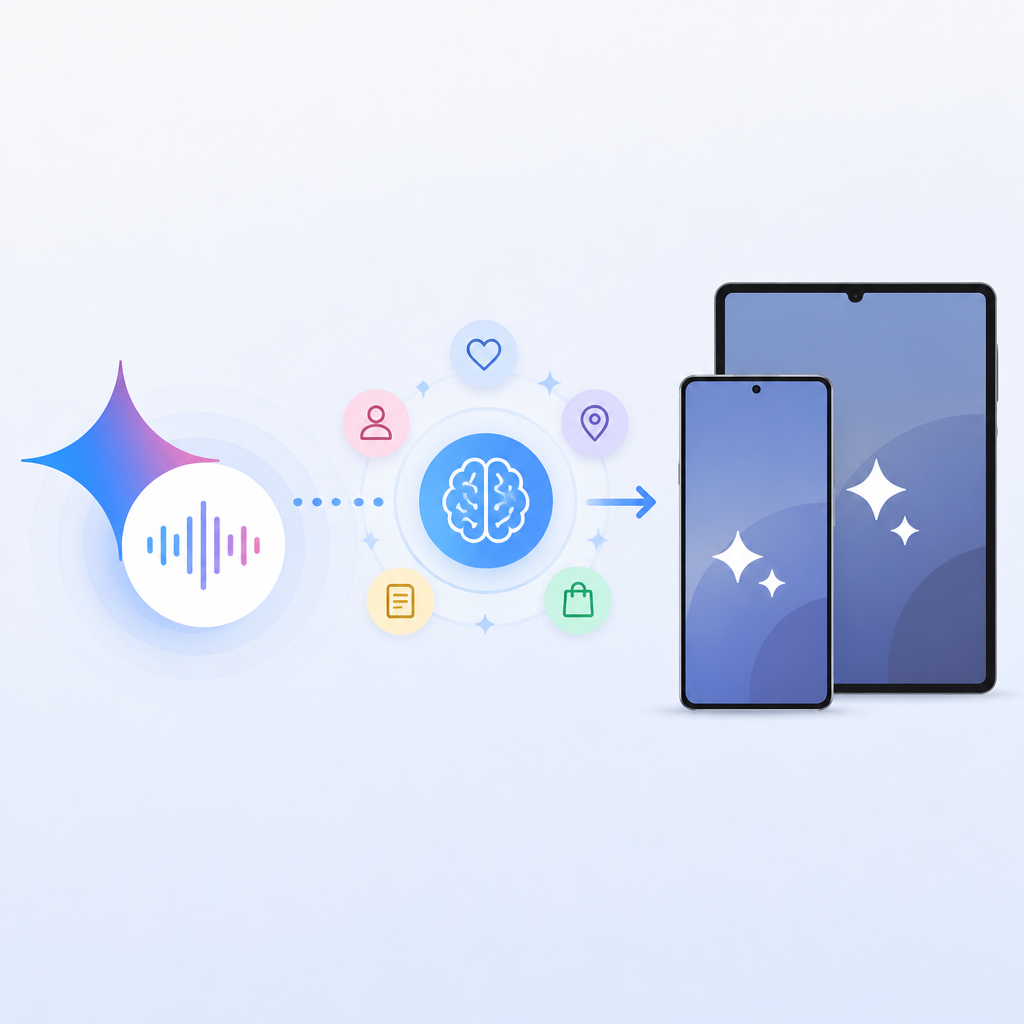
Google has long positioned Gemini Live as a camera- and screen-aware assistant, and this update pushes that idea further. If you show it a place, a scene, or a photo, it can respond with more direct context instead of a generic answer.
- Location details from Maps
- Weather cards for quick checks
- Photos from Google Photos for visual reference
4. Voice and typing in one chat
Google also says Gemini Live is now integrated into your chats, so you can switch between speaking and typing while keeping the same conversation going. That matters because not every question is easier to ask out loud.
This mixed-input setup makes the assistant feel less rigid. You can start with voice, add a typed detail, then keep talking without losing the thread.
Example flow:
1. Ask by voice
2. Add a typed follow-up
3. Get a response with the same context
5. Galaxy rollout status
The update is rolling out to compatible Android devices, including Galaxy phones and tablets, and it first appeared shortly after Google I/O 2026. According to the report, it is now showing up for some users in the US.
That means the feature is not yet universal, but it is on the move. If you use a recent Galaxy device, the new behavior may appear without much fanfare once the rollout reaches your account.
- Compatible Android devices are supported
- Galaxy phones and tablets are included
- Early rollout is reported in the US
How to decide
If you want an assistant that remembers context, the Memory update is the main reason to care. If you rely on Maps, Photos, or other connected services, the live data support will matter more.
For Galaxy owners who switch between talking and typing, the new chat integration is the most practical change. Together, these additions make Gemini Live feel less like a demo and more like a daily helper.
// Related Articles