GKE system metrics expose TPU and HPA data
Google Cloud’s GKE system metrics add TPU, accelerator, and autoscaling data to Cloud Monitoring with 60-second sampling.

Google Cloud’s GKE system metrics add TPU, accelerator, and autoscaling data to Cloud Monitoring.
Google Cloud’s Cloud Monitoring now documents a dense set of Google Kubernetes Engine system metrics, including TPU partition state, accelerator memory, and HPA recommendation latency. The reference page was last generated on 2026-06-18 17:12:37 UTC, and many of the metrics are sampled every 60 seconds.
That matters because the new entries are not just generic cluster health counters. They expose TPU-specific state, autoscaler behavior, and container accelerator usage in a format you can query directly from Monitoring or MQL.
| Metric | Stage | Kind / Type | Sample interval | Visibility delay |
|---|---|---|---|---|
| accelerator/partition/state | BETA | GAUGE / INT64 | 60 seconds | up to 120 seconds |
| accelerator/slice/formation_durations | BETA | CUMULATIVE / DISTRIBUTION | 60 seconds | up to 120 seconds |
| autoscaler/latencies/per_hpa_recommendation_scale_latency_seconds | GA | GAUGE / DOUBLE | 60 seconds | up to 20 seconds |
| container/accelerator/duty_cycle | GA | GAUGE / INT64 | 60 seconds | up to 120 seconds |
| container/cpu/core_usage_time | GA | CUMULATIVE / DOUBLE | 60 seconds | varies by metric |
What Google is exposing in GKE
Get the latest AI news in your inbox
Weekly picks of model releases, tools, and deep dives — no spam, unsubscribe anytime.
No spam. Unsubscribe at any time.
The GKE system metrics reference covers metrics that appear only when GKE system metrics are enabled. The page groups them under the Kubernetes metrics family and marks their launch stage as either GA or BETA.

In practice, this means Cloud Monitoring is now surfacing more of the machinery behind a Kubernetes cluster, especially on GPU and TPU-heavy workloads. You can see partition metadata, slice state, accelerator duty cycle, memory bandwidth utilization, and memory totals without stitching together separate telemetry sources.
The documentation also reminds you of the basics that matter when you are building dashboards: metric kinds such as GAUGE, CUMULATIVE, and DISTRIBUTION behave differently, string values need MQL conversion before charting, and metric units are defined in the MetricDescriptor reference.
- Metrics are written at the project level by default unless the descriptor says otherwise.
- String-type metrics require Monitoring Query Language before you can chart them.
- Some metrics are visible only after a delay of up to 240 seconds.
- The metric type strings use the
kubernetes.io/prefix, which the table omits for readability.
TPU metrics show how much of the stack is now observable
The most interesting part of the page is the TPU coverage. Google documents metrics for accelerator partitions, slices, and their metadata, which means operators can inspect not just whether a TPU exists, but whether it is healthy, active, degraded, or failed.
That level of detail is useful in clusters where accelerator scheduling and topology matter as much as pod placement. A slice can be formed, torn down, or flagged with an end state, while partition state can expose HEALTHY or UNHEALTHY conditions. For teams training models on TPU-backed nodes, that is the difference between seeing a vague resource problem and understanding exactly where the failure sits.
“The AI industry is at an inflection point, and the next wave of progress will be driven by systems that can reason, plan and act.” — Thomas Kurian, Google Cloud Next 2024 keynote
Kurian’s comment was about AI systems, but the same logic applies here. More capable infrastructure needs more precise observability, and GKE’s TPU metrics give operators a better view of what the cluster is actually doing.
A few of the TPU-related entries are worth calling out because they tell you what Google thinks matters operationally:
accelerator/partition/statereports partition health with a 1 or 0 signal.accelerator/slice/formation_durationsmeasures how long slice assembly takes.accelerator/slice/deformation_durationsmeasures teardown and resource release time.accelerator/slice/metadataemits streams for discovered slice and partition combinations.
Autoscaling metrics are the practical win
If you run ordinary application workloads, the autoscaler metrics may matter more than the TPU entries. Google exposes recommended CPU request cores, recommended memory bytes, and HPA recommendation latency. Those numbers tell you whether your scaling logic is reacting quickly enough to workload changes.
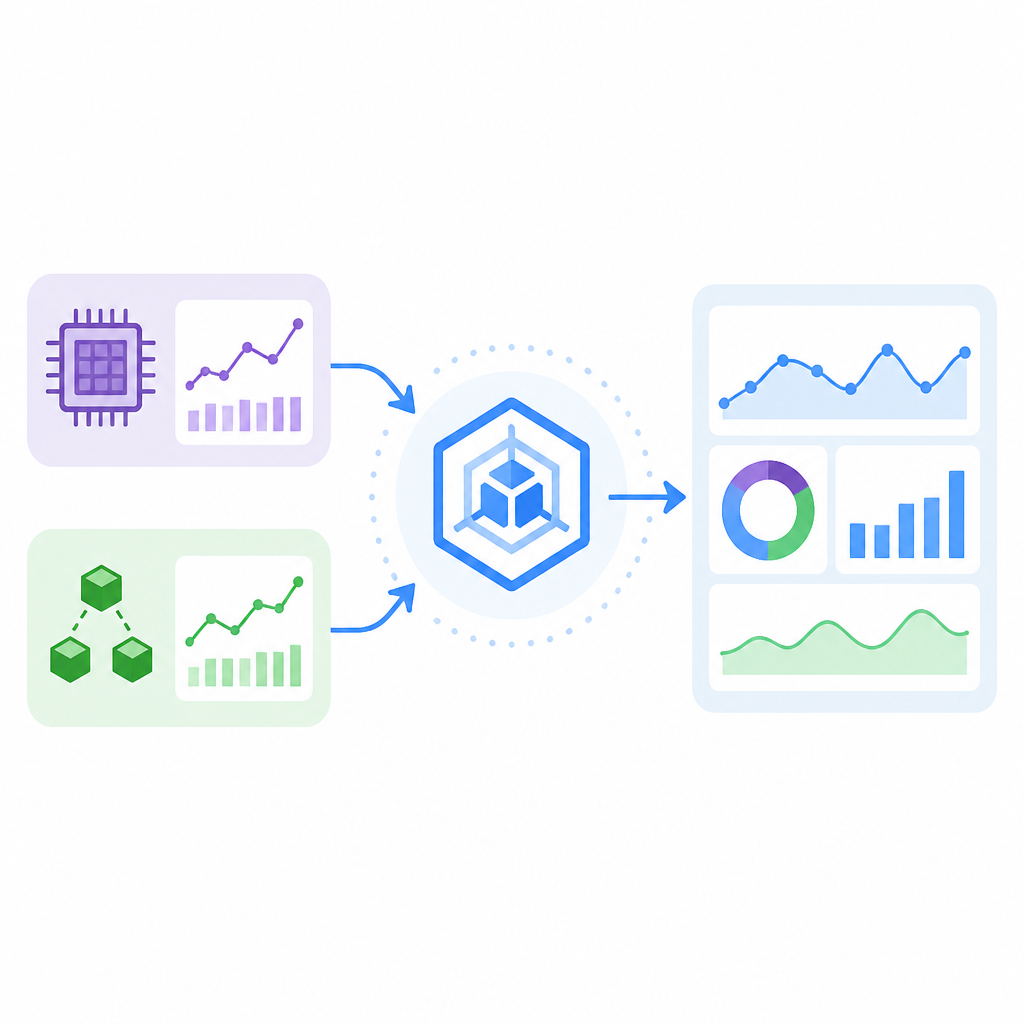
The latency metric is especially useful because the documentation defines it as the time between metrics being created and the corresponding recommendation being applied to the apiserver. That makes it a direct signal for autoscaling lag, not a vague proxy.
Here is the comparison that jumps out from the doc:
autoscaler/latencies/per_hpa_recommendation_scale_latency_secondsis GA and has up to 20 seconds of visibility delay.autoscaler/container/cpu/per_replica_recommended_request_coresis GA and can take up to 240 seconds before data appears.autoscaler/container/memory/per_replica_recommended_request_bytesis GA and also has up to 240 seconds of delay.container/accelerator/duty_cycleis GA and sampled every 60 seconds, which makes it better for steady-state utilization checks than instant debugging.
Those differences matter when you build alerting. A metric that shows up in 20 seconds can support faster feedback loops, while a metric with a four-minute delay is better for trend analysis and right-sizing decisions.
Google also documents the label fields for each metric, and those labels are where the real filtering power lives. For TPU metrics, labels like partition_id, slice_topology, accelerator_type, and block_id let you narrow queries to a specific hardware slice or topology.
What this means for teams running accelerator-heavy clusters
The page is a reference document, but it reveals a product direction: GKE observability is moving deeper into hardware-aware operations. That is good news for teams running model training, inference, or mixed CPU-accelerator workloads, because the monitoring layer now speaks the same language as the infrastructure.
It also means the boring parts of operations get easier to automate. If a TPU slice is unhealthy, if formation time spikes, or if HPA recommendations lag behind demand, those conditions can be turned into alerts and dashboards instead of manual checks.
For teams already using Monitoring Query Language, the doc’s note about string metrics is a reminder that not every field charts cleanly by default. For everyone else, the page is a sign that Cloud Monitoring expects users to work at a finer level of detail than a simple CPU-plus-memory dashboard.
That is probably the main takeaway: GKE system metrics are no longer limited to node health and container basics. They now include the signals you need to understand accelerator state, autoscaling decisions, and the timing gaps that can make a cluster feel slow even when the workload itself is fine.
If you are running GKE with TPUs or aggressive autoscaling, the next thing to check is whether these metrics are enabled in your project and wired into your dashboards. If they are not, you are leaving a lot of operational context on the table.
For related observability coverage, see our MQL guide and our Kubernetes observability primer.
// Related Articles
- [TOOLS]
Kitesurf turns Workers into an agent browser
- [TOOLS]
CUDA warps turn GPU threads into one machine
- [TOOLS]
Harness turns agent coding into a steadier loop
- [TOOLS]
Source 2 swaps BSP for meshes and octrees
- [TOOLS]
Golang basics for beginners in 2026
- [TOOLS]
Run Linux containers on WSL with wslc