GPU VRAM Needed for LLM Fine-Tuning in 2026
Spheron’s 2026 guide shows how full fine-tuning, LoRA, and QLoRA change VRAM needs from 8 GB to 860 GB.

Spheron’s 2026 guide maps LLM fine-tuning VRAM from 8 GB QLoRA runs to 860 GB full training.
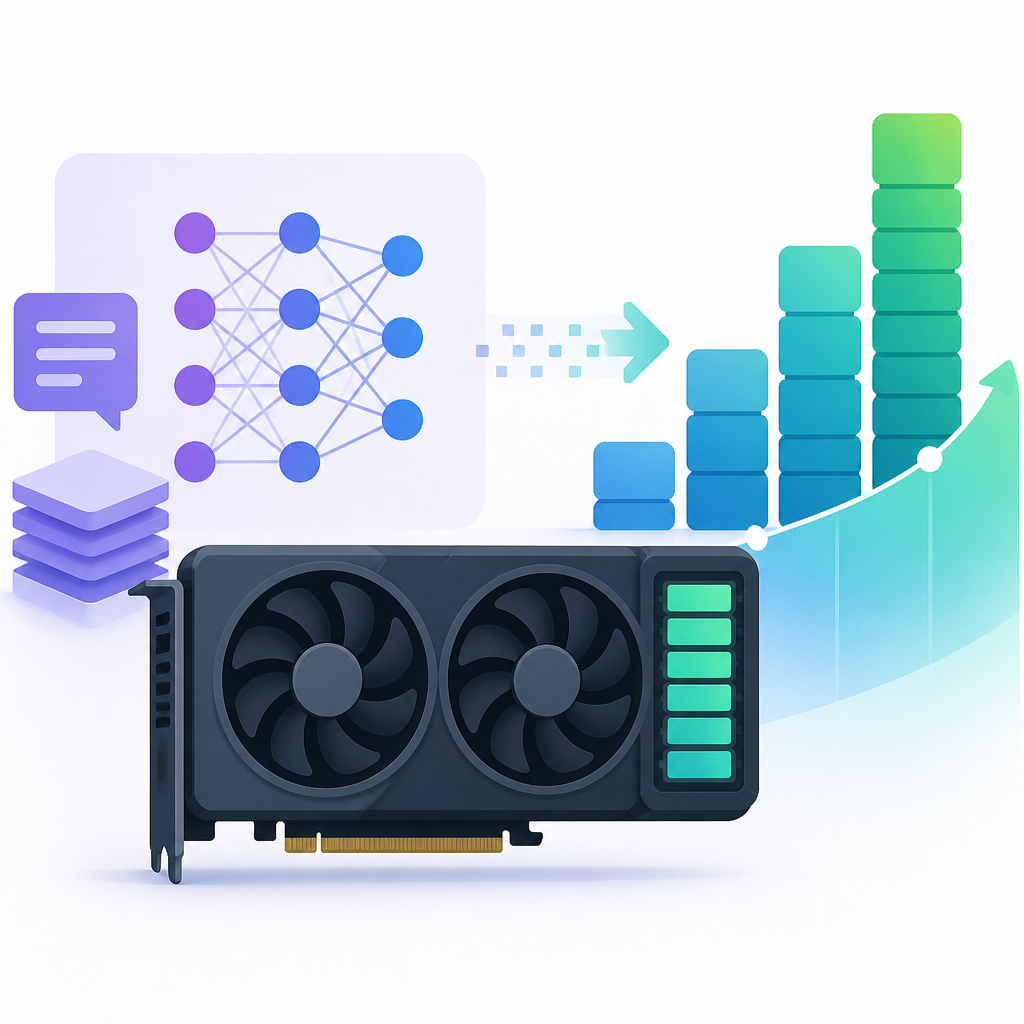
GPU memory decides whether a fine-tuning job starts at all, and the gap between methods is huge: a 7B model can fit in about 8 GB with QLoRA, while a 70B full fine-tune can demand roughly 860 GB. In Spheron’s guide, co-founder and CTO Mitrasish breaks the math down by model size, adapter method, and GPU class.
The practical message is simple. If you size only for model weights, you will undershoot badly. Training needs room for gradients, optimizer states, and activations, and those extra buffers often matter more than the base model itself.
| Model | Full fine-tuning | LoRA r=64 | QLoRA r=64 | Minimum GPU |
|---|---|---|---|---|
| 7B/8B | ~88 GB | ~19-20 GB | ~8 GB | RTX 5090 32 GB |
| 14B | ~174 GB | ~35 GB | ~14 GB | RTX 5090 32 GB |
| 32B | ~394 GB | ~76 GB | ~28 GB | H100 80 GB for LoRA |
| 70B/72B | ~860 GB | ~159 GB | ~52 GB | H100 80 GB for QLoRA |
| MoE 30B A3B | ~105 GB | ~69 GB | ~21 GB | RTX 5090 32 GB |
Why the memory bill jumps so fast
Get the latest AI news in your inbox
Weekly picks of model releases, tools, and deep dives — no spam, unsubscribe anytime.
No spam. Unsubscribe at any time.
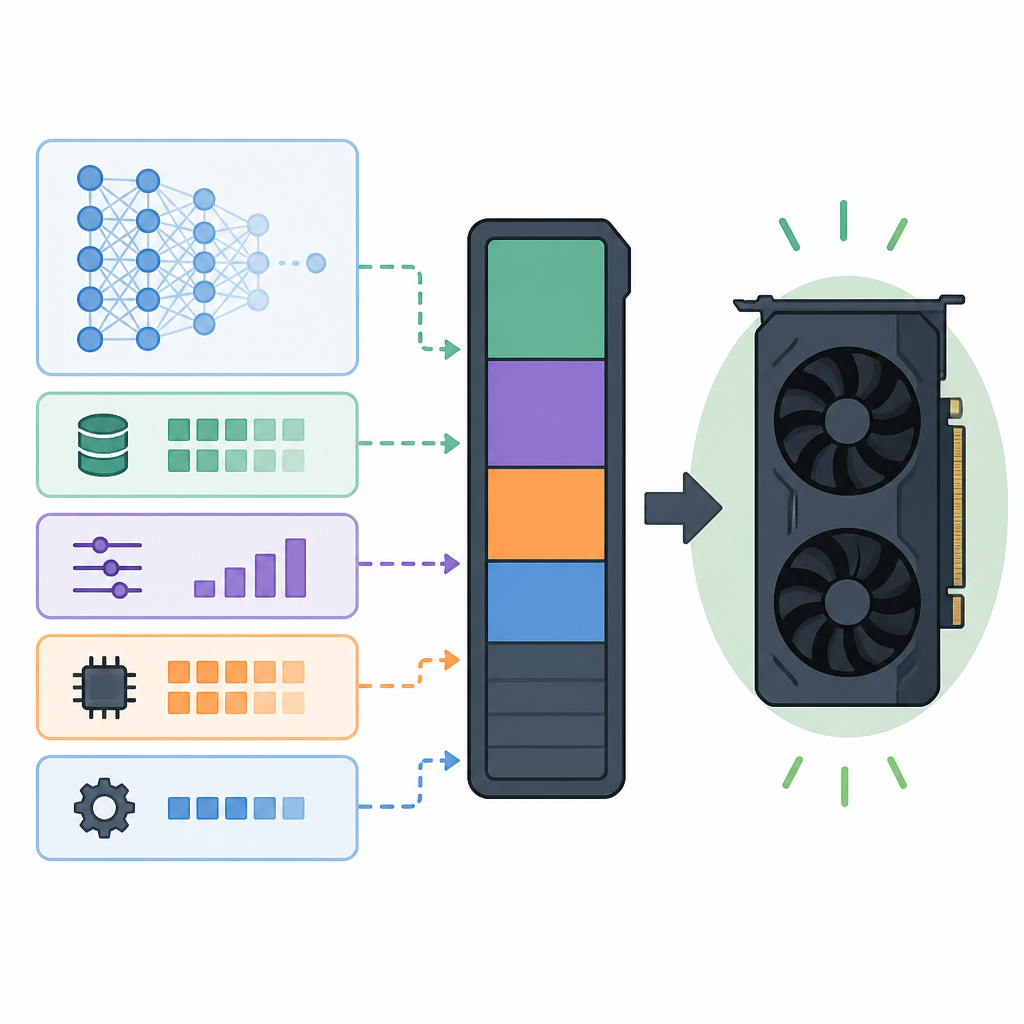
Spheron’s breakdown is useful because it treats training as four separate memory buckets: weights, gradients, optimizer states, and activations. That matters because each bucket scales differently, and each fine-tuning method touches a different subset of them.
Full fine-tuning updates every parameter, so it pays for all four buckets. LoRA freezes the base model and trains small adapter matrices. QLoRA goes one step further and stores the frozen base in 4-bit NF4, which is why it can squeeze large models into a single high-end GPU.
The article’s most important practical point is that activations are only part of the story. Gradient checkpointing helps there, but it does nothing to shrink the non-activation floor made up of weights, gradients, and optimizer states.
- BF16 weights take 2 bytes per parameter.
- Adam and AdamW keep two FP32 moment buffers per trainable parameter.
- QLoRA stores the frozen base in 4-bit NF4 at about 0.5 bytes per parameter.
- Gradient checkpointing can cut activation memory by 40-60%, but it adds about 25-30% more compute time.
That last point is why the article reads like a buying guide as much as a training guide. If VRAM is the bottleneck, checkpointing is usually worth the extra time. If throughput matters more than cost, you may want a larger GPU instead of a slower training loop.
What full fine-tuning actually costs
Full fine-tuning gives you the highest degree of control over the model, but the memory math gets ugly fast. For a 7B model in BF16, Spheron estimates about 14 GB for weights, 14 GB for gradients, 56 GB for Adam states, and around 4 GB for activations, landing near 88 GB total.
That already exceeds a single NVIDIA H100 80GB card. For a 70B model, the article puts the total around 860 GB, which pushes you into multi-GPU territory with sharding systems like FSDP2 or DeepSpeed ZeRO-3.
“GPU memory is the constraint that determines whether your fine-tuning job runs at all,” said Mitrasish, co-founder and CTO at Spheron.
That quote matches the numbers. Full fine-tuning is expensive because it duplicates the model in multiple forms. You are paying for the base weights, then paying again for the gradients, then paying again for the optimizer state that tracks training history.
Mitrasish also notes that 70B full fine-tuning needs 11x H100 SXM5 cards, not 8x. That is a useful reality check for teams who assume “just add more GPUs” is enough. Sometimes the gap is too wide for a small cluster.
- 7B full FT: ~88 GB total, which needs 2x A100 80G or a larger-memory card.
- 14B full FT: ~174 GB total, which points to 3x A100 80G.
- 32B full FT: ~394 GB total, which needs 5x A100 80G.
- 70B full FT: ~860 GB total, which needs 11x H100 SXM5 with sharding.
Spheron also includes hourly pricing, and the spread is just as stark as the memory spread. The guide lists about $2.96/hr for 2x A100 80G PCIe on 7B full fine-tuning, $7.40/hr for 5x A100 80G on 32B, and $55.77/hr for 11x H100 SXM5 on 70B.
LoRA is cheaper, but the base model still has to fit
LoRA often gets described as the “lightweight” option, but this article is careful about what that means. The adapters are small, yet the frozen base model still sits in VRAM in BF16. That means a 70B LoRA run still starts with roughly 140 GB of base weights before activations or optimizer states enter the picture.
For 7B models, LoRA looks comfortable at about 19-20 GB total. For 14B, the article says around 35 GB, which is already tight for a 32 GB GPU. For 32B, the total lands near 76 GB, which makes an H100 80GB the practical floor.
That is the part that matters for budget planning. LoRA is not a magic escape hatch from memory limits. It simply shifts the cost from trainable parameters to a much smaller adapter set.
- 7B LoRA r=64: about 19-20 GB total.
- 14B LoRA r=64: about 35 GB total, which is tight on 32 GB cards.
- 32B LoRA r=64: about 76 GB total, which needs an 80 GB GPU.
- 70B LoRA r=64: about 159 GB total, which needs at least 2x H100 SXM5.
The article also points out a subtle but important detail: LoRA and QLoRA have similar optimizer memory because both train roughly the same adapter set. The big difference is the base model storage, which is where QLoRA wins.
QLoRA is the only path that makes 70B feel practical
QLoRA changes the economics by quantizing the frozen base model to 4-bit NF4 while keeping the adapters in BF16. For a 70B model, Spheron estimates around 35 GB for the base, roughly 1.5 GB each for adapters and gradients, about 5.6 GB for optimizer state, and roughly 8 GB for activations.
That totals near 52 GB, which fits on a single H100 80GB with room left over. The same model in full fine-tuning needs about 860 GB. The difference is so large that it changes the kind of team that can even attempt the job.
The article gives a useful quality check too. It says QLoRA is typically 1-3% below full fine-tuning and 0.5-1% below standard LoRA on the same base model. For most production workloads, that tradeoff is acceptable, especially when the alternative is a multi-GPU cluster.
Spheron also mentions Unsloth, whose dynamic 4-bit implementation is described as reducing the gap to 0.02 perplexity points compared with 8-bit. That is the kind of detail that matters if you are trying to squeeze the last bit of quality out of a compact training setup.
If you want a broader view of method choice and training costs, Spheron links out to its own LLM fine-tuning guide for 2026 and its training cost calculator. Those links make sense because the VRAM question is only half the planning problem; the other half is time and spend.
What the sizing table means for real teams
The cleanest way to read Spheron’s table is to treat it as a decision tree. If you are working with 7B or 8B models, QLoRA on a 32 GB GPU is the easy path. If you are at 14B, a 32 GB card is still possible, but the margin gets thin. If you are at 32B, LoRA pushes you into 80 GB territory. If you are at 70B, QLoRA becomes the only realistic single-GPU option.
That matters because it changes procurement decisions. A team that planned on a single 80 GB GPU for 70B LoRA will be disappointed. A team that only needs QLoRA for the same model can stay on one card and avoid the complexity of distributed training.
- 7B and 8B models are friendly to 32 GB GPUs with QLoRA or LoRA.
- 14B models can fit on 32 GB cards with QLoRA, but LoRA is tight.
- 32B LoRA needs 80 GB class hardware.
- 70B QLoRA is the first configuration that looks practical on one H100 80GB.
There is also a hidden operational lesson here. The cheapest GPU is not always the cheapest run. If a setup forces you into multi-GPU sharding, the coordination overhead, networking, and failure modes can outweigh the savings from using smaller cards.
The takeaway for 2026 training budgets
Spheron’s article is useful because it turns a fuzzy question into a sizing worksheet. Once you know your model size, method, and sequence length, the GPU choice becomes much easier to defend in a budget review.
The most actionable prediction is that QLoRA will remain the default choice for teams fine-tuning 32B and 70B models on limited hardware, while full fine-tuning will stay reserved for teams with large clusters and a clear reason to pay for them.
If you are planning a run this year, the first question to answer is simple: do you need the accuracy gain from full fine-tuning, or do you need the job to fit on one GPU? That answer determines whether you shop for a 32 GB card, an 80 GB card, or a rack of H100s.
// Related Articles
- [TOOLS]
Claude Sonnet 5 上手部署与评估
- [TOOLS]
Codex把聊天改成交付,AI编程就顺了
- [TOOLS]
Mistral OCR 4 Prices Document AI for Enterprise
- [TOOLS]
Cloudflare’s policy turns crawlers into paid access
- [TOOLS]
Visual Studio turns Copilot into an IDE workflow
- [TOOLS]
Databricks adds AI Gateway inference tables for served models