iOS 27 turns Apple Music into a smarter player
I break down the iOS 27 Apple Music changes and give you a copy-ready release strategy for discovery, lyrics, and profiles.

I turn the iOS 27 Apple Music changes into a release strategy you can copy.
I've been using Apple Music for years, and honestly, it has always felt a little too polite. The app works, the catalog is huge, and the recommendations are fine, but when I’m actually trying to move fast, it gets clunky in the exact places that matter. I want to ask Siri about an artist, hear a track, jump into the catalog, and keep moving. Instead, I end up tapping around, waiting on transitions I don’t trust, and wondering why the app still feels like it’s playing catch-up with how people actually listen.
AutoMix was a perfect example. I liked the idea immediately. Let the app stitch songs together, keep the energy up, make playback feel less robotic. But the results were uneven enough that I stopped caring. That’s the annoying part with music apps: one bad transition or one awkward browse flow and the whole thing feels less alive. So when I saw RouteNote’s write-up on Apple Music’s iOS 27 changes, I paid attention. The update isn’t trying to impress developers. It’s trying to make listening easier, discovery more conversational, and artist pages less of a dead end.
That’s the angle worth caring about if you ship music, manage artists, or build anything around streaming discovery. The changes are small on paper. In practice, they change where attention goes.
RouteNote’s June 10, 2026 post collects the Apple Music updates that surfaced around iOS 27. It cites reporting from 9to5Mac and MacRumors, and it frames the whole thing from an artist-distribution angle, which is the useful part. The post itself doesn’t give engagement counts, so I’m not pretending there’s some viral number to anchor on. What matters is the feature list: Siri AI integration, upgraded AutoMix, redesigned artist pages, expanded lyrics tools, and performance improvements.
Apple is turning search into a conversation, not a form field
Get the latest AI news in your inbox
Weekly picks of model releases, tools, and deep dives — no spam, unsubscribe anytime.
No spam. Unsubscribe at any time.
“Soon, users will be able to ask Siri questions about an artist before naturally transitioning into playback requests.”
What this actually means is that Apple is trying to collapse the gap between curiosity and play. Instead of forcing someone to search, back out, open an artist page, and then hit play, Siri becomes the front door. That sounds minor until you think about how often people discover music in fragments. They hear a name in a podcast, a playlist, or a social clip, and they do not want to type a full query. They want the app to keep up with the conversation.
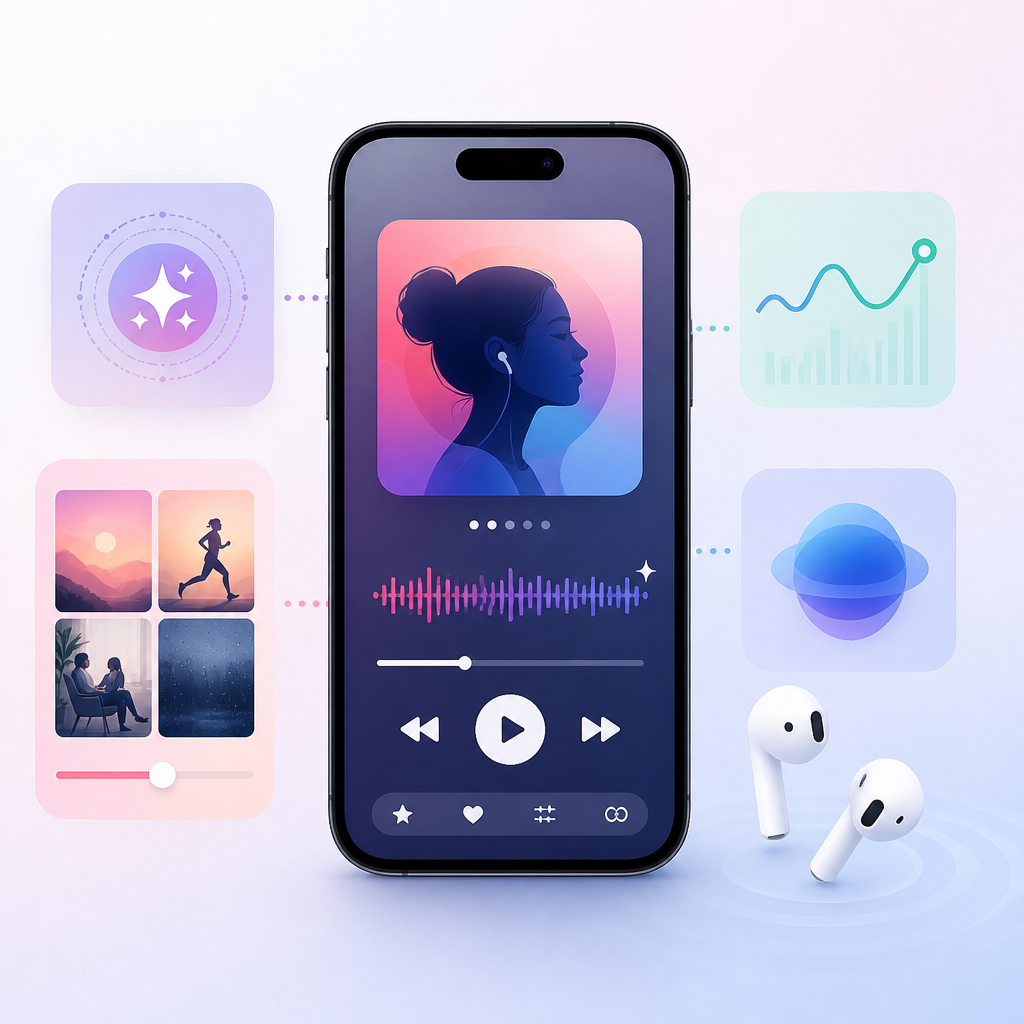
I ran into this exact problem while testing voice-driven music workflows for an internal demo. The assistant could answer facts, but it couldn’t hold context long enough to make playback feel natural. You’d ask about an artist, then say “play the new one,” and the system would act like you’d never met. Apple’s pitch here is better context retention, which is the real upgrade.
For artists, this shifts discovery behavior. If Siri can answer a question and then immediately pivot into playback, then metadata quality matters more than ever. Release titles, artist names, featured credits, and catalog consistency all become part of the conversation path. If your artist profile is messy, Siri doesn’t have much to work with.
How to apply it:
- Keep artist names, featured credits, and release titles consistent across every distributor and DSP.
- Make sure your latest release metadata is clean before launch, not after.
- Write artist bios and press copy with short, searchable phrases people might actually say out loud.
- Use your Apple Music artist profile as a discovery landing page, not an afterthought.
If you distribute through RouteNote, treat Apple Music metadata like infrastructure. Siri can only surface what it can understand.
AutoMix only matters if it stops sounding like a demo
“the underlying algorithms are getting an upgrade to generate new transition styles by analysing factors such as tempo and key.”
What this actually means is Apple is trying to make AutoMix feel less random and more musically aware. Tempo and key are the obvious inputs, but the point is bigger than that. A good transition should feel like the next song was chosen by someone who understands pacing, not by a feature checkbox buried in settings.
RouteNote’s article is refreshingly honest here because it echoes the same complaint I had: the original AutoMix idea was fun, but the execution was inconsistent. Sometimes it landed. Sometimes it sounded like two tracks were awkwardly introduced at a networking event. That’s not a small issue. In music apps, flow is product quality.
For listeners, better transitions mean the app can hold mood longer. For artists, it means your track may now sit inside a more intentional sequence, which changes how intros, outros, and energy shifts are experienced. A song with a hard stop can feel jarring in one context and perfect in another, so the playback layer matters more than people admit.
I’d think about this in practical terms. If your music lives in DJ-adjacent genres, dance, pop, electronic, or anything where continuity matters, AutoMix improvements could increase the odds that your track feels native inside a session. If your track has a dead air ending, you may want to revisit that during mastering or deliver a clean alternate version for platforms that support it.
How to apply it:
- Review your intros and outros with transition-heavy playback in mind.
- Test whether your track benefits from a clean ending or a more blended one.
- Watch how playlists and auto-play features change the way listeners experience your catalog.
- Consider transition-friendly sequencing when you build EPs and albums.
Apple’s Apple Music product direction here is simple: if listening feels smoother, people stay longer. That helps everyone in the chain, but only if your music can survive the handoff.
Artist pages are being redesigned because discovery starts there
“Artist pages within Apple Music will also be seeing a refresh too.”
What this actually means is Apple is admitting that the artist page is not just a profile card. It is a conversion surface. Someone hears one song, taps the artist name, and decides in a few seconds whether to follow, shuffle, or leave. That tiny moment is where a lot of discovery dies.
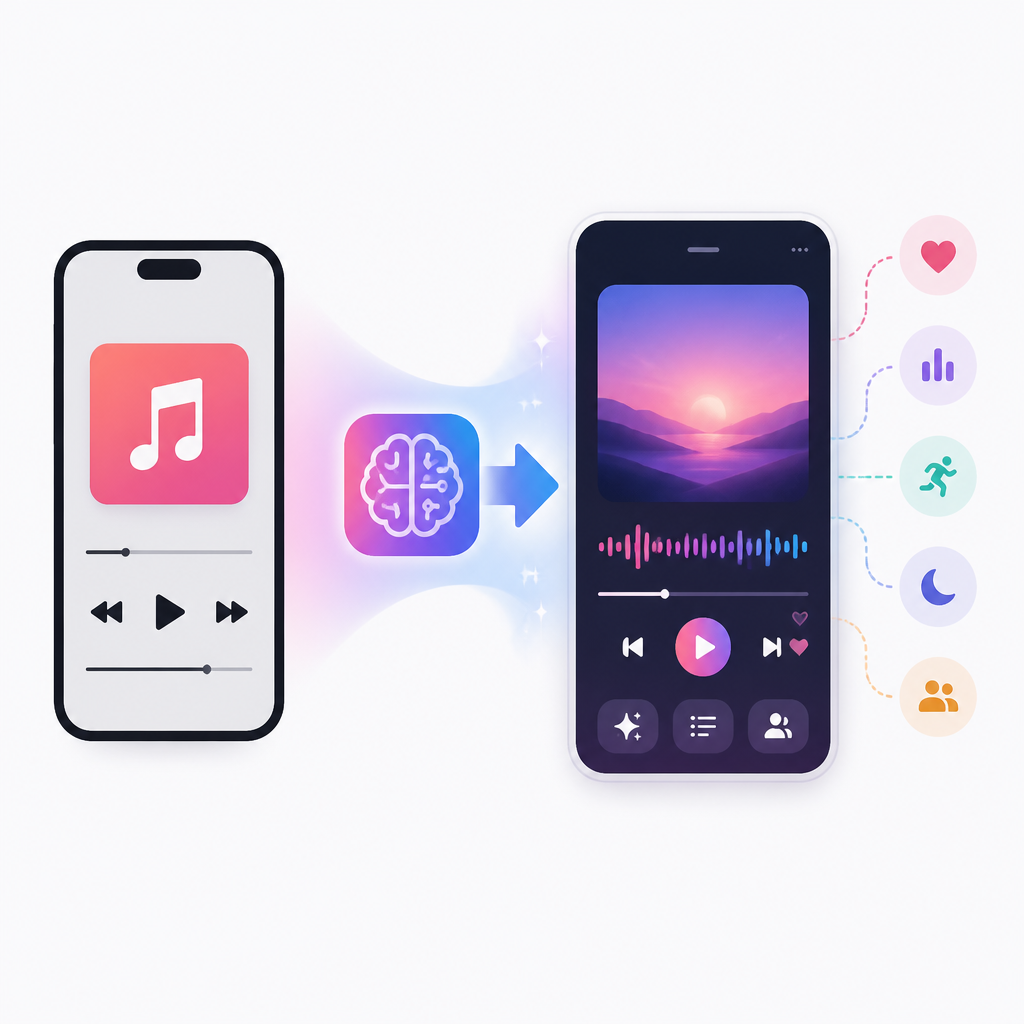
The RouteNote post notes a more prominent shuffle button, updated artist name displays, and layout refinements. It also says album pages are being refreshed, though the visible changes looked limited in the first developer beta. That sounds cosmetic, but I don’t think it is. Small layout choices change whether a listener feels like they’re browsing a living catalog or staring at a static archive.
I’ve seen this with artists who distribute well but package badly. The music is fine. The profile is just a mess of inconsistent artwork, missing releases, and no clear hierarchy. Then they wonder why casual listeners don’t stick. They’re not being punished by the algorithm. They’re losing people at the page level.
Here’s the practical part: if Apple is making artist pages more prominent, you should treat your profile like a storefront. Not a shrine. Not a bio page. A storefront. Lead with the strongest release, keep visuals consistent, and make sure your catalog tells a story instead of a pile of singles.
How to apply it:
- Audit your artist page on Apple Music today and note what a first-time listener sees.
- Make sure your release artwork has a consistent visual system.
- Plan release order so the catalog reads cleanly when someone shuffles through it.
- Use your distributor dashboard to verify that all releases are live and correctly linked.
For independent artists, this is where RouteNote matters in a boring but real way: if your releases are already on Apple Music, you can benefit when Apple improves how people browse them.
Lyrics tools are quietly becoming a global growth feature
“Lyrics Translation will support seven new language pairings”
What this actually means is Apple is trying to make songs more usable across language barriers. That’s not a novelty feature. That’s a listener retention feature. If someone can read, translate, and pronounce lyrics, they’re more likely to stay with a song long enough to care about the artist behind it.
RouteNote lists the new translation pairings: English to French, English to German, English to Italian, English to Korean, English to Spanish, French to English, and Japanese to English. It also says Lyrics Pronunciation is expanding for more language combinations. That’s a very specific set of improvements, and I like that because it points to real-world usage instead of vague “global reach” talk.
I’ve watched artists underestimate this for years. They think international growth is only about playlist placement or paid promotion. Sometimes it is. But a lot of it is simpler: can a listener understand the words enough to feel connected? If the answer is yes, the song gets a second life.
This matters most for independent artists building outside their home market. A translated lyric can turn a curious listener into someone who searches for the album, the meaning, the tour dates, and the next release. That chain is hard to measure, but it is absolutely real.
How to apply it:
- Submit accurate lyrics, not rough drafts, to your distributor or lyric partner.
- Check whether your releases already support lyrics on Apple Music and other DSPs.
- Translate your press kit and short artist bio into your top target markets.
- Use lyric content in social posts so discovery does not stop at the playback screen.
If you want a broader platform view, Apple Music is part of a larger distribution stack that includes Spotify, Amazon Music, YouTube Music, and Deezer. Translation features make that stack more useful, not less.
Performance fixes are boring, and that is exactly why they matter
“faster loading of the Now Playing screen, faster playback start times, improved streaming responsiveness, and greater reliability during playback.”
What this actually means is Apple is trying to remove friction from the moments users notice most when something goes wrong. Nobody posts a screenshot because playback started quickly. They complain when it stalls. That’s why these updates matter even though they sound like housekeeping.
I care about this stuff because playback latency shapes trust. If an app takes too long to load the Now Playing screen, the experience feels fragile. If streaming hiccups, people blame the service and sometimes the track, even when the file is fine. Reliability is part of the product story whether anyone wants to admit it or not.
For artists, better playback behavior is a distribution win. It lowers the chance that a new listener bails before your hook lands. It also makes every other feature in this update more valuable. Siri discovery is pointless if playback is flaky. Lyrics translation is less useful if the song won’t start.
How to apply it:
- Keep your masters clean and properly encoded for platform delivery.
- Use distribution partners that actually monitor metadata and file health.
- Test your releases on multiple devices and network conditions after launch.
- Do not assume “it’s on the platform” means “it’s ready for listeners.”
This is the part most product write-ups skip. Small reliability gains compound. They make the fancy stuff usable.
What I’d do if I were releasing music into iOS 27
What I’d do is stop treating Apple Music like a passive destination and start treating it like a discovery surface with a search layer, a listening layer, and a profile layer. iOS 27 is nudging all three in the same direction: more conversational, more visual, more context-aware. That means your release strategy should be built around clarity, not just availability.
I’d also stop assuming the biggest wins come from headline features. They usually don’t. The real value is in the small behavior changes: a listener asks Siri one question and keeps going, a better transition keeps them in the session, a translated lyric gives them a reason to stay, and a clean artist page gives them a path to follow you. That chain is the whole story.
If you’re independent, your job is to make each link in that chain less fragile. Clean metadata. Strong artwork. Accurate lyrics. Consistent catalog. A profile that looks intentional. None of that is glamorous, but it is what makes platform updates pay off.
And yes, I still think Apple Music can be annoying. But this update is one of those moments where the product gets a little closer to how people actually listen. That is worth planning around.
The template you can copy
# Apple Music iOS 27 release checklist for independent artists

## 1) Before release
- Confirm artist name, featured credits, and release title are identical everywhere.
- Upload final lyrics, not draft lyrics.
- Check cover art dimensions and visual consistency across the catalog.
- Make sure your Apple Music artist profile bio is short, clear, and current.

## 2) Discovery setup
- Write 3-5 short phrases a listener might ask Siri about your artist.
- Put those phrases into your bio, press release, and social copy.
- Use a release title that is easy to say out loud and easy to search.

## 3) Catalog presentation
- Pick one release to feature as the strongest entry point.
- Review how your artist page looks when someone taps your name from a single track.
- Fix any missing artwork, duplicate releases, or inconsistent naming.

## 4) Lyrics and language
- Submit accurate lyrics for every track.
- Add translated captions or short explanations for key lines on social media.
- If you target international listeners, prepare a one-paragraph bio in each priority language.

## 5) Playback quality
- Deliver clean masters with no unexpected silence or clipping.
- Test how your intro and outro feel in playlist and auto-mix contexts.
- Check playback on iPhone, iPad, and desktop after the release goes live.

## 6) Post-release actions
- Share a direct Apple Music link to the artist page, not just one track.
- Ask fans to follow the artist profile and save the release.
- Monitor which songs get traction in playlists, search, and profile taps.

## 7) Simple Siri-friendly copy
Use this format in your promo:
- "If you like [artist], start with [track]."
- "Ask Siri to play our new single [title]."
- "Find our latest release on Apple Music and follow the artist page."

## 8) One-line internal goal
Make it easy for a listener to go from curiosity to playback to follow in under 10 seconds.
Source-wise, I’m working from RouteNote’s article at https://routenote.com/blog/apple-music-ios-27-new-features/, with supporting references to 9to5Mac and MacRumors. The strategy and template above are mine, but the feature breakdown is derived from that reporting.
// Related Articles
- [TOOLS]
Docker Engine on Ubuntu belongs on the official repo path
- [TOOLS]
Rust vs Go: 2026 latency gap, decoded
- [TOOLS]
10 identity protocols let KYC stay private
- [TOOLS]
Use Consensus AI for faster literature scouting
- [TOOLS]
15 Perplexity prompts for better research decisions
- [TOOLS]
Mistral AI Models 2026 for Builders