Kimi K2.5 pricing and features, explained
Kimi K2.5 combines low API prices with strong multimodal and agentic features.

Kimi K2.5 combines low API prices with strong multimodal and agentic features.
This guide is for developers who want to evaluate Kimi K2.5 for real products, not just benchmarks. By the end, you will know what the model can do, what it costs, and how to estimate the hidden build effort before you commit.
It also helps teams comparing Kimi K2.5 against models like Claude Opus 4.5, or deciding whether to build on the raw API or use a higher-level platform. You will leave with a practical path to test pricing, validate fit, and avoid common deployment traps.
Before you start
Get the latest AI news in your inbox
Weekly picks of model releases, tools, and deep dives — no spam, unsubscribe anytime.
No spam. Unsubscribe at any time.
- A Moonshot AI account and access to the Moonshot AI docs and Moonshot AI GitHub.
- An API key for Kimi K2.5.
- Node 20+ or Python 3.11+ for running sample requests.
- A billing plan that supports token-based API usage.
- A test workload with prompts, documents, or code samples that reflect your real use case.
Step 1: Confirm Kimi K2.5 capabilities
Your first outcome is a clear fit check. Before you estimate cost, verify whether you need instant answers, step-by-step reasoning, agent workflows, or parallel task execution through Agent Swarm.
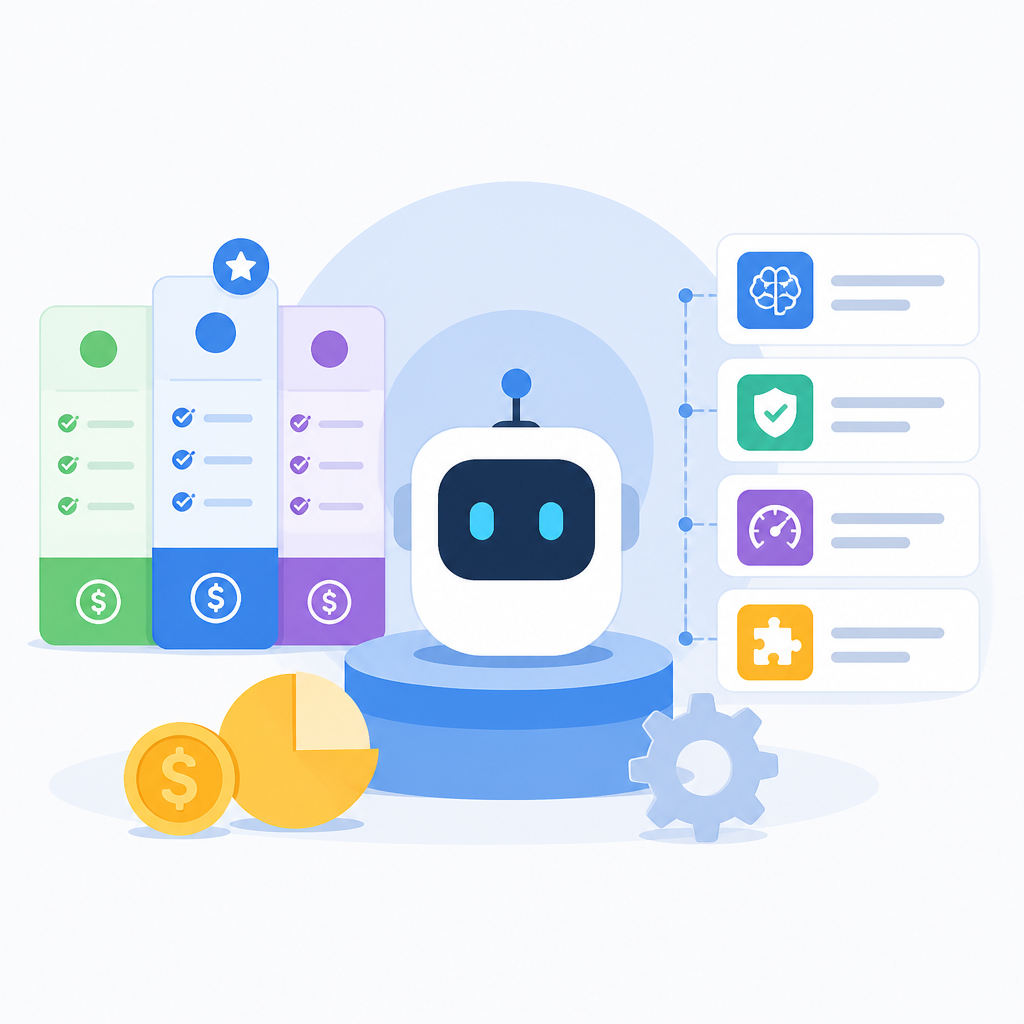
Kimi K2.5 is built for multimodal and agentic work, with a 256,000-token context window, image-plus-text understanding, and four operational modes: Instant, Thinking, Agent, and Agent Swarm. In practice, that means it can handle long documents, codebases, UI mockups, and multi-step tasks in one session.
Verification: you should be able to map at least one real workload to one of the four modes, and you should know whether the task needs multimodal input or autonomous tool use.
Step 2: Calculate token costs
Your next outcome is a cost baseline. Use the official token rates to estimate input and output spend for your own prompts, then add a cache-hit scenario if your app repeats the same context often.
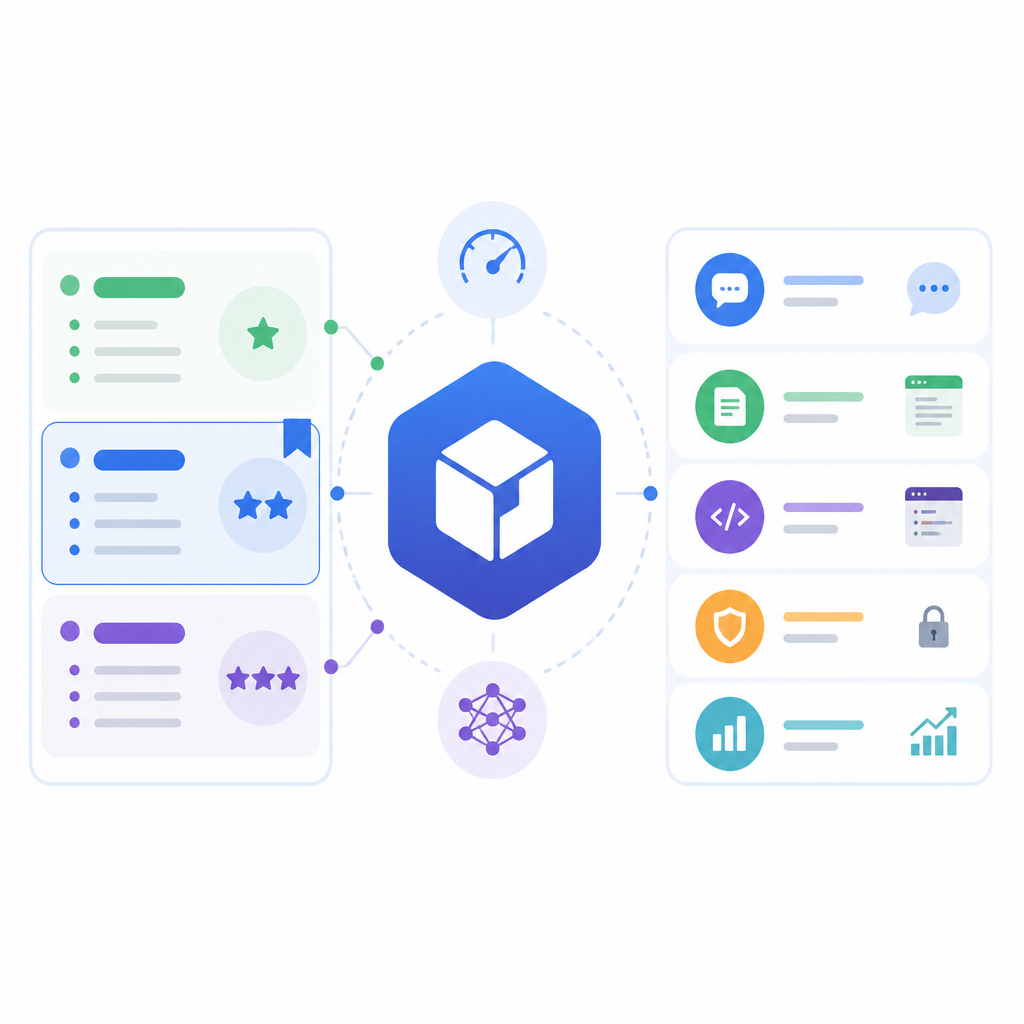
Pricing reference for kimi-k2.5 per 1M tokens:
- Input, cache hit: $0.10
- Input, cache miss: $0.60
- Output: $3.00
- Context window: 262,144 tokens
A simple estimate is: total cost = input tokens x input rate + output tokens x output rate. If your application reuses system prompts or long reference docs, cache hits can materially reduce the input bill.
Verification: you should have a rough monthly cost estimate for one real workflow, plus a second estimate that assumes cache hits for repeated context.
Step 3: Benchmark against Claude Opus 4.5
Your outcome here is a comparison, not a guess. Measure Kimi K2.5 against the model you would otherwise choose, especially if you care about coding quality, autonomous browsing, or total token usage per task.
The source article reports Kimi K2.5 at 76.8% on SWE-Bench Verified and 74.9% on BrowseComp, rising to 78.4% with Agent Swarm. It also notes Claude Opus 4.5 at 80.9% on SWE-Bench Verified, with much higher raw API prices. That makes Kimi look cheaper on sticker price, while Claude may still use fewer tokens on some tasks.
Verification: you should have one side-by-side test prompt or benchmark result that shows both cost and output quality, not just one or the other.
| Metric | Before/Baseline | After/Result |
|---|---|---|
| Input price per 1M tokens | Claude Opus 4.5: $5.00 | Kimi K2.5: $0.60 cache miss, $0.10 cache hit |
| Output price per 1M tokens | Claude Opus 4.5: $25.00 | Kimi K2.5: $3.00 |
| SWE-Bench Verified | Claude Opus 4.5: 80.9% | Kimi K2.5: 76.8% |
| BrowseComp | Baseline agentic model: 74.9% | Kimi K2.5 Agent Swarm: 78.4% |
Step 4: Map hidden implementation costs
Your outcome is a realistic total cost of ownership. The API bill is only part of the story, because production use also needs integration, guardrails, observability, and ongoing maintenance.
For a customer support or internal ops system, you may need help desk integration, CRM access, escalation logic, prompt versioning, and human review flows. Those are engineering tasks, and they often cost more than the model usage itself.
Verification: you should have a build-vs-buy estimate that includes engineering hours, not only token spend.
Step 5: Run a production-fit pilot
Your final outcome is a small, testable deployment plan. Pick one narrow workflow, wire it to Kimi K2.5, and measure quality, latency, and token consumption over a real sample set.
Use a pilot that reflects your actual constraints. If your workload is visual, test image-to-code or visual debugging. If it is support, test long-context retrieval and response generation. If it is research, test multi-step browsing and parallel subtasks.
Verification: you should be able to report whether Kimi K2.5 is cheaper in practice, not just in theory, and whether its output quality is good enough for rollout.
- Assuming the lowest token price means the lowest total cost. Fix: include engineering, retries, and human review in the estimate.
- Testing only short prompts. Fix: include long-context inputs, repeated context, and at least one multimodal task.
- Comparing benchmarks without measuring token usage. Fix: log both output quality and tokens consumed per task.
If you want a deeper follow-up, compare Kimi K2.5 with your current model on a shared benchmark set, then build a one-week pilot that records token spend, latency, and resolution quality.
For teams that do not want to assemble the whole workflow themselves, evaluate whether a higher-level agent platform can deliver the same outcome with less engineering overhead.
- Low API price does not equal low total cost.
- Kimi K2.5 is strongest when multimodal or agentic workflows matter.
- Cache hits and token efficiency can change the real bill.
// Related Articles
- [TOOLS]
10 AI GitHub repos that actually save time
- [TOOLS]
Anthropic's Fable leak turns CTF chaos into a warning
- [TOOLS]
VDBBench adds cost to vector DB comparisons
- [TOOLS]
Zilliz Adds Cost Metrics to VDBBench
- [TOOLS]
Pixel 11 launch highlights and new Gemini features
- [TOOLS]
AWS Continuum turns AI coding into safer fixes