Pixel 11 launch highlights and new Gemini features
A step-by-step guide to the Pixel 11 launch, new Gemini tools, and key device changes.
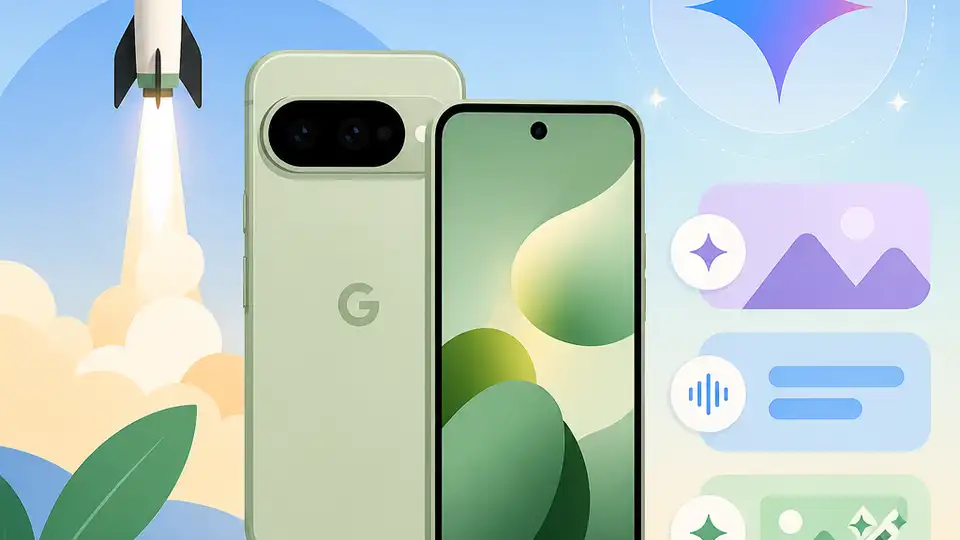
What did Google announce at the Made by Google 2026 event?
Google launched the Pixel 11 lineup with new Gemini-powered features and updated Pixel Watch hardware.
This guide is for Android fans, Pixel buyers, and developers who want a clear, end-to-end recap of the Made by Google 2026 launch. After following the steps, you will know what launched, what changed in the Pixel 11 family, and which features matter most if you are comparing devices or planning an upgrade.
The focus here is practical: you will leave with the names of the new devices, the headline software capabilities, and the key differences between the base Pixel 11 and the Pro models.
Before you start
Get the latest AI news in your inbox
Weekly picks of model releases, tools, and deep dives — no spam, unsubscribe anytime.
No spam. Unsubscribe at any time.
- A Google account for watching the keynote on YouTube or the Google Store site.
- An Android phone or desktop browser with a current version of Chrome, Safari, Firefox, or Edge.
- Access to the official Made by Google YouTube channel and Google Store pages.
- If you want to compare specs, have the Pixel 10 or another recent flagship nearby.
- Basic familiarity with Gemini, Circle to Search, and Pixel camera features.
Step 1: Open the launch replay
Goal: confirm the official announcement list before comparing features or prices. The live event was streamed on Google’s official Made by Google YouTube channel and on the Google Store site, so that is the best source for the final product names and demos.
https://www.youtube.com/@MadeByGoogleVerification: you should see the Made by Google 2026 keynote replay and the full launch presentation. If the page loads the event video and Google branding, you are in the right place.
Step 2: Identify the Pixel 11 family
Goal: map the phone lineup so you know which model is which. Google announced the Pixel 11, Pixel 11 Pro, Pixel 11 Pro XL, and Pixel 11 Pro Fold, plus the Pixel Watch 5 and a surprise Pixel Tag.
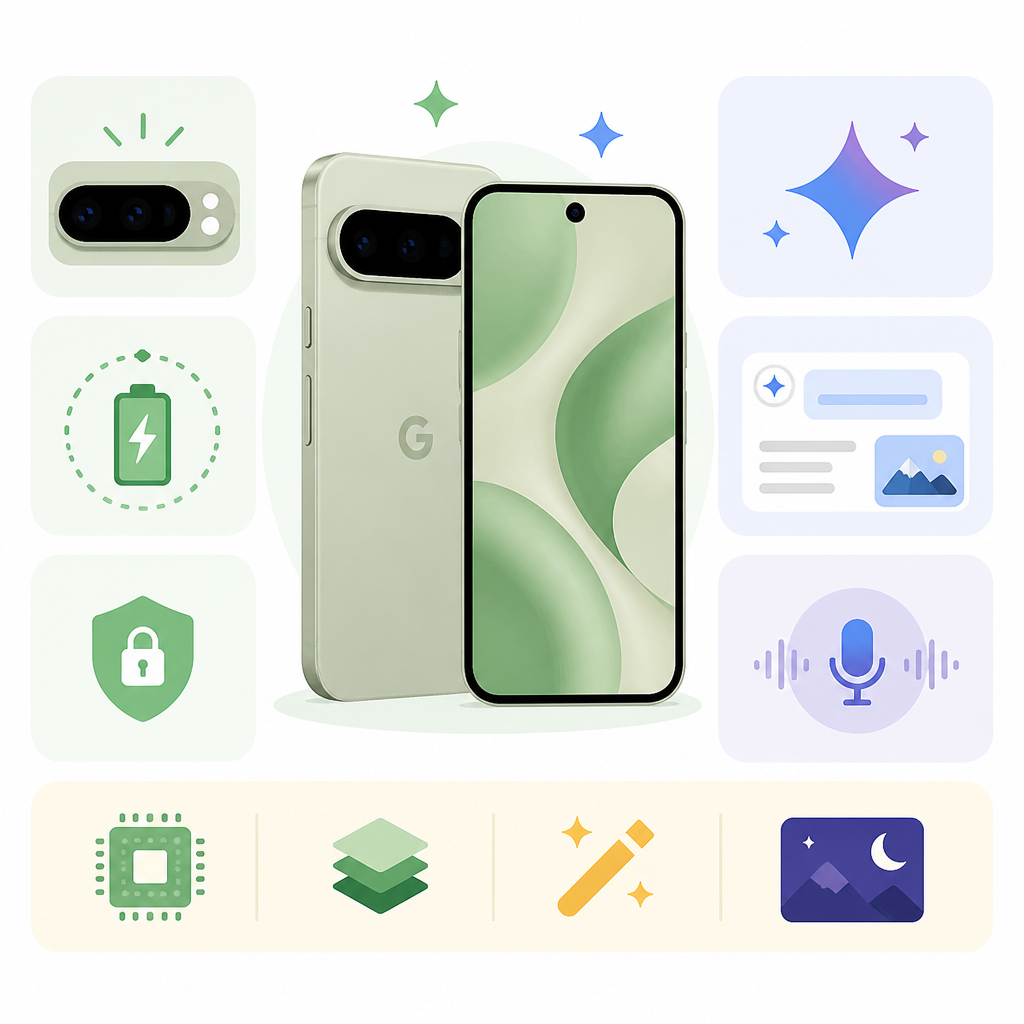
Look for the naming pattern first. The base Pixel 11 is the entry model, the Pixel 11 Pro and Pro XL are the premium slab phones, and the Pixel 11 Pro Fold is the foldable option. That structure makes it easier to compare sizes, finishes, and feature tiers without getting lost in the marketing.
Verification: you should be able to list all four Pixel 11 phones and the two accessories announced at the event. If you can separate the Pro models from the base model, this step is complete.
Step 3: Compare the hardware changes
Goal: understand what Google changed in the physical design. The Pixel 11 Pro models keep the signature camera bar but move to a fuller glass back treatment and a more prominent gold or copper trim. Google also replaced the old temperature sensor area with a new HiLight LED array on the Pro devices.
HiLight is not just a flash. It can show different colors and patterns for notifications, calls, messages, and Gemini activity, and it is customizable. The base Pixel 11 keeps a standard LED flash, so HiLight remains a Pro-only feature this year.
Verification: you should be able to point to the Pro-only HiLight feature and the simpler flash on the base Pixel 11. If you can explain which models get the new LED system, you have the hardware split right.
Step 4: Test the Gemini-powered features
Goal: learn which software demos are powered by Tensor G6 and Gemini. Google said the Tensor G6 inside the Pixel 11 family includes a 50% faster TPU for local AI processing, and that power shows up in features like Magic Capture, Live Video Translate, and smarter camera behavior.
Magic Capture records what the camera sees, then uses Tensor to pick the best moments based on expression, motion, and other signals. Live Video Translate can translate spoken audio in real time while you watch a video. Google also showed Gemini creating interactive workout routines with rep counts, health logging, and generated videos.
Verification: you should be able to name at least three AI features tied to the Pixel 11 launch. If those features sound like camera, translation, and wellness tools rather than simple app updates, you have the main software story.
Step 5: Check the camera and search upgrades
Goal: see how Google is expanding camera-first search and photo workflows. Circle to Search now includes a Camera mode, which lets you circle objects in the viewfinder instead of relying only on a standard point-and-search flow. Night Sight also gets a major speed bump, with Google calling it 4.5x faster than previous Pixels.
This matters because it turns the camera into a more active input device, not just a capture tool. If you are shopping for a Pixel specifically for photography, these are the updates that will affect everyday use more than a small spec bump would.
Verification: you should be able to explain the difference between Circle to Search in Camera and the older search flow. If you also remember the 4.5x Night Sight claim, you have the camera story covered.
Step 6: Review the wearable and accessory announcements
Goal: capture the rest of the launch so you do not miss the ecosystem pieces. Google also introduced the Pixel Watch 5 and the Pixel Tag, which extends the launch beyond phones and into tracking and wearables.
That broader lineup matters if you are planning a full upgrade path. A phone launch becomes more useful when you know whether the watch or tracker fits into the same ecosystem, especially if you already use Google services and want tighter integration.
Verification: you should be able to name the Pixel Watch 5 and Pixel Tag as part of the event. If you can connect them to the Pixel 11 launch rather than treating them as separate news, this step is done.
| Metric | Before/Baseline | After/Result |
|---|---|---|
| Tensor TPU speed | Previous Pixel TPU | 50% faster TPU for local AI processing |
| Night Sight speed | Earlier Pixel generation | 4.5x faster Night Sight |
Common mistakes
- Mixing up the base Pixel 11 with the Pro models. Fix: remember that HiLight is Pro-only, while the base model keeps a standard flash.
- Assuming the event was only about phones. Fix: include the Pixel Watch 5 and Pixel Tag in your notes, since they are part of the launch story.
- Reading Gemini features as generic app demos. Fix: tie each feature back to Tensor G6, camera workflows, or real-time translation so the hardware-software link stays clear.
What's next
If you want to go deeper, compare the Pixel 11 specs against the Pixel 10, then read hands-on coverage of the Pixel 11 Pro Fold and Pixel Watch 5 to see how the new features behave in real use.
// Related Articles
- [TOOLS]
Zilliz Adds Cost Metrics to VDBBench
- [TOOLS]
Zilliz adds cost-aware scoring to VDBBench
- [TOOLS]
AWS Continuum turns AI coding into safer fixes
- [TOOLS]
Open-Generative-AI turns GitHub into a studio
- [TOOLS]
Why benchmark scores don’t predict your bill
- [TOOLS]
MCP Servers for Developers: 8 workflow gains in 2026