Kimi K3 vs GLM-5.2: a one-endpoint test
A copyable way to compare Kimi K3 and GLM-5.2 on one OpenAI-compatible endpoint using real usage and latency.

Compare Kimi K3 and GLM-5.2 on one OpenAI-compatible endpoint with a single swap.
I've been doing model comparisons long enough to know when a benchmark is lying to me. Most of the time, it is not lying on purpose. It is just optimized for the wrong thing, wired through a different SDK, or wrapped in enough glue code that I can no longer tell whether the model got better or my harness got cleaner. That is exactly why the Kimi K3 versus GLM-5.2 write-up on Zhihu caught my attention. The premise is almost annoyingly simple: both models sit behind the same OpenAI-compatible endpoint, so the test becomes a string replacement instead of a migration project. That is my kind of comparison. No ceremony. No fake precision. Just run the same task, swap the model ID, and look at the usage and latency numbers.
That matters because price is only interesting when it maps to actual behavior. A 2.8x cost gap sounds dramatic until you see whether the cheaper model burns tokens, stalls, or falls apart on your workload. The article points to api.ofox.io/v1 as the shared endpoint and mentions getting a key from the Kimi K3 ofox model page. I am not interested in the brand theater around that. I care about the workflow: one endpoint, two model IDs, same prompt, same parser, same stopwatch.
Stop benchmarking the wrapper and start benchmarking the model
Get the latest AI news in your inbox
Weekly picks of model releases, tools, and deep dives — no spam, unsubscribe anytime.
No spam. Unsubscribe at any time.
两个模型都在同一个 OpenAI 兼容端点上,所以在你自己任务上做一次真实的单次运行对比,就是一次字符串替换。
What this actually means is that the infrastructure should disappear from the comparison. If I have to change SDKs, auth schemes, request shapes, or retry logic, I am no longer comparing Kimi K3 and GLM-5.2. I am comparing two integration paths, and that muddies everything. The whole point of an OpenAI-compatible endpoint is that the request surface stays boring.

I have run into this exact problem while testing models in production-like scripts. One provider wanted a new client, another wanted a different message schema, and suddenly the "benchmark" was really a bunch of adapter bugs wearing a lab coat. The article's approach avoids that. Same endpoint, same payload shape, same calling code. The only thing that changes is the model name.
How to apply it: pick one request path and freeze it. Use the same prompt, the same temperature, the same max tokens, the same system message, and the same timeout. Then loop over the model IDs. If the endpoint is truly OpenAI-compatible, your test harness should not care whether it is calling Kimi K3 or GLM-5.2. If it does care, the compatibility claim is already leaking.
- Keep the request body identical across runs.
- Log the raw response, usage, latency, and any retries.
- Do not compare results from different SDKs unless you enjoy debugging noise.
Price means nothing until usage shows up in the logs
The article frames the comparison around a 2.8x price difference. That is the right place to start, but only if you immediately ask: 2.8x of what, and for what output? A model can look cheap on paper and still cost more in practice if it spends tokens like water or needs extra turns to get to the answer you wanted.
What this actually means is that I should not trust sticker price alone. I want the usage fields from the response. I want prompt tokens, completion tokens, and total tokens. Then I want to map that to the actual task. If one model needs 30 percent more completion tokens to reach the same quality, the nominal price gap may shrink fast. If the other model is terse but wrong, cheap is just expensive in disguise.
I ran into this when I compared models for code generation. One model produced elegant-looking answers that were twice as long as necessary and still missed a constraint. Another was blunt, shorter, and cheaper, but I had to ask a follow-up because it skipped context. The real cost was not the invoice. It was the number of times I had to intervene. That is why usage logs matter more than marketing tables.
How to apply it: capture usage from every call and store it next to the prompt hash. Then calculate cost per successful task, not cost per request. If you are using a provider like ofox, the endpoint may already expose the fields you need. If not, wrap the response object before it leaves your app. I like to keep a tiny CSV or SQLite table with model ID, prompt ID, latency, tokens, and pass/fail.
- Measure cost per completed task, not cost per API call.
- Track token counts alongside quality outcomes.
- Repeat the same task enough times to see variance, not just one lucky run.
Latency is not a vanity metric when your app waits on it
I used to treat latency as a secondary metric until I shipped a workflow where the model was on the critical path for every user action. Then latency stopped being abstract very quickly. A model that is slightly smarter but consistently slower can wreck the feel of an app, especially when the user is staring at a spinner and wondering whether the system froze.
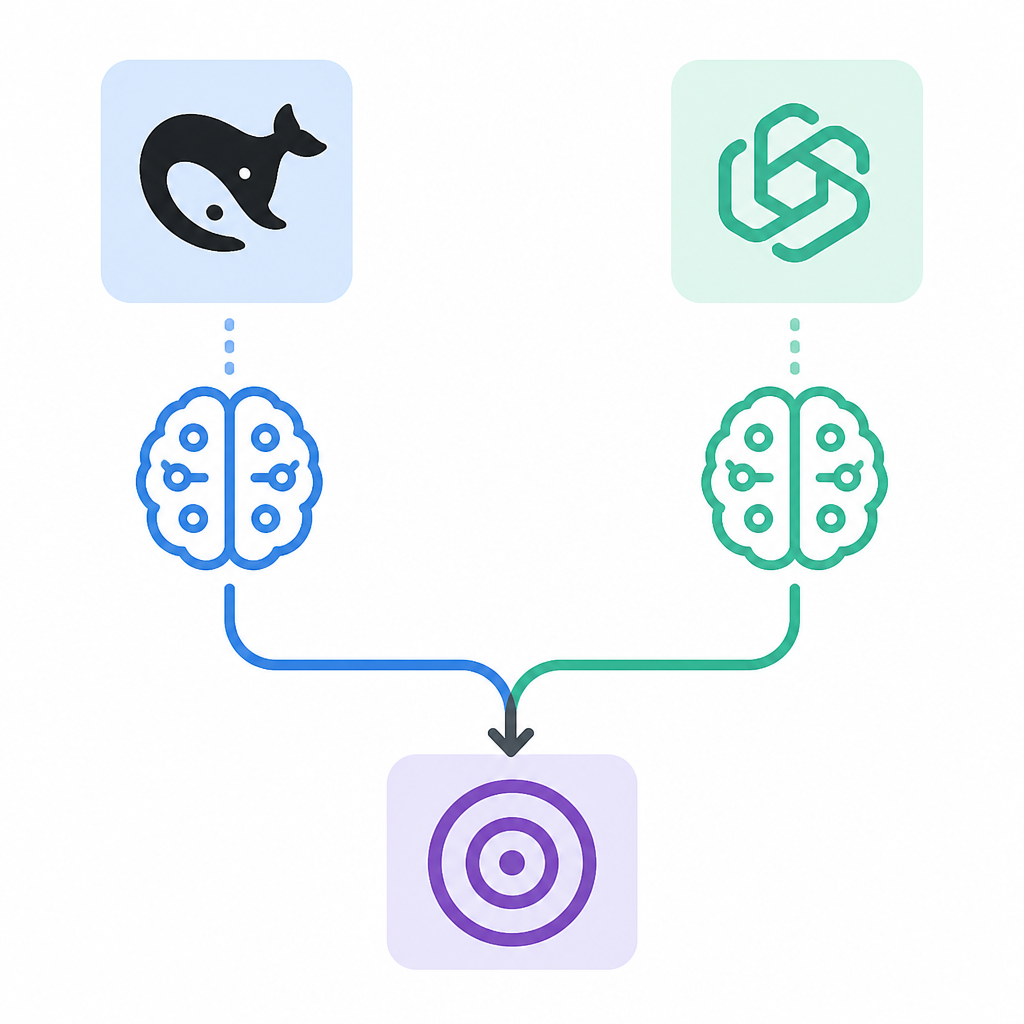
The Zhihu post's setup makes latency easy to compare because the transport layer is shared. That is the good part. If both models hit the same endpoint, then network variance is at least less embarrassing. You still need to measure it carefully, though. One run tells you almost nothing. Ten runs can still lie if cold starts or cache effects are uneven. I prefer a small batch and then I look at p50 and p95, not just the average.
What this actually means is that "faster" is only useful if it is faster on your workload. A model can be quick on tiny prompts and slow on long-context reasoning. Another may have a steadier tail even if its mean looks worse. If your app is interactive, the tail matters. If your app is batch processing, throughput may matter more. Same endpoint, different pressure.
How to apply it: record start and end timestamps in your client, not just server-side timings. Then compare latency distributions across the two model IDs. If you are using Python, keep the timing wrapper outside the request function so you do not accidentally benchmark your own logging. If you are using JavaScript, do the same and avoid awaiting extra work inside the stopwatch. That sounds obvious until it is not.
One task, one prompt, one decision
The article is most useful when it stops being about abstract model quality and becomes about a single task you actually care about. That is the part a lot of teams skip. They run a generic benchmark suite, then act surprised when the winner is useless for their internal workflow. I have done that. It wastes time and makes everyone defensive.
What this actually means is that I should define the task before I define the model. If I am testing summarization, I need the exact kind of summarization I ship. If I am testing code assistance, I need the exact file size, language, and constraints my team uses. If I am testing retrieval-style answering, I need the same context window and the same failure cases. The model comparison becomes meaningful only when the prompt reflects reality.
I like the article's implicit discipline here: real single-run comparison on your own task. Not a leaderboard. Not a cherry-picked demo. Your prompt, your endpoint, your model IDs. That is boring in the best way. It gives me a number I can argue with, which is better than a vague impression I can never reproduce.
How to apply it: write one canonical prompt for the task you care about. Save it in your repo. Version it. Then run both models against that prompt and compare the outputs manually first, metrics second. If you cannot tell which answer is better by reading it, your benchmark is probably too vague. If you can tell, you have something worth measuring.
Keep the harness tiny or it will lie to you
Every benchmarking harness starts innocent and then turns into a small software product. I have watched this happen too many times. First you add retries. Then you add backoff. Then you add prompt templating, result normalization, and a dashboard. Before long, the harness is so clever that nobody trusts the numbers anymore.
The beauty of the article's setup is that it keeps the harness small enough to inspect. That matters. If I can read the whole test in a minute, I can spot where the bias enters. If I need a meeting to explain the benchmark, it is already too complicated. The endpoint abstraction should reduce work, not create a new platform.
What this actually means is that I should prefer a thin client and a dumb loop. The loop changes the model ID, sends the same request, captures the same fields, and writes them to a file. That is it. Any extra logic should be there because the task needs it, not because I wanted the harness to feel professional.
How to apply it: build the smallest possible runner first, then only add features you can justify. If you need retries, make them visible in the output. If you need streaming, log first-token time separately. If you need multiple prompts, keep them in a plain text file. The goal is to make the comparison easy to rerun next week when somebody asks whether the result was a fluke.
- Prefer a tiny runner over a feature-rich benchmark suite.
- Make every extra layer visible in the logs.
- Store prompts and outputs so you can rerun the test later.
Do not confuse provider convenience with model quality
There is a subtle trap in any shared endpoint setup: the provider can make the comparison easy enough that you stop asking hard questions. Easy integration is nice. I want that too. But easy integration is not evidence that one model is better. It only means I can test them without rewriting my app.
The source article, by pointing to an OpenAI-compatible endpoint and a key flow, is really showing a practical testing pattern. That is not the same thing as a universal ranking. It is a way to reduce friction so you can observe the models in your own environment. That distinction matters because teams love to overgeneralize from one successful test.
What this actually means is that the endpoint is a tool, not the conclusion. The conclusion comes from your own prompts, your own logs, and your own tolerance for cost versus quality. Kimi K3 may win on one workload and GLM-5.2 may win on another. I would rather know that than pretend there is one winner for everything.
How to apply it: treat the shared endpoint as a lab bench. Put your workload on it and inspect the result. If the provider offers a model page or key flow, use it to get started, but do not let the convenience of setup replace the discipline of measurement. The fastest way to fool yourself is to confuse "easy to test" with "better."
The template you can copy
# Kimi K3 vs GLM-5.2 single-endpoint comparison template

This template assumes both models are available through the same OpenAI-compatible endpoint.

## Goal
Compare two models on the same task using:
- identical prompt
- identical generation settings
- identical endpoint
- identical logging

## What to record
- model_id
- prompt_id
- request timestamp
- response timestamp
- latency_ms
- prompt_tokens
- completion_tokens
- total_tokens
- retries
- output_text
- pass_fail
- notes

## Minimal Python example

python
import time
from openai import OpenAI

client = OpenAI(
    base_url="https://api.ofox.io/v1",
    api_key="YOUR_API_KEY"
)

MODELS = [
    "kimi-k3",
    "glm-5.2"
]

PROMPT = "Write a concise summary of this internal incident report in 5 bullet points."

for model in MODELS:
    start = time.time()
    resp = client.chat.completions.create(
        model=model,
        messages=[
            {"role": "system", "content": "You are a precise assistant."},
            {"role": "user", "content": PROMPT}
        ],
        temperature=0.2,
        max_tokens=400
    )
    end = time.time()

    text = resp.choices[0].message.content
    usage = resp.usage

    print({
        "model_id": model,
        "latency_ms": round((end - start) * 1000, 2),
        "prompt_tokens": getattr(usage, "prompt_tokens", None),
        "completion_tokens": getattr(usage, "completion_tokens", None),
        "total_tokens": getattr(usage, "total_tokens", None),
        "output_text": text
    })


## CSV schema
model_id,prompt_id,latency_ms,prompt_tokens,completion_tokens,total_tokens,retries,pass_fail,notes

## Comparison checklist
- Same prompt text
- Same system message
- Same temperature
- Same max_tokens
- Same endpoint
- Same parser
- Same evaluation criteria

## Decision rule
Choose the model that gives the best combination of:
- acceptable quality
- lower total token usage
- lower latency
- fewer retries

## Practical note
If the models are both exposed through the same OpenAI-compatible endpoint, the test should be a model-id swap, not a new integration project.
The template above is my cleaned-up version of the workflow described in the Zhihu post. The original idea is not mine; the structure and wording here are mine, built from that source and shaped into something I would actually use in a repo. If you want to read the original context, start here: https://zhuanlan.zhihu.com/p/2062688766238762796. For the endpoint reference mentioned in the article, see https://api.ofox.io/v1. If you need the OpenAI client surface this pattern maps to, the official docs are at OpenAI Docs.
If you want to go one step further and make the comparison reproducible in your own stack, keep the harness in your repo and pin the prompt. That is the part that saves time later, when somebody inevitably asks whether the cheaper model was actually cheaper or just less honest about its token count.
// Related Articles
- [TOOLS]
Gemini Live camera turns seeing into help
- [TOOLS]
JianGuoYun Wins Because File Sharing Should Be Sync, Not Shipping
- [TOOLS]
How AI Rewrites PostgreSQL in Rust
- [TOOLS]
AI Agent tooling that turns docs into workflows
- [TOOLS]
Docker Desktop on Windows in one clean install flow
- [TOOLS]
Grok 4.5 hits Cursor with $2/$6 pricing