Managed ChatGPT access is governed by 4 policy layers
4 policy layers shape managed ChatGPT access: OpenAI terms, usage rules, and your organization’s own security and retention policies.

Managed ChatGPT access is controlled by OpenAI terms and your organization’s internal policies.
If your company gives you administrator-managed access to ChatGPT, the rules come from more than one place. This guide breaks down the four policy layers that govern use, with one clear takeaway: your account is not governed by product access alone.
1. OpenAI agreement
Get the latest AI news in your inbox
Weekly picks of model releases, tools, and deep dives — no spam, unsubscribe anytime.
No spam. Unsubscribe at any time.
The first layer is the agreement your organization has with OpenAI. That contract sets the legal terms for how the managed service is provided and used, and it applies before you even get to internal company rules.
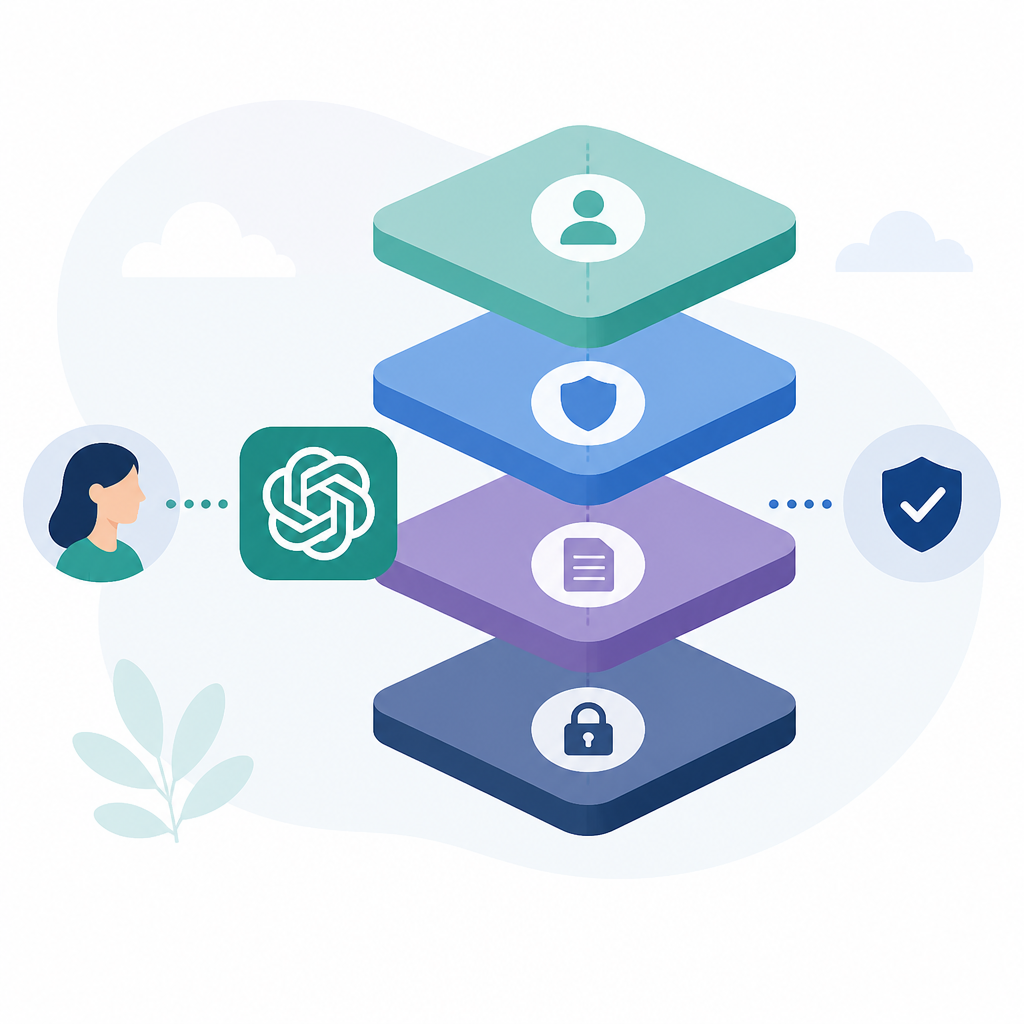
For employees, this means the account is part of a business relationship, not a personal subscription. If your organization changes its agreement, the rules for access and use can change too.
- Applies to administrator-managed ChatGPT access
- Defines the business terms for the service
- Works alongside internal company policy
2. OpenAI Usage Policies
OpenAI Usage Policies still apply when your organization manages the account. These policies cover allowed and disallowed behavior, so a business account does not override the platform’s own rules.
In practice, that means users should treat policy compliance as a baseline requirement. If a workflow seems questionable, it needs review against the Usage Policies before it becomes part of normal use.
- Policy compliance is required for managed accounts
- Applies to prompts, outputs, and account behavior
- Can restrict how the service is used in the workplace
3. Internal acceptable-use policy
Your organization’s acceptable-use policy is the next layer. This is where the company defines what employees may do with ChatGPT, which teams may use it, and which tasks are off-limits.
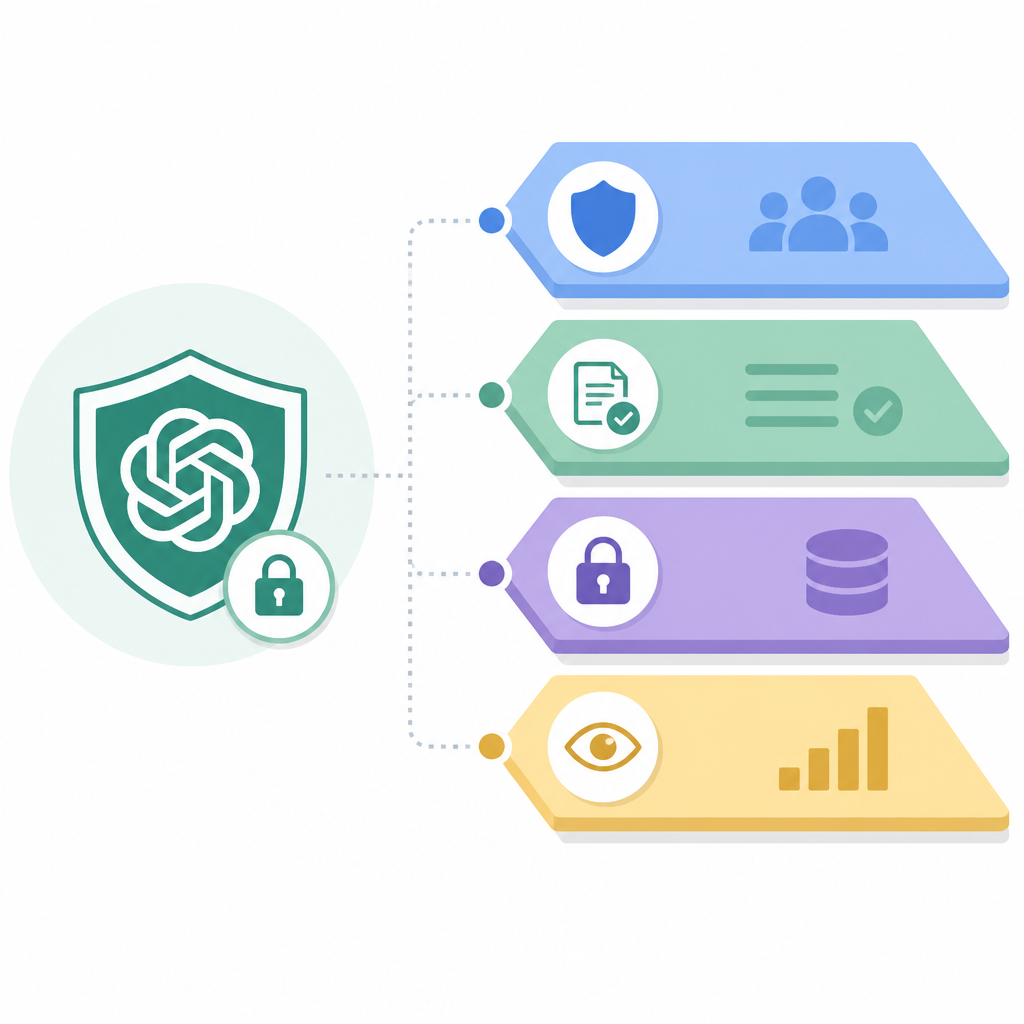
These rules can be stricter than the platform’s own policies. For example, a company may limit use to drafting, summarization, or internal research, even if other uses are technically permitted elsewhere.
Examples of internal rules:
- Approved use cases
- Prohibited data types
- Required review before sharing outputs
- Role-based access limits
4. Data handling, security, retention, and monitoring rules
Managed access also sits inside your organization’s data governance rules. The source article specifically calls out data handling, security, retention, and monitoring policies, which can shape what users may enter, how outputs are stored, and who can review activity.
This layer matters because it affects day-to-day behavior. A user may have access to ChatGPT but still be barred from pasting sensitive data, saving outputs in certain systems, or using the service without logging and oversight.
- Data handling rules control what can be shared
- Security policies may require approved devices or accounts
- Retention rules can govern how long outputs are kept
- Monitoring policies may allow admin review of usage
How to decide
If you are an end user, start with your company’s internal policy first, then check the OpenAI Usage Policies, then look at any guidance from your admin or security team. If you are an administrator, make sure employees know that managed access is governed by both the company agreement with OpenAI and internal policy.
The practical rule is simple: treat managed ChatGPT like any other enterprise tool with layered controls. Access does not mean unrestricted use, and the safest default is to follow the strictest applicable rule.
// Related Articles
- [IND]
X posts let execs shape the AI story
- [IND]
Jensen Huang’s AGI definition lowers the bar
- [IND]
Claude’s 2026 limit changes are a capacity story, not a product story
- [IND]
SSI's $5 Billion Backing Proves AI Safety Is a Product Strategy
- [IND]
A rogue AI agent slipped into a real cyberattack
- [IND]
The Pentagon should stop marketing AI with battlefield language