Mobile app production depends on 14 design choices
A mobile app stays fast and safe in production by using modular code, BFFs, versioning, flags, and staged rollouts.

Mobile app production depends on modular code, BFFs, versioning, flags, and staged rollouts.
Mobile apps get hard to operate long before they get big in user count. This newsletter from The System Design Newsletter says part 3 covers 14 production concepts that shape how apps are built, shipped, and kept alive after release.
The list is practical: modular architecture, backend for frontend, app versioning, feature flags, deep links, permissions, accessibility, localisation, graceful degradation, geo usage, crash reporting, crash-free rate, and staged rollouts. That mix tells you where mobile teams spend their time once the first version is already in users’ hands.
| Concept | What it solves | Why mobile teams care |
|---|---|---|
| 14 concepts | Production app design and operations | Covers build, ship, and post-release work |
| 3-day app review window | Release delay | Feature flags reduce wait time |
| 5 backend services | Screen-level data aggregation | BFF cuts client-side request fan-out |
| 2026 cohort start | Partner promotion timing | Shows the newsletter’s publication date |
Modular architecture keeps code from turning into sludge
Get the latest AI news in your inbox
Weekly picks of model releases, tools, and deep dives — no spam, unsubscribe anytime.
No spam. Unsubscribe at any time.
The article starts with modular architecture, also called feature-based modules. The idea is simple: split a mobile app into separate pieces so auth, feed, checkout, and similar features do not all live in one giant codebase. Each module owns its own code and exposes only the parts other modules need.
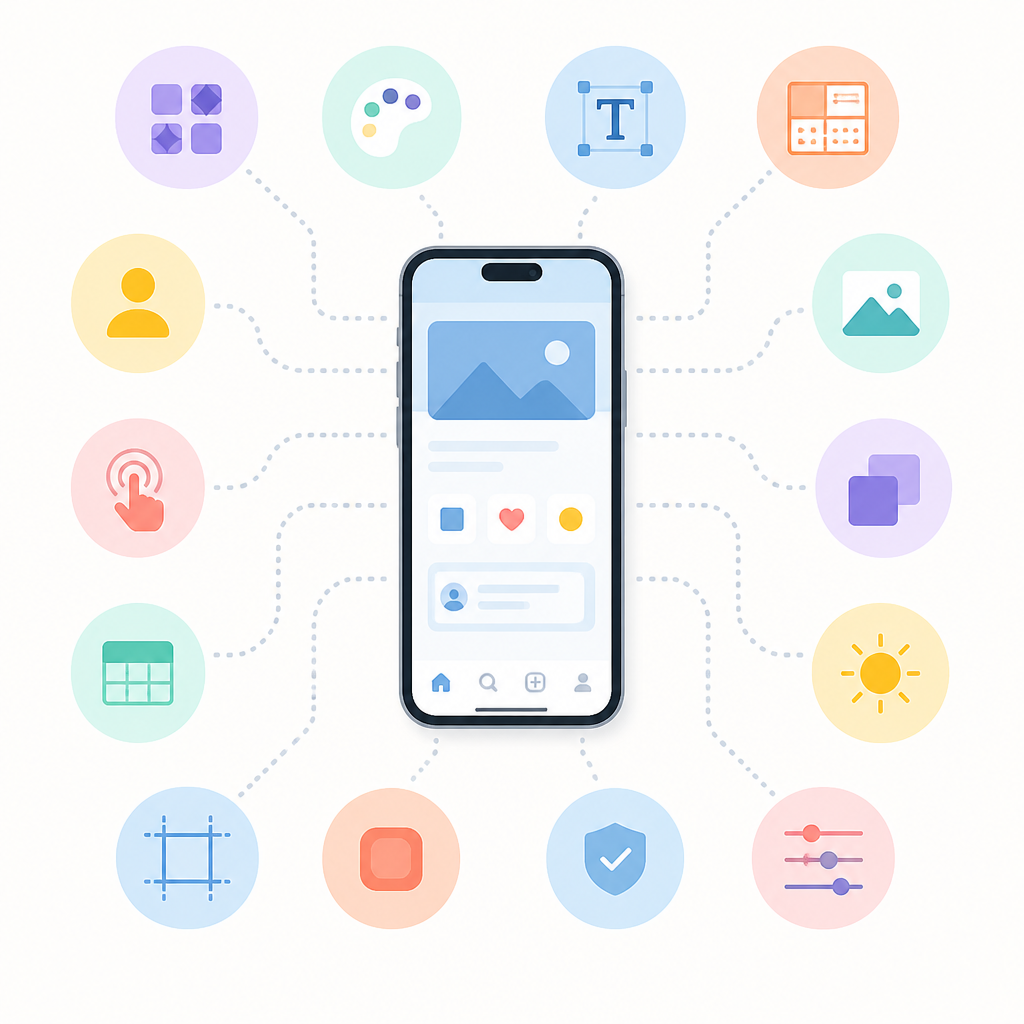
That matters because large mobile apps slow down in ways that are painful for developers and users. The newsletter points out that a huge monolith can take minutes to compile. If only one module changes, only that module needs rebuilding, which saves time during active development.
There is a tradeoff here. Module boundaries need real discipline. Shared concerns such as analytics, navigation, and design systems often need a common core, and teams have to watch for circular dependencies. Once a monolith has grown too far, splitting it later is much harder than starting clean.
- Airbnb, Uber, and Spotify use modular patterns in mobile apps.
- Dependency graph tools help teams spot circular module links before they spread.
- A common core module often holds analytics, navigation, and shared UI primitives.
BFFs cut request fan-out on mobile screens
Next comes Backend for Frontend, or BFF, which is one of the most useful ideas in the whole piece. A mobile screen often needs data from several backend services at once. If the app calls each service directly, it pays for multiple network trips, more battery use, and more latency.
A BFF sits between the app and the rest of the backend. The mobile app makes one request, and the BFF gathers and shapes the data into a response that fits the screen. That keeps the client simpler and lets the server do the heavy lifting.
“The BFF pattern is a backend specifically tailored to the needs of a frontend.”
Sam Newman, Building Microservices
The newsletter uses Netflix as the example, and that makes sense. Netflix keeps separate backend layers for iOS, Android, TV, and web so each client gets data in the shape it needs. A phone does not need the same payload as a television.
One important warning: a BFF should aggregate and transform data, not become a second business-logic layer. If it starts owning domain rules, teams end up with duplicated logic and a harder debugging story.
- One screen can trigger 5 service calls without a BFF.
- A BFF reduces that to 1 client request.
- Mobile clients benefit because smaller payloads usually mean less waiting and less battery drain.
Versioning and flags keep releases from breaking users
App versioning and backward compatibility come next, and this is where mobile differs from the web in a very annoying way. Users do not update on your schedule. Some update on day one, others stay on older builds for weeks or months, so the backend has to keep serving multiple app versions at once.
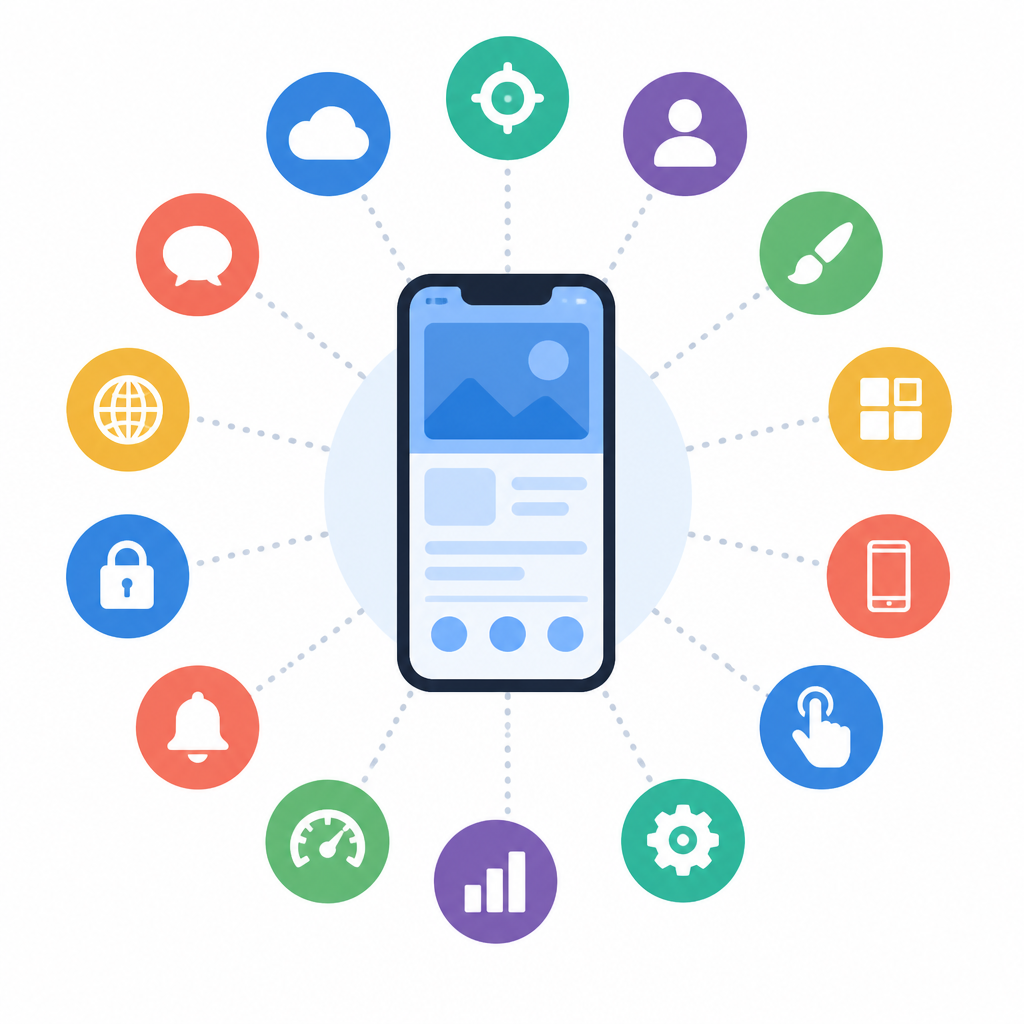
The article uses endpoint examples like /v1/users and /v2/users to show how APIs can return different shapes for different clients. That makes older apps keep working even after the server evolves.
For API teams, the Stripe model is a good reference point because versioning is part of the contract. The newsletter also mentions the Expand-Contract pattern: add new fields first, migrate clients, then remove old fields later. That avoids the classic breakage where an older app expects a field that disappeared.
Feature flags and remote configuration solve a different problem: release timing. Instead of waiting for app store approval and user updates, teams can ship code with a feature disabled and turn it on remotely later. That gives product and engineering teams a fast kill switch if something misbehaves in production.
The article notes that app store approval can take up to 3 days. It also points out that remote config can change UI text, layout choices, feature limits, and experiment settings without a new binary.
- API examples in the article use
/v1/usersand/v2/users. - App store review can take up to 3 days.
- Feature flags can target specific users, not just the entire install base.
- Firebase Remote Config is a common tool for this pattern.
Staged rollouts and observability decide whether a release survives
The last part of the article shifts from architecture to operations. That is where mobile teams learn whether their design choices actually held up after release. Staged rollouts let a team ship to a small slice of users first, then widen exposure if crash rates and performance stay healthy.
This is where crash reporting, performance monitoring, and crash-free rate matter. A crash-free rate is an SLI for mobile health, and it gives teams a concrete signal instead of a gut feeling. If the rate drops after a release, the team can halt rollout before the problem reaches everyone.
That operational discipline matters because mobile bugs are expensive to fix once they are in the wild. Users may be on old versions, on poor networks, or on devices with limited memory. Graceful degradation helps the app stay usable when one piece fails, while accessibility, localisation, permissions, and geo usage make sure the product behaves well for different users and regions.
The newsletter’s structure is a reminder that mobile system design is not a single diagram. It is a chain of decisions that starts in the codebase and ends in release controls, telemetry, and rollback plans.
- Crash-free rate is treated as an SLI, so it can be tracked like latency or error rate.
- Staged rollouts reduce blast radius when a release has a hidden bug.
- Graceful degradation keeps the app usable when one service or feature fails.
- Firebase Crashlytics is a common crash reporting tool.
Mobile system design is really release design
What makes this newsletter useful is that it connects architecture to operations without pretending they are separate worlds. Modular code speeds builds, BFFs reduce client work, versioning protects older users, and feature flags plus staged rollouts give teams room to fix mistakes before they spread.
That is the real lesson in this part of the series: mobile system design is release design. If your app cannot absorb change safely, the code structure does not matter much. If you are building a mobile product now, the next question is not whether you need these patterns, but which one will save you first when your app hits real traffic.
For related reading, see mobile backend design patterns and feature flags in production.
// Related Articles