OpenClaw’s repo mix shows an AI assistant stack
5 OpenClaw repositories reveal an AI assistant stack for desktop, plugins, terminal workflows, and Windows support.

OpenClaw is a multi-repo open source AI assistant stack with desktop, plugin, terminal, and Windows tooling.
OpenClaw’s GitHub profile shows a project family, not a single app: one flagship repo with about 380k stars, plus support projects for plugins, terminals, screenshots, and Windows integration. If you want to understand how the system is put together, these 5 repositories explain the core pieces.
| Item | Primary role | Language | Repo signal |
|---|---|---|---|
| openclaw | Personal AI assistant | TypeScript | 379,966 stars |
| clawhub | Skill + plugin registry | TypeScript | 9,019 stars |
| gogcli | Google Workspace terminal tool | Go | 7,781 stars |
| Peekaboo | Screenshot capture for agents | Swift | 4,800 stars |
| openclaw-windows-node | Windows companion suite | C# | 1,911 stars |
1. openclaw
Get the latest AI news in your inbox
Weekly picks of model releases, tools, and deep dives — no spam, unsubscribe anytime.
No spam. Unsubscribe at any time.
The flagship repo is the main product: “Your own personal AI assistant. Any OS. Any Platform.” It is the largest project in the org by a wide margin, with about 379,966 stars and 79,546 forks, which suggests it is the center of gravity for the whole ecosystem.
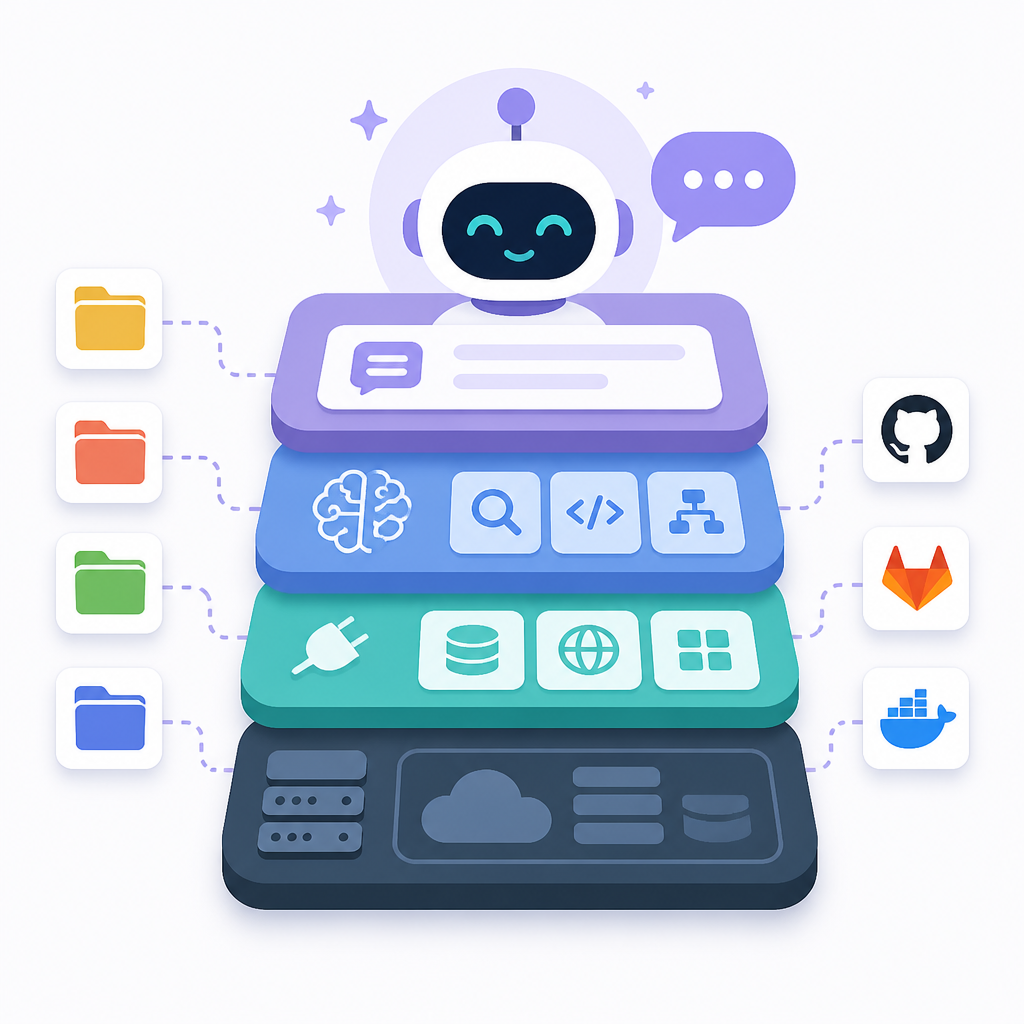
For readers trying to understand the project quickly, this is the repo that defines the user-facing promise. The codebase is TypeScript, and the repo page also points to the product site at openclaw.ai, which makes it the best starting point for evaluating the main app rather than one of the supporting utilities.
- Language: TypeScript
- Stars: 379,966
- Forks: 79,546
- Updated: Jun 22, 2026
2. clawhub
Clawhub is the extension layer: a “Skill + Plugin Registry for OpenClaw.” At roughly 9,019 stars, it is much smaller than the main app but still large enough to show real adoption and active interest in modular add-ons.
This repo matters if you care about how OpenClaw gets new capabilities without bloating the core assistant. The registry model implies a marketplace-like structure for skills and plugins, which is useful for teams that want to separate the assistant shell from the feature set.
- Language: TypeScript
- Stars: 9,019
- Forks: 1,406
- License: MIT
3. gogcli
Gogcli is the terminal-facing utility in the set: “Google Workspace in your terminal.” Built in Go, it looks aimed at users who want fast command-line access to mail, docs, calendar, or related Workspace tasks without switching contexts.
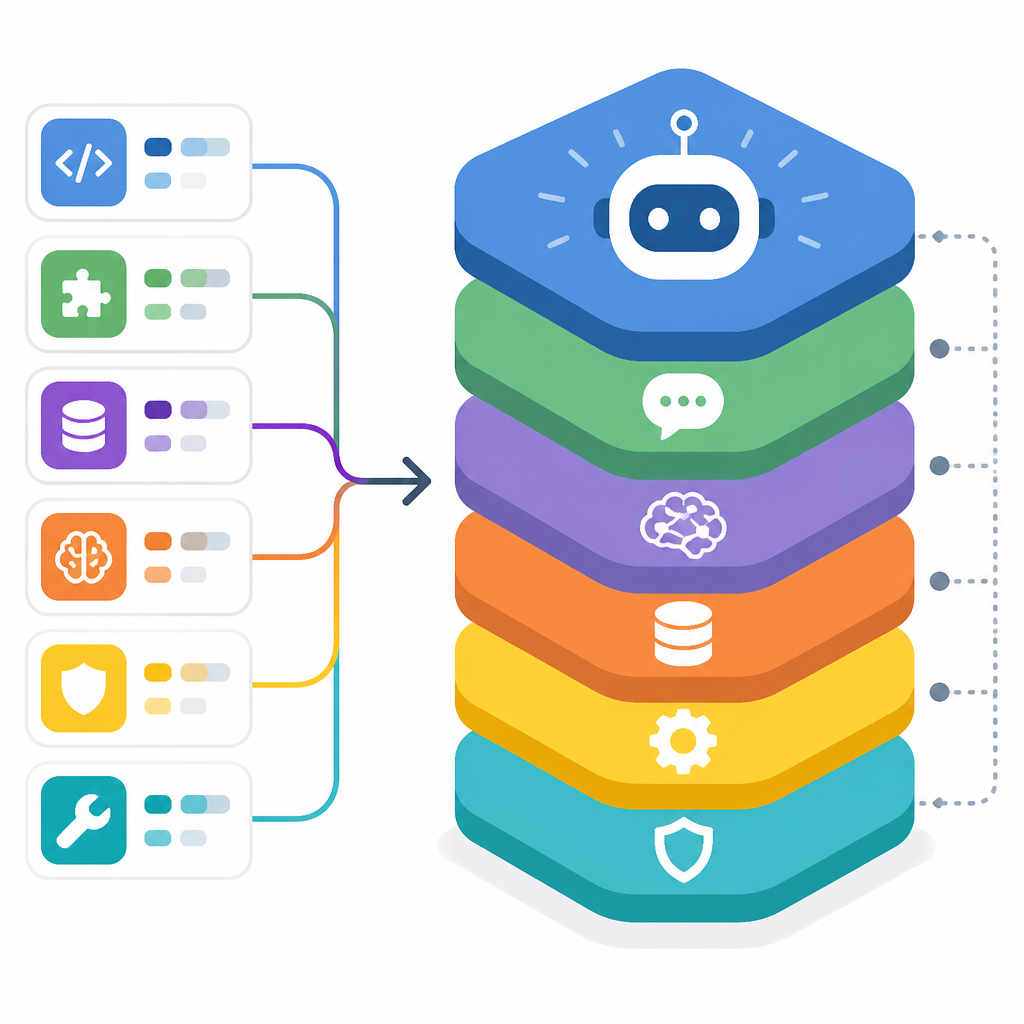
That makes gogcli the most practical repo for power users who prefer scripts and shell workflows. Its star count, 7,781, is high enough to show the terminal idea is not a side experiment, and the Go choice fits a small, distributable CLI.
go install github.com/openclaw/gogcli@latest
# then use terminal commands for Workspace tasks
4. Peekaboo
Peekaboo adds the visual layer: it is a macOS CLI and optional MCP server that lets AI agents capture screenshots of applications or the whole system. It also mentions optional visual question answering through local or remote AI, which makes it a helper for agent workflows that need screen context.
This repo is the clearest sign that OpenClaw is thinking beyond text prompts. If an assistant cannot see what is on screen, many tasks stay awkward; Peekaboo fills that gap for debugging, UI inspection, and multimodal agent setups.
- Platform: macOS
- Language: Swift
- Stars: 4,800
- Function: screenshot capture and optional VQA
5. openclaw-windows-node
The Windows companion suite rounds out the cross-platform story. Its description calls out a system tray app, shared library, Node package, and PowerToys Command Palette extension, so this is the repo that makes the assistant feel native on Windows.
For anyone evaluating deployment reach, this is an important signal. OpenClaw is not only a desktop app with a web front end; it is also being adapted into OS-specific helpers that integrate with everyday Windows entry points.
- Language: C#
- Stars: 1,911
- License: MIT
- Components: tray app, shared library, Node, PowerToys extension
What to pick
If you want the main product story, start with openclaw. If you want extensibility, clawhub is the better entry point. If your workflow lives in a shell, gogcli is the most direct fit.
Choose Peekaboo when your agents need screen context, and choose openclaw-windows-node when Windows integration matters. Taken together, these repos show an assistant platform built around core app, plugins, terminal tools, and OS-specific companions.
// Related Articles
- [IND]
Silicon Valley’s AI “Breakdowns” Are a PR Play, Not a Signal of Doom
- [IND]
WebAssembly’s JVM shift is making Java more portable
- [IND]
Anthropic is hiring a custom chip design team
- [IND]
Model Y L US launch packs 6 buyer details
- [IND]
2027 Tesla Model Y L Exterior Photos and Specs
- [IND]
CUDA’s moat is being tested by AI coding agents