RustRover 2026.2 turns Rust setup into one file
I break down RustRover 2026.2 and give you a copy-ready setup for Rust, testing, debugging, and AI-assisted work.

RustRover 2026.2 replaces plugin hunting with a ready-to-run Rust workspace.
I’ve been setting up Rust projects the annoying way for years. New repo, open editor, then the usual scavenger hunt: Rust plugin, formatter, Cargo integration, test runner, debugger, TOML support, Git bits, maybe Docker, maybe database tooling, and then twenty minutes later I’m still not writing code. That part has always bugged me more than it should. Rust is already opinionated. The toolchain knows what it wants. But a lot of editors still make me assemble the experience from scraps like I’m building a desk from spare screws.
That’s why RustRover caught my attention. JetBrains says RustRover 2026.2 ships with the Rust workflow wired in from the start, instead of making me bolt it together myself. I’m not treating that as marketing fluff. I’ve used enough JetBrains IDEs to know the tradeoff is always the same: you get a lot, you pay in RAM, and if the setup is wrong the whole thing feels heavy. But when it’s right, it removes a pile of friction I’ve stopped pretending is fun.
So I went through the release notes and the write-up like a developer trying to decide whether this is actually useful or just another shiny IDE launch. What I found is less about “new features” and more about a workflow shape: fewer plugins, fewer context switches, more of the Rust stack living in one place.
JetBrains is selling fewer decisions, not just more features
Get the latest AI news in your inbox
Weekly picks of model releases, tools, and deep dives — no spam, unsubscribe anytime.
No spam. Unsubscribe at any time.
“RustRover addresses these frustrations by providing comprehensive support for Cargo, TOML editing, remote development, and Docker management in its base installation.”
What this actually means is simple: JetBrains is trying to kill the setup tax. Not eliminate complexity, because Rust is still Rust, but remove the dumb work where I spend time wiring the editor before I can even see if the code compiles.
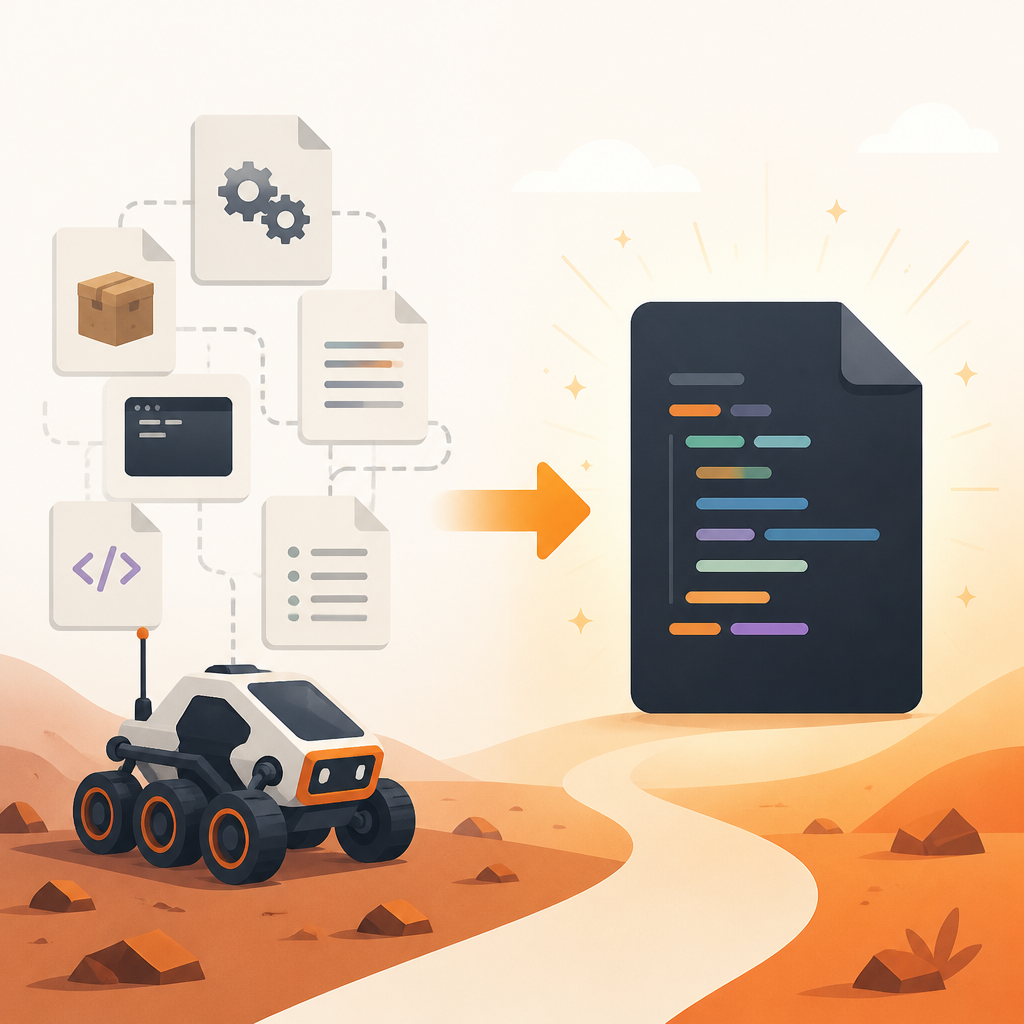
I’ve run into this every time I spin up a new Rust workspace. I open the repo, then I start checking whether the editor understands Cargo.toml, whether code actions are available, whether tests can be run from the UI, whether the debugger is actually attached, and whether the formatter is doing the same thing as rustfmt. It’s death by a thousand tiny confirmations. RustRover’s pitch is basically: stop asking the user to assemble the basics.
The practical part here is not glamorous. If you’re onboarding someone to a Rust codebase, a bundled toolchain experience matters more than flashy UI. If the IDE already knows Cargo, TOML, remote dev, and Docker, then the first hour becomes about code, not configuration. That’s a real win for teams who keep repeating the same setup conversation for every new laptop.
- Use it when your team wastes time on editor bootstrap instead of repo work.
- Use it when you want one place for Cargo, formatting, debugging, and container work.
- Skip the plugin pile if you’d rather accept JetBrains’ defaults than curate your own stack.
There’s a catch, and I don’t want to sand it down: “all-in-one” often means “heavier than your minimalist setup.” JetBrains tools have always lived near that line. If you’re on an older machine, you’ll feel it. But if you’re on a modern box and you care more about getting productive quickly than keeping your editor featherweight, this is a decent trade.
The real win is Cargo-first workflow, not fancy UI polish
“Users simply need to point the IDE at their Cargo.toml file, and the environment is ready to use.”
That line is the whole story. Point at Cargo.toml, and the IDE figures out the rest. That’s the kind of sentence I like because it tells me what I won’t have to do.
What this actually means is that RustRover is treating the manifest as the source of truth. That’s the right mental model for Rust anyway. Cargo already defines the workspace, dependencies, build targets, features, and test layout. If the IDE can read that cleanly, then it can infer a lot without me babysitting it.
I’ve been burned by editors that claim “Rust support” but really mean “syntax highlighting plus one plugin that half-works.” Then I spend time fixing the mismatch between the editor’s idea of the project and Cargo’s actual structure. That’s especially painful in workspaces with multiple crates, examples, benches, and integration tests. If the IDE doesn’t understand the manifest properly, everything else becomes annoying.
How to apply this in your own workflow: make Cargo the entry point, not the folder tree. If you adopt RustRover, open the workspace through the manifest and let the IDE index from there. If you’re comparing editors, ask a boring question first: does it understand my workspace without me teaching it? That one question saves more time than any feature checklist.
- Open Rust projects from the manifest, not random subfolders.
- Check that test targets, examples, and workspace members appear correctly.
- Verify formatter and linter behavior against Cargo-driven expectations, not editor guesses.
JetBrains also mentions RustRover support for remote development and Docker management in the base install. That matters because a lot of Rust work isn’t happening on the local machine anymore. Containers, remote hosts, and dev environments are part of normal life now, and editors that treat them like add-ons always feel behind.
AI inside the editor only helps when it understands Rust
“Developers can utilize various AI models such as Claude, GPT-4, and more, while maintaining transparency regarding costs and avoiding mandatory subscriptions.”
What this actually means is that JetBrains is trying to make AI feel like a tool choice, not a hostage situation. I appreciate that. I’m tired of editor features that become a subscription maze the second they’re useful.
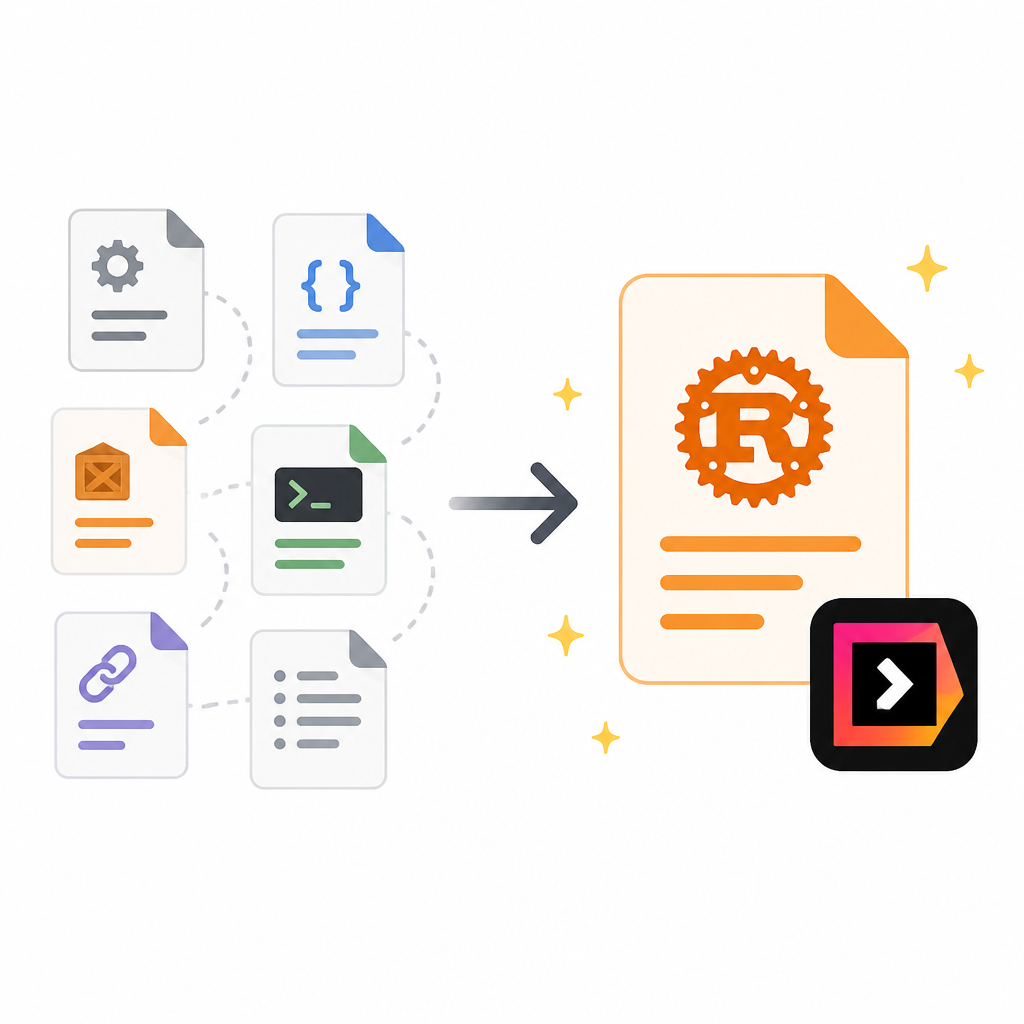
The more interesting part is not the model list. It’s whether the AI can actually reason about Rust without embarrassing itself. Rust is not a language where generic autocomplete is enough. Ownership, borrowing, lifetimes, async patterns, macros, trait bounds, and error propagation all punish shallow suggestions. If the model doesn’t understand the shape of the code, it just produces confident nonsense.
The source says RustRover’s code completion is fast and contextually aware, and that it inferred error handling patterns in a complex asynchronous networking crate. That’s the sort of thing I care about. Not “AI wrote me a function,” but “AI didn’t wreck the type system while helping.”
I ran into this exact problem in a Rust service with layered async code. The cheap AI suggestions kept flattening the error path into something that compiled only in the model’s imagination. In an IDE that knows the project context, the assistant becomes useful for boring but expensive tasks: generating tests, explaining macro output, sketching a match arm, or suggesting a refactor that respects the borrow checker.
How to apply it: treat AI as a second reader, not a replacement for understanding. Use it for test scaffolding, explanation, and repetitive transformations. Don’t use it to skip the part where you verify lifetimes, trait bounds, and async boundaries. If the editor makes that verification easier, then the AI feature earns its keep.
For reference, JetBrains’ AI work sits alongside its broader tooling around JetBrains AI, and the model support mentioned in the source includes Claude and GPT-4.
Collaboration matters more than people admit
“The IDE allows for the sharing of project configurations, thereby simplifying collaboration on coding style and formatting preferences.”
What this actually means is that RustRover is trying to make the team’s editor behavior consistent instead of tribal. I like that because style drift is one of those problems everyone pretends is minor until a merge request turns into a formatting argument.
In practice, shared project configuration is useful when you have multiple developers bouncing between machines or time zones. One person shouldn’t have a mysteriously different formatter setting, a different test runner config, or a different inspection profile that changes what gets flagged. You want the project to carry the important parts of the editor setup with it.
I’ve seen teams burn hours on “works on my machine” bugs that were really “your editor was silently different.” The fix is usually not heroic. It’s standardization. If RustRover can store and share project configuration cleanly, then it cuts down on those little inconsistencies that make code review noisier than it needs to be.
How to apply it: decide which settings belong to the project and which belong to the person. Formatting, inspections, run configurations, and shared tooling defaults are usually project-level. Theme, font, and personal shortcuts are not. Keep that line clear and you reduce friction for everyone.
- Put shared formatting and run settings in the repo when possible.
- Use editor config as a team contract, not a private preference dump.
- Audit your review process for issues caused by inconsistent local IDE behavior.
JetBrains also points to real-time collaboration and Git integration. I’m not going to overstate that as magic. Git integration is table stakes, and “real-time collaboration” only matters if your team actually uses it. But if the collaboration features are already there, at least you’re not bolting on yet another extension just to get two people looking at the same code at once.
Built-in database tools are for people who hate window juggling
“RustRover enhances productivity through built-in database tools sourced from DataGrip.”
What this actually means is that JetBrains is folding more of the adjacent workflow into the IDE instead of making you jump to a separate app every time you need to inspect data or poke at a schema.
I’ve always had mixed feelings about this kind of bundling. On one hand, I like focus. On the other hand, I hate constantly switching context just to confirm a table shape, inspect a query, or check a container connection. If I’m building a Rust service that talks to a database, I don’t want to live in five windows.
This is where the DataGrip heritage matters. If the database tools are actually good, then they save time during debugging and development. You can inspect schema changes, test queries, and manage Docker-backed services without dragging in another tool just to answer basic questions. That’s especially handy when your application, database, and container setup are all tied together.
How to apply it: use the integrated tools for quick inspection and troubleshooting, not as a reason to ignore proper DB workflows. The IDE should help you move faster when you’re validating a migration or checking a connection issue. It should not become the only place where database knowledge lives.
If you’re already in the JetBrains ecosystem, this is familiar territory. DataGrip has long been the separate database product, so RustRover inheriting that tooling is less random than it sounds. It’s JetBrains saying, “you probably don’t need to leave the IDE for this.” Sometimes that’s actually true.
The license is generous until you use it for paid work
“JetBrains offers RustRover for free for non-commercial use.”
What this actually means is that hobbyists, learners, and open-source contributors get a real tool without paying up front, but the minute the work becomes commercial, the bill shows up. That’s fair, but it’s still the line you need to notice.
I think this matters because a lot of people read “free” and stop there. Then the side project becomes a client project, or the open-source helper script becomes part of a paid workflow, and suddenly the license situation matters a lot more than it did last week.
My advice is boring but useful: decide early whether RustRover is a personal tool or a work tool. If it’s for learning Rust, experimenting, or contributing on your own time, the free non-commercial license is attractive. If it’s for paid development, budget for the commercial license instead of pretending that distinction won’t matter later.
How to apply it: write the license rule into your team’s onboarding docs. Don’t leave it as a vague “we’ll figure it out.” If a developer uses RustRover for client work, make sure procurement or team leads know what that means. That kind of clarity prevents the awkward surprise conversation later.
I also think this licensing split explains the product’s shape. JetBrains wants RustRover to be the serious Rust IDE, not just another plugin pack. Free for non-commercial use gets people in the door. Paid commercial use keeps the product funded. Annoying? Sure. Normal? Also yes.
What I’d actually do with RustRover 2026.2
If I were rolling this out today, I wouldn’t start with a giant migration plan. I’d start with one real Rust workspace and test the basics: open from Cargo.toml, run tests, debug a failing case, inspect a macro-heavy module, and touch the database tooling if the app needs it. Then I’d watch for two things: how much setup disappears, and how much memory the IDE eats while I’m working.
That’s the real evaluation. Not “does it have features?” Of course it has features. The question is whether those features reduce the number of separate tools I need to babysit. RustRover’s answer is yes, at least on paper and in this release write-up. It tries to make the Rust workflow feel like one coherent system instead of a pile of extensions pretending to be a system.
And honestly, that’s the part that matters. I don’t need another editor that makes me feel clever for assembling it. I need one that gets out of my way once the repo is open.
The template you can copy
# RustRover 2026.2 evaluation checklist

## Project setup
- Open the workspace from `Cargo.toml`
- Confirm Cargo workspace members are detected
- Verify TOML editing works without extra plugins
- Check formatter behavior against `rustfmt`

## Coding workflow
- Run tests from the IDE
- Debug a failing test case
- Inspect async error handling paths
- Review macro-heavy modules for navigation quality

## Collaboration
- Share project formatting and run configurations
- Confirm Git integration covers branch, diff, and commit flow
- Check whether team settings reduce local drift

## AI usage
- Use AI for test scaffolding and explanation
- Verify model suggestions against Rust ownership and lifetimes
- Compare Claude and GPT-style suggestions on one real module
- Avoid using AI output without type-checking and review

## Database and container work
- Open the database tool for schema inspection
- Test query editing against the local database
- Confirm Docker container management works in the same workspace
- Check whether you can troubleshoot without switching apps

## Decision notes
- Memory usage on your machine:
- Time saved vs plugin-based setup:
- Anything missing from your current Rust workflow:
- Whether the license fits your use case:

## Recommendation
- Adopt for personal Rust work if setup friction is your main problem
- Adopt for team use if shared configuration matters
- Skip if you need a minimal editor or your machine is memory-limited
Source attribution: I broke this down from the Warp2Search post at https://www.warp2search.net/story/rustrover-20262-released. The template and workflow notes are mine; the product claims and release framing come from JetBrains via that source.
// Related Articles
- [TOOLS]
Mistral AI Models 2026 for Builders
- [TOOLS]
Geekbench 7 setup for realistic CPU and GPU tests
- [TOOLS]
Spark 4.2 turns AI search into SQL
- [TOOLS]
OpenAI's HF breach story turns into a security template
- [TOOLS]
SAP Design System adds AI and cross-platform UI kits
- [TOOLS]
ChatGPT Health turns general chat into a health layer