Spec Kit turns setup into a guided AI workflow
I break down Spec Kit’s getting-started flow and give you a copy-ready setup template for AI-agent driven specs.

Spec Kit turns project setup into a guided AI-agent workflow you can copy.
I've been using AI coding assistants long enough to know when a setup flow is quietly fighting me. Usually it starts fine. I install the tool, point it at a repo, and then spend the next hour babysitting the thing because the agent has no shared context, no real process, and no idea what state the project is supposed to be in. Everything feels improvised. The assistant is “helpful,” which is another way of saying it keeps nodding along while I do the actual thinking.
That’s the part that rubbed me wrong about most agent setups. They give you a chat window and a prayer. Spec Kit does something more opinionated. It wants the project to start with a structure, then move through a spec, a plan, tasks, and implementation in a fixed order. I’m not saying that makes it perfect. It does make it harder to freestyle yourself into a mess, which is honestly what I wanted.
The DeepWiki getting-started page for github/spec-kit is what pushed me to map the flow properly. It lays out the install, init, and slash-command sequence, plus the project files Spec Kit drops into your repo. I also checked the upstream docs in github/spec-kit and the linked docs for quickstart and installation so I wasn’t just repeating a wiki summary.
Stop treating agent setup like a one-step install
Get the latest AI news in your inbox
Weekly picks of model releases, tools, and deep dives — no spam, unsubscribe anytime.
No spam. Unsubscribe at any time.
“The typical path from zero to a working project follows this sequence: Installation and Initialization.”
What this actually means is that Spec Kit doesn’t consider “installed” to be “ready.” It treats setup as a sequence: install the CLI, initialize the project, then start using the agent commands inside that project directory. That sounds obvious until you look at how most teams work. They install a tool and immediately start prompting it like context will magically appear.

I ran into this exact problem on a side project where the assistant kept drifting because I had no project-level rules. I’d ask it to generate a feature and it would behave like it was entering a new universe every time. Spec Kit’s answer is to make the project itself carry the instructions, not my memory.
The practical takeaway is simple: don’t skip the initialization step, and don’t treat it as boilerplate. It’s the moment where the project becomes agent-aware. That matters because the rest of the workflow depends on files and commands being in the right places.
How to apply it:
- Install the CLI first, then initialize inside the repo you actually want the agent to work on.
- Don’t start prompting the agent until the project has been scaffolded.
- Think of setup as “project onboarding for the model,” not “tool installation.”
If you want a mental model, this is closer to bootstrapping a workspace than installing a package. Once I started thinking that way, the rest of the workflow stopped feeling like extra ceremony and started looking like guardrails.
The CLI is the entry point, not the product
“Install the specify-cli command globally using uv or pipx.”
Spec Kit begins with a CLI because the CLI is what writes the project structure into place. The docs also say the official packages are maintained at github/spec-kit, and that any PyPI package named specify-cli that isn’t from there is not affiliated with the project. That warning is not decorative. I’ve seen enough package-name squatting to know why it’s there.
What this actually means is that the CLI is a scaffolding tool, not something you keep invoking forever. It sets up the agent-specific files, templates, scripts, and command definitions, then hands control back to your agent inside the repo. The docs mention uv and pipx as the normal install paths, plus a one-time setup mode for people who don’t want a permanent install.
I like this split. It keeps the project setup explicit. I don’t want a framework that quietly mutates my repo from some hidden background process. If I’m going to let a tool write structure into a codebase, I want a named command and a predictable result.
How to apply it:
- Use the CLI once to initialize the project.
- Verify the install with
specify versionorspecify checkbefore you trust it. - If you’re in an enterprise or air-gapped setup, follow the local-wheel path the docs point to instead of improvising.
That last point matters. A lot of “getting started” docs pretend every environment has internet access and a clean machine. Spec Kit at least acknowledges that not every team lives in that fantasy.
The init command is where the real structure appears
“The init command sets up the necessary scaffolding for your chosen AI agent.”
Here’s the part that actually changes the workflow: specify init doesn’t just create folders. It detects the integration you picked and drops the right agent-specific files into the repo. The DeepWiki page maps common integrations like claude, copilot, gemini, codebuddy, pi, and zed. The docs also note that the older --ai flag is deprecated in favor of --integration.
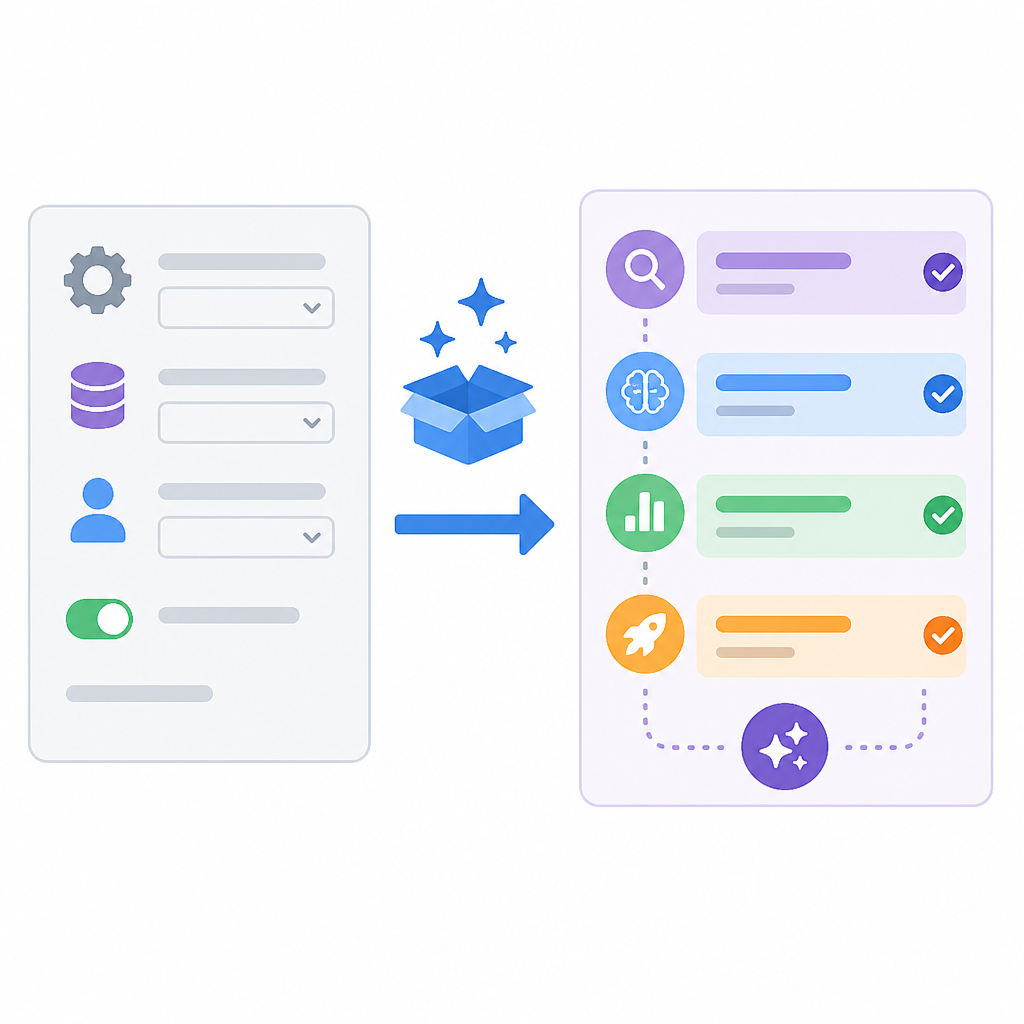
What this actually means is that Spec Kit is trying to normalize the agent layer instead of making each assistant a special case in your head. You don’t manually invent the folder layout every time. You choose the integration, and the CLI writes the right command files and context files for that agent.
I ran into the value of this when I compared a repo initialized for Copilot against one initialized for Claude. The difference isn’t just naming. The files live in different places, and the agent reads different context conventions. If you’ve ever tried to use the same prompt recipe across tools and wondered why one of them acts dumb, this is why.
How to apply it:
- Pick the integration that matches the agent you actually use in that repo.
- Prefer
--integrationover the deprecated--aiflag. - Use the extra flags only when you know why you need them, like
--no-git,--force, or script selection.
The point is not to memorize flags. The point is to stop hand-rolling agent setup and let the initializer produce a consistent baseline.
Agent context files are the part people skip, then regret
“Agent context files providing project metadata and instructions.”
Spec Kit creates context files like CLAUDE.md or GEMINI.md, depending on the integration. It also writes command directories such as .claude/commands/ or .github/agents/, again depending on the agent. That’s not fluff. That’s where the model learns what kind of project it’s in.
What this actually means is that the assistant isn’t supposed to guess your project rules from the codebase alone. It gets a standing instruction set. That’s a much better deal than re-explaining architecture every session like some kind of human cache layer.
I’ve had too many sessions where the agent was technically inside the repo but functionally clueless. It could see files, sure. It still didn’t know what mattered. Context files fix part of that by giving the assistant stable project metadata, instructions, and conventions. They don’t solve everything, but they cut down on repeated setup chatter.
How to apply it:
- Read the generated context file before you edit anything else.
- Add project rules that a new contributor would also need to know.
- Keep the file short enough that the model can actually use it.
I’m opinionated about this: if your context file turns into a novel, you’ve already lost. The best ones are boring, explicit, and easy for both humans and agents to follow.
The workflow is a ladder, not a suggestion
“Constitution → Specify → Plan → Tasks → Implement”
This is the core of the Spec-Driven Development method. The workflow is not “chat until code happens.” It’s a sequence of artifacts and commands. First you establish project principles with /speckit.constitution, then you create the feature spec with /speckit.specify, then the plan, then tasks, then implementation. The DeepWiki page maps those phases to generated files like .specify/memory/constitution.md, specs/NNN-feature/spec.md, plan.md, and tasks.md.
What this actually means is that Spec Kit is trying to force a conversation before code. Not in a philosophical sense. In a practical one. It wants the agent to know what the project believes, what the feature is, how it will be built, and what work remains before anyone starts editing source files.
I like this because it gives me a place to catch bad ideas early. I’ve lost count of how many times I’ve watched an assistant sprint into implementation while the feature definition was still mush. Once code exists, people get weirdly attached to it. A spec is cheaper to delete.
How to apply it:
- Run the constitution step once per project, then reuse it as the baseline.
- Write the feature spec before you ask for code.
- Use the plan and tasks artifacts to keep the agent from skipping straight to implementation.
If you’re coming from prompt-first workflows, this feels slower. In practice it usually saves time because you stop re-litigating the same decisions every session.
The scripts are the quiet glue holding the whole thing together
“The automation scripts in .specify/scripts/ provide shared utilities to ensure consistency across the workflow.”
This is the part I almost always care about more than the flashy agent commands. Spec Kit ships helper scripts in .specify/scripts/, with both bash and PowerShell variants. The docs mention utilities like create-new-feature, check-prerequisites, and update-agent-context. That tells me the project is designed to keep humans and agents on the same rails.
What this actually means is that the workflow is not just a pile of markdown files. It has executable support behind it. That matters because the less your process depends on memory, the better it scales across a team. Scripts are where the framework stops being aspirational and starts enforcing consistency.
I’ve seen teams try to do “spec-driven” work with nothing but docs. It usually degenerates into everyone interpreting the docs differently. Scripts reduce that drift. They also make it easier to support different shells and operating systems without turning the repo into a compatibility argument.
How to apply it:
- Check which scripts were generated for your platform.
- Use the helper scripts instead of recreating workflow steps by hand.
- Update agent context through the provided script when the docs tell you to.
That last bit is underrated. If the framework includes a way to refresh agent context, use it. Manual drift is how these setups get stale.
After init, the first real move is to launch the agent in the repo
“After initialization, launch your AI agent in the project directory.”
This is the line that ties the whole thing together. The agent is not supposed to be launched somewhere generic and then pointed at the repo like an afterthought. It should start inside the initialized project so it can see the generated commands, context files, and workflow artifacts from the beginning.
What this actually means is that directory location matters more than people want to admit. If the agent starts in the wrong place, it won’t have access to the slash commands or the project metadata Spec Kit just created. Then you’re back to improvising, which defeats the point.
I’ve done the wrong version of this more than once. Open the assistant, paste in a path, hope it behaves. It usually behaves like a tourist. Starting the agent in the project directory is the cleaner move because the workspace itself becomes the source of truth.
How to apply it:
- Open Claude Code, Copilot in VS Code, Windsurf, or your chosen agent inside the initialized repo.
- Confirm the agent can see the generated
/speckit.*commands. - Run the workflow from the repo root, not from a random scratch session.
That’s the difference between “I have an AI tool” and “I have a project workflow.” One is a toy. The other is a process.
The template you can copy
# Spec Kit starter workflow template

## 1) Install the CLI
# Choose one:
# uv tool install specify-cli
# pipx install specify-cli

specify version
specify check

## 2) Initialize the project
# Run this from the repo root
specify init --integration claude

# Other examples:
# specify init --integration copilot
# specify init --integration gemini
# specify init --integration windsurf

## 3) Open the agent in the project directory
# Launch your AI agent from the initialized repo root.
# Make sure it can see the generated /speckit.* commands.

## 4) Start the spec-driven flow
/speckit.constitution
/speckit.specify
/speckit.plan
/speckit.tasks
/speckit.implement

## 5) Keep the repo in sync
# If the framework provides helper scripts, use them instead of hand-editing workflow files.
# Refresh agent context when the project structure changes.

## 6) Project checklist
- [ ] CLI installed from the official github/spec-kit source
- [ ] Project initialized in the correct directory
- [ ] Correct integration selected with --integration
- [ ] Agent launched inside the repo
- [ ] Constitution written before feature work
- [ ] Spec, plan, and tasks created before implementation

## 7) Files you should expect
- .specify/memory/constitution.md
- .specify/templates/
- .specify/scripts/
- specs/NNN-feature-name/spec.md
- specs/NNN-feature-name/plan.md
- specs/NNN-feature-name/tasks.md

## 8) Notes
- Prefer the integration-specific setup over generic prompts.
- Treat the workflow as ordered, not optional.
- Keep context files short and useful.
If I were starting a new repo with Spec Kit today, this is the version I’d keep next to me. It’s not fancy. That’s the point. It captures the flow without pretending the assistant will magically infer the process.
Source-wise, the breakdown above is derived from the DeepWiki page at https://deepwiki.com/github/spec-kit/2-getting-started and the linked upstream Spec Kit docs in github/spec-kit. The template block is my own copy-ready distillation of that material, not a verbatim excerpt.
// Related Articles
- [TOOLS]
AWS Continuum turns AI coding into safer fixes
- [TOOLS]
Open-Generative-AI turns GitHub into a studio
- [TOOLS]
Why benchmark scores don’t predict your bill
- [TOOLS]
MCP Servers for Developers: 8 workflow gains in 2026
- [TOOLS]
Doubao turns a game prompt into a mini arcade
- [TOOLS]
Coding Plan turns Alibaba Cloud into IDE billing