Google’s $99 speaker turns home into Gemini chat
I break down Google’s Gemini Home Speaker and give you a copy-ready template for AI-first smart home product notes.

I break down Google’s Gemini Home Speaker and give you a copy-ready template for AI-first smart home product notes.
I’ve been living with smart speakers long enough to be annoyed by them in a very specific way. They’re fine until you ask something slightly messy. Then they fall apart. I don’t mean wild requests either. I mean normal human stuff like, “Did the kids leave the front door open, and what happened after that?” or “Turn the lights down, but not the kitchen ones, and remind me why I walked in here.” Old assistants were basically glorified button pushers with a voice. They could do one thing if I said it exactly right. If I spoke like a person, they got cranky and pretended not to understand.
That’s why Google’s new Gemini-powered Home Speaker caught my attention. Not because it’s another speaker with a shiny orb on top, but because Google is finally admitting the old command-and-response model was too dumb for how people actually live. The device is supposed to keep context, handle back-and-forth conversation, and connect the mess of household devices into something that feels less like scripting and more like asking for help. I’ve heard this pitch before from assistant vendors, and usually it ends with me yelling at a timer. So I wanted to unpack what Google is really changing here, what’s marketing, and what’s actually useful for people building AI products or smart-home workflows.
The source that kicked this off is Joseph Ofonagoro’s TechRepublic piece, Google Launches $99 Gemini-Powered Home Speaker. TechRepublic says the speaker is available for pre-order at $99.99, goes on sale June 25, and ships with six months of Google Home Premium for buyers who purchase before Sept. 30. I’m using that article as the anchor here, plus a couple of supporting links from Google and 9to5Google where the hardware details show up.
Google is trying to kill the “say it exactly right” problem
Get the latest AI news in your inbox
Weekly picks of model releases, tools, and deep dives — no spam, unsubscribe anytime.
No spam. Unsubscribe at any time.
“Instead of relying on specific instructions, the device is designed to understand context, maintain conversations, and handle more complex requests throughout the home.”
What this actually means is Google is finally treating the home like a place where people talk in fragments. That sounds obvious, but it’s the whole product. The old Assistant model was built around discrete commands. You said a phrase, it matched a pattern, and if you drifted outside the pattern it acted like you’d spoken ancient Greek. Gemini changes the interaction model from command execution to conversational interpretation.
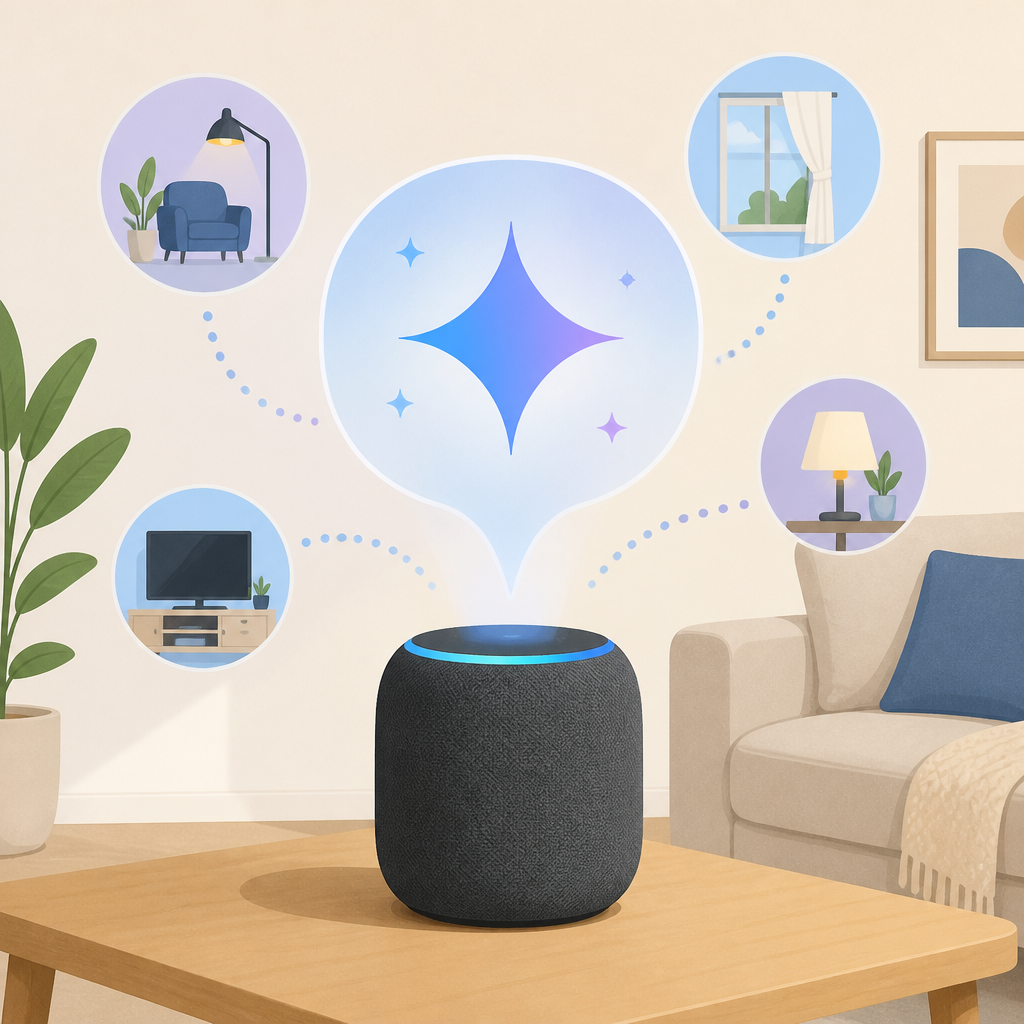
I ran into this exact failure mode years ago while testing voice workflows in a kitchen setup. The assistant could set a timer, but if I asked it to “set one for the pasta and another for the bread, but make the bread one longer,” it would blow up halfway through. That’s not an edge case. That’s dinner. Google is betting that Gemini can hold enough context to make these follow-up requests feel natural instead of brittle.
The important part for developers is not the speaker itself. It’s the interaction design. Google is saying the assistant should infer intent, remember the thread, and fill in the gaps. That’s a different product philosophy from the old “intent + slot filling” era. If you build tools, agents, or assistants, this is the part worth stealing. Don’t make users repeat themselves. Don’t force them into exact phrases. Keep the conversation state alive long enough to be useful.
How to apply it:
- Design your assistant around short, messy follow-ups instead of isolated commands.
- Store conversational context long enough to resolve ambiguity without making the user restate everything.
- Test with real household language, not polished demo prompts.
- Assume people will refer to “that thing in the back” and “the camera by the gate.”
If you want the official product framing, Google’s own Home page is here: Google Home. For the AI layer, Google’s Gemini product page is here: Gemini. The whole point is that the speaker is not the intelligence. Gemini is.
Personalization is the feature that makes this useful, and risky
TechRepublic notes that Gemini can retain household preferences and tailor responses over time. That’s the part I’d pay attention to, because personalization is where home assistants stop being toys and start being genuinely helpful. If the device knows who usually leaves for work first, which room has the loudest TV, or which camera matters when a package arrives, it can answer with less back-and-forth.
But this is also where the product gets sticky. The more memory you give a home assistant, the more it feels like it’s watching the room. Google says users can turn off the speaker during private moments, which is good, but I’ve heard enough “we respect your privacy” lines to know that settings alone don’t settle trust. People don’t just ask whether a device can remember. They ask what it remembers, where that memory lives, and who can see it later.
I’ve seen teams make the same mistake in product design: they think personalization is a feature checkbox. It isn’t. It’s a trust contract. If your assistant learns preferences, you need to explain how those preferences are stored, how they’re used, and how users can wipe them without filing a support ticket or digging through five settings screens.
How to apply it:
- Make memory visible, not mysterious.
- Give users a plain-language history of what the assistant remembers.
- Offer a one-tap reset for household context, not just account data.
- Separate “helpful recall” from “surveillance vibes” in your UX copy.
For the privacy and policy side, Google’s privacy center is the right place to start: Google Safety Center. If you’re building anything with persistent memory, you need that kind of clarity before you ship, not after people get weirded out.
The Premium upsell is where the real product shape shows up
TechRepublic says Google Home Premium unlocks additional capabilities, including updates on what happened while users were away and summaries of activity elsewhere in the home. That tells me this speaker is not just a speaker. It’s a subscription front-end for home awareness. The hardware is cheap enough to get into the house, but the useful layer sits behind the plan.
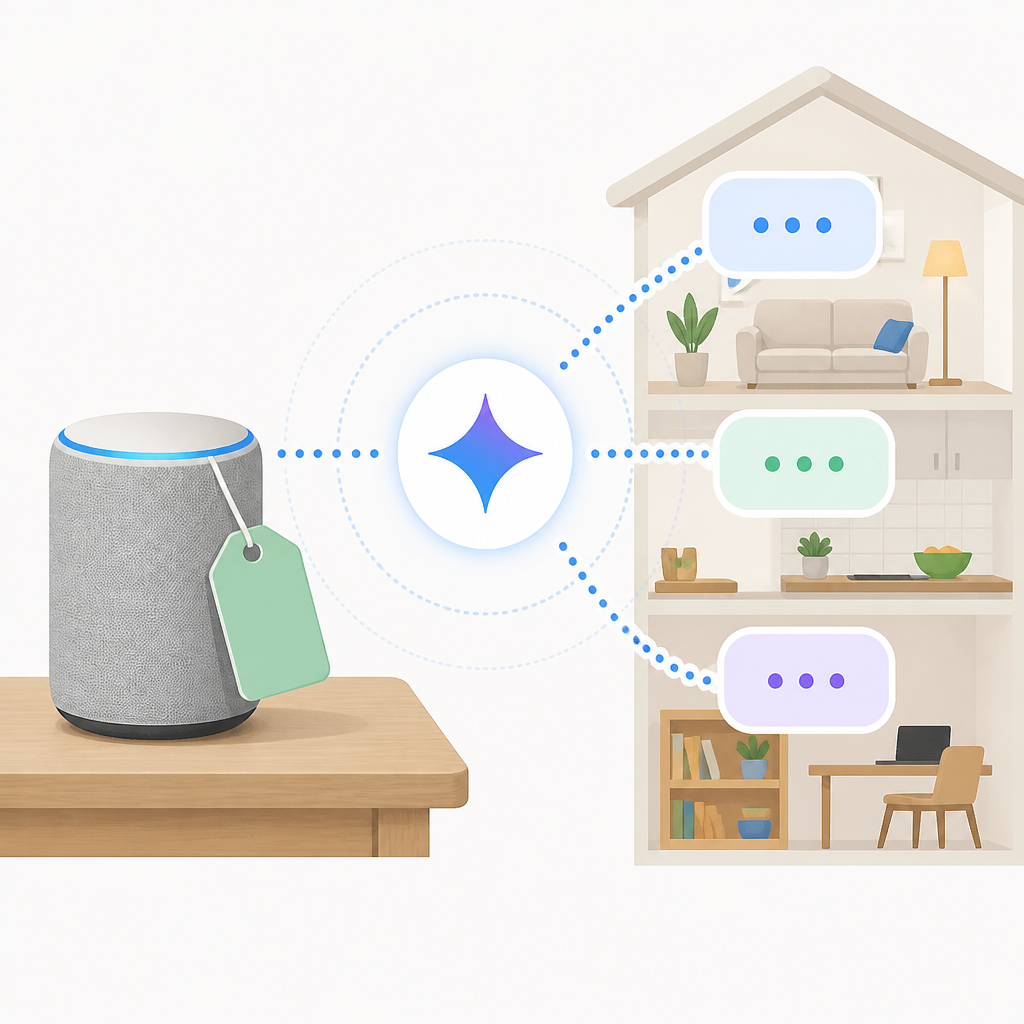
I’m not shocked by that. This is the pattern now. The device gets you in the door, then the service becomes the thing that actually matters. The interesting move here is that Google is tying premium AI behavior to home context. In practice, that means the speaker can answer questions like what the Nest cameras saw at the front gate while you were in another room. That’s not just convenience. That’s a contextual summary system.
For anyone building AI products, this is the lesson: the value is often not raw model output. It’s the packaging around the output. A summary, an alert, a recency filter, a “what changed while I was gone” view. Those are the things people will pay for because they save attention, not because they sound impressive in a keynote.
I’ve built enough internal tools to know that teams overinvest in “smart” and underinvest in “useful.” A model can be brilliant and still leave users asking, “Okay, but what do I do now?” Google seems to understand that the home use case is really about reducing monitoring overhead. Nobody wants to watch every camera clip. They want the one sentence that matters.
How to apply it:
- Wrap model output in summaries, alerts, and state changes.
- Charge for time saved, not raw AI access.
- Focus premium features on review and recall, not just generation.
- Design one-screen answers for “what happened while I was away?”
If you want to see how Google positions the subscription layer, keep an eye on the broader Google Nest blog. That’s where the company usually explains the home ecosystem without the product-page gloss.
Google is betting the home can tolerate more AI if the hardware stays simple
According to 9to5Google, the speaker uses a quad-core 2.0 GHz A55 processor with an NPU for on-device AI, plus 1 GB of RAM and 4 GB of storage. It also supports dual-band Wi-Fi, Bluetooth 5.4, speaker pairing, and USB-C charging through a 30W adapter. That spec sheet matters because it tells me Google is trying to keep the device small, local, and cheap enough to spread around the house.
The hardware story is easy to miss if you focus only on Gemini. But the processor and NPU matter because on-device inference changes the feel of the product. If the device can handle some AI locally, it should respond faster and depend less on the cloud for every tiny interaction. That’s the difference between “assistant” and “always waiting on the network.”
I’m always suspicious when companies talk big about AI but ship hardware that can barely breathe. A weak box makes every AI promise feel like a delay. Google at least seems to be giving the speaker enough silicon to keep basic intelligence close to the user. That doesn’t solve everything, but it’s a better starting point than pretending latency doesn’t exist.
For builders, the practical takeaway is simple: don’t design your AI product as if every request can go to the cloud and come back instantly. Put some intelligence near the user. Cache the obvious stuff. Keep common routines local. Give the model a way to fail gracefully when connectivity is bad.
How to apply it:
- Push latency-sensitive tasks closer to the device.
- Keep fallback behavior boring and predictable.
- Use local processing for wake words, quick summaries, and simple routing.
- Plan for degraded network mode from day one.
For the hardware details, 9to5Google’s coverage is the supporting reference: 9to5Google. I’m not treating their spec note as gospel for everything, but it’s the clearest public detail set in the source material.
The launch list tells you Google wants this everywhere, not just in the U.S.
TechRepublic says the speaker is launching in the U.S. and, according to 9to5Google, also in the UK, Canada, Ireland, France, Spain, Italy, the Netherlands, Denmark, Norway, Sweden, Finland, Belgium, Switzerland, Austria, Japan, Australia, and New Zealand. That’s a broad rollout for a home device, and it tells me Google wants this to feel like a platform, not a one-off gadget.
That matters because smart-home products die when they stay niche. If the assistant only works in one market, developers don’t build for it, users don’t rely on it, and the whole thing becomes a demo shelf item. Google is clearly trying to avoid that trap by making the home speaker part of a global Gemini story.
I’ve seen platform launches fail because the company treated geography like a footnote. It isn’t. Availability shapes adoption, which shapes the ecosystem, which shapes whether anyone bothers integrating with the thing. If Google wants Gemini to be the intelligence layer in the home, it needs enough reach for people to actually wire their routines around it.
How to apply it:
- Think about launch markets as product behavior, not just sales regions.
- Check language support, policy constraints, and device compatibility early.
- Plan for ecosystem adoption, not just first-party usage.
- Don’t ship a “platform” if only one country can touch it.
If you’re working on international product rollout, Google’s own region pages are useful context: Google Nest Help. It’s not glamorous, but that’s where the real friction usually lives.
What I’d copy from this launch, even if I never buy the speaker
Here’s the part I actually care about: Google is taking a boring category and reframing it around conversation, memory, and summaries. That’s the product move. Not the hardware color options. Not the price tag. It’s the shift from “voice remote” to “household assistant that understands what you mean.”
If you build AI tools, you can borrow that structure immediately. Start with context retention. Add household or team memory. Wrap outputs in summaries. Make the interaction feel like a back-and-forth instead of a form. Then tie the premium tier to the moments where people need clarity, not just novelty.
I’m still not convinced every smart home needs a more talkative assistant. Sometimes a switch is still better than a conversation. But I do think Google has identified the real failure of old voice assistants: they were too literal for human life. Gemini is Google’s attempt to soften that edge without throwing away the smart-home stack underneath.
And honestly, that’s the first time in a while I’ve looked at a home speaker and thought, “Okay, that might actually help.”
The template you can copy
# AI-first smart home product breakdown template

## Product thesis
This product turns a basic home device into a context-aware assistant by combining conversational AI, household memory, and summary-style outputs.

## What changed
- Old model: single command, single response, low context
- New model: back-and-forth conversation, intent inference, persistent household context
- User value: fewer repeated instructions, better summaries, less manual checking

## What the product actually does
- Understands natural language instead of exact phrases
- Remembers household preferences over time
- Summarizes activity from connected devices
- Uses premium features for review, recall, and monitoring
- Keeps the hardware simple while moving intelligence into software

## Why this matters
The useful part is not the model alone. It is the combination of:
1. context retention
2. low-friction interaction
3. summary outputs
4. local or near-local responsiveness
5. clear privacy controls

## Questions to ask before shipping
- What context does the assistant remember?
- How long is that memory retained?
- Can users inspect and delete it?
- What happens when the network is slow?
- Which actions should stay local?
- What is behind the premium tier?

## How to apply this pattern to your own product
1. Replace rigid command parsing with conversational follow-up support.
2. Add a memory layer for user or household preferences.
3. Convert noisy data into short summaries.
4. Make privacy controls obvious and easy to reset.
5. Keep the first response fast, even if deeper reasoning happens later.
6. Use premium features for high-value summaries and alerts.

## Copy-ready product note
We are building a home assistant that understands context, remembers household preferences, and turns connected-device activity into useful summaries. The goal is to reduce repeated instructions, save attention, and make the product feel conversational instead of scripted. Memory must be visible, deletable, and easy to reset. Premium features should focus on review, recall, and monitoring, not novelty.
Source attribution: This breakdown is based on Joseph Ofonagoro’s TechRepublic article at TechRepublic, with supporting hardware context from 9to5Google and product references from Google Home and Gemini. The interpretation, framing, and template are mine; the product facts come from the linked sources.
// Related Articles
- [TOOLS]
Kitesurf turns Workers into an agent browser
- [TOOLS]
CUDA warps turn GPU threads into one machine
- [TOOLS]
Harness turns agent coding into a steadier loop
- [TOOLS]
Source 2 swaps BSP for meshes and octrees
- [TOOLS]
Golang basics for beginners in 2026
- [TOOLS]
Run Linux containers on WSL with wslc