15 AI Coding Assistant Tools for 2026
A practical guide to choosing AI coding tools for authoring, review, security, and delivery.
A practical guide to choosing AI coding tools for authoring, review, security, and delivery.
This guide is for developers and engineering leads who want a workable AI coding stack, not a pile of overlapping tools. After following the steps, you will have a clear setup for editor assistance, repo-level agents, security scanning, and pre-merge review.
You will also know where each tool fits in the delivery lifecycle, so you can avoid duplicate capabilities and reduce review risk. The outcome is a practical workflow you can apply to a solo repo or a multi-team codebase.
Before you start
Get the latest AI news in your inbox
Weekly picks of model releases, tools, and deep dives — no spam, unsubscribe anytime.
No spam. Unsubscribe at any time.
- GitHub, GitLab, Bitbucket, or Azure DevOps account with access to a real repository
- API keys or product accounts for the tools you plan to test
- Node 20+ for JavaScript-based demos or local tooling
- Python 3.11+ if you want to test agent workflows or CLI automation
- VS Code 1.85+ or JetBrains IDE 2024.3+ for editor-based assistants
- Docker Desktop 4.30+ if you want to reproduce isolated local runs
- CI access for your repo, such as GitHub Actions, GitLab CI, or Azure Pipelines
- A sample pull request with tests, a small refactor, and one security-sensitive change
Step 1: Map your AI coding layers
Goal: define which layer each tool should own before you install anything. The article source groups tools into editor assistants, repo-level agents, security scanners, app builders, and review platforms, and that is the right mental model to start with.
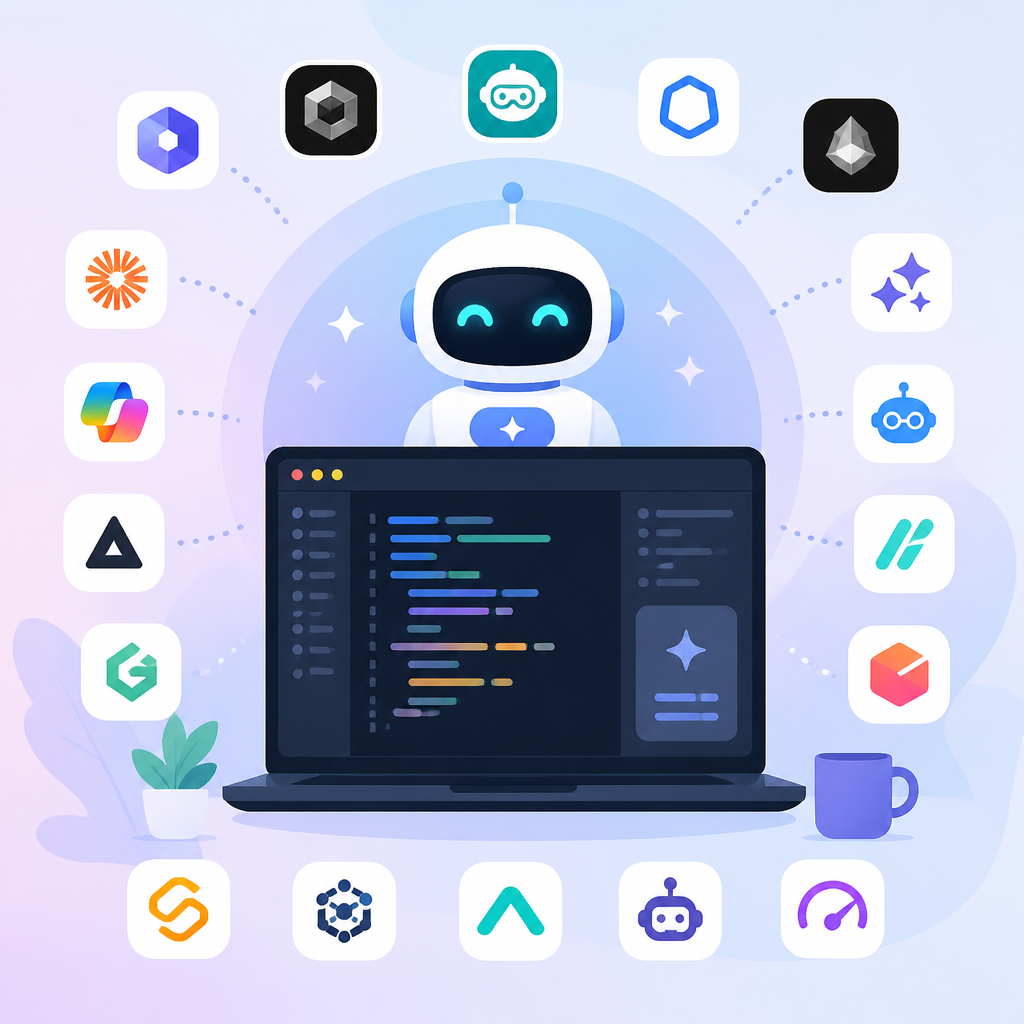
Use this split: editor assistants for code generation, terminal agents for multi-file changes, scanners for security, and review platforms for merge gating.
Editor assistant: GitHub Copilot, JetBrains AI, Tabnine, Gemini Code Assist, Amazon Q Developer
Repo agent: Cursor, Claude Code, Aider, Devin
Security: Snyk Code
Review and governance: Qodo
App builders: Replit, Bolt, Lovable
Verification: you should see one primary tool per layer, with no two tools assigned the same job.
Step 2: Install one editor assistant
Goal: get fast inline help for functions, tests, and configs while you write code. The source calls out GitHub Copilot, JetBrains AI, Tabnine, Gemini Code Assist, and Amazon Q Developer as editor-first assistants.
Start with the IDE your team already uses, then enable autocomplete, chat, and test generation. Keep the rollout narrow so you can judge quality on real files, not toy examples.
# Example: install a VS Code extension from the marketplace
# Then connect your account and open a real project
npm test
Verification: you should see inline completions, chat responses, or test suggestions inside your editor.
Step 3: Add one repo-level agent
Goal: handle multi-file refactors, debugging loops, and scoped tasks across a codebase. The source positions Cursor, Claude Code, Aider, and Devin in this category because they work beyond a single file.
Pick one agent and give it a bounded task, such as updating a shared utility or tracing a bug across two services. The point is to test context depth, not raw output speed.
# Example task prompt
Refactor the auth helper to use the new token parser.
Update tests and list every file you changed.
Verification: you should see a coherent multi-file diff with edits that match the task and no unrelated churn.
Step 4: Run a security scan in CI
Goal: catch exploitable issues before they reach review. The source highlights Snyk Code as a source-code security scanner that flags XSS, SQL injection, command injection, and unsafe input handling.
Wire the scanner into your pull request workflow so findings appear where developers already work. This makes security a repeatable gate instead of a separate manual audit.
# Example CI step
snyk code test --report
Verification: you should see findings mapped to files, line numbers, and remediation guidance in the pull request or CI output.
Step 5: Enforce pre-merge review with Qodo
Goal: add a quality layer that validates code changes before merge. The source describes Qodo as an AI code review platform that checks diffs, tests, standards, and merge readiness.
Connect Qodo to your PR system, then run it on a real pull request that includes a bug fix or refactor. Use it to surface missing tests, policy gaps, and unresolved review risks.
# Example setup intent
Connect Qodo to GitHub PRs
Enable review rules
Run on an open pull request
Verification: you should see a structured PR review or compliance guide, not just scattered comments.
Step 6: Compare results and trim overlap
Goal: keep only the tools that add unique value. The source warns that many teams become over-tooled because assistants overlap without a clear framework.
Review each tool against four questions: does it help author, test, secure, or approve code? If two tools solve the same problem, keep the one that performs better in your workflow and remove the other.
Verification: you should end with a compact stack that covers generation, multi-file work, security, and pre-merge governance without duplication.
| Metric | Before/Baseline | After/Result |
|---|---|---|
| Tool overlap | One assistant used for everything | Separate tools per delivery layer |
| Review risk | Manual review only | Automated PR checks plus human judgment |
| Security coverage | Ad hoc scanning | CI-based source-code security checks |
| Context depth | File-level help only | Repo-level task execution and refactors |
Common mistakes
- Using one assistant for every task. Fix: split authoring, agent work, security, and review into separate layers.
- Testing on toy code only. Fix: run each tool against a real pull request with tests and one risky change.
- Ignoring workflow fit. Fix: choose tools that integrate with your IDE, PR system, and CI pipeline.
What's next
Once your stack is stable, build a policy for when AI may generate code, when it may modify multiple files, and when a human must approve the merge. The next step is to document those rules in your engineering handbook and enforce them in CI.
// Related Articles
- [TOOLS]
Use Consensus AI for faster literature scouting
- [TOOLS]
15 Perplexity prompts for better research decisions
- [TOOLS]
Mistral AI Models 2026 for Builders
- [TOOLS]
RustRover 2026.2 turns Rust setup into one file
- [TOOLS]
Geekbench 7 setup for realistic CPU and GPU tests
- [TOOLS]
Spark 4.2 turns AI search into SQL