5 ways MCP Bridge turns APIs into agent actions
5 ways MCP Bridge turns APIs and SaaS tools into agent actions, with 100+ supported tools and safer lifecycle control.
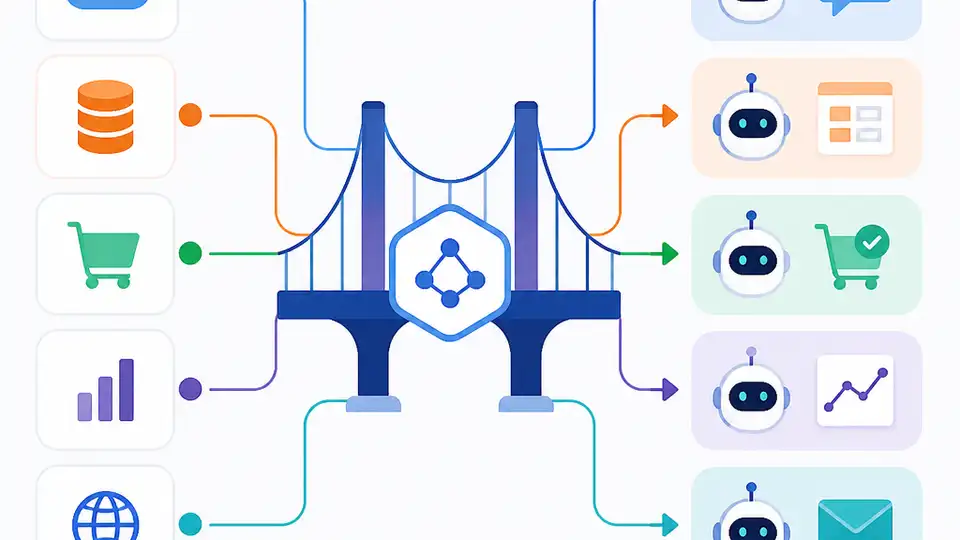
MCP Bridge turns APIs and SaaS tools into agent actions with managed, safer connections.
With one bridge, teams can expose APIs and SaaS tools as agent-ready actions, keep control over updates, and connect to more than 100 services without rebuilding every integration.
1. Turns existing APIs into agent actions
Get the latest AI news in your inbox
Weekly picks of model releases, tools, and deep dives — no spam, unsubscribe anytime.
No spam. Unsubscribe at any time.
MCP Bridge is built for teams that already have APIs and want agents to call them in a structured way. Instead of creating a separate integration layer for every tool, it wraps what you already have so an agent can discover and use it as an action.
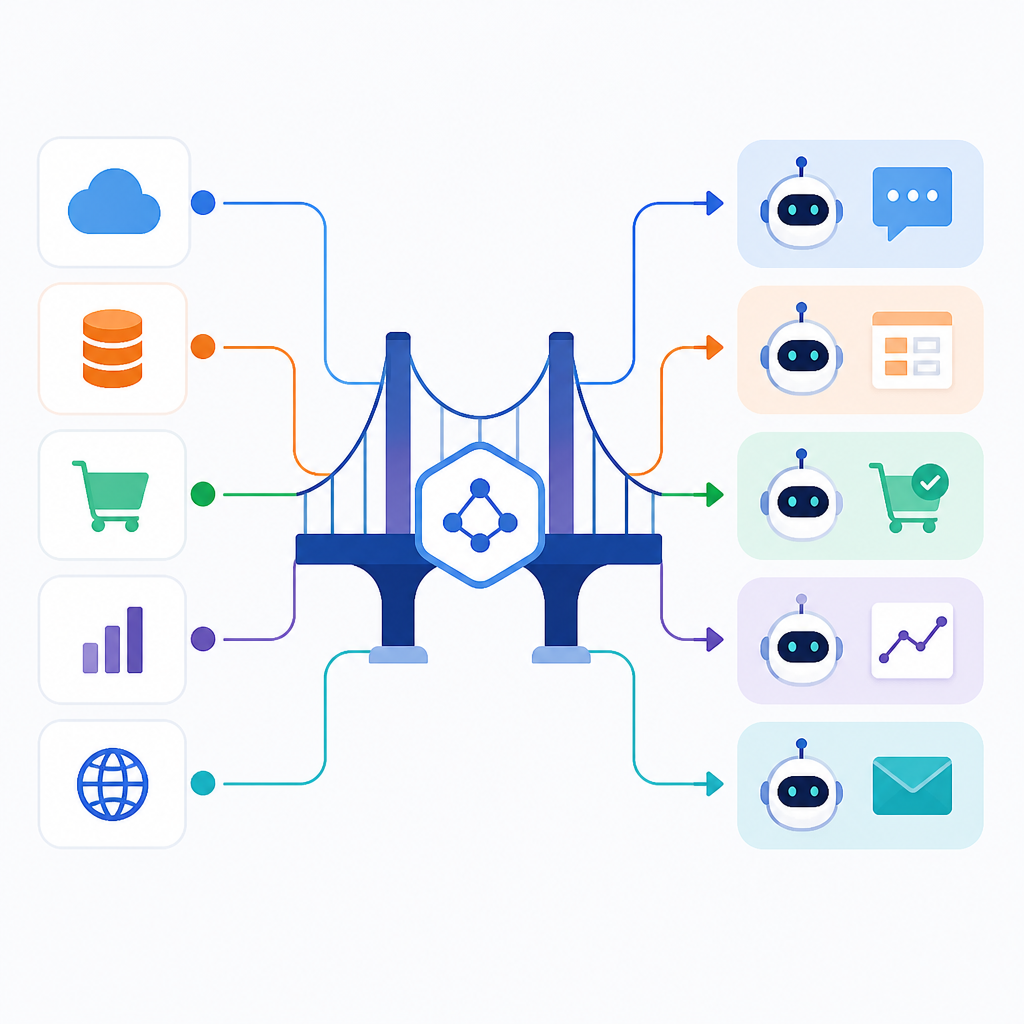
This is useful when you want to make internal systems available to assistants, copilots, or workflow agents without changing the core service. The goal is simple: keep the API, change the way it is exposed.
- Works with existing API backends
- Exposes functions as agent actions
- Reduces one-off integration work
2. Connects SaaS tools at scale
The product is also aimed at SaaS-heavy stacks, where teams need a consistent way to connect many external services. MuleSoft says MCP Bridge can safely connect 100+ SaaS tools, which makes it a fit for organizations that do not want a separate pattern for each vendor.
That matters because agent projects often fail when every tool requires custom wiring. A single bridge gives teams one model for access, instead of a patchwork of special cases.
- Supports 100+ SaaS tools
- Useful for mixed vendor environments
- Standardizes how agents reach external apps
3. Manages lifecycle updates without breaking agents
One of the biggest risks in agent systems is change. If an API shifts, an agent can lose the ability to call it correctly. MCP Bridge is positioned to manage lifecycles so updates can happen without breaking the agent experience.
That gives platform teams a cleaner path for version changes, maintenance, and service updates. Instead of forcing every agent to relearn the integration, the bridge can absorb much of the change management.
- Helps with version and lifecycle control
- Limits breakage when tools change
- Fits managed enterprise integration workflows
4. Keeps access safer and more controlled
Security is a major reason to use a bridge rather than direct calls from agents to every system. MCP Bridge is described as a safer way to connect tools, which suggests a controlled layer between the agent and the underlying API or SaaS app.
For teams in regulated or large enterprise settings, that control can be more important than raw speed. It helps centralize permissions, limit exposure, and keep agent behavior closer to approved paths.
- Places a managed layer between agent and system
- Supports controlled access patterns
- Useful for enterprise governance needs
5. Speeds up agent rollout across teams
Because the bridge can connect many tools and handle updates centrally, it can shorten the time from idea to working agent. Teams do not need to rebuild every integration from scratch each time they want to add a new action.
That makes it easier for platform, IT, and application teams to share a common approach. The result is less duplicate work and a clearer path for rolling agent actions into existing business systems.
Example flow:
API or SaaS tool -> MCP Bridge -> agent action -> agent workflow
How to decide
Choose MCP Bridge if you already have a broad API or SaaS footprint and want agents to use those systems without custom integration work for every app. It is especially relevant if you care about lifecycle updates, governance, and a single access model across many tools.
If you only need one simple connection, a lighter integration may be enough. But if your goal is to connect many services and keep those connections manageable over time, this approach is a better fit.
// Related Articles
- [IND]
Trump adviser accuses Moonshot AI of stealing Anthropic
- [IND]
Vector databases will reshape financial search, not replace core syst…
- [IND]
Milvus 3.0 adds lake-native vector search
- [IND]
Google’s Q2 2026 results prove AI spend is now the story
- [IND]
AI regulation in India is now a business risk
- [IND]
Europe should standardise the AI Act through harmonised technical rul…