Anthropic’s Claude Skills define the new agent toolkit
1 official Claude Skills repo shows how Anthropic packages PDF, Office, and data tools for agent builders.

What does Anthropic’s Claude Skills repo give agent builders?
It packages official Claude tools for documents, data, and agent workflows.
1. Official Claude Agent Skills
Get the latest AI news in your inbox
Weekly picks of model releases, tools, and deep dives — no spam, unsubscribe anytime.
No spam. Unsubscribe at any time.
Anthropic’s Claude Agent Skills is the source repo that turns common tasks into reusable skills for Claude apps. It is especially useful for teams that want a clean reference for how an agent can work with files, documents, and structured tasks without inventing their own format from scratch.

The repo matters because it reflects how Anthropic expects developers to extend Claude in practice. Instead of treating every workflow as a one-off prompt, Skills give you a standardized way to package instructions and tool behavior for repeat use.
- PDF handling
- Office document operations
- Data analysis workflows
- Agent-oriented task definitions
2. PDF processing skills
One of the most practical parts of the collection is the PDF-focused material. For many agent apps, PDF parsing is where the real work starts, since users often upload reports, contracts, research papers, or forms that need to be read and transformed.
For builders, this is valuable because it shows how to structure a skill around a common file type instead of scattering parsing logic across the app. It is a good fit if your product needs repeatable document intake and extraction behavior.
- Read and extract content from uploaded PDFs
- Support document review and summarization flows
- Use as a template for other file-based skills
3. Office document workflows
The Office document skills are aimed at everyday business work, where agents need to interact with Word, Excel, or similar formats. That makes the repo useful for internal tools, admin assistants, and knowledge work apps that live inside document-heavy teams.
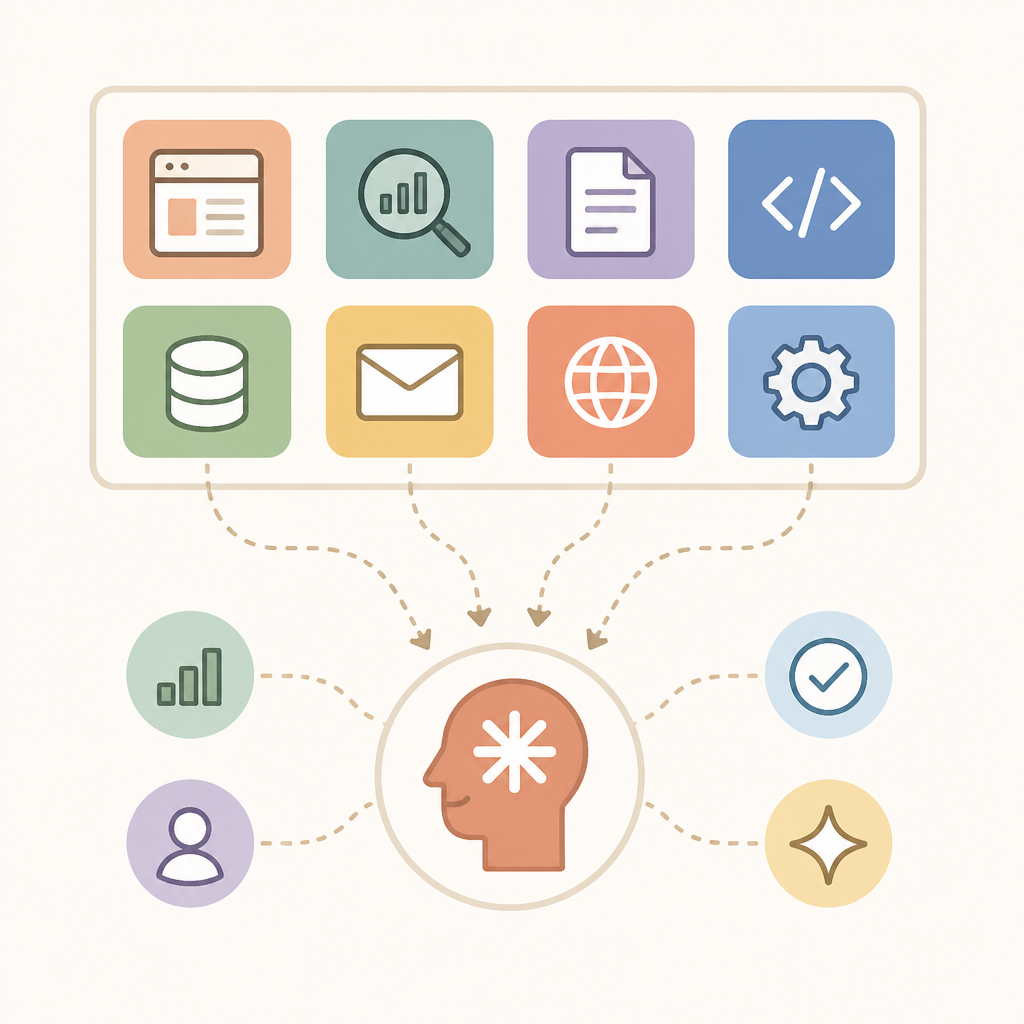
These examples help developers see how to define a skill for editing, transforming, or analyzing office files in a way that is more maintainable than ad hoc prompt chains. If your users spend time in spreadsheets and reports, this section is worth studying first.
- Document editing and formatting tasks
- Spreadsheet analysis and table handling
- Reusable patterns for office automation
4. Data analysis support
Another strong part of the repo is the data analysis angle. Agent products often fail when they can talk about data but cannot actually work with it in a structured way, so a clear skill format helps close that gap.
This is the section most relevant to teams building analysts, research copilots, or reporting assistants. It gives you a reference for turning data work into a defined capability rather than a loose prompt instruction.
- Structured analysis steps
- Repeatable workflow definitions
- Useful for reporting and research assistants
5. A reference for Claude-native agent design
The broader value of the repository is that it acts as a reference for Claude-native agent design. Because Anthropic publishes the material directly, developers can study the style, naming, and task boundaries that fit the platform best.
That makes the repo more than a code dump. It is a practical guide for teams that want to align their own skills with the way Claude models are being used in real agent products, especially as Claude 3.5 and 3.7 continue to drive demand in this area.
How to decide
If you are building a document-heavy agent, start with the PDF and Office skills. If your product is centered on analysis, study the data workflows next. If you want the most authoritative example of how to structure Claude extensions, the whole repo is worth reading end to end.
For most teams, the repo is best treated as a blueprint rather than a library you copy blindly. Use it to shape your own skills, then adapt the patterns to your product’s file types, user tasks, and internal tool stack.
// Related Articles
- [IND]
HP’s OpenAI Deal Meets a Cheap Stock Debate
- [IND]
Booz Allen and OpenAI push frontier AI into defense
- [IND]
Docker made containers the default, and that was a mistake
- [IND]
Claude Fable 5 Should Be Judged by Safety, Not Hype
- [IND]
Trump lifting GPT-5.6 limits is a bad way to govern frontier AI
- [IND]
TeraWulf lands Anthropic lease and sells Abernathy stake