Azure Databricks ties analytics, AI, and governance together
8 Azure Databricks capabilities show how one lakehouse can support ETL, BI, ML, governance, and streaming.

Azure Databricks is a unified platform for analytics, AI, governance, and data engineering on Azure.
Azure Databricks is built to reduce tool sprawl: Microsoft says the platform supports one lakehouse for engineers, analysts, scientists, and production systems, while also managing cloud infrastructure for you.
| Item | Primary use | Notable tools |
|---|---|---|
| Lakehouse | Single source of truth | Delta Lake, Unity Catalog |
| ETL and data engineering | Ingest and transform data | Spark, Auto Loader, Lakeflow |
| Machine learning and AI | Model training and LLM workflows | MLflow, Databricks Runtime for Machine Learning |
| Analytics and BI | Queries, dashboards, semantic layer | SQL warehouses, AI/BI dashboards, Genie Spaces |
| Governance and sharing | Access control and secure sharing | Unity Catalog, OpenSharing |
| DevOps and orchestration | Scheduling and deployment | Jobs, Bundles, Git folders |
| Streaming analytics | Incremental and real-time data | Structured Streaming, Delta Lake |
| OLTP | Transactional databases | Lakebase Postgres |
1. The lakehouse model
Get the latest AI news in your inbox
Weekly picks of model releases, tools, and deep dives — no spam, unsubscribe anytime.
No spam. Unsubscribe at any time.
Azure Databricks centers on the data lakehouse, which combines warehouse-style analytics with data lake storage. The practical payoff is fewer copies of the same data and less time spent syncing systems that drift apart.
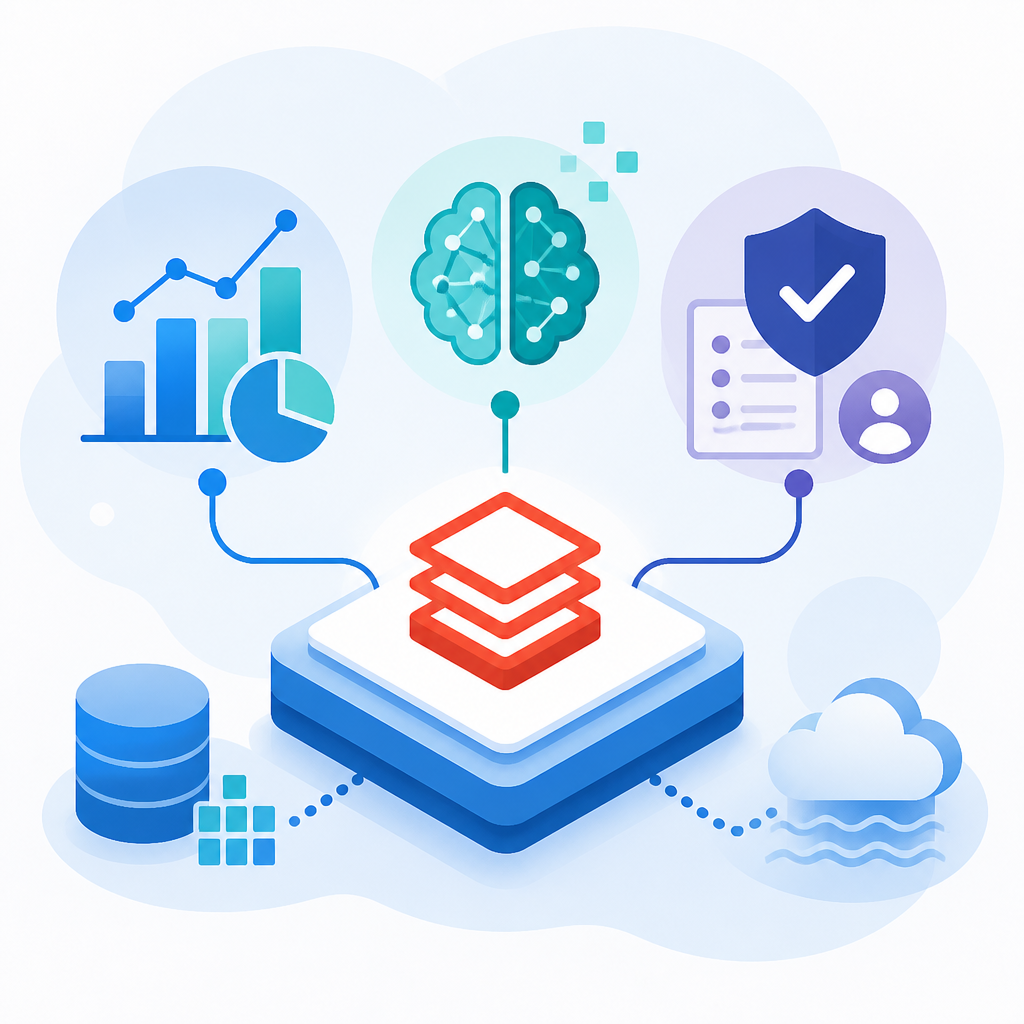
That matters when the same dataset has to support reporting, machine learning, and operational workloads. Instead of splitting the work across separate stacks, teams can query one governed source.
- Shared source for data engineers, analysts, and scientists
- Lower risk of inconsistent metrics across teams
- Works with enterprise data and cloud storage already in your account
2. ETL and data engineering
For ingestion and transformation, Azure Databricks combines Apache Spark, Delta, SQL, Python, and Scala. The article also points to Lakeflow Spark Declarative Pipelines and Auto Loader for scheduled, scalable data delivery.
This is the area for teams that need repeatable pipelines rather than one-off scripts. It is also where Databricks tries to reduce the friction of moving data from cloud object storage into usable models.
- Auto Loader for incremental, idempotent ingestion
- Scheduled jobs for pipeline deployment
- Declarative pipelines for dependency handling and scaling
3. Machine learning and generative AI
Azure Databricks extends the platform with MLflow and Databricks Runtime for Machine Learning. That gives data scientists and ML engineers tools for tracking experiments, managing models, and working with open source libraries.
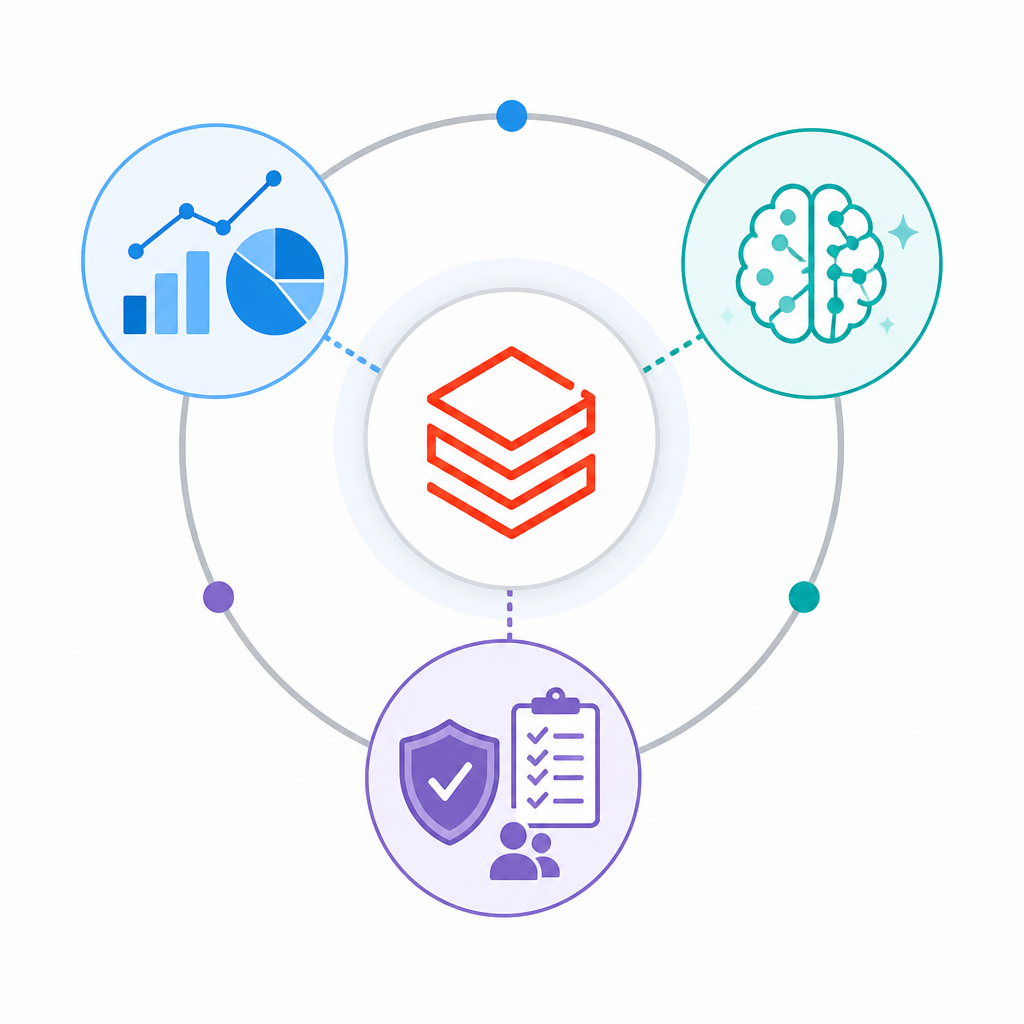
The platform also supports LLM workflows with Hugging Face, DeepSpeed, OpenAI models, and partner solutions. If you need to fine-tune a model on your own data, Databricks is positioned as a place to do that inside the same environment as your data pipelines.
Examples mentioned in the article:
- MLflow tracking with transformer pipelines
- Hugging Face Transformers in Databricks Runtime for Machine Learning
- AI functions for SQL users to call LLMs in workflows
4. Analytics, BI, and SQL access
For analysts and business users, Azure Databricks offers SQL warehouses, notebooks, and AI-assisted dashboards. Users can query data in SQL, Python, R, or Scala, and add visualizations and commentary in the same workspace.
The article also highlights Unity Catalog business semantics, metric views, and Genie Spaces. That combination is meant to keep KPI definitions consistent while still letting people ask questions in natural language.
- SQL warehouses for managed query compute
- AI/BI dashboards for guided authoring
- Genie Spaces for natural-language exploration
5. Governance, sharing, and operations
Unity Catalog is the governance layer for permissions and secure sharing. Administrators can manage access with ACLs through UI or SQL, which reduces the need to stitch together separate cloud IAM and networking setups for every team.
For delivery and operations, Azure Databricks adds Jobs, Declarative Automation Bundles, and Git folders. That makes it easier to version code, schedule workloads, and sync projects with common Git providers.
- ACL-based permission management
- OpenSharing for controlled external sharing
- Git integration for development workflows
- Jobs and Bundles for deployment and orchestration
6. Streaming and transactional workloads
Azure Databricks also addresses real-time and transactional needs. Structured Streaming works with Delta Lake for incremental data changes, while Lakebase adds a fully managed Postgres OLTP database inside the Databricks Data Intelligence Platform.
That means the platform is not limited to batch analytics. Teams can use it for streaming pipelines and for operational databases that need managed storage and tighter integration with the rest of the stack.
How to decide
If your main goal is analytics with shared governance, start with the lakehouse, Unity Catalog, and SQL warehouses. If your team is focused on pipeline work, Auto Loader and Lakeflow are the first features to evaluate.
If you need ML, LLMs, or production scheduling in one place, Azure Databricks becomes more attractive because the same platform covers model work, BI, streaming, and orchestration. It is strongest when one governed data source has to feed many users and many workloads.
// Related Articles
- [IND]
Moka AI Is a Stronger HRMS Choice for Growing Teams
- [IND]
August 2026 Market Review: AI Stocks Flipped Fast
- [IND]
Pixel 11 launch live: every Google reveal
- [IND]
Anthropic’s invisible watermark is the right move
- [IND]
Docker’s latest releases now center security and Compose
- [IND]
Bitcoin’s busy week was a security wake-up call