ChatGPT now remembers your Mac work history
OpenAI’s ChatGPT can now recall recent Mac activity without screenshots, raising the bar for agent memory and privacy risk.
ChatGPT can now remember recent Mac activity without using screenshots.
OpenAI has added a memory feature to ChatGPT for the Mac that lets the assistant recall what you did on your computer. The new capability is meant to help users pick up where they left off, and it does that by storing computer history instead of relying on screen captures.
The change matters because it moves ChatGPT from a chat tool that reacts to prompts into one that can remember context across sessions. That is useful for coding, research, and admin work, but it also raises obvious questions about what gets stored, where it lives, and who can see it.
| Item | Detail |
|---|---|
| Product | ChatGPT for Mac |
| Feature | Computer history memory |
| Data source | Recent Mac activity, without screenshots |
| Vendor | OpenAI |
| Related concern | Agent memory and privacy exposure |
What OpenAI changed on the Mac
Get the latest AI news in your inbox
Weekly picks of model releases, tools, and deep dives — no spam, unsubscribe anytime.
No spam. Unsubscribe at any time.
The headline feature is simple: ChatGPT can now remember what happened on your Mac and use that history later. Instead of depending on screenshot archives, the assistant keeps a memory of recent activity so it can answer follow-up questions with less setup.
That sounds small, but it changes the shape of the product. A chat assistant that remembers your last terminal command, document draft, or browser task can behave more like a working companion than a blank prompt box.
This is also where the product gets more opinionated. If the assistant remembers your computer history, then the quality of its memory matters as much as the quality of its answers. A stale or incomplete memory can be worse than none at all.
- It reduces the need to restate context every time you reopen ChatGPT.
- It can help with multi-step work across coding, writing, and research.
- It creates a new privacy surface because history is stored for later use.
- It changes how users judge trust, since memory is now part of the product.
Memory is useful, but it is also a security problem
Agent memory has been one of the messiest problems in AI software. The more context a system keeps, the more damage a mistake can do. A model that remembers your last few actions can be helpful during normal work and dangerous if that memory leaks, gets misread, or is reused in the wrong place.
That is why this story connects to a bigger debate in agent design. The more autonomy and memory you give a system, the more you need hard controls around data access, logging, and replay. Without those controls, “helpful” becomes “hard to audit” very quickly.
“The first rule of AI is to make sure that you’re not making decisions based on the wrong data.” — Eric Horvitz
Horvitz’s line fits this feature well. If ChatGPT is remembering your Mac activity, then the assistant needs clean data boundaries and a clear memory model, or it risks building answers on partial or misleading context.
For developers, the real question is not whether memory is useful. It clearly is. The question is whether the product exposes enough controls for people to inspect, delete, and limit what gets remembered.
How this compares with other AI desktop tools
ChatGPT is not the only assistant trying to become more persistent on the desktop. Anthropic’s Claude, Cursor, and Microsoft Copilot all push in the same direction: more context, less repeated prompting, and more work done from the desktop.
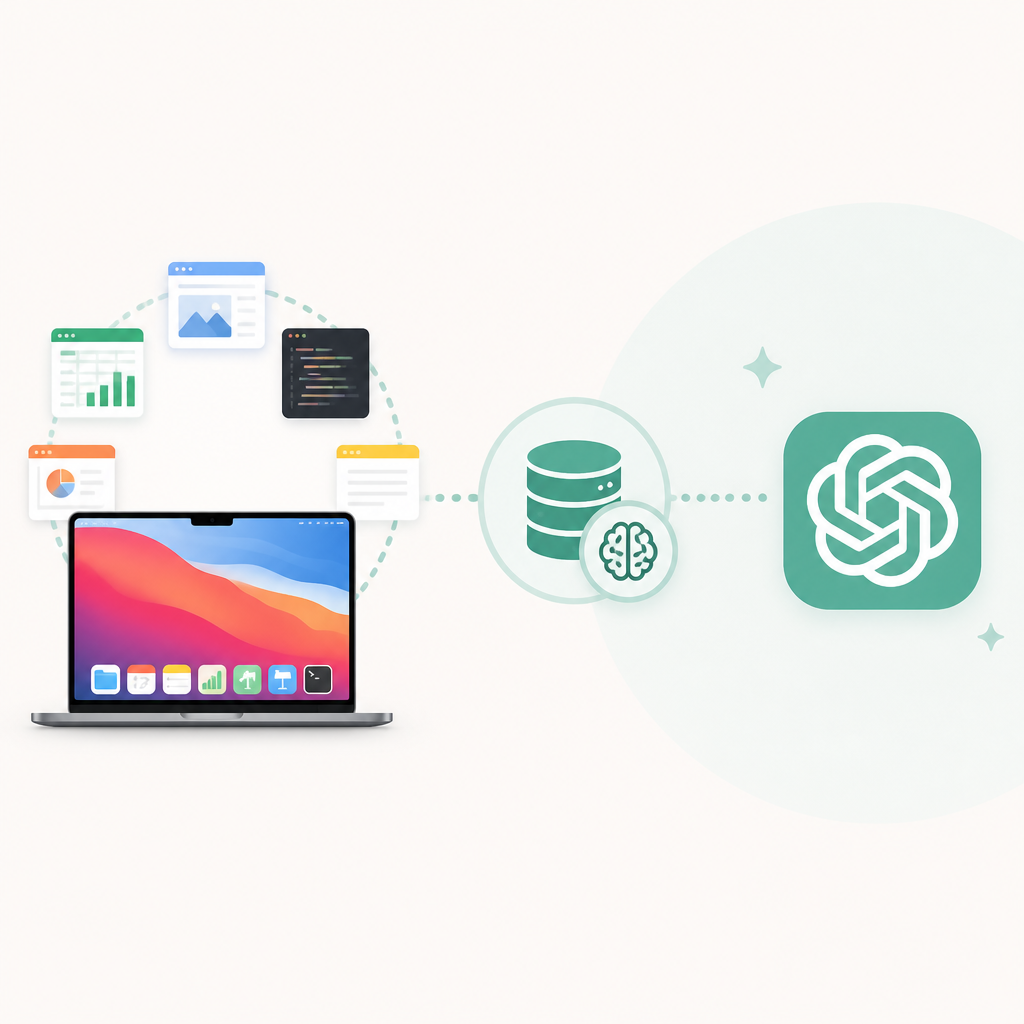
What differs is the memory model. Some tools lean on chat history, some on workspace files, and some on screenshots or local activity logs. OpenAI’s Mac approach is notable because it tries to preserve continuity without forcing users to depend on image capture.
- Claude focuses on conversation context and file-based workflows.
- Cursor keeps the center of gravity inside the code editor.
- Copilot is tied tightly to Microsoft’s desktop ecosystem.
- ChatGPT is now trying to remember what you did on the Mac itself.
That comparison matters because memory is becoming a product differentiator. If two assistants can answer the same prompt, the one that remembers your prior work will feel faster and smarter, even if the underlying model quality is similar.
But memory also changes the trust contract. Users may accept a little friction to keep data local or tightly scoped. They may not accept a system that remembers too much and explains too little.
What developers should watch next
The most important detail is how OpenAI exposes controls around this feature. If users can see what ChatGPT remembers, clear it quickly, and limit it to specific apps or sessions, the feature has a real chance of being useful. If those controls are buried, adoption will stall among security-conscious teams.
Developers should also watch whether this memory layer becomes available beyond the Mac. If it does, the pressure to define consistent rules for retention, deletion, and auditability gets much higher. That is where product convenience meets enterprise risk.
There is also a broader systems question here. AI agents keep getting better at acting on our behalf, but they still need memory, identity, and permission boundaries that are much stricter than a normal chatbot. The companies that get those details right will earn trust faster than the ones that just add more context and hope for the best.
For now, the practical takeaway is simple: if you use ChatGPT on a Mac, assume it is becoming more persistent, not less. The next useful feature may also be the one you want the most control over.
As AI assistants move deeper into the desktop, the winners will be the tools that remember enough to help and expose enough controls to stay trustworthy.
// Related Articles
- [AGENT]
Grok Bot turns browser chores into cloud work
- [AGENT]
Agent Plugins 1.0.0 turns skills into folders
- [AGENT]
FaithEyes lets you train tool-faithful vision agents
- [AGENT]
Connect Qwen 3.8 Max to CLI Agents
- [AGENT]
Fine-tune a small LLM for legal labeling
- [AGENT]
SALA Boosts Long Context on Edge AI