Databricks online feature stores cut feature latency
Databricks Online Feature Stores give real-time apps low-latency feature lookup, with 3 publish modes and Lakebase-backed scaling.

Databricks Online Feature Stores provide low-latency feature lookup for real-time apps and model serving.
Databricks Online Feature Stores are built for teams that need fast feature serving without giving up offline-online consistency. The docs say they require Databricks Runtime 16.4 LTS ML or above, and new stores are created as Lakebase Autoscaling projects.
| Item | Key spec | Notes |
|---|---|---|
| Runtime | 16.4 LTS ML+ | Serverless compute is also supported |
| Store creation | Lakebase Autoscaling | New online stores use this model |
| Capacity options | CU_1, CU_2, CU_4, CU_8 | Set at create or update time |
| Publish modes | TRIGGERED, CONTINUOUS, SNAPSHOT | Controls sync behavior |
1. Low-latency feature serving
Get the latest AI news in your inbox
Weekly picks of model releases, tools, and deep dives — no spam, unsubscribe anytime.
No spam. Unsubscribe at any time.
Online Feature Stores are the part of Databricks that puts feature data close to real-time applications. The goal is simple: let recommendation systems, fraud checks, and personalization engines fetch features quickly while staying aligned with offline tables.
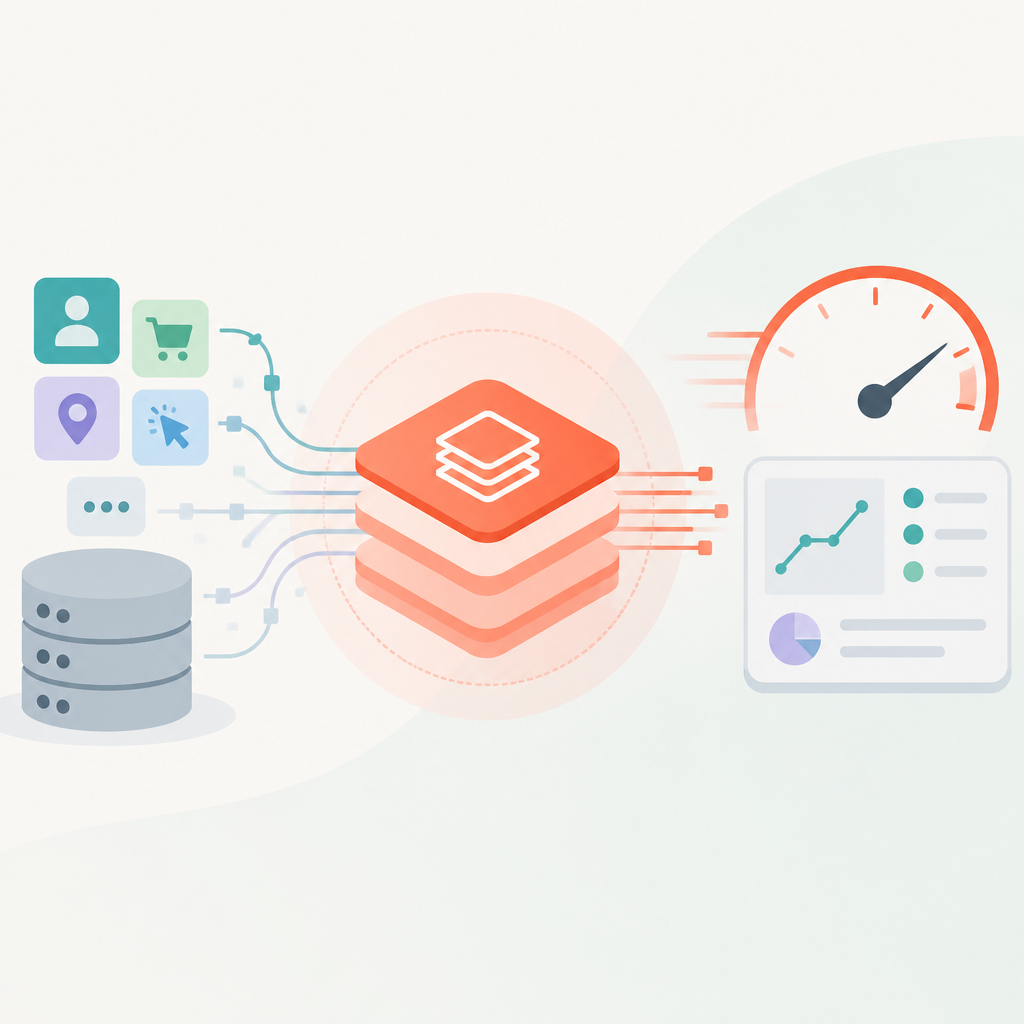
That makes them a fit for both Feature Serving endpoints and model serving endpoints that need automatic feature lookup during inference. The docs also note that models trained with Databricks features keep lineage, so deployed endpoints can resolve the right online features through Unity Catalog.
- Real-time applications: recommendations, fraud detection, personalization
- Model serving endpoints with automatic feature lookup
- Consistency with offline feature tables
2. Lakebase Autoscaling-backed stores
Every new online store is created as a Lakebase Autoscaling project, which is why the docs now point users to Lakebase unification on Autoscaling for the current behavior. The store name matches the backing Lakebase project name, and you can find it through the apps switcher in the workspace.
This backing matters for operations too. The docs say Feature Serving and Model Serving endpoints that look up features from multiple online feature stores cannot use Lakebase Autoscaling instances, and Autoscaling instances created through the projects API or UI ignore some fields such as creator, read_replica_count, and capacity.
- Backing system: Lakebase Autoscaling
- Project name matches online store name
- API/UI-created Autoscaling instances have update limits
3. Capacity and replica controls
When you create a store, you choose capacity with values like CU_1, CU_2, CU_4, or CU_8. That setting controls how much compute the online store can use, and the docs show how to update it later with fe.update_online_store if the store was created through fe.create_online_store.
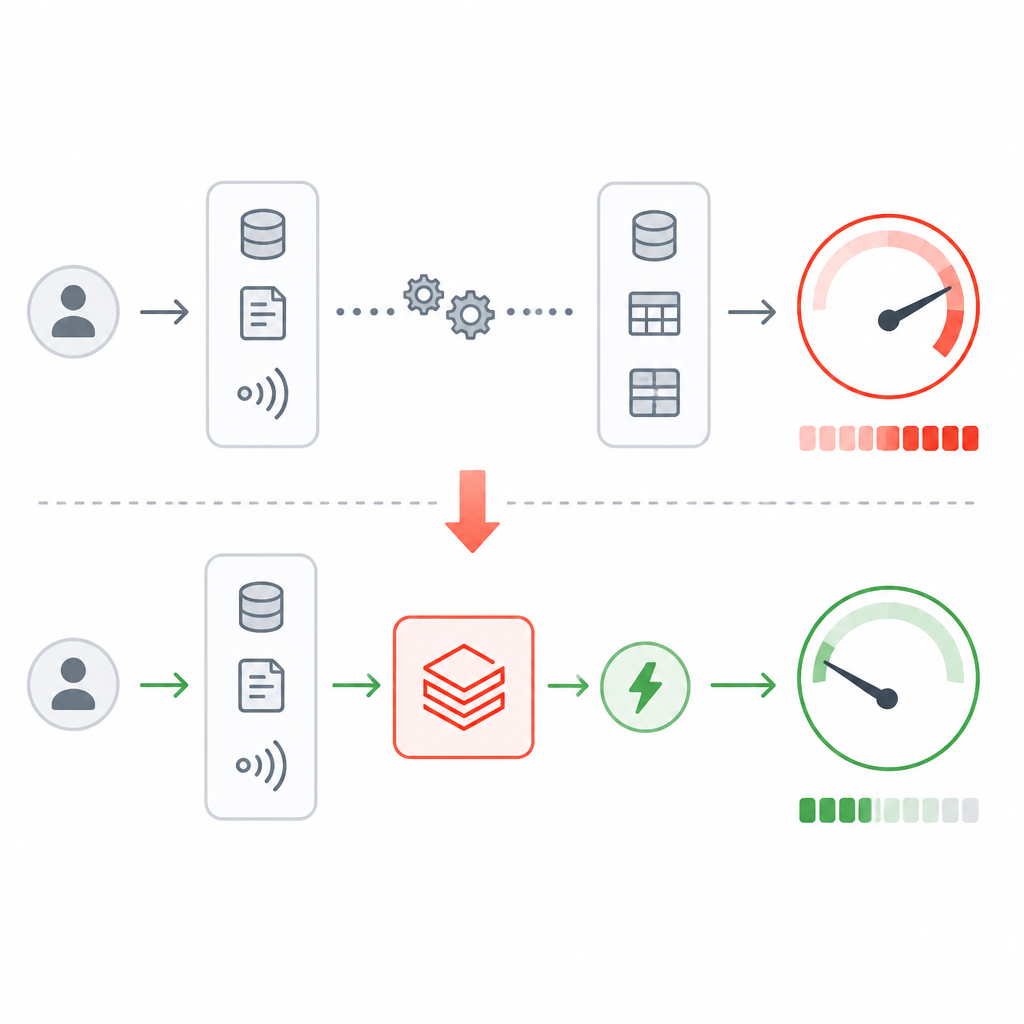
Read replicas are also available for stores created or updated through the feature engineering API. They distribute read traffic automatically, which helps reduce latency and improve scalability for high-concurrency workloads. The catch is that you cannot add replicas to a Lakebase Autoscaling project created with the API or the UI.
fe.create_online_store(name="my-online-store", capacity="CU_2")
fe.update_online_store(name="my-online-store", capacity="CU_4")
4. Publish modes for offline-to-online sync
Publishing is how you move data from an offline feature table into the online store. Databricks supports three modes: TRIGGERED, CONTINUOUS, and SNAPSHOT. TRIGGERED is the default, CONTINUOUS streams updates as data changes, and SNAPSHOT copies data once.
For teams choosing between freshness and cost, this section is the main decision point. TRIGGERED works well for scheduled syncs, CONTINUOUS fits near-immediate updates, and SNAPSHOT is useful when you want a one-time copy or when many rows change between syncs.
- TRIGGERED: incremental sync on demand or on a schedule
- CONTINUOUS: streaming pipeline keeps the store updated
- SNAPSHOT: one-time copy of the source table
5. Publishing rules and cleanup
Before publishing, the offline table must have a primary key, non-null primary key values, and Change Data Feed enabled for TRIGGERED and CONTINUOUS modes. The docs also distinguish between plain lookup tables and time series tables, since time series designations affect whether only the latest value or all historical rows are published.
For cleanup, Databricks recommends deleting online tables with the SDK method w.feature_store.delete_online_table. That method removes the table from both Unity Catalog and the database, while DROP TABLE and some other delete paths leave underlying storage behind.
ALTER TABLE catalog.schema.your_feature_table SET TBLPROPERTIES ('delta.enableChangeDataFeed' = 'true');
ALTER TABLE catalog.schema.your_feature_table ALTER COLUMN user_id SET NOT NULL;
What to pick
If you want the simplest path for real-time feature serving, start with a new online store created through fe.create_online_store and use TRIGGERED publishing. If you need fresher data, choose CONTINUOUS. If your workload is mostly read-heavy and you expect bursts of traffic, add read replicas where the API allows it.
If your environment already uses Lakebase Autoscaling projects created through the UI or projects API, plan around their limits. They are not the same as stores created through the feature engineering API, especially for updates, replicas, and multi-store feature lookup.
// Related Articles
- [IND]
Gemini in Siri turns memory into a cost line
- [IND]
AI capex turns into a debt trap
- [IND]
Tema’s SemiAnalysis ETF plan targets AI chip exposure
- [IND]
AI coding subscriptions are worth paying for only when they stay pred…
- [IND]
Claude隐私争议:位置回传与数据留存的真相
- [IND]
Boot.dev’s Go course turns syntax into services