Databricks lets you query foundation models
A practical breakdown of Databricks foundation-model querying, with the auth, SDKs, and a copy-ready request template.

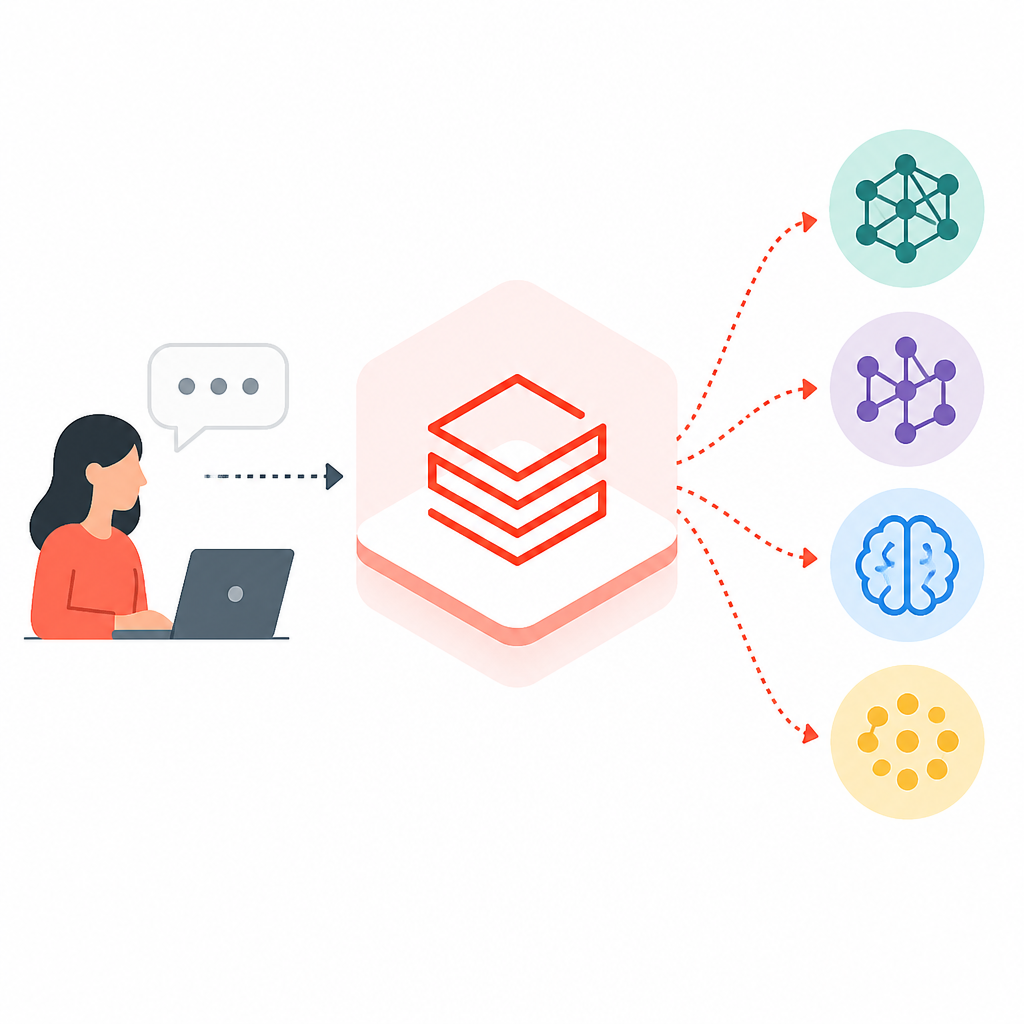
Databricks lets you query hosted and external foundation models through one API.
I’ve been using Databricks model serving long enough to know when a docs page is trying to help and when it’s quietly making me do archaeology. This one hit the latter for me. I wanted a straight answer: if I’ve got a foundation model endpoint, what’s the least annoying way to call it from code, SQL, or a notebook without tripping over auth, package versions, or some half-hidden compatibility rule?
Instead, I got the usual buffet of options: OpenAI client, REST API, MLflow Deployments SDK, Databricks Python SDK, AI Functions, Serving UI. Fine. I like options. What I don’t like is when “options” means I have to reverse-engineer the actual decision tree before I can ship anything. And then there’s the model list itself, which is long enough to make you stop trusting your first instinct. So I pulled the page apart into something I’d actually use in a real project.
This write-up is based on the Databricks docs page Use foundation models | Databricks on AWS. I’m not repeating the docs. I’m extracting the parts that matter when you’re trying to wire this into a notebook, a service, or a production workflow without wasting an afternoon on setup mistakes.
Stop treating model access like a special case
Get the latest AI news in your inbox
Weekly picks of model releases, tools, and deep dives — no spam, unsubscribe anytime.
No spam. Unsubscribe at any time.
Model Serving uses a unified OpenAI-compatible API and SDK for querying them.
What this actually means is that Databricks is trying to collapse a bunch of model-access paths into one mental model. If you’ve used OpenAI-style clients before, the shape should feel familiar: same basic request pattern, different backend. That’s a nice idea because it cuts down on the “which vendor wrapper do I need today?” tax.

I’ve run into this problem in real projects where one team uses a notebook, another team uses a Python service, and a third team wants SQL. Without a shared interface, each group invents its own tiny ritual. Then nobody can debug anyone else’s code. A unified API doesn’t magically fix bad architecture, but it does remove one layer of dumb friction.
The docs also say Databricks supports both Databricks-hosted foundation models and external models through Model Serving. That matters because it means you can keep the same calling pattern while swapping the provider underneath. In practice, that’s useful when you want to compare vendors or move from a hosted model to an external one without rewriting your entire integration.
How to apply it: pick one client style and standardize on it inside your org. If your engineers already know the OpenAI pattern, use that as the default. If your stack is more Databricks-native, use the Databricks Python SDK or MLflow Deployments SDK. The point is not to use every method on the page. The point is to stop making every team reinvent request plumbing.
- Use one request shape across notebooks, jobs, and services.
- Keep provider-specific details at the edge, not in every caller.
- Document the endpoint name, auth method, and payload schema together.
The real decision is not model choice, it’s request path
Query options: OpenAI client, AI Functions, Serving UI, REST API, MLflow Deployments SDK, Databricks Python SDK.
What this actually means is that Databricks gives you multiple doors into the same room. That’s useful, but only if you know which door matches your job. The docs list six ways to query a foundation model endpoint, and each one fits a different kind of workflow.
If I’m prototyping in a notebook, I’d rather use the OpenAI client or the Databricks Python SDK than hand-roll REST calls. If I’m validating a prompt or checking a response shape quickly, the Serving UI is fine. If I’m already in SQL and want inference inline, AI Functions are the obvious choice. If I need something portable or language-agnostic, REST is still the boring answer, which is often the right answer.
I’ve made the mistake of choosing the “most flexible” path too early. That usually means REST everywhere, then a bunch of JSON glue, auth boilerplate, and error handling I didn’t need on day one. The docs are basically telling you not to do that if you don’t have to. Start from the surface that matches your environment, then drop lower only when you need control.
How to apply it: map each team task to a query path. Notebook experiments can use a client library. Batch jobs can use SDK wrappers. SQL teams can use ai_query. Platform teams can keep REST as the lowest common denominator. That keeps the integration boring, which is exactly what you want when models move from demo to dependency.
- Notebook prototyping: OpenAI client or Databricks SDK.
- SQL inference: AI Functions.
- Service integration: REST API.
- Quick manual checks: Serving UI.
Auth is where production stops being cute
For production scenarios, Databricks recommends that you use machine-to-machine OAuth tokens for authentication.
What this actually means is: don’t ship with a personal access token just because it was faster to get working. I know, I know. Everyone does it in dev. But the docs are pretty direct here, and they’re right. Production auth should not depend on a human’s workspace identity hanging around like a spare key under the mat.
The page also says that for testing and development, Databricks recommends using a personal access token belonging to service principals instead of workspace users. That’s a small but important distinction. It tells me Databricks wants you to separate human access from machine access early, not after you’ve already built a mess.
I’ve seen this go wrong in the usual way: a notebook works, the engineer leaves, the token expires, and suddenly the “temporary” integration becomes an incident. Or worse, the token belongs to a real person and nobody wants to touch it because it’s tied to a bunch of unrelated permissions. Use service principals. Use machine-to-machine OAuth in production. Boring, yes. Better, absolutely.
How to apply it: create a service principal for each automation boundary you care about, then issue tokens or OAuth credentials that match the environment. Keep dev and prod separate. If you’re building a shared internal tool, don’t let every user’s workspace token leak into the request path. That’s not convenience; that’s future cleanup work.
The docs also note that a Databricks API token is required for the OpenAI client, REST API, or MLflow Deployments SDK. That’s the part people skip when they skim, then wonder why the client fails before it even reaches the model.
Your package choice depends on runtime, not vibes
To use the OpenAI client, the databricks-openai package needs to be installed on your cluster.
What this actually means is that you don’t get to assume the right client library is already there. If you want the OpenAI-compatible path, install databricks-openai. If you want the serving REST path, the docs point you toward MLflow Deployments SDK and note that access to the Serving REST API is available in Databricks Runtime for Machine Learning.
Then there’s the Databricks SDK for Python, which the docs say is already installed on clusters using Databricks Runtime 13.3 LTS or above. If you’re on 12.2 LTS or below, you need to install it yourself. That kind of runtime split is exactly the sort of thing that wastes time because it looks like a library issue when it’s really a cluster image issue.
I’ve run into this enough times to have a rule: before I debug code, I confirm runtime, package availability, and auth path. Half of “model doesn’t work” reports are actually “the cluster doesn’t have the package I thought it had.” The Databricks docs are doing the right thing by calling this out instead of pretending the environment is uniform.
How to apply it: write down the minimum runtime you support, then pin it in your internal setup docs. If your team uses notebooks, include the install commands right next to the query examples. If your team uses jobs, bake the dependencies into the environment. Don’t make every engineer rediscover the same package matrix.
- Use databricks-openai for OpenAI-style calls.
- Use MLflow Deployments SDK when you want a Databricks-friendly wrapper.
- Check your Databricks Runtime version before assuming the SDK is present.
Model type decides the job, not the other way around
The following table summarizes the supported foundation models based on task type.
What this actually means is that Databricks wants you to choose by workload: general purpose, embeddings, vision, reasoning. That’s a better framing than just throwing a giant model list at people and hoping they pick something sensible.
For general-purpose chat, the docs list a long set of Databricks-hosted models, including families like databricks-gpt-5, databricks-gpt-5-mini, databricks-gemini-3, databricks-claude-sonnet, databricks-qwen35, and others. External support includes OpenAI GPT and o series models, Anthropic Claude models, and Google Gemini models. For embeddings, the list is much narrower. For vision and reasoning, the supported sets overlap with the general-purpose family but are still organized around what the model is actually good at.
I like this framing because it prevents a common mistake: picking a model name first because it sounds powerful, then trying to force it into a task it’s bad at. You don’t need a giant reasoning model for every prompt. You don’t need vision support if you’re only embedding text. You don’t need a general-purpose chat model if your job is vector retrieval.
How to apply it: start with task type, then narrow to the smallest model that meets the requirement. For chat, pick a general-purpose model. For semantic search and RAG, use embeddings. For image or document analysis, use vision-capable models. For tasks that need multi-step inference or structured reasoning, use the reasoning category and test it against your real prompts, not toy examples.
The docs also warn that Meta-Llama-3.1-405B-Instruct is being retired, with dates for pay-per-token and provisioned throughput workloads. That’s the sort of detail you want to keep in your migration notes, not in your memory.
Unity AI Gateway is the part people forget until billing hurts
Requests to foundation models, both Databricks-hosted and external, are routed through Unity AI Gateway (Beta), which lets you apply rate limits, budgets, and guardrails.
What this actually means is that Databricks is putting a control layer in front of model access. I’m glad it exists. I’ve watched too many teams discover cost controls only after a prompt loop or a bad integration chews through budget. Rate limits, budgets, and guardrails are not decorative extras. They’re the difference between “we’re experimenting” and “why did this endpoint just become expensive at 2 a.m.?”
Because the gateway is in the path for both hosted and external models, it becomes a policy choke point. That’s useful if you want to enforce consistent access rules regardless of provider. It also means you should treat model access like an internal platform service, not just a client library call.
I’ve had to patch systems where every team pointed directly at a model provider with no shared guardrails. That works right up until it doesn’t. Then you’re retrofitting budgets into code that was never designed to respect them. Databricks is giving you the control layer up front. Use it.
How to apply it: define budgets and rate limits before broad rollout. Decide which endpoints are experimental, which are internal, and which are production-critical. Put guardrails around the ones that can generate runaway cost or unsafe output. If you’re exposing model access to analysts or app teams, make the gateway policy part of the onboarding checklist.
Pick the interface that matches the person holding the keyboard
Serving UI Select Query endpoint from the Serving endpoint page. Insert JSON format model input data and click Send Request.
What this actually means is that Databricks expects different users to interact with the same model in different ways. That’s healthy. Engineers don’t all want the same surface area. Some want a notebook. Some want SQL. Some want a UI because they’re validating payloads or checking outputs without touching code.
The Serving UI is underrated for exactly that reason. It’s not the thing I’d build a production app on, but it’s absolutely the thing I’d use when I’m checking whether the endpoint is alive and whether the input schema matches what I think it matches. The docs also mention that if the model has an input example logged, you can use Show Example to load it. That is a small quality-of-life detail, and I appreciate it more than the marketing copy around it.
How to apply it: give non-developers a safe inspection path, and give developers a repeatable code path. Don’t force everyone through the same interface just because it’s the one you personally prefer. UI for inspection, SDK for integration, REST for portability. That’s the split that keeps everyone sane.
The template you can copy
# Databricks foundation model query template

## 1) Decide the task type
- chat / general purpose
- embeddings
- vision
- reasoning

## 2) Pick the access path
- OpenAI client for OpenAI-style code
- Databricks Python SDK for Databricks-native code
- MLflow Deployments SDK for model-serving deployments
- REST API for direct integration
- AI Functions for SQL-based inference
- Serving UI for manual checks

## 3) Install what you need
# OpenAI-style client
pip install -U databricks-openai

# REST/MLflow path
pip install mlflow

# Databricks SDK
# Already installed on Databricks Runtime 13.3 LTS+
# Install manually on older runtimes
pip install databricks-sdk

## 4) Use production-safe auth
- Production: machine-to-machine OAuth tokens
- Dev/test: service-principal personal access token
- Avoid workspace-user tokens for shared automation

## 5) Example: OpenAI-compatible query
from openai import OpenAI

client = OpenAI(
    api_key=os.environ["DATABRICKS_TOKEN"],
    base_url="https:///serving-endpoints"
)

response = client.chat.completions.create(
    model="",
    messages=[
        {"role": "system", "content": "You are a helpful assistant."},
        {"role": "user", "content": "Summarize this ticket."}
    ]
)

print(response.choices[0].message.content)

## 6) Example: REST invocation shape
POST /api/2.0/serving-endpoints//invocations
Content-Type: application/json
Authorization: Bearer

{
  "messages": [
    {"role": "user", "content": "Hello"}
  ]
}

## 7) Example: SQL inference
SELECT ai_query(
  '',
  'Classify this customer message as billing, bug, or feature request.'
);

## 8) Operational checklist
- Confirm the endpoint exists
- Confirm the workspace is in a supported region
- Confirm token type matches environment
- Confirm cluster/runtime has the required package
- Confirm the model supports the task type
- Confirm gateway budgets and guardrails are set

## 9) Model-selection rule of thumb
- Use embeddings for search, retrieval, and clustering
- Use vision for images or documents
- Use reasoning for multi-step analysis
- Use general-purpose chat for conversation and drafting

## 10) Migration note
- Check deprecation notices before hardcoding a model name
- Keep model names in config, not scattered across code
- Plan replacement models before retirement dates hit
If I were turning this into an internal team playbook, I’d copy that block almost as-is and then replace the placeholders with my workspace details, endpoint names, and approved auth mechanism. The important part is not the exact code shape. It’s the decision order: task type, access path, auth, package, then request.
That order saves you from the usual mess where people start coding before they know what kind of model they’re calling or how the request is supposed to get into the workspace. I’ve done that. It’s a waste. This template keeps the boring parts up front, where they belong.
Source attribution: original documentation from docs.databricks.com. My breakdown is derivative of that page, but the framing, ordering, and template are mine.
// Related Articles
- [TOOLS]
SGLang is winning because inference is the product
- [TOOLS]
Redmi Note 17 turns mid-range into battery bulk
- [TOOLS]
GitHub Copilot SDK lets apps run agents
- [TOOLS]
Foundry lets you ship agents without rewrites
- [TOOLS]
Kimi K2.6 turns a prompt into brand sites
- [TOOLS]
Cloudflare One partner program speeds AI security rollout