Docker’s GitHub org shows where container work happens
5 Docker repositories show where image builds, Compose apps, docs, and feedback live on GitHub.

Docker’s GitHub org collects the project’s main tools, docs, and feedback channels in one place.
Docker’s GitHub organization is more than a code dump: it points developers to the projects that shape image builds, multi-container apps, docs, and user feedback. The org lists 148 repositories, with pinned projects like compose, buildx, and build-push-action giving a quick map of what matters most.
| Item | Primary purpose | Language | Notable activity |
|---|---|---|---|
| compose | Define and run multi-container apps | Go | 37.5k stars |
| buildx | Extended build capabilities with BuildKit | Go | 4.4k stars |
| build-push-action | Build and push images in GitHub Actions | TypeScript | 5.3k stars |
| docs | Source for Docker documentation | Markdown | 8.3k stars |
| desktop-feedback | Feedback and feature requests for Docker Desktop | Repository | User reports |
1. compose
Get the latest AI news in your inbox
Weekly picks of model releases, tools, and deep dives — no spam, unsubscribe anytime.
No spam. Unsubscribe at any time.
Docker Compose is the clearest sign that Docker still centers real app workflows, not just container primitives. It lets teams define multi-container applications in one file and run them locally or in automation.
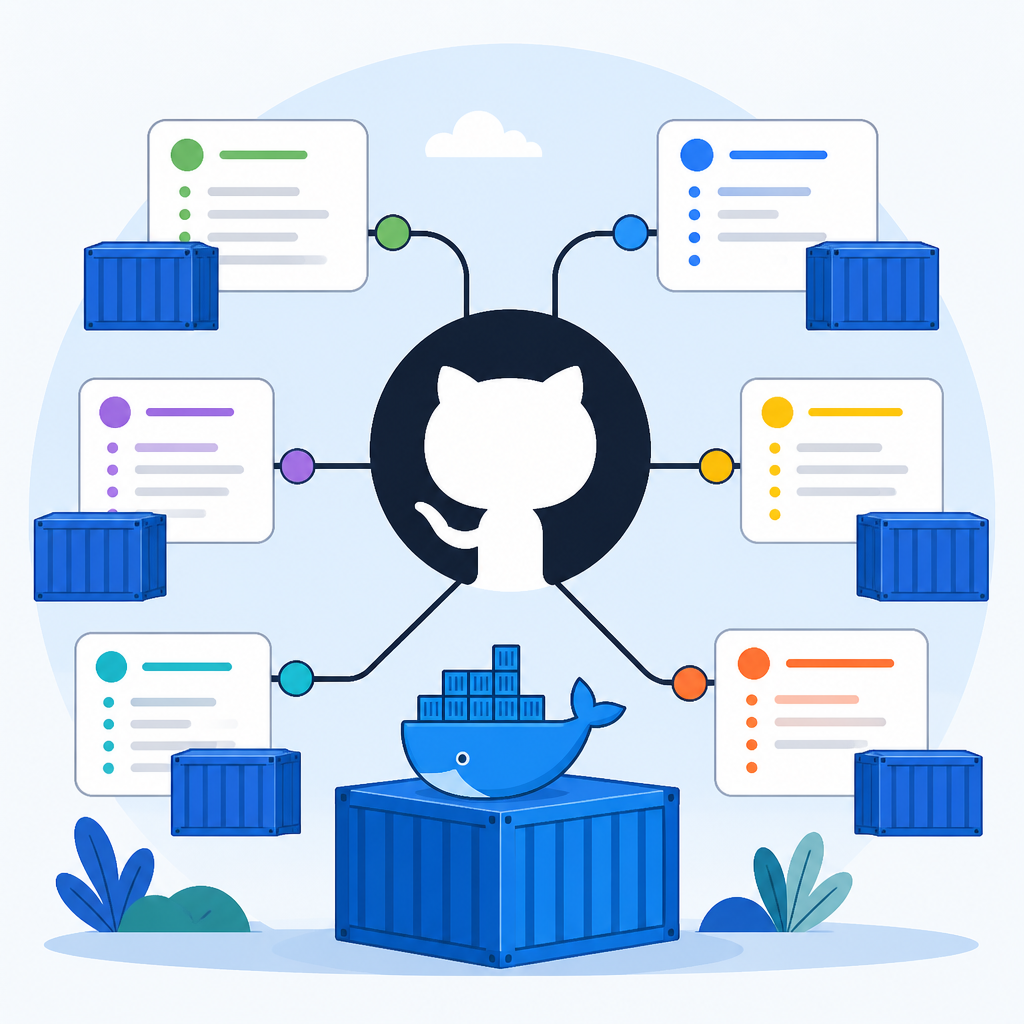
For developers who need a database, API, and worker to start together, Compose is the project to inspect first. The repo is written in Go and is one of the largest pinned projects in the org, with 37.5k stars and 5.7k forks.
- Use case: local dev stacks
- Use case: repeatable CI environments
- Language: Go
- Stars: 37.5k
2. buildx
Buildx is the Docker CLI plugin for extended build capabilities with BuildKit. If you care about multi-platform images, advanced caching, or more control over image creation, this repo is the one to watch.
It sits closer to the build pipeline than Compose does, and that makes it useful for teams shipping containers at scale. The repo shows 4.4k stars and 355 forks, which hints at steady adoption among build-heavy users.
docker buildx build --platform linux/amd64,linux/arm64 .3. build-push-action
build-push-action translates Docker builds into GitHub Actions workflows. It is the fastest route for teams that want to build and publish images from CI without writing a lot of shell glue.
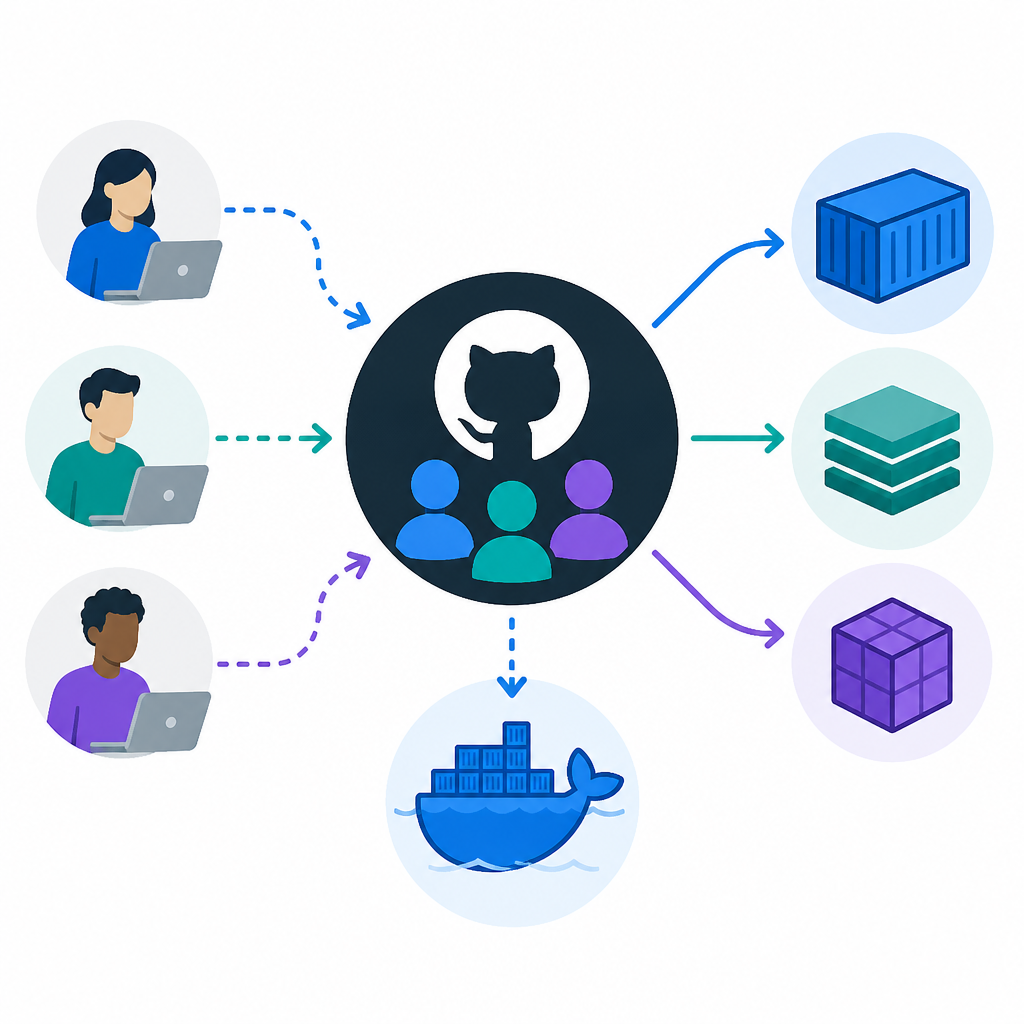
The repository is TypeScript-based and has 5.3k stars, which puts it in the same practical tier as Buildx for many teams. If your delivery pipeline already lives in GitHub, this action is often the most direct fit.
- Best for: CI image builds
- Best for: registry publishing
- Works with: GitHub Actions
- Language: TypeScript
4. docs
Docker’s documentation repo is where product guidance becomes editable source. That matters because docs are often the first place users go when a build fails, a command changes, or a workflow needs confirmation.
This repo is unusually active for a documentation project, with 8.3k stars and 93 forks. For teams trying to understand the current shape of Docker tooling, the docs repo is a better starting point than scattered blog posts.
docs.docker.com5. desktop-feedback
Docker Desktop feedback is the most direct signal that the org wants user input in public. The repo is dedicated to feedback, ideas, and bug reports, which makes it useful for anyone trying to track pain points in the desktop product.
The same feedback pattern also appears in hub-feedback, which covers Docker Hub. Together, these repos show that Docker keeps product issues close to the source instead of hiding them behind support forms.
- Purpose: bug reports
- Purpose: feature requests
- Related repo: hub-feedback
- Audience: Desktop users
How to decide
If you want to build and run applications, start with compose. If your focus is CI image creation, buildx and build-push-action are the pair to compare first.
If you are trying to understand Docker itself, the docs repo and the feedback repos are the most useful entry points. They show both how Docker expects tools to be used and where users are still running into trouble.
// Related Articles
- [IND]
Rust 661’s best releases for builders this week
- [IND]
Deepwoken’s Second Layer hides Ethiron below Scyphozia
- [IND]
AMD is right to use Anthropic to break CUDA’s grip
- [IND]
AI Weekly: 2026-07-20 ~ 2026-07-27
- [IND]
WAIC 2026 turns AI hype into real work
- [IND]
KPMG’s OpenAI deal turns SaaS into agents