Expensify’s MCP adds AI control to expense workflows
Expensify’s MCP gives AI assistants direct control over expense, card, and travel workflows in one new integration.

Expensify’s MCP lets AI assistants manage expenses, cards, and travel inside one system.
Expensify’s new MCP adds a practical AI control layer to expense management, and it matters because the company says it already helps users manage expenses, corporate cards, and travel. Here are five ways the launch changes day-to-day finance work.
1. A direct AI bridge into expense tasks
Get the latest AI news in your inbox
Weekly picks of model releases, tools, and deep dives — no spam, unsubscribe anytime.
No spam. Unsubscribe at any time.
The biggest shift is that Expensify is no longer just a place to file receipts and approve reports. With MCP, an AI assistant can connect into the workflow and act on tasks instead of only answering questions about them.
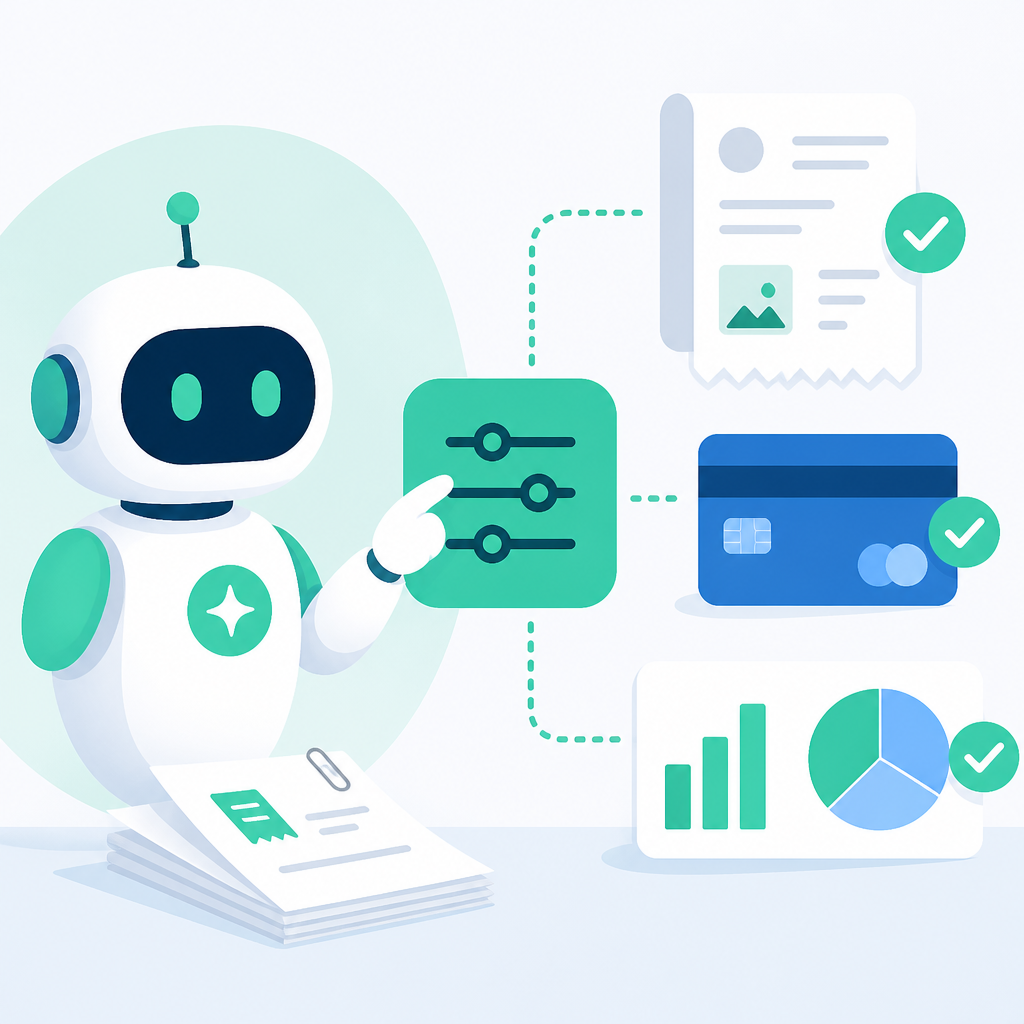
That means teams can move from “find the report” to “do the thing” inside a single system, which is where the time savings usually show up.
- Create or update expense reports
- Check card activity
- Pull travel-related details into one workflow
2. Better fit for finance teams already using AI
Many companies are testing AI tools, but they still need those tools to work with business systems rather than sit beside them. Expensify MCP is aimed at that gap by giving assistants a structured way to interact with company spending data.
For finance teams, that can reduce copy-paste work and cut down on switching between chat tools and accounting software.
- Less manual lookup across tabs
- Fewer handoffs for routine admin work
- More consistent access to spending information
3. One integration for expenses, cards, and travel
Expensify says the product covers expenses, corporate cards, and travel, which makes the MCP launch more useful than a narrow point feature. Instead of adding AI to one isolated task, the company is tying it to the full spend stack.
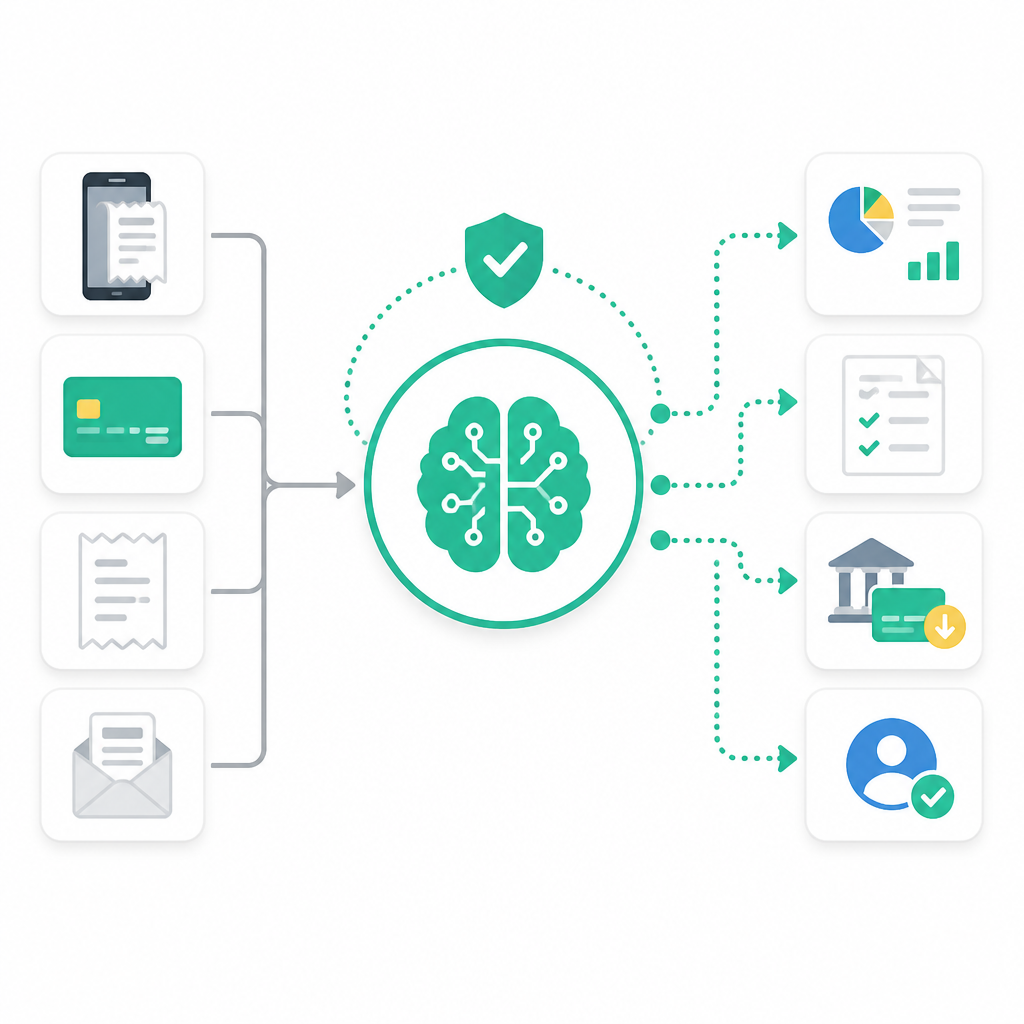
That matters because travel, cards, and reimbursement usually overlap. A single assistant that can move across those categories can save more time than one that only reads receipts.
- Expense capture and review
- Corporate card oversight
- Travel-related expense coordination
4. A cleaner path for automation without custom builds
One reason MCP matters is that it can lower the need for custom integrations. If an AI assistant can speak the same protocol as the platform, companies may not need to build one-off connectors for every workflow.
That is especially useful for smaller finance teams that want automation but do not have the engineering bandwidth to maintain it.
Example use cases:
- Ask an assistant to summarize pending expenses
- Review recent card charges by employee
- Gather travel costs for a trip report
5. A sign that spend management is becoming AI-native
This launch also shows where spend tools are heading. The product is no longer only about storage, approvals, and exports. It is becoming a system that AI can actively operate.
For buyers, that raises a simple question: do you want software that records finance work, or software that can help do the work with you?
- Useful for operations teams that want faster admin
- Helpful for CFO offices testing AI workflows
- Relevant for companies centralizing spend data
How to decide
If your team already uses Expensify, MCP is the most obvious upgrade because it adds AI access without changing platforms. If you are evaluating spend tools, the launch is a sign to compare not just receipts and approvals, but how well each product can connect to AI workflows.
Teams with high travel volume, lots of card activity, or repeated expense admin are most likely to feel the benefit first. Teams with simple reimbursement needs may see less immediate impact, but the direction is clear: spend software is moving toward assistant-driven operations.
// Related Articles
- [IND]
Rust 661’s best releases for builders this week
- [IND]
Deepwoken’s Second Layer hides Ethiron below Scyphozia
- [IND]
AMD is right to use Anthropic to break CUDA’s grip
- [IND]
AI Weekly: 2026-07-20 ~ 2026-07-27
- [IND]
WAIC 2026 turns AI hype into real work
- [IND]
KPMG’s OpenAI deal turns SaaS into agents