Grok 4.5 turns agent work into one prompt
I break down Grok 4.5’s coding, agent, and office workflow claims into a copy-ready prompt and rollout template.

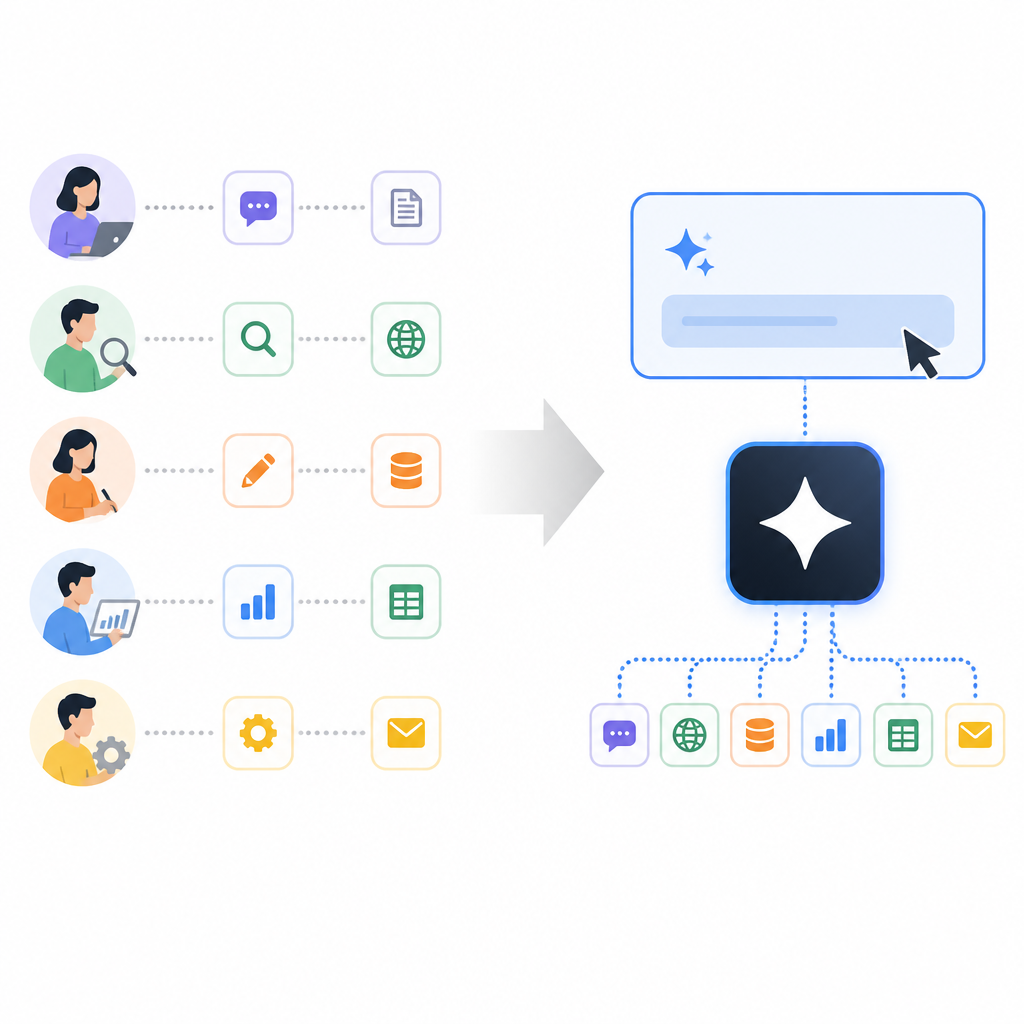
Grok 4.5 turns messy agent work into faster one-prompt builds.
I’ve been using model launches like this long enough to know when a page is trying too hard. Usually it’s the same song: “smartest model,” “best at coding,” “great for agents,” and then you get a demo that only works if you squint, ignore the token bill, and pretend the model didn’t need six retries to land the plane. That’s the part that always bugs me. I don’t care about the adjective pile. I care about whether the model can actually hold a task, keep its shape across steps, and not turn a simple bug fix into a small consulting engagement.
So when I read the Grok 4.5 announcement on x.ai, I stopped at the parts that matter to builders: coding, agentic tasks, token efficiency, and the weirdly practical office-work angle. That’s the real hook here. Not “smartest” as a slogan, but a model that claims to do more with fewer tokens, faster, and with enough discipline to handle software work, spreadsheets, and docs without wandering off.
What I think x.ai is really saying here
Get the latest AI news in your inbox
Weekly picks of model releases, tools, and deep dives — no spam, unsubscribe anytime.
No spam. Unsubscribe at any time.
“Grok 4.5 is SpaceXAI’s smartest model built to excel at coding, agentic tasks, and knowledge work.”
What this actually means is: they’re not pitching a chat toy. They’re pitching a workhorse for tasks that have structure, state, and consequences. Coding is obvious. Agentic tasks mean multi-step execution where the model has to remember what it was doing and keep moving. Knowledge work is the polite umbrella for research, summarization, docs, slides, spreadsheets, and all the stuff that eats a developer’s afternoon.

I’ve seen a lot of models ace the first turn and then immediately lose the plot when the task gets longer than a coffee break. The interesting claim here is that Grok 4.5 was trained and tuned for the long haul, not just for a nice demo response. That matters if you’re wiring it into a product, a coding assistant, or an internal ops workflow.
How I’d apply this: stop evaluating models on single-turn magic tricks. Give them a real task with state changes, file edits, retries, and a finish line. If the model can’t stay coherent across steps, it doesn’t matter how pretty the benchmark chart looks.
Benchmarks are only useful when they map to your pain
The post spends a lot of time on benchmark bars, and I get why. The useful part is not “look at the chart.” The useful part is which charts they chose and what they’re trying to prove. The announcement says Grok 4.5 was tested on DeepSWE 1.0, DeepSWE 1.1, SWE Marathon, Terminal Bench 2.1, and SWE Bench Pro. That’s a very specific mix: software engineering, terminal work, and agent-style problem solving.
Here’s the part worth paying attention to. The post gives numbers for Grok 4.5 versus models like Fable, GPT 5.5, and Opus 4.8 on those tasks. For example, it reports 83.3% on Terminal Bench 2.1, 64.7% on SWE Bench Pro, and 29.0% on SWE Marathon resolution rate. I’m not going to pretend benchmark numbers tell the whole story, because they don’t. But they do tell me what the model was optimized to care about.
What this actually means is that x.ai is trying to position Grok 4.5 as a practical engineering model, not a generalist that happens to code. That distinction matters. If I’m choosing a model for a repo assistant, I care less about trivia and more about whether it can navigate a codebase, edit with intent, and survive a multi-step terminal loop.
I ran into this exact issue when building internal tools around code generation. Some models were fluent but brittle. They wrote decent snippets, then fell apart when asked to inspect logs, patch a file, and explain the fix. The benchmark set here is basically x.ai saying, “No, we’re aiming at that brittle middle ground.”
- Use software-engineering benchmarks when your product edits code, not when it just answers questions.
- Use terminal and agent benchmarks when your workflow includes file ops, shell commands, or tool calls.
- Ignore benchmark theater if the model still can’t complete your actual task end to end.
How to apply it: build a test set from your own work. Include one bug fix, one refactor, one docs update, one research task, and one multi-step agent run. If a model wins your set, then the benchmark numbers start to matter. Otherwise they’re just wallpaper.
Training details tell me more than the marketing headline
This is the part of the announcement I trust more than the “smartest model” line. The post says Grok 4.5 was trained across tens of thousands of NVIDIA GB300 GPUs, with heavy data filtering, deduplication, quality scoring, and domain-focused selection. That’s the kind of sentence I read twice. It tells me they cared about the shape of the data, not just the size of it.
The model also used reinforcement learning across hundreds of thousands of tasks, especially multi-step software engineering and technical work, with automated and model-based grading. That matters because agent behavior is not a free bonus. If you want a model to plan, retry, and recover, you have to train for those loops. Otherwise you get a model that sounds confident right up until it breaks on step three.
What this actually means is that Grok 4.5 is probably not just “bigger.” It’s probably more deliberately trained for task completion. The asynchronous training stack is another clue. They say agentic rollouts can run for hours while learning continues across tens of thousands of GPUs. That’s a mouthful, sure, but the practical translation is simple: they built for long-running work, not just quick next-token prediction.
I’ve had enough experience with flaky agent systems to know the difference between “can plan” and “can endure.” Planning is cheap. Endurance is expensive. If you’re building a coding assistant or an internal automation layer, you want the second one.
How to apply it: if you’re evaluating a model for agent work, don’t just test accuracy. Test persistence. Give it a task that requires state retention, partial failure, and recovery. If it can’t survive the boring parts, it’s not ready.
One prompt is the real product claim here
The demo section is where the announcement gets more concrete, and honestly, more useful. They show Grok 4.5 building a solar-system simulation from a single prompt, using Three.js, styled HUD elements, and realistic motion. That sounds like marketing until you realize what they’re actually saying: the model can take a loose product request and turn it into something that looks like a finished app skeleton.
This is the kind of thing developers secretly want and publicly complain about. We want the model to do the annoying first 80 percent, but we also want it to not invent nonsense. If it can start from one prompt and produce a coherent end-to-end app structure, that saves real time. Not because the code is perfect, but because the blank-page tax is gone.
What this actually means is that Grok 4.5 is being framed as a builder, not just a helper. The difference is huge. A helper answers. A builder assembles. If the model can carry design intent across UI, logic, and implementation, then it starts to fit into actual workflows instead of demo-only moments.
I’ve seen this go wrong when a model can generate a flashy frontend but can’t connect the state, the data, and the error handling. That’s why I care about the “one prompt” claim only if it survives review. If it can ship a decent scaffold, great. If it can’t, it’s just another pretty screenshot.
- Ask for a complete app skeleton, not a single component.
- Include styling, state, and one real interaction in the prompt.
- Review whether the model preserved intent across the whole build.
How to apply it: make your prompts specific about output shape. Say what files you want, what framework you’re using, and what “done” means. The less ambiguity you leave, the easier it is to tell whether the model is actually capable or just improvising.
Speed and token efficiency are the boring numbers that pay rent
Here’s where the announcement gets practical in a way I appreciate. x.ai says Grok 4.5 is served at 80 TPS and has roughly twice the token efficiency of comparable leading models on the same tasks. They also say it solves tasks in under half the number of steps. That is not a small detail. That is the bill.
Everyone loves talking about intelligence until the invoice shows up. Then suddenly latency, token count, and step count become very important. If a model can do the same work in fewer tokens and fewer turns, that changes everything from user experience to cost control to how much retry logic you need in your agent loop.
What this actually means is that Grok 4.5 is being sold as economically useful, not just smart. That’s a better pitch. I can work with a model that’s slightly less dramatic if it’s faster, cheaper, and less chatty. A lot of systems don’t need poetic brilliance. They need consistent throughput.
I’ve had to trim agent loops because the model kept rambling through tool calls and burning budget. That gets old fast. If the efficiency claim holds in your workload, you can run more attempts, more users, or more parallel tasks without turning your usage graph into a horror story.
How to apply it: measure three things in your own stack, not just quality. Track average output tokens, number of tool steps, and end-to-end latency. If a model cuts those numbers without wrecking quality, you’ve found something useful.
Office work is where this stops being a coding toy
The office-work section is the sneaky part of the announcement. x.ai says Grok 4.5 is now the default model in Grok Build, and that it can build complex Excel models, use web research, work across multiple sheets, leave notes for future reference, and produce better PowerPoint and Word output with native shapes and clearer prose. That’s not a side quest. That’s a sign they want the model inside real business workflows.
What this actually means is that they’re trying to own the messy middle between coding and knowledge work. Most teams don’t just need code. They need research, docs, slide decks, spreadsheets, and the ability to move between them without losing context. If the model can do that, it becomes a real assistant instead of a novelty.
I like this angle because it reflects how work actually happens. A developer doesn’t just write code. We write docs, build decks, summarize findings, and patch spreadsheets nobody wants to admit exist. If the model can keep its footing across those formats, it becomes useful in the places where time actually leaks.
How to apply it: test the model on a workflow, not a file type. For example, ask it to research a topic, turn the findings into a spreadsheet, then summarize the result in a slide deck. That’s closer to real work than asking it to “write a paragraph.”
The template you can copy
# Grok 4.5 evaluation prompt template for coding + agent work + office output

Use this when you want to test whether a model can actually finish work, not just talk about it.

## Prompt
You are a senior engineer and operator.

Task:
[Describe the real task in one sentence.]

Context:
- Repo or workspace: [link/path]
- Primary goal: [what success looks like]
- Constraints: [framework, language, budget, time, style]
- Inputs available: [files, docs, links, APIs]
- Output required: [code, patch, explanation, doc, slides, spreadsheet]

Rules:
1. Work in small steps.
2. If you need to make an assumption, state it before acting.
3. Prefer the minimal correct change.
4. Keep the original intent intact.
5. If you use tools, explain why each step is needed.
6. Stop when the task is complete. Do not keep brainstorming.

Execution format:
- Plan: 3-5 bullets
- Action: what you changed or produced
- Verification: how you checked it
- Risks: what could still be wrong
- Next step: only if truly needed

Definition of done:
- The task is complete.
- The output is usable without rewriting from scratch.
- The explanation matches the actual change.

## Scoring rubric
Rate each 1-5:
- Task completion
- Step discipline
- Accuracy
- Token efficiency
- Recovery from ambiguity
- Usefulness of final output

## Example coding task
Find and fix the bug, then explain it:
function median(a){a.sort();return a[a.length/2]}

## Example agent task
Research the top 3 options for [topic], compare them in a table, and recommend one.
Include sources, tradeoffs, and one follow-up question to ask a stakeholder.

## Example office task
Create a 5-slide quarterly business review outline with:
- revenue
- margins
- pipeline
- risks
- next-quarter priorities

Then turn it into:
- a spreadsheet summary
- a slide outline
- a short executive memo

## Review checklist
- Did the model preserve the task objective?
- Did it avoid unnecessary detours?
- Did it finish with something you can use?
- Did it explain the work clearly enough to trust?
- Did it stay efficient with tokens and steps?
If I were rolling Grok 4.5 into a product, I’d start with this exact template and then tighten it around my stack. The point is not to worship the model. The point is to force it through the kind of work you actually do, in the shape you actually need.
Source attribution: I based this breakdown on the Grok 4.5 announcement at https://x.ai/news/grok-4-5. My template and commentary are original, but the claims, benchmark references, and product details come from x.ai’s post.
// Related Articles
- [MODEL]
Grok 4.5’s rise comes down to 5 numbers
- [MODEL]
Kimi API quickstart adds K2.7 Code and Highspeed
- [MODEL]
GPT-Live brings faster voice chat to ChatGPT
- [MODEL]
Anthropic extends Claude Fable access after GPT-5.6
- [MODEL]
GPT-5.6 Sol Review: Faster Coding, Lower Cost
- [MODEL]
GPT-5.6 family lands with Luna, Terra, Sol