Kimi API quickstart adds K2.7 Code and Highspeed
Kimi API Platform now ships K2.7 Code and a highspeed variant with 256K context, OpenAI compatibility, and multimodal input.

Kimi API Platform now ships K2.7 Code, a highspeed variant, and OpenAI-compatible access.
Kimi API Platform now opens with a simple message: Kimi K2.7 Code is officially out, and the kimi-k2.7-code-highspeed variant launched at the same time. That matters because the quickstart is no longer just a setup guide; it is a signal about where Moonshot AI wants developers to spend time: coding agents, multimodal apps, and OpenAI-style integrations.
| Item | Value | Why it matters |
|---|---|---|
| K2.7 Code context window | 256K | Fits long codebases and extended agent sessions |
| Highspeed model name | kimi-k2.7-code-highspeed | Targets programming agent workflows |
| K2.6 context window | 256K | Matches the coding model on long context |
| OpenAI SDK minimum | 1.0.0+ | Needed for the documented examples |
| Python minimum | 3.7.1+ | Required for the quickstart examples |
| Node.js minimum | 18+ | Required for the quickstart examples |
What the quickstart actually tells developers
Get the latest AI news in your inbox
Weekly picks of model releases, tools, and deep dives — no spam, unsubscribe anytime.
No spam. Unsubscribe at any time.
The page is built around one practical promise: you can create an API key, choose a model, and call Kimi through the HTTP API, the OpenAI Python SDK, or the OpenAI Node.js SDK without learning a brand-new client library. That lowers the friction for teams already shipping against OpenAI-style endpoints.
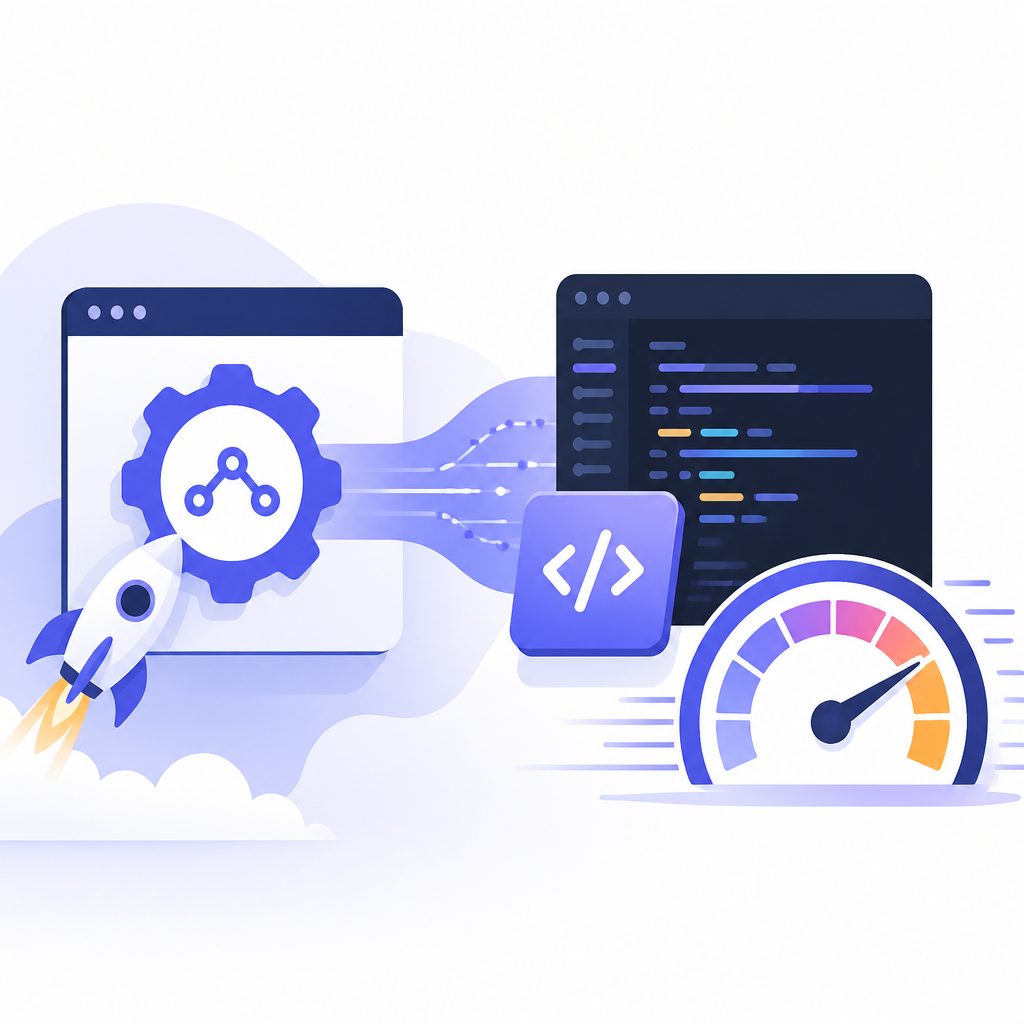
The setup flow is short and opinionated. First, create an API key in the console. Then store it in an environment variable such as MOONSHOT_API_KEY. After that, pick a model and point your client at https://api.moonshot.ai/v1. It is the kind of documentation that assumes you want to get a response on screen in minutes, not spend half a day reading platform theory.
- Create an API key in the platform console before writing code.
- Use
MOONSHOT_API_KEYinstead of hard-coding secrets. - Set
base_urltohttps://api.moonshot.ai/v1for OpenAI-compatible calls. - Start with
kimi-k2.7-codefor coding tasks orkimi-k2.6for general multimodal work.
The model choice is where the page gets opinionated. K2.7 Code gets the strongest coding label, a 256K context window, text/image/video input, and thinking mode. K2.6 gets the same 256K context window plus text, image, and video input, with both thinking and non-thinking modes. That makes the split pretty clear: code-heavy agent work goes to K2.7 Code, while broader assistant and multimodal tasks fit K2.6 better.
Why the highspeed variant matters for agent workflows
The most interesting detail in the announcement is the highspeed version. Kimi says kimi-k2.7-code-highspeed is well suited for programming agent scenarios such as Codex, Claude Code, Cline, and RooCode. That is a direct shot at the current developer-tooling market, where speed matters as much as raw model quality.
For coding agents, latency is not an abstract metric. Faster token generation changes how often an agent can inspect files, revise a patch, or ask for another tool call before the developer gets bored and interrupts it. A model can be smart and still feel clunky if each turn takes too long. The highspeed label suggests Kimi is trying to win both the quality race and the interaction-speed race.
“The most interesting detail in the announcement is the highspeed version.”
That line from this article captures the practical read on the release. The model name is important, but the pace of interaction is what determines whether an agent feels usable in a real editor session.
The quickstart also points to a few workflow features that matter once you move past hello-world demos. Streaming output lets you receive tokens as they are generated. Multi-turn chat keeps context across a message list. Tool calls let the model reach external functions or APIs. JSON mode forces structured output. Those pieces are the basics of modern agent work, and Kimi includes them in the first page a developer sees.
How Kimi compares with the usual OpenAI-style path
The strongest comparison here is not model quality alone. It is the integration story. Kimi uses the same request shape that many developers already know from OpenAI, which means a lot of existing code can be adapted by changing the client configuration and model name. That is a practical advantage for teams with production code, test harnesses, and internal tooling already built around the chat completions format.
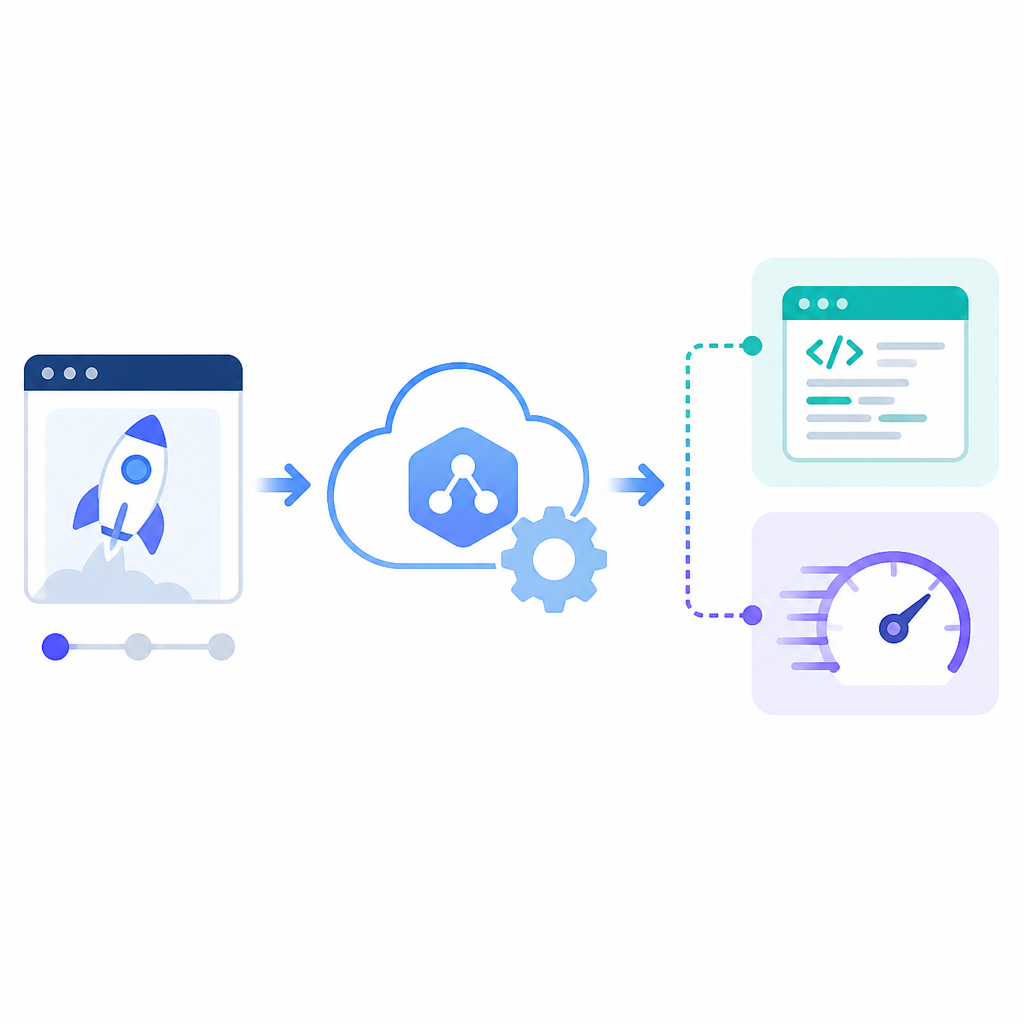
Here is the quick comparison that matters:
- Kimi K2.7 Code offers 256K context and targets coding-heavy tasks.
- Kimi K2.6 also offers 256K context, with broader multimodal and reasoning use cases.
- OpenAI Python SDK support starts at version 1.0.0 or later in the docs.
- OpenAI Node.js SDK support starts at Node.js 18 or later in the docs.
The examples in the docs also reveal the expected developer environment. Python 3.7.1 or later is listed for the SDK examples, though Kimi recommends Python 3.8 or later. On the Node side, the docs call for Node.js 18 or later. That is a fairly standard modern stack, which makes adoption easier for teams that already keep their runtime versions current.
Another useful detail: the page warns that model outputs are nondeterministic. In plain terms, the same prompt may not return the exact same text twice. That matters for anyone building tests, demos, or automated checks. If you are wiring Kimi into a CI pipeline or an internal assistant, you should plan for variation and validate structure, not exact phrasing.
What developers should do next
The quickstart is short, but the practical path is clear. If your work is code generation, code editing, or long-running programming agents, start with kimi-k2.7-code-highspeed. If your app needs broader chat, image understanding, or video input with switching between thinking and non-thinking modes, use kimi-k2.6. If your team already uses OpenAI-compatible clients, the migration cost looks low enough to justify a real test run.
Two details are worth watching. First, the 256K context window on both models makes them viable for longer source files, multi-file reasoning, and extended chat histories. Second, the docs recommend file uploads for larger videos or images that need repeated reference, with a 4K ceiling for images and 1080p for videos. That is the sort of constraint that affects product design early, before your first user ever sees the feature.
If you are evaluating Kimi for a coding assistant, the next step is simple: run one benchmark on your own repo, one on a messy multimodal prompt, and one on a tool-calling workflow. The release gives you enough surface area to compare speed, context handling, and output quality in the same afternoon.
For teams that want a broader reference point, our related coverage of agent tooling and model integration will help frame the tradeoffs: OpenAI SDK updates for agents and multimodal models for dev teams.
// Related Articles
- [MODEL]
GPT-Live brings faster voice chat to ChatGPT
- [MODEL]
Anthropic extends Claude Fable access after GPT-5.6
- [MODEL]
GPT-5.6 Sol Review: Faster Coding, Lower Cost
- [MODEL]
GPT-5.6 family lands with Luna, Terra, Sol
- [MODEL]
GPT-5.6 benchmarks: Sol tops coding, cuts costs
- [MODEL]
GPT-5.6 turns OpenAI into a model menu