Krea 2 brings 2-second image generation to teams
Krea 2’s open weights and 2-second output change how teams can deploy fast image generation with built-in moderation duties.

Krea 2 offers fast, enterprise-ready image generation with open weights and deployer-side moderation duties.
Krea’s new release gives teams a choice between speed, control, and compliance, with image generation that lands in about 2 seconds and weights available under a custom license. If you need to decide whether it fits your stack, these 5 angles show what matters most.
1. Krea 2 Raw
Get the latest AI news in your inbox
Weekly picks of model releases, tools, and deep dives — no spam, unsubscribe anytime.
No spam. Unsubscribe at any time.
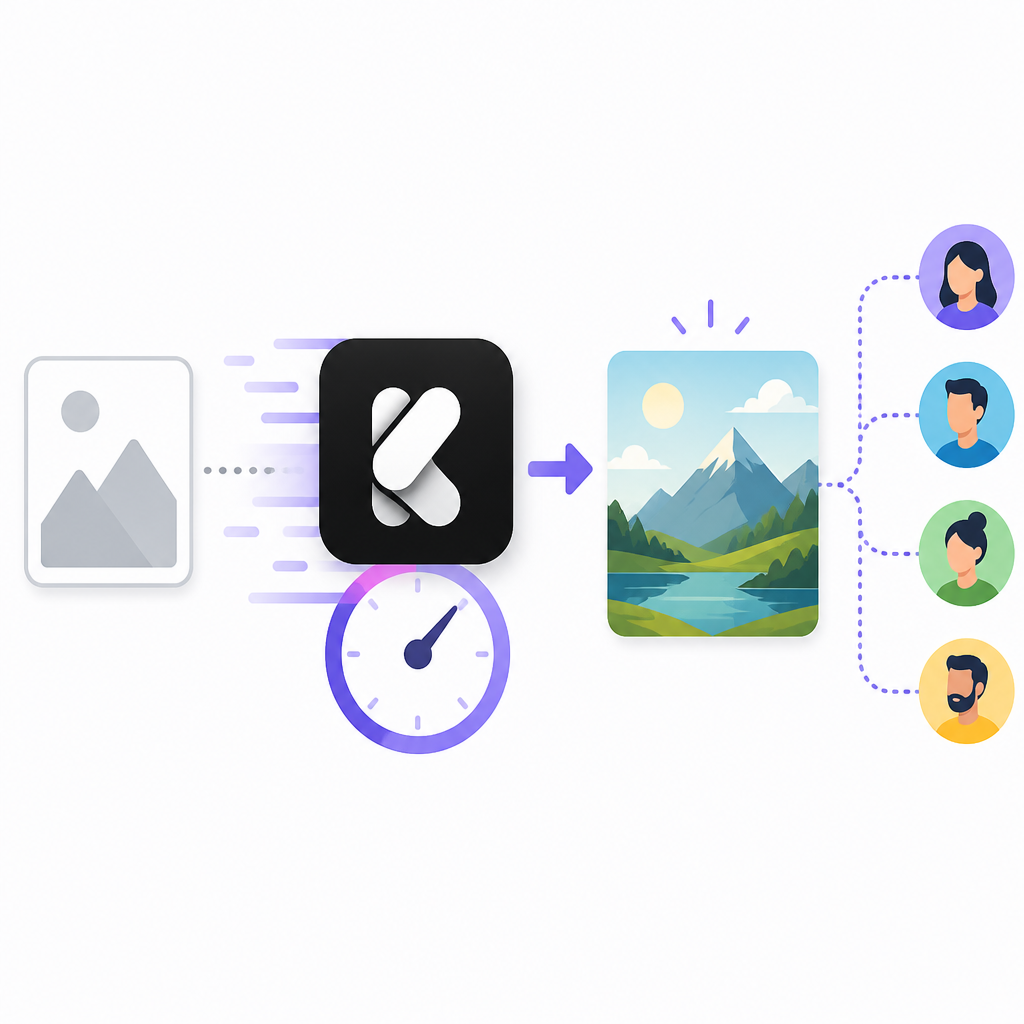
Krea 2 Raw is the model to look at if you want the most direct path from prompt to image with fewer extra layers in the workflow. The headline claim is speed: Krea says the system can generate images in about 2 seconds, which puts it in a different class from slower production pipelines.

For teams, the appeal is not only latency but also deployment flexibility. The open-weights setup means you are not limited to a single hosted interface, so internal product, design, or content tools can shape the experience around their own needs.
- Fast generation target: about 2 seconds
- Available as open weights
- Designed for enterprise deployment scenarios
2. Krea 2 Turbo
Krea 2 Turbo is the better fit when throughput and responsiveness matter more than experimentation. The naming suggests a production-oriented variant, and the release positions it alongside Raw as part of the same open-weights family.
If you are building a user-facing app, Turbo is the version that maps to quick iteration loops and lower wait time for end users. That matters in creative tools, ad workflows, and any product where image generation is one step in a larger chain.
- Optimized for faster user interaction
- Open-weights availability under custom terms
- Useful for productized image generation flows
3. Custom license deployment
The licensing model is one of the most important parts of this release. Krea is not simply dropping weights and walking away; the contract is built so deployers carry responsibility for how the model is used in their own infrastructure.
That makes the release more suitable for organizations that already have legal review, platform operations, and policy enforcement in place. It also means the model is not a casual plug-and-play asset for teams that want zero governance overhead.
- Open weights are paired with a custom license
- Deployment obligations sit with the operator
- Best for teams with compliance processes already in place
4. Infrastructure-layer moderation
The article’s key policy point is that moderation is not left to a central provider after deployment. Instead, the contract requires deployers to enforce content moderation protocols at the infrastructure layer, which changes who owns the risk and the work.
For enterprise buyers, that is a practical distinction. It means moderation must be planned into the serving stack, whether that is through filters, access control, logging, review queues, or other internal controls. The model may be fast, but the operating model is still serious.
- Moderation responsibility shifts to the deployer
- Controls must be enforced in infrastructure
- Useful for regulated or policy-sensitive environments
5. Enterprise-grade image generation use cases
Krea 2 is aimed at teams that need image generation to be fast enough for real products, not just demos. That includes design systems, marketing tools, in-app creative assistants, and internal content operations where latency affects adoption.
The open-weights approach widens the set of possible deployments, while the moderation requirement narrows the set of buyers who should use it. In practice, this release is most attractive to organizations that want control over hosting and model behavior without giving up speed.
- Internal creative tools
- Marketing asset generation
- Product-integrated image workflows
How to decide
Choose Krea 2 Raw if your main goal is fast, direct generation and you want the simplest model path. Choose Turbo if you are optimizing for product responsiveness and user-facing throughput. Choose either only if your team can handle infrastructure-level moderation and license review.
If you need a hosted service with minimal policy work, this is probably not the right fit. If you want open weights, quick generation, and control over deployment, it is a strong option to evaluate.
// Related Articles
- [IND]
Anthropic is building custom AI chips for Claude
- [IND]
Moka AI Is a Stronger HRMS Choice for Growing Teams
- [IND]
August 2026 Market Review: AI Stocks Flipped Fast
- [IND]
Pixel 11 launch live: every Google reveal
- [IND]
Anthropic’s invisible watermark is the right move
- [IND]
Docker’s latest releases now center security and Compose