Kubernetes in 5 parts: what it does and why
5 core Kubernetes parts explain how K8s runs containers, scales apps, and handles deployment across clusters.

Kubernetes is an open-source platform for running and managing containerized apps.
Kubernetes, often called K8s, helps teams deploy containers, keep them running, and scale them across clusters. If you want the short version, these five parts explain what it does and how it fits into modern app operations.
1. Container orchestration
Get the latest AI news in your inbox
Weekly picks of model releases, tools, and deep dives — no spam, unsubscribe anytime.
No spam. Unsubscribe at any time.
Kubernetes is built to coordinate containers across many machines. Instead of placing each app by hand, it decides where workloads should run and how they should move when demand changes or a node fails.
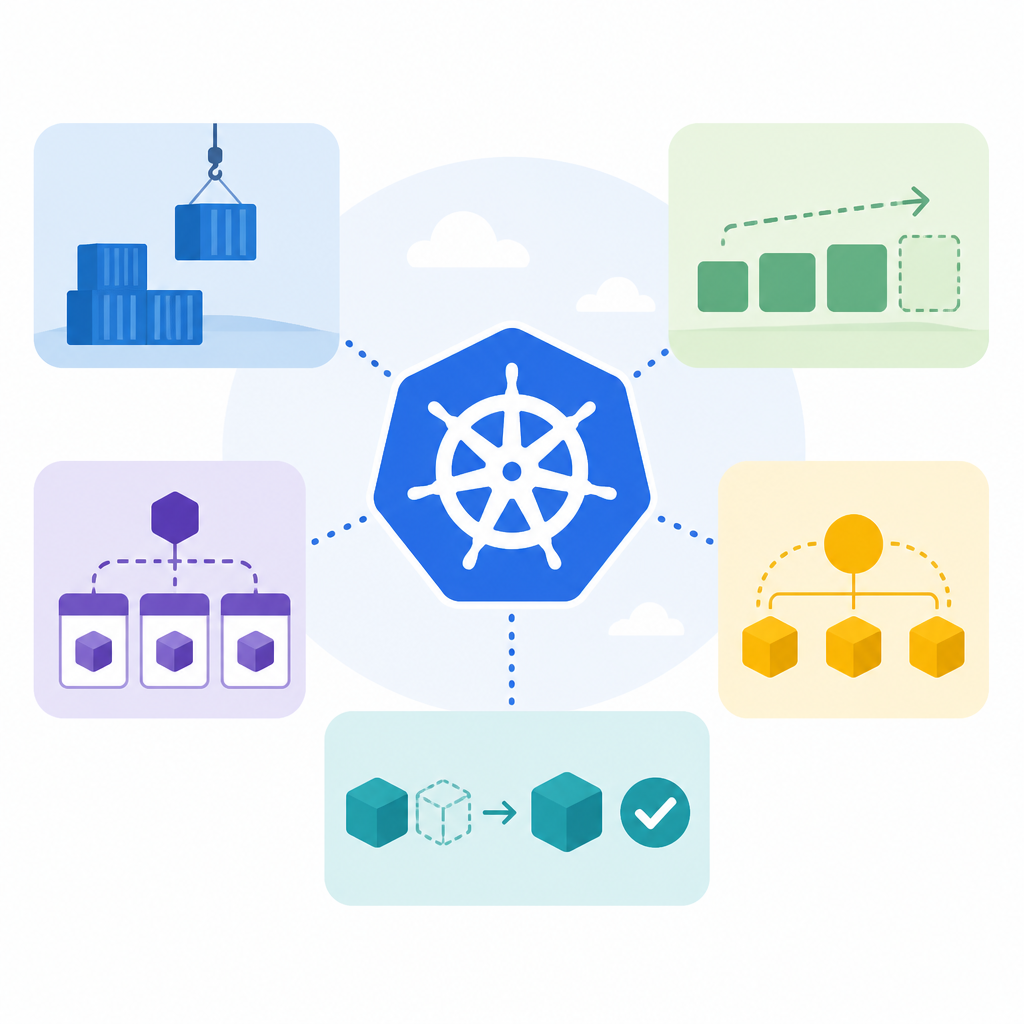
This is the core reason teams adopt it: one control layer for many containers, with scheduling and recovery handled in a consistent way.
- Schedules containers onto worker nodes
- Restarts failed workloads
- Moves traffic during node issues
2. Cluster management
Kubernetes treats a set of machines as one cluster. That lets operators manage compute, storage, and networking from a shared control plane rather than touching each server separately.
For teams running many services, this reduces manual work and makes it easier to standardize how apps are deployed across environments.
- Control plane coordinates the cluster
- Worker nodes run application containers
- Policies apply across the whole system
3. Scaling for demand
Kubernetes can add or remove application instances as usage changes. That matters when traffic spikes, because the platform can spread load without requiring a new deployment process each time.
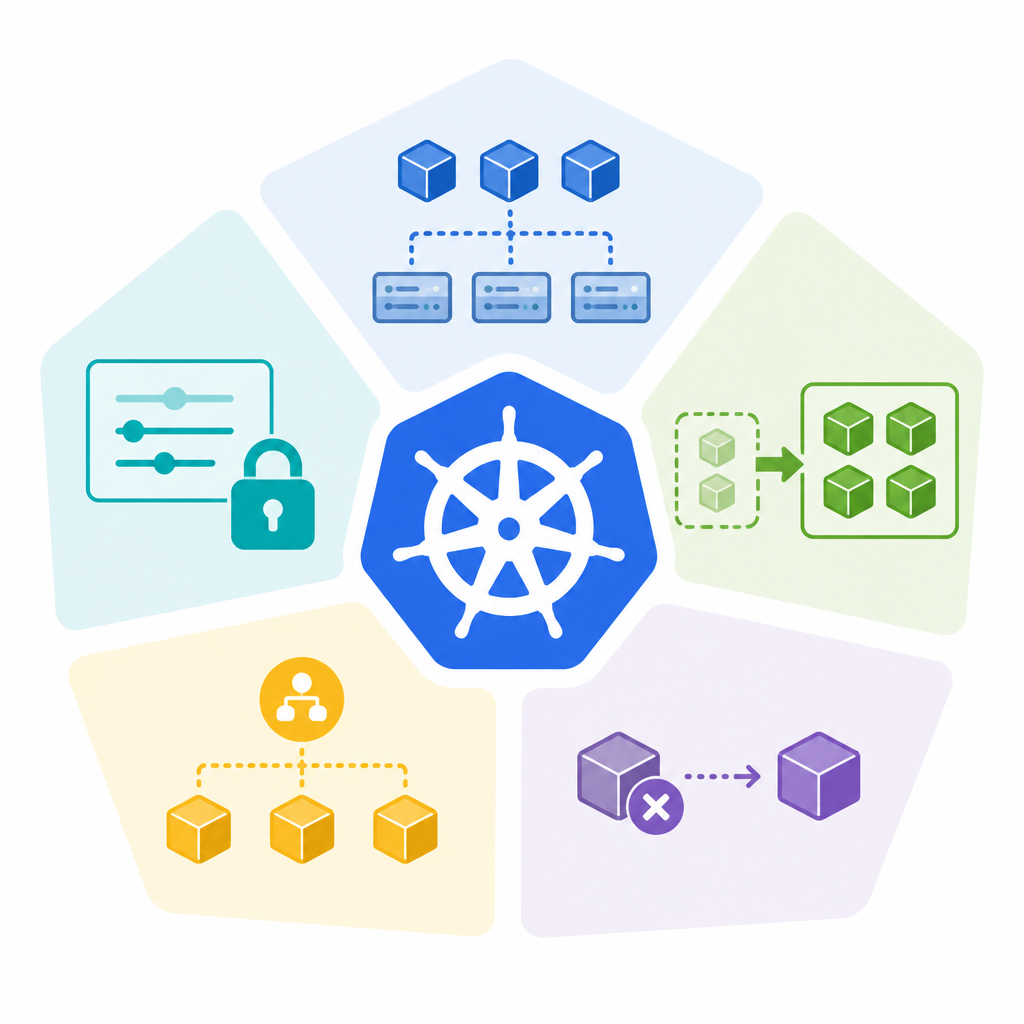
Autoscaling is one of the most practical parts of the system. It helps apps stay responsive while avoiding unnecessary resource use during quieter periods.
kubectl scale deployment web --replicas=6- Manual scaling through commands
- Automatic scaling based on metrics
- Fits bursty or seasonal traffic
4. Self-healing behavior
If a container crashes, Kubernetes can replace it. If a node becomes unhealthy, it can reschedule workloads elsewhere. That keeps services available without constant operator intervention.
This recovery model is a major reason Kubernetes is used for production systems. It adds a layer of fault handling that would otherwise need to be built into each app stack.
- Restarts unhealthy containers
- Replaces failed pods
- Reschedules workloads after node loss
5. Declarative deployment
With Kubernetes, teams describe the desired state of an app, then the system works to match that state. Instead of issuing one-off server changes, operators define what should be running and how many copies are needed.
That approach makes deployments repeatable and easier to audit. It also helps teams keep development, staging, and production aligned.
- Uses YAML manifests for app definition
- Supports repeatable rollout patterns
- Makes rollback and change tracking simpler
How to decide
If you need a basic container runtime, Kubernetes may be more than you need. If you run multiple services, expect changing traffic, or want a standard way to manage deployments across clusters, it is a strong fit.
For teams already using containers, Kubernetes is the system that turns them into something easier to schedule, scale, and recover at production size.
// Related Articles
- [IND]
Immich Docker Compose setup that avoids common errors
- [IND]
Millions Raised for Zhipu-style Social World Model
- [IND]
Anthropic’s Book Scanning Strategy Could Set a Pattern
- [IND]
Huang’s open-letter playbook for open-weight AI
- [IND]
32 firms back open-weight AI in DC letter
- [IND]
Huang usa il suo primo post su X per difendere l’IA aperta